 Jeremy Neely
Desktop Apps · Production
MyDash
A self-building launcher for every tool in a scripts folder.
Built for: Engineers with a folder full of scripts and tools
The problem
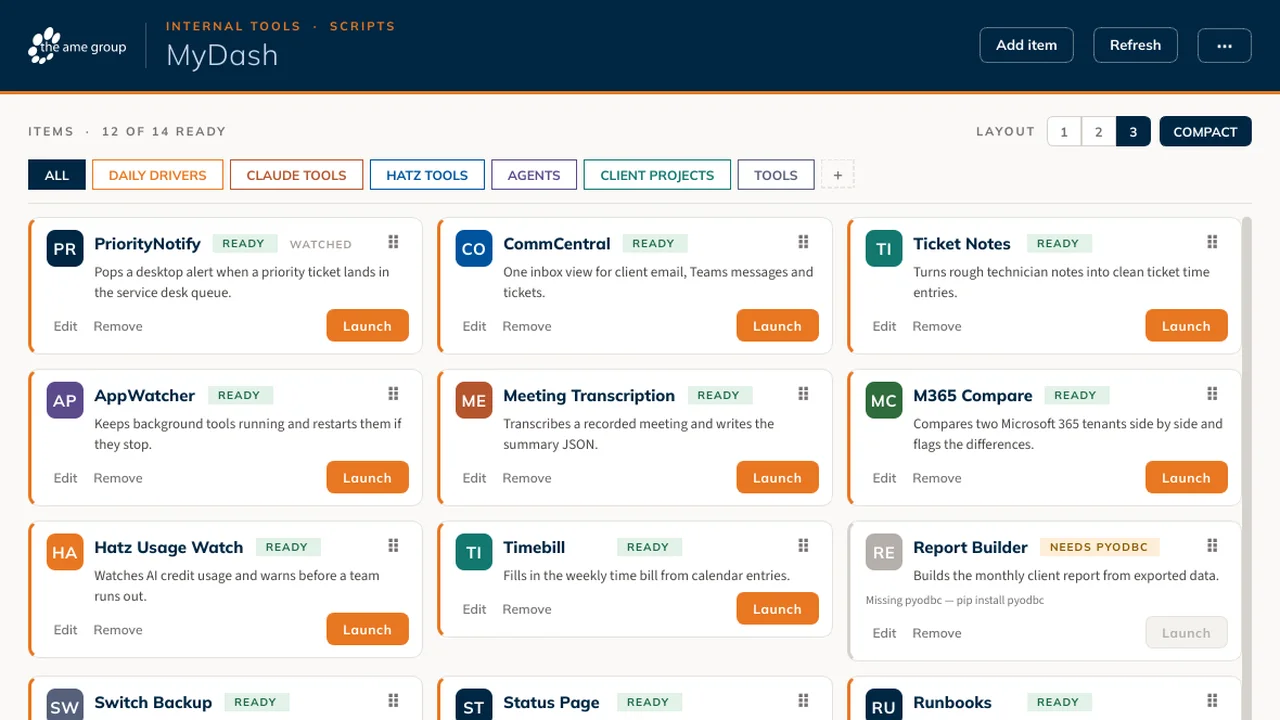
Dozens of home-built tools live in one folder, each started a different way, and some are missing a library. Remembering how to launch each one, whether it is current, and why it crashed wastes time every day.
What I built
I built an AME-branded desktop dashboard that scans a scripts folder and turns every project into a card with a launch button and an honest status. It pulls git updates when it is safe and can hand any tool to AppWatcher to keep it running.
How it works
- Scan the scripts folder; every subfolder becomes a card.
- Read a tagline from the project files or the README.
- Check whether each tool can run, and say why not.
- Launch each tool in its own process, with a log file.
- Fast-forward git updates every 20 minutes when the folder is clean.
Built with
- Python 3.11
- PySide6 (Qt 6)
- Qt Style Sheets
- Iconify API
- git
- keyring
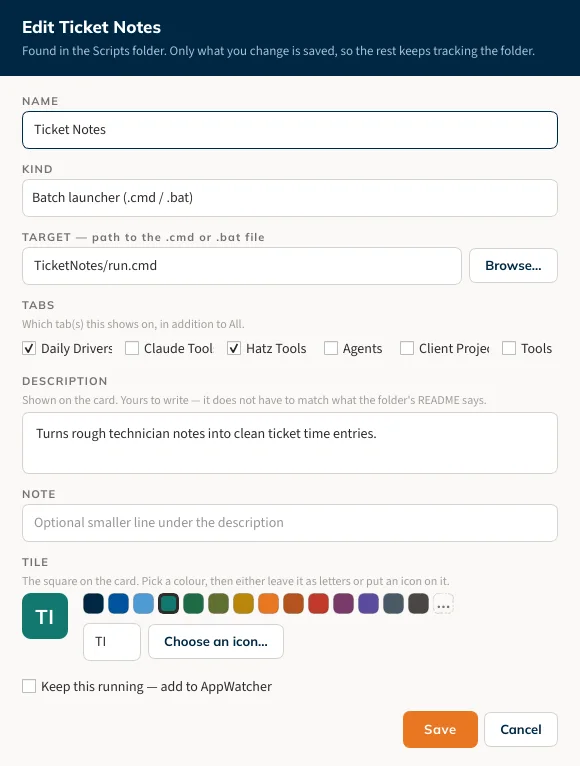
More screens
More of Jeremy's work
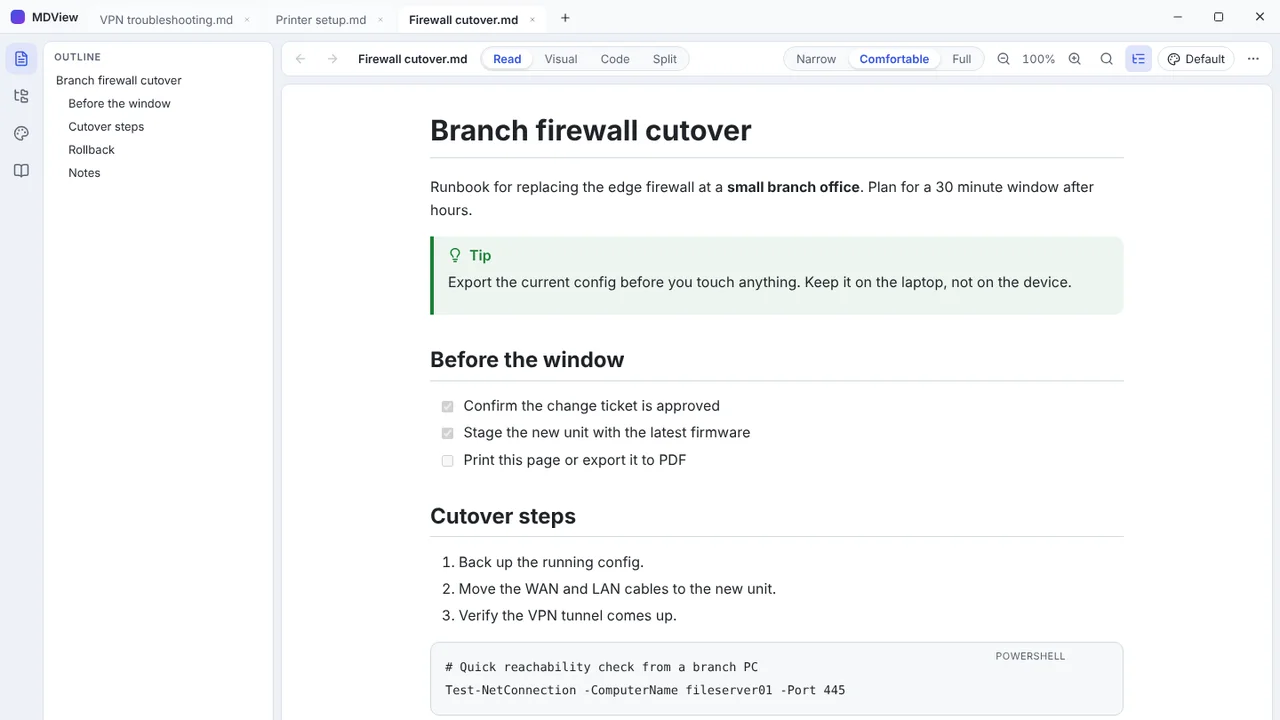 MDViewA portable Markdown reader and editor for Windows, one file, no install.
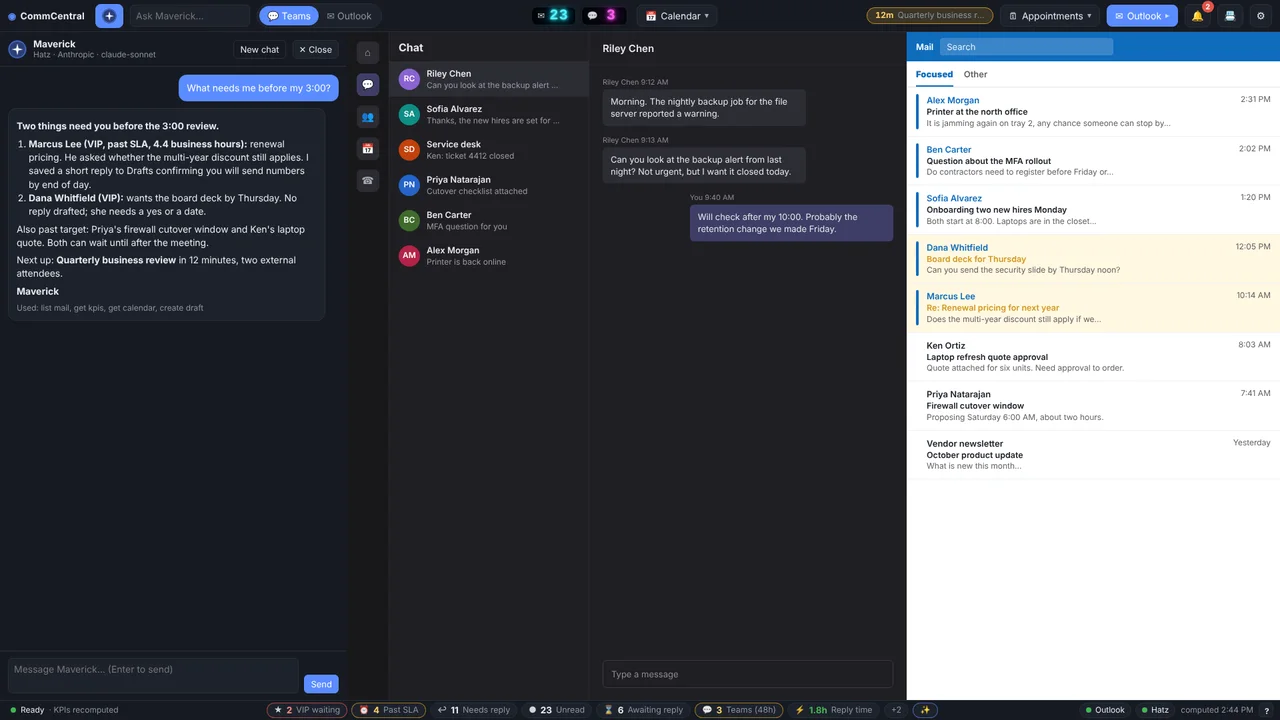 CommCentralTeams, Outlook, calendar, inbox KPIs and an AI assistant in one window.
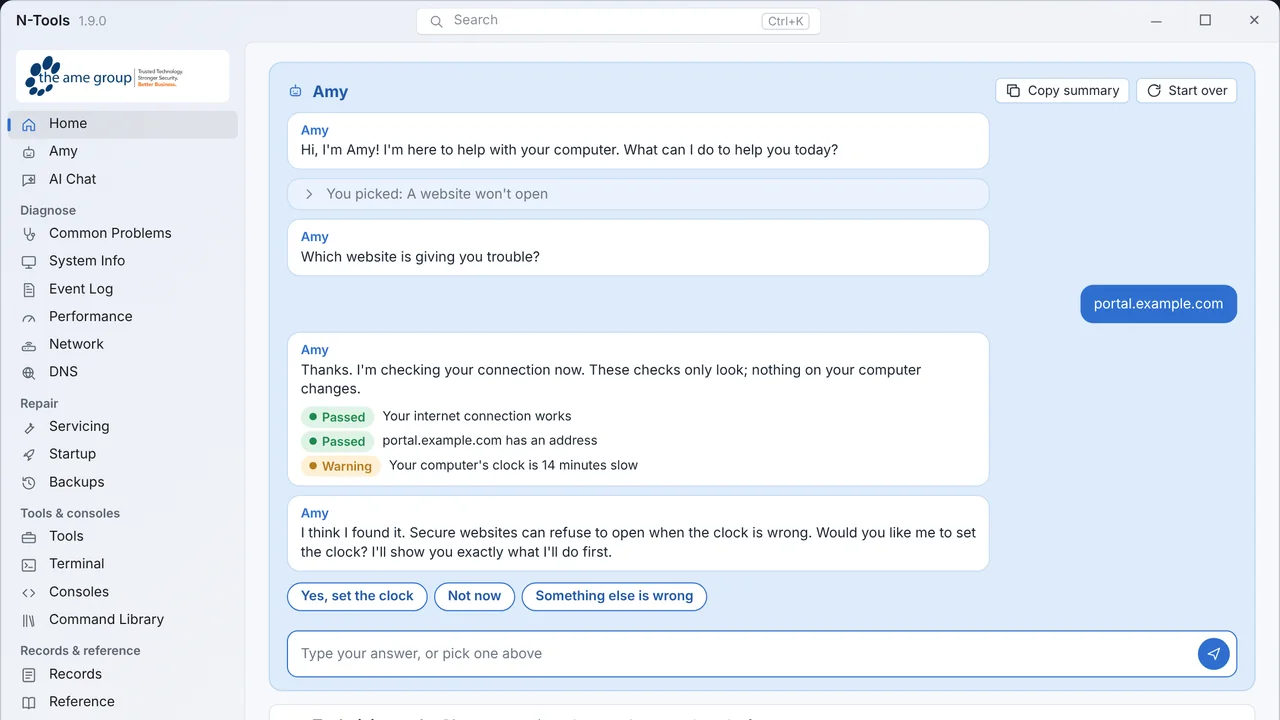 N-ToolsOne portable Windows toolkit to diagnose, repair and document a PC.
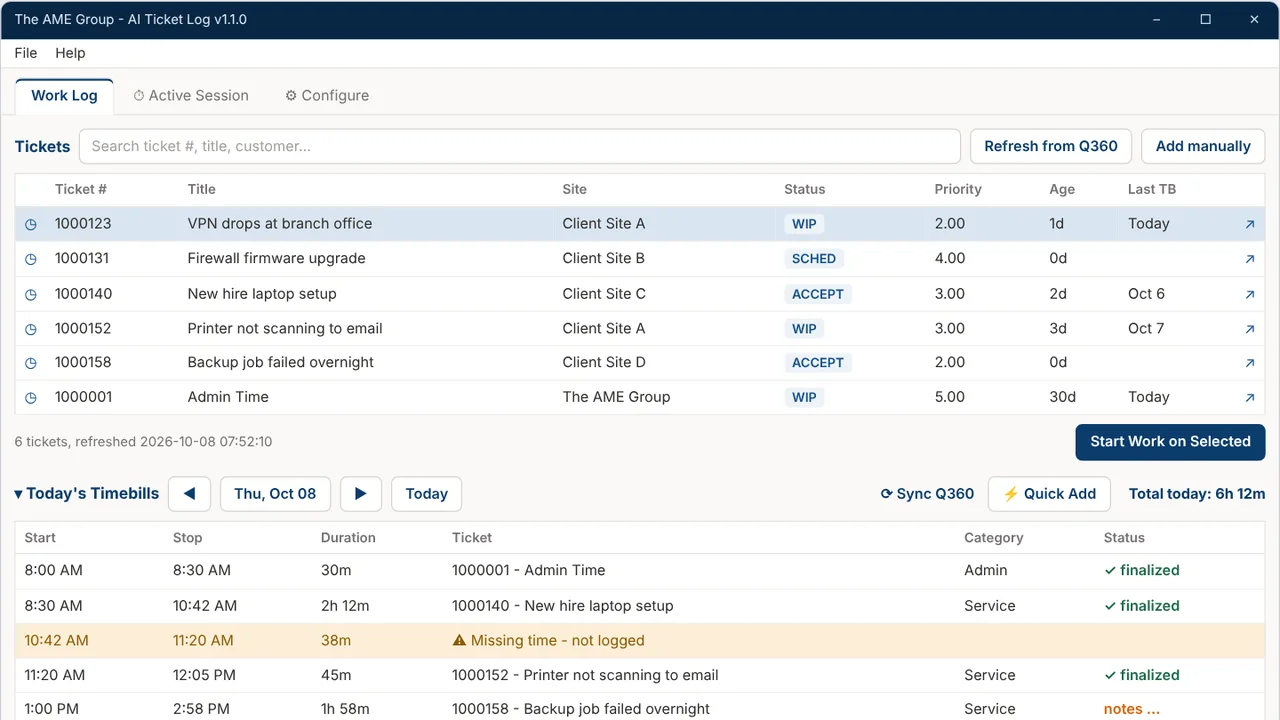 TicketNotesTime tracker that drafts Q360 timebill notes with AI.
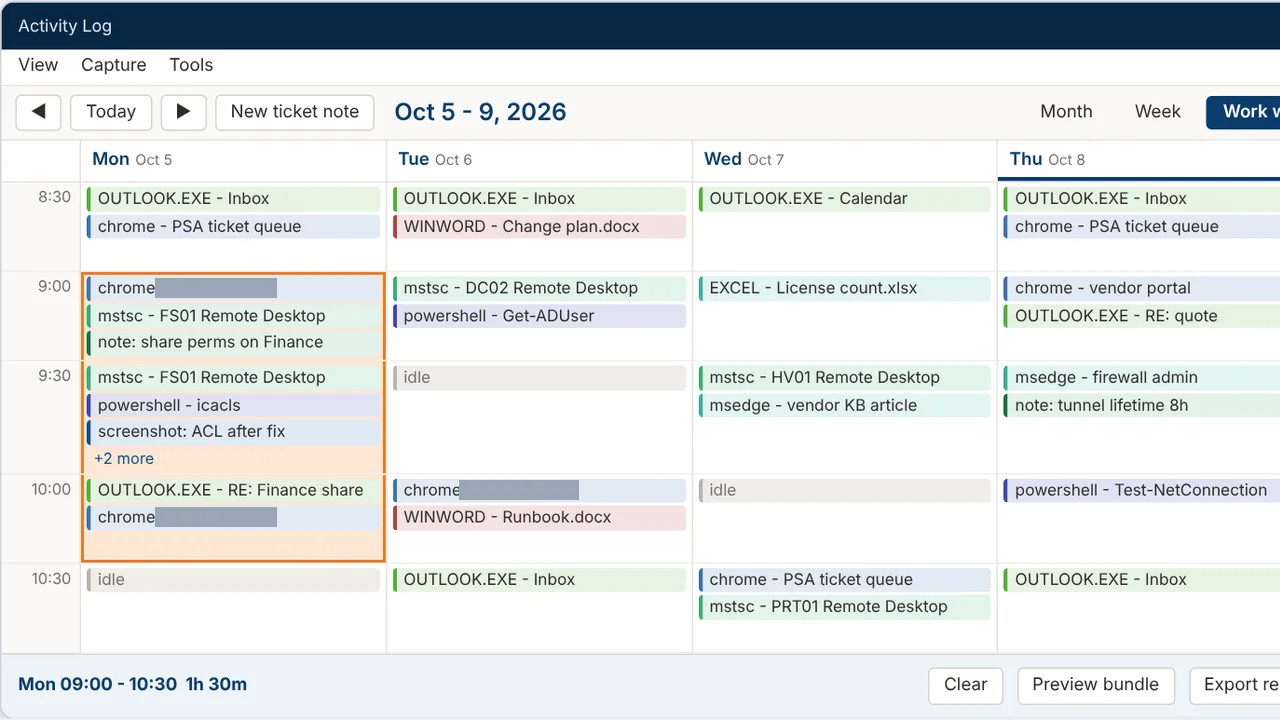 Activity LogRecords your workday and turns any time range into a ticket write-up.
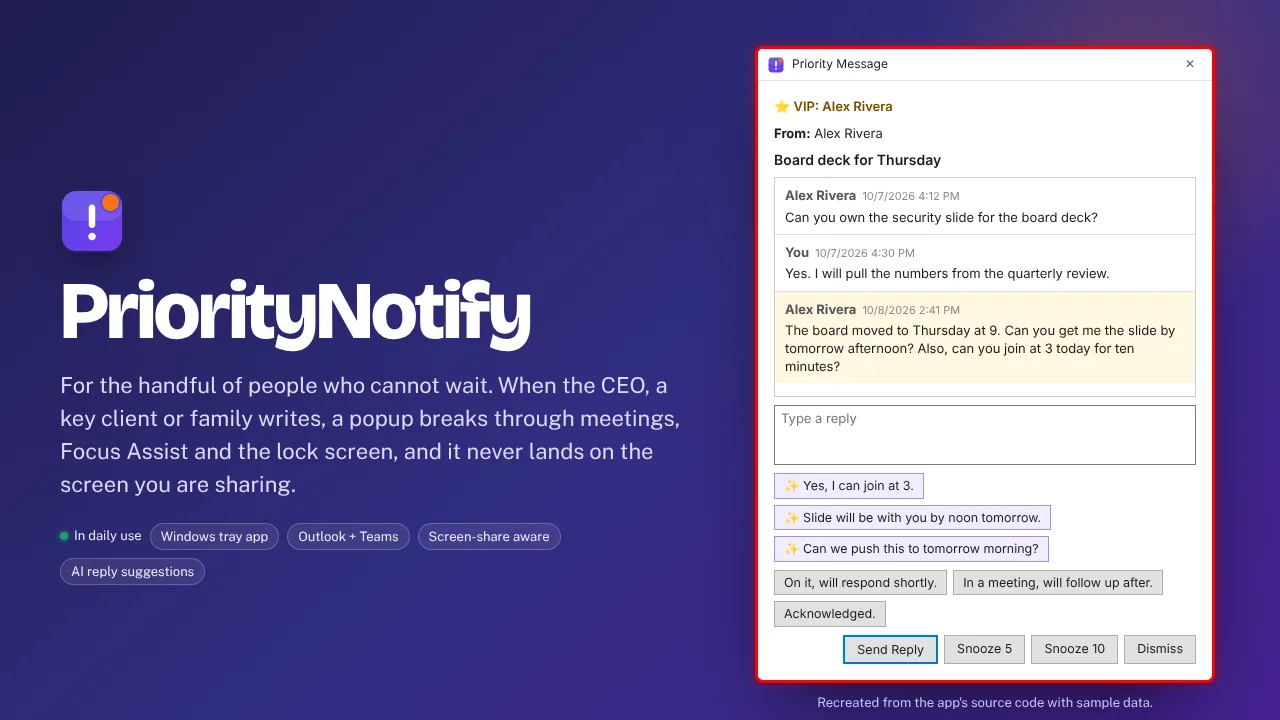 PriorityNotifyVIP emails and Teams chats that break through meetings and mute.