 Jeremy Neely
Desktop Apps · Beta
TicketNotes
Time tracker that drafts Q360 timebill notes with AI.
Built for: The AME Group's service technicians and engineers
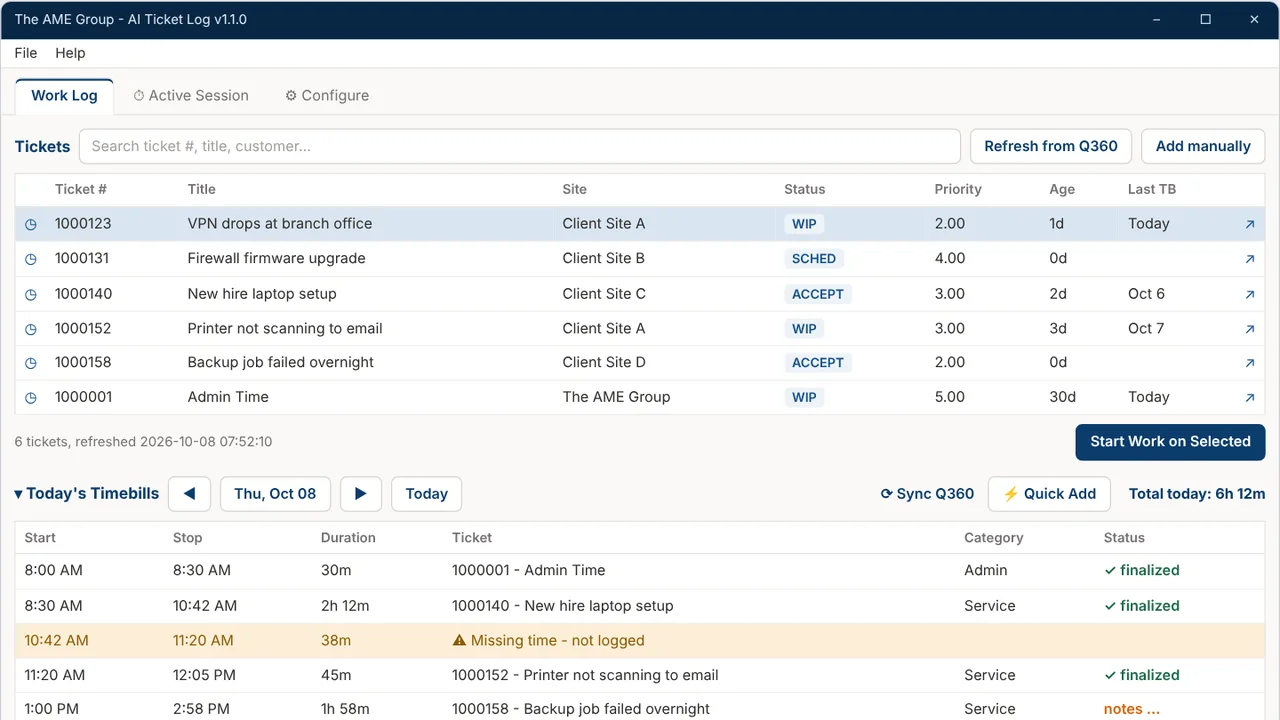
The problem
Technicians rebuild their day from memory, so billable time slips and ticket notes come out thin. Writing timebill comments in Q360 by hand is tedious, and gaps in logged time go unnoticed.
What I built
I built a Windows desktop app that records which windows you work in while a ticket's clock runs, plus hotkey notes and screenshots. When you stop, AI drafts the timebill note, you refine it, and the app finalizes it in Q360.
How it works
- Pull assigned tickets from Q360.
- Start work on a ticket and a timer begins.
- The tracker records window focus time and quick notes.
- Stop, and AI drafts the note for you to refine.
- Finalize in Q360, then check the day log for gaps.
Built with
- Python 3.12
- PySide6 (Qt)
- pywin32
- SQLite
- Playwright (Edge)
- psutil
More of Jeremy's work
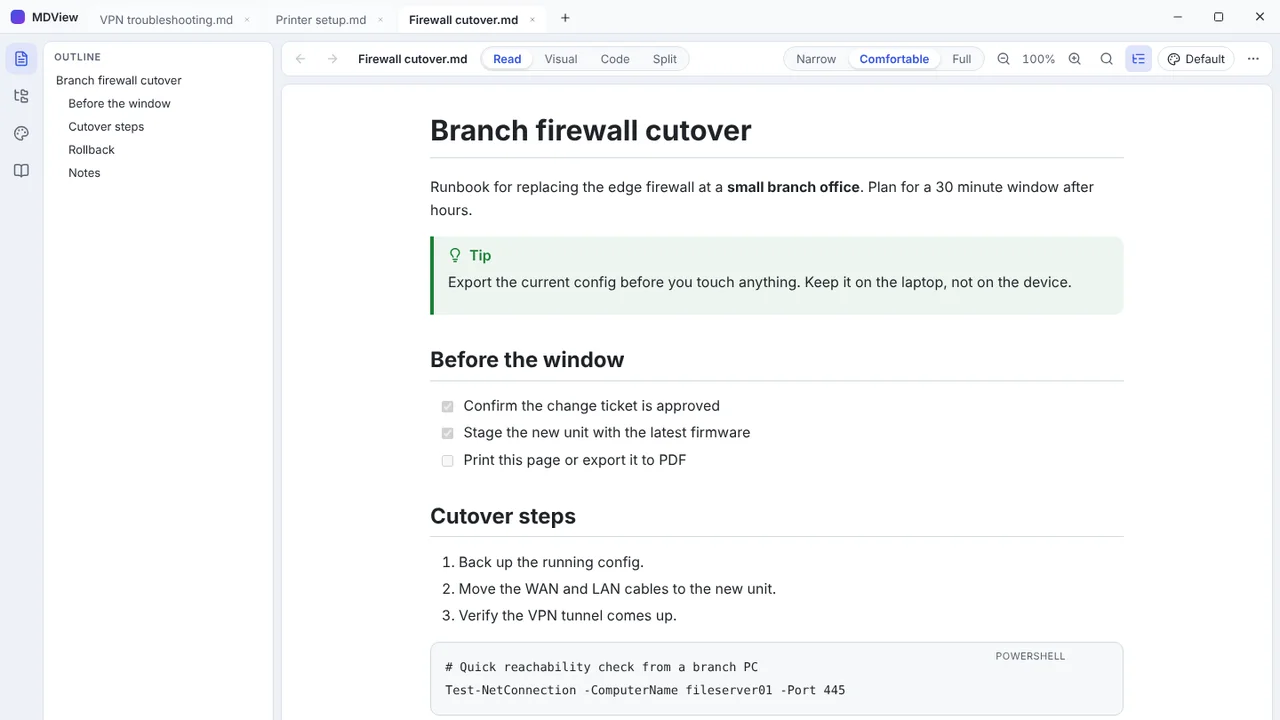 MDViewA portable Markdown reader and editor for Windows, one file, no install.
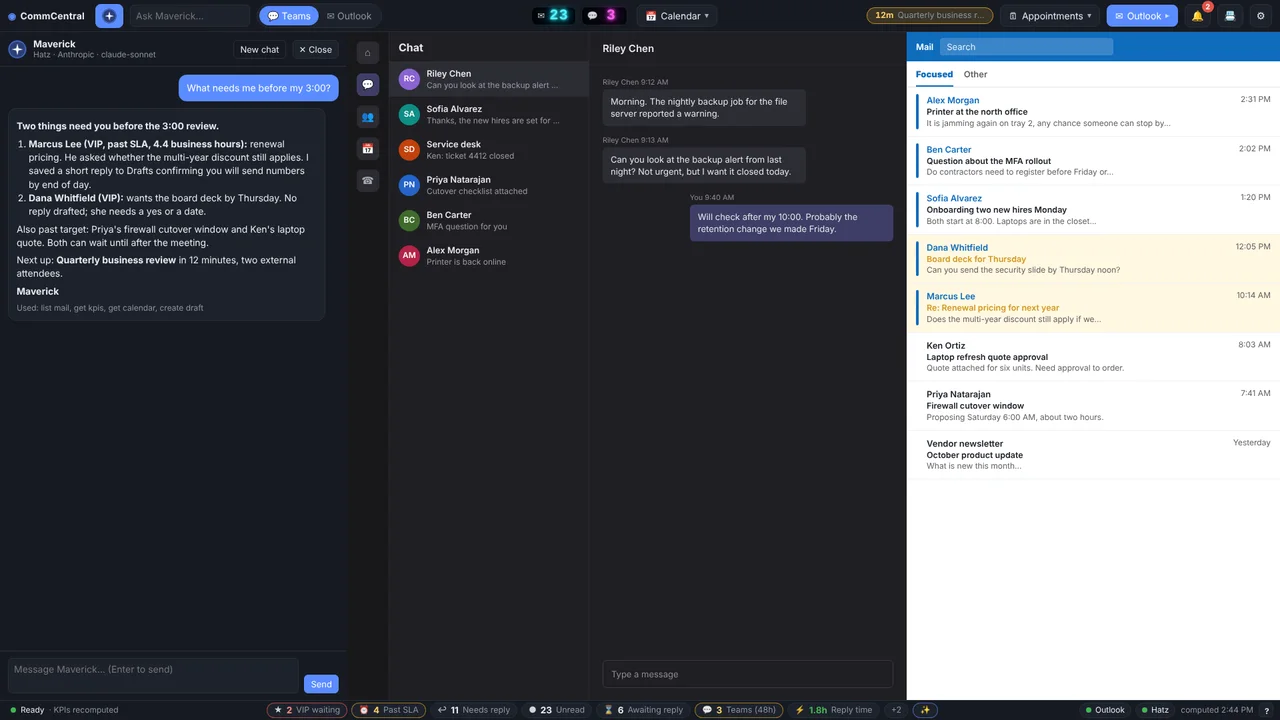 CommCentralTeams, Outlook, calendar, inbox KPIs and an AI assistant in one window.
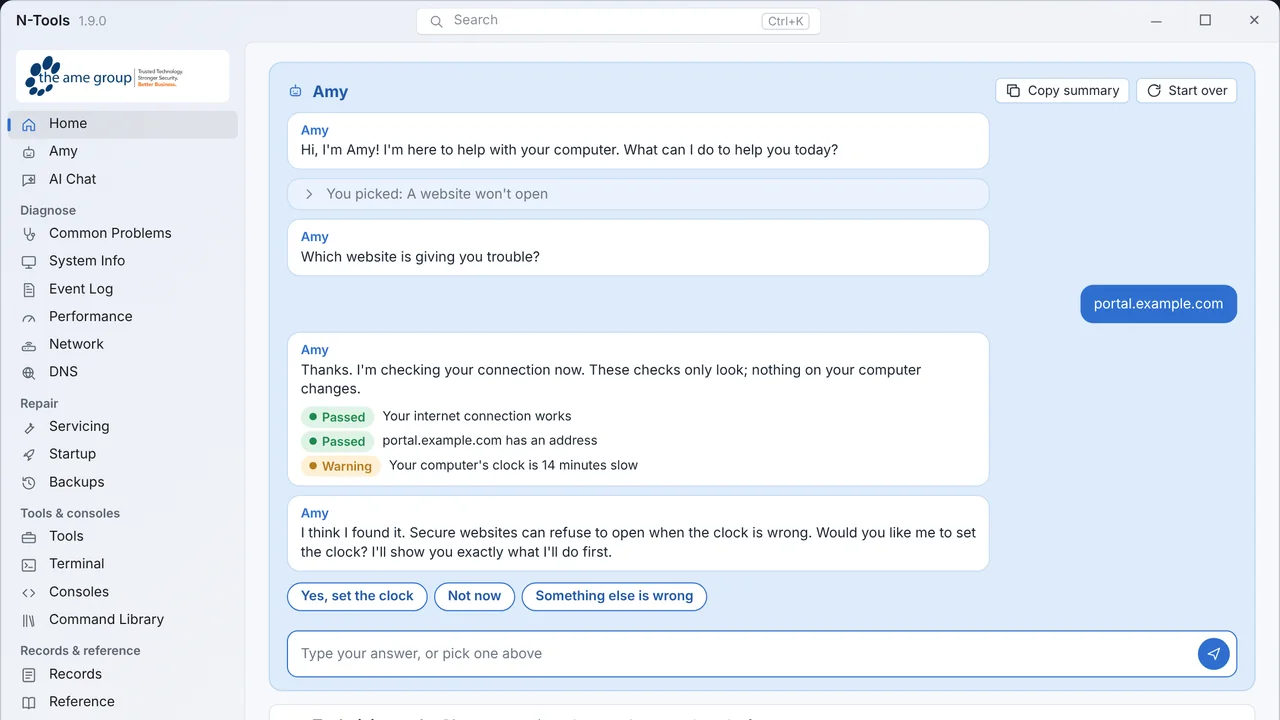 N-ToolsOne portable Windows toolkit to diagnose, repair and document a PC.
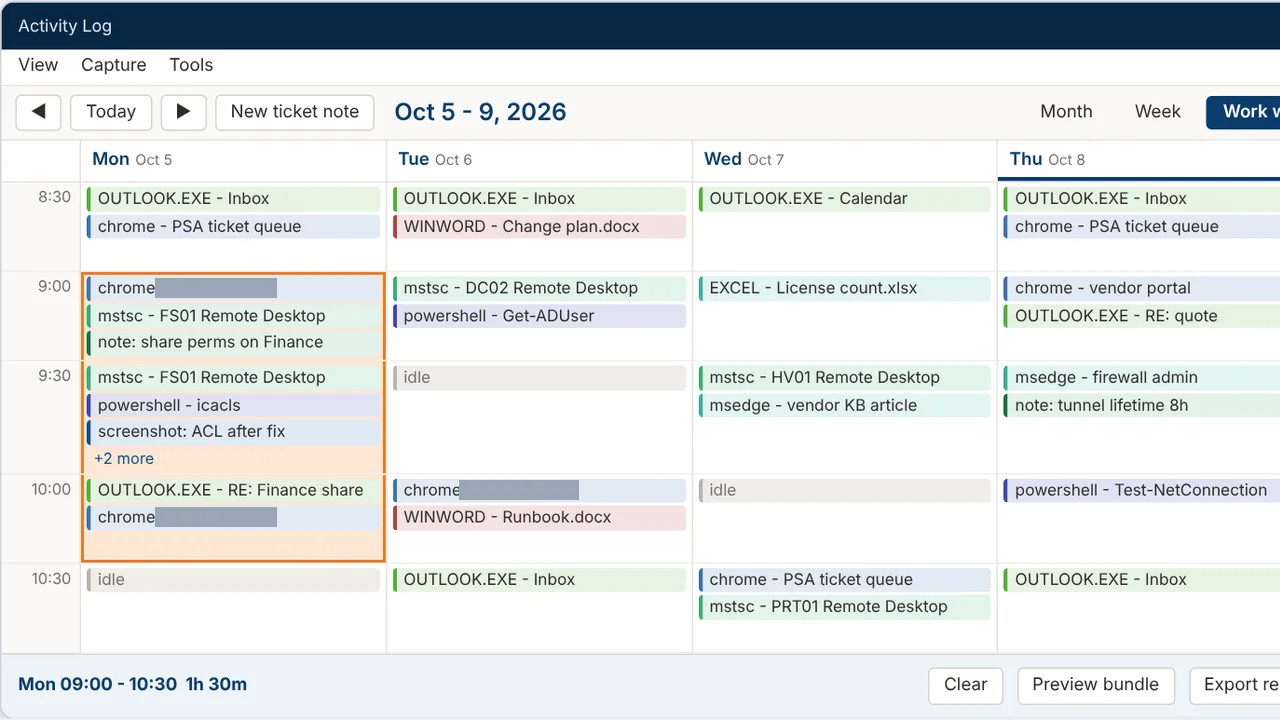 Activity LogRecords your workday and turns any time range into a ticket write-up.
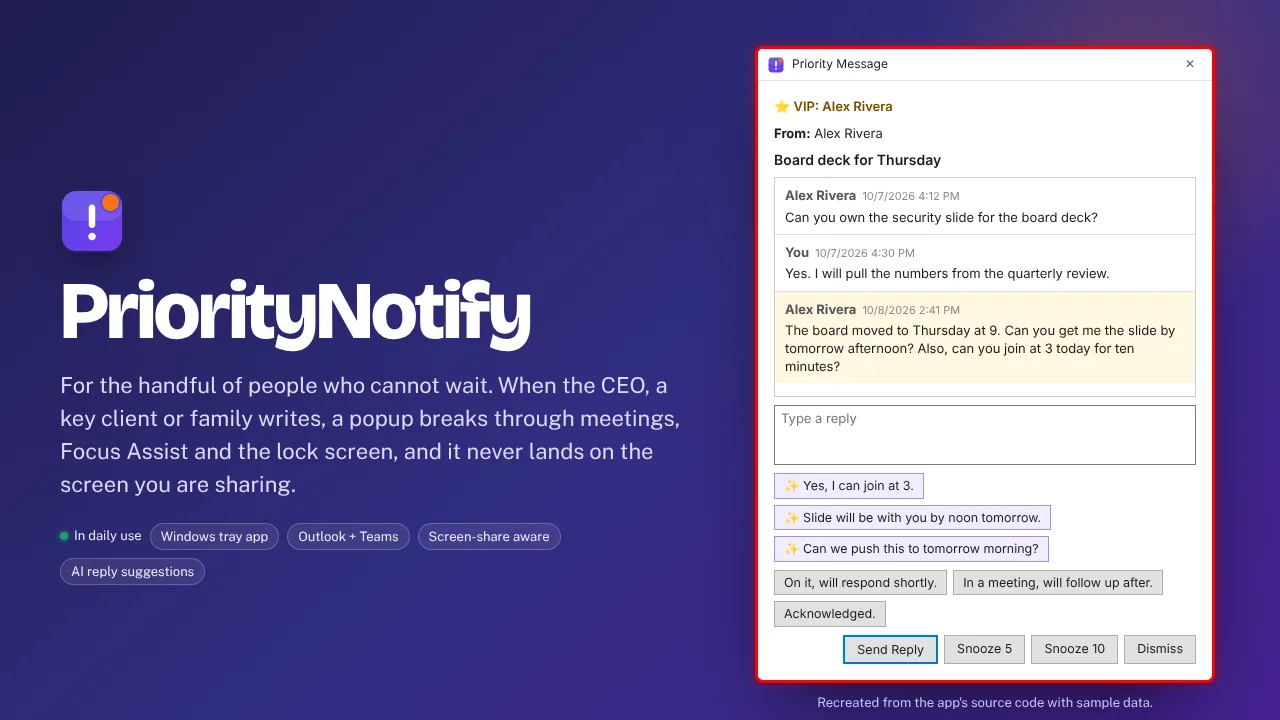 PriorityNotifyVIP emails and Teams chats that break through meetings and mute.
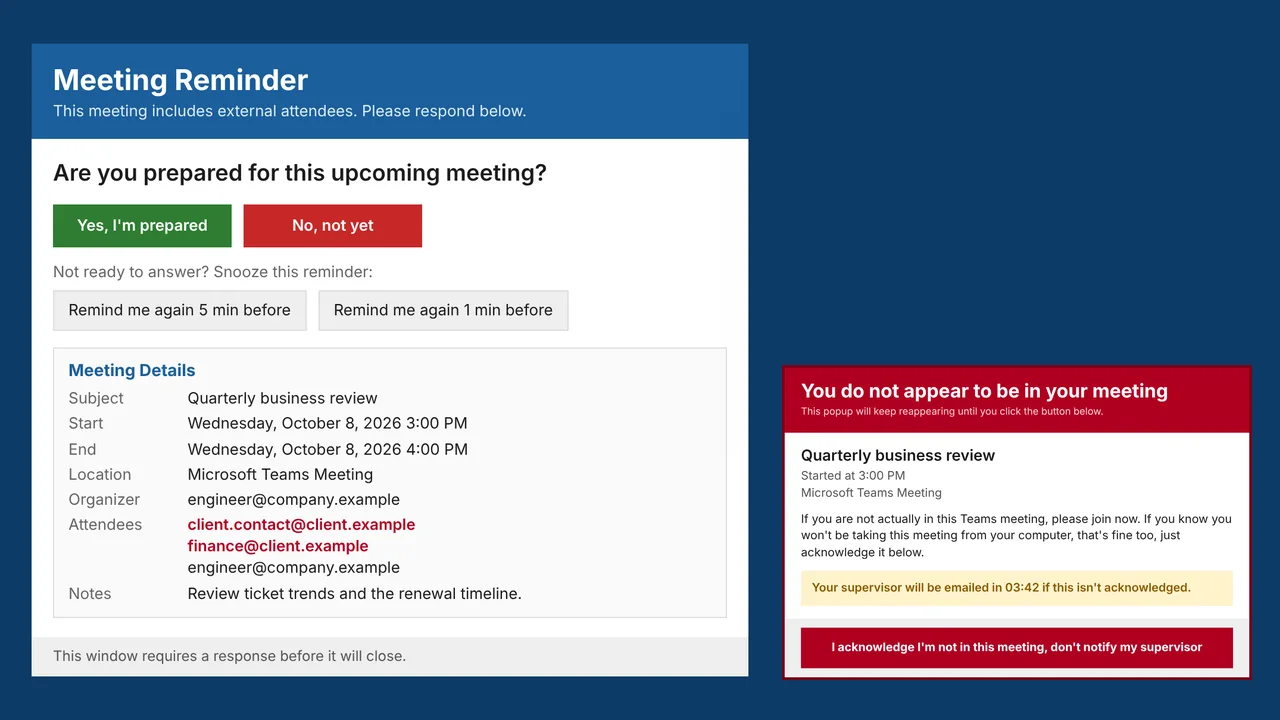 MeetingRemindMeeting reminders that check you actually joined the call.