 Jeremy Neely
Desktop Apps · Beta
Activity Log
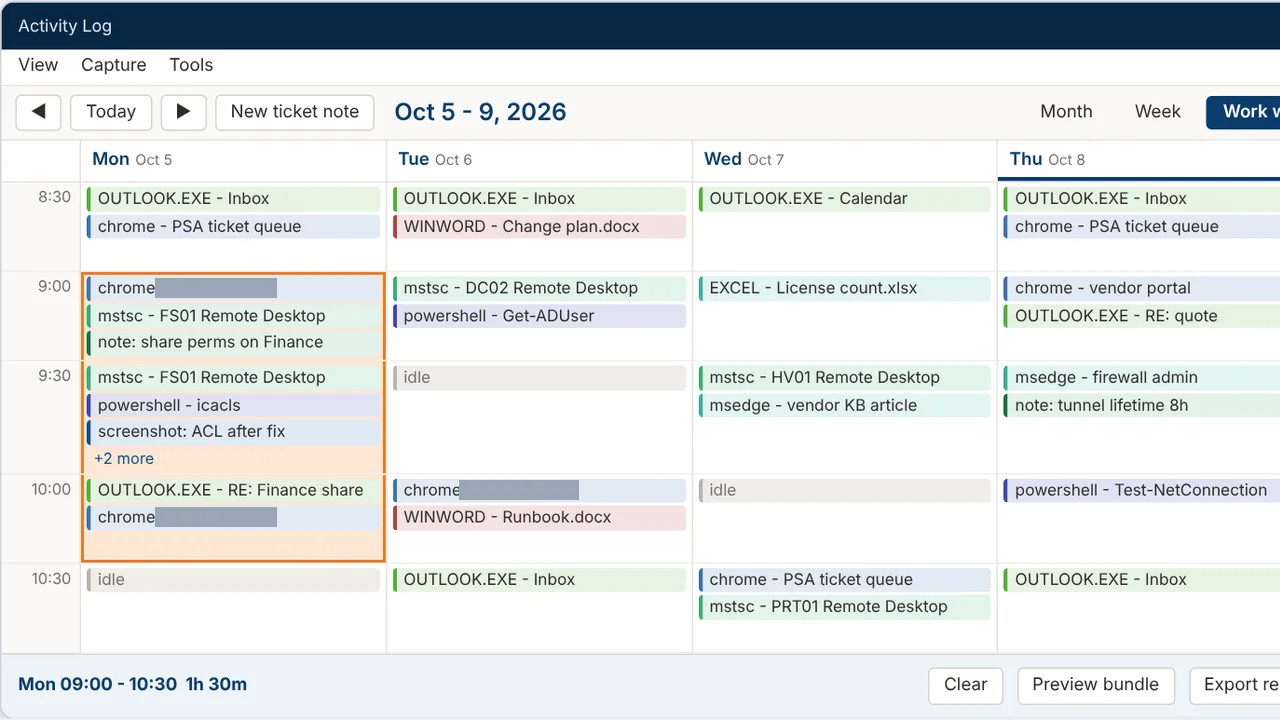
Records your workday and turns any time range into a ticket write-up.
Built for: The AME Group's engineers and technicians
The problem
Engineers often work several tickets in a day without starting a timer. Afterwards they have to reconstruct what they did from memory, so time is under-billed and write-ups come out thin.
What I built
I built a Windows tray app that records every foreground window all day and shows it as an Outlook-style calendar. You select a time range, tick what belongs to a ticket, and Claude drafts the response from a sandboxed bundle of that activity.
How it works
- Run in the tray and record each foreground window.
- Add quick notes and screenshots with hotkeys.
- Browse the day in a calendar view.
- Drag across a range and tick the items for one ticket.
- Claude drafts the write-up, reading only the exported bundle.
Built with
- Python 3.11
- PySide6
- pywin32
- SQLite
- Claude Agent SDK
- psutil
More of Jeremy's work
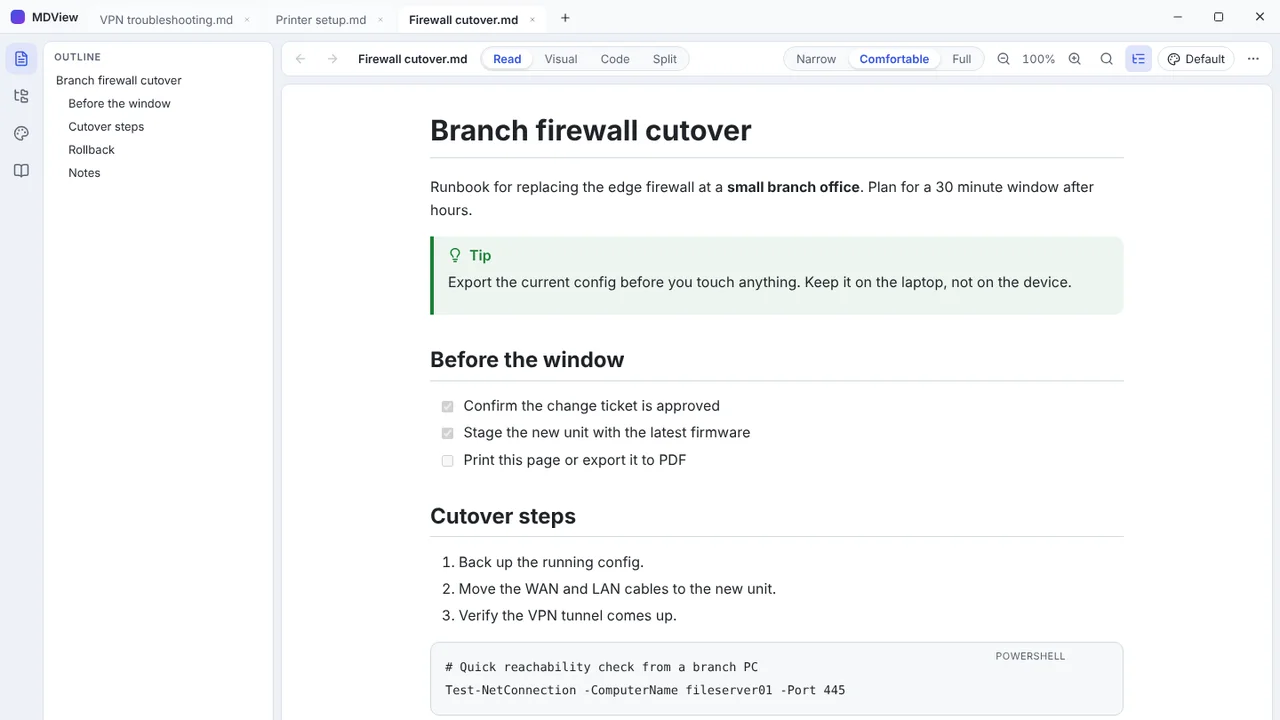 MDViewA portable Markdown reader and editor for Windows, one file, no install.
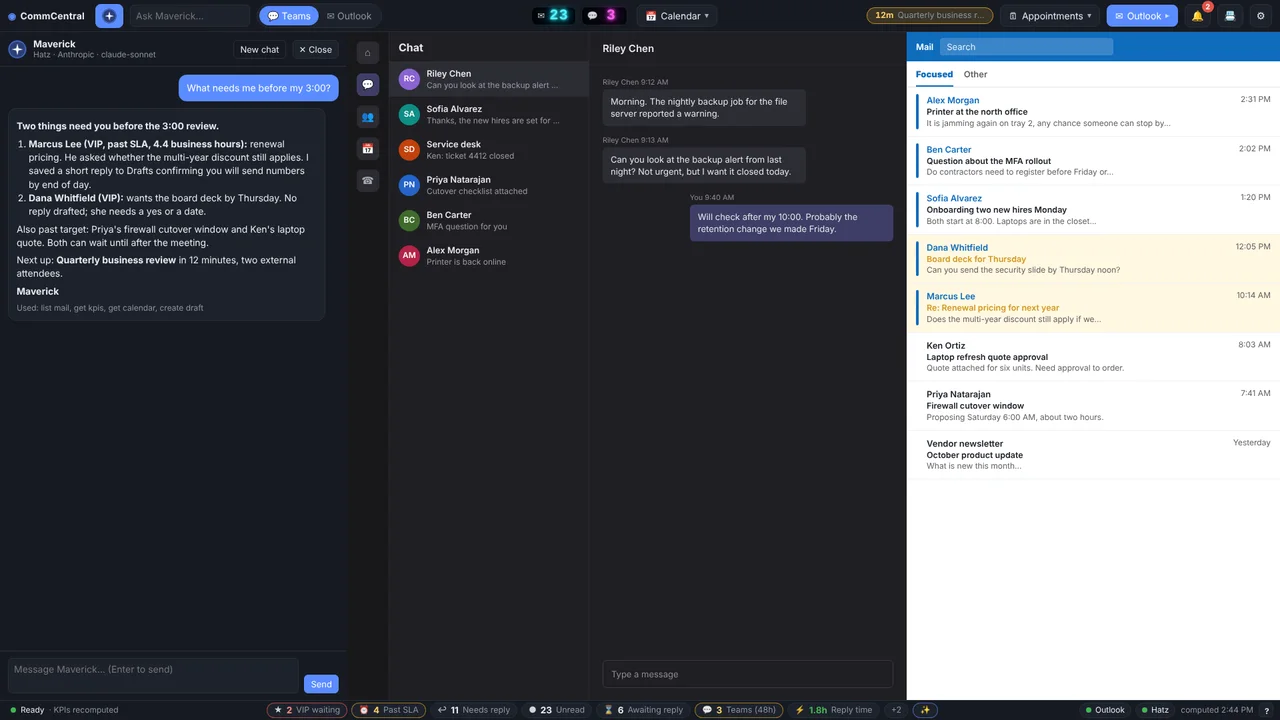 CommCentralTeams, Outlook, calendar, inbox KPIs and an AI assistant in one window.
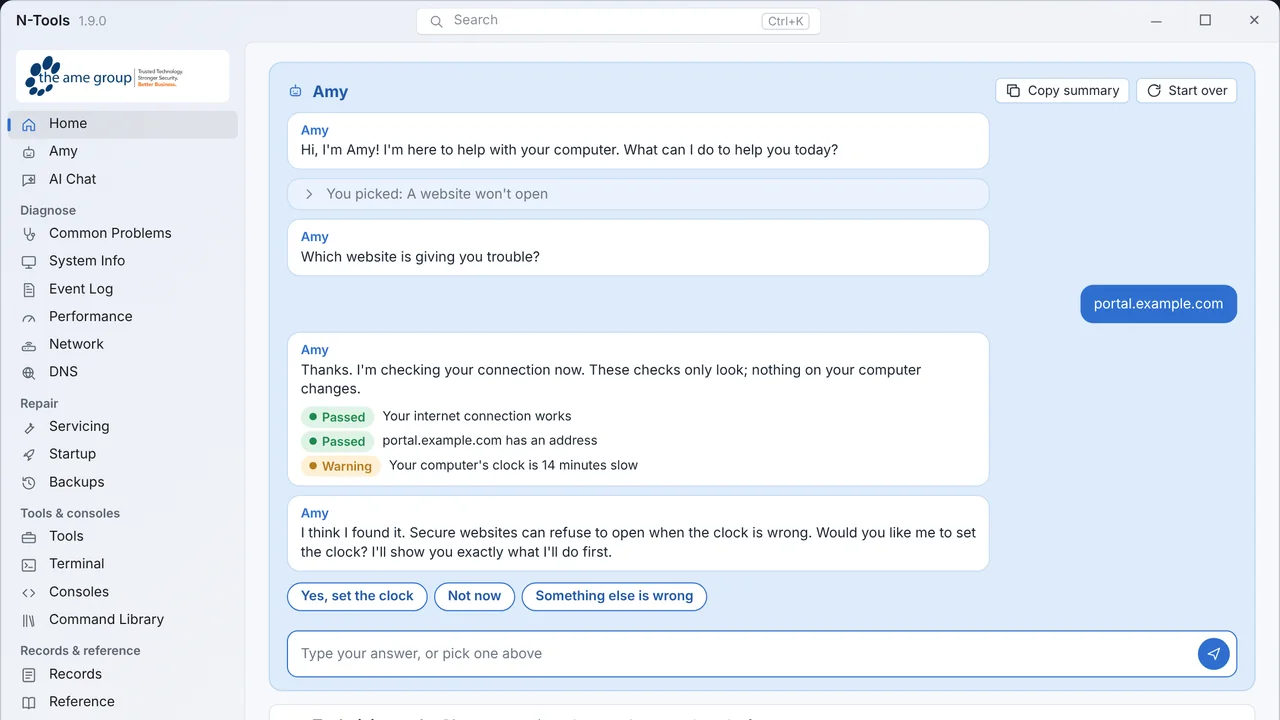 N-ToolsOne portable Windows toolkit to diagnose, repair and document a PC.
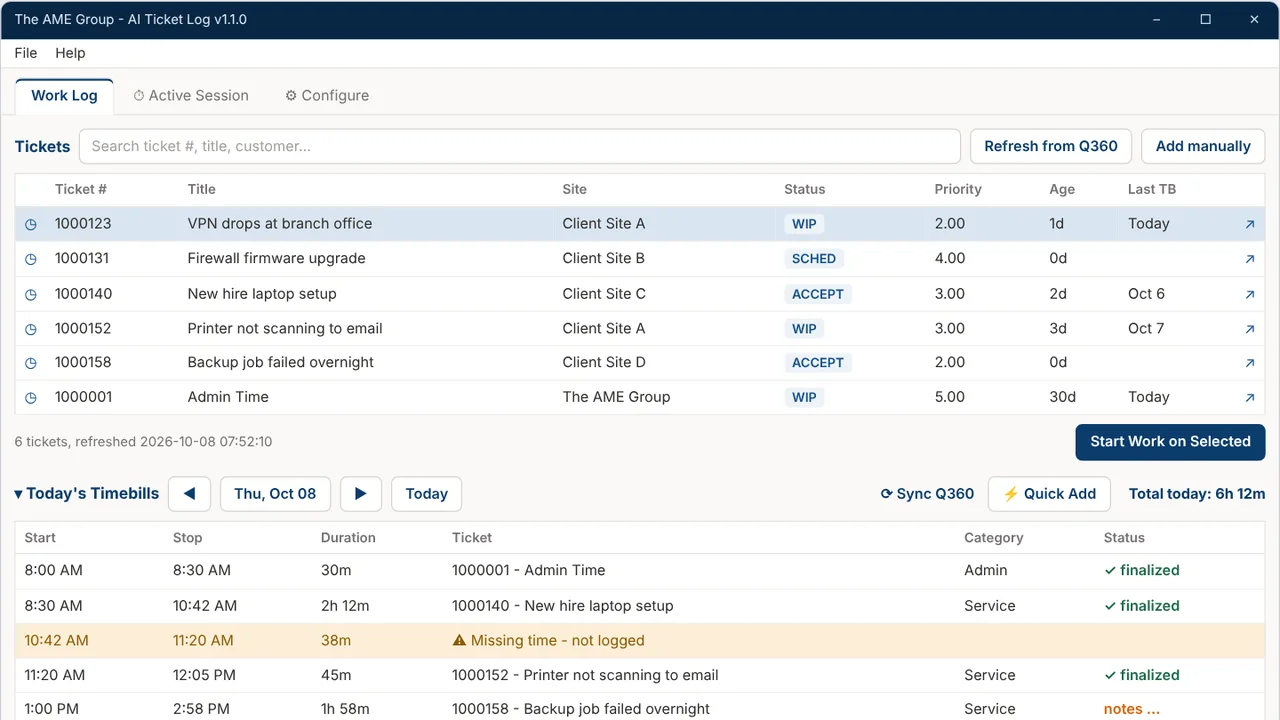 TicketNotesTime tracker that drafts Q360 timebill notes with AI.
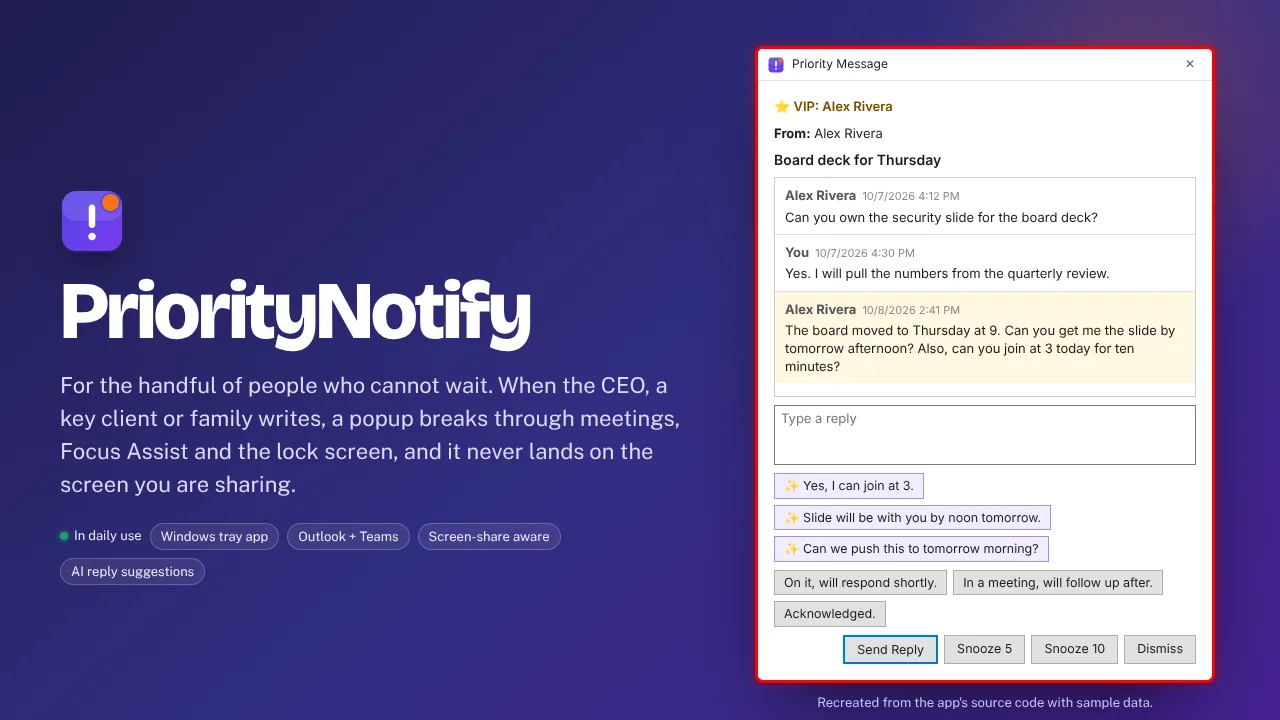 PriorityNotifyVIP emails and Teams chats that break through meetings and mute.
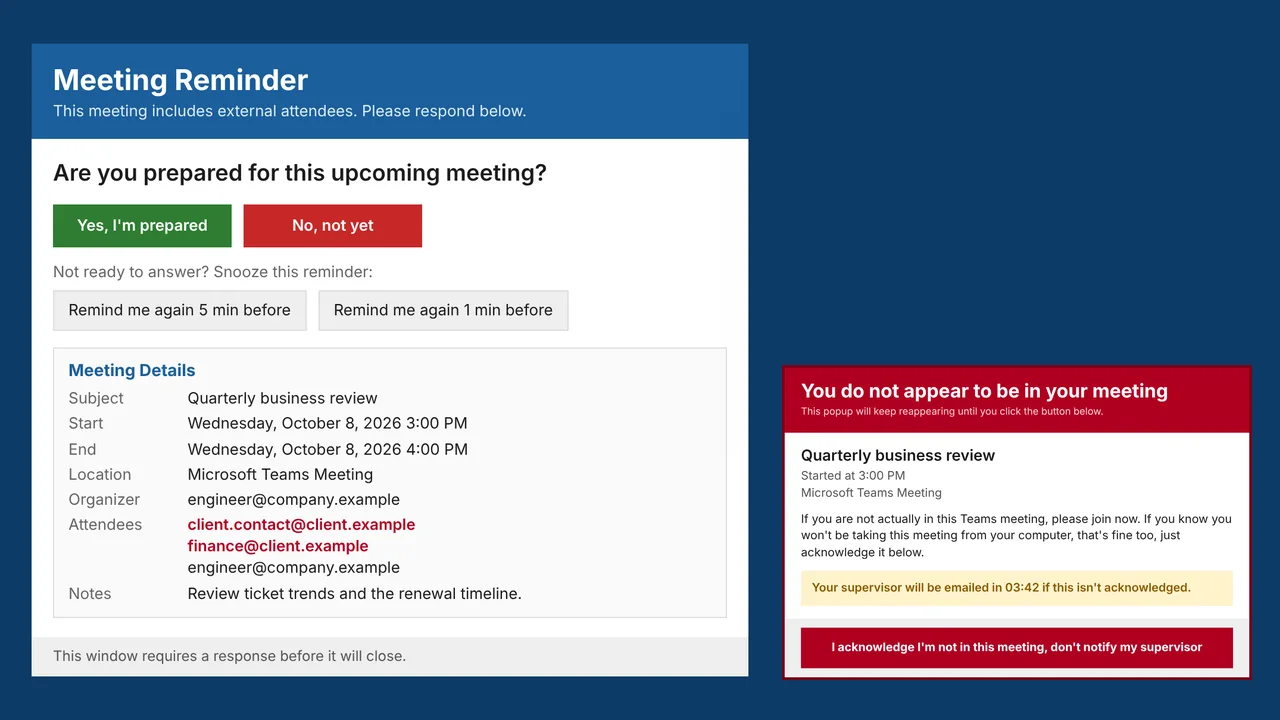 MeetingRemindMeeting reminders that check you actually joined the call.