 Jeremy Neely
Desktop Apps · Beta
MeetingRemind
Meeting reminders that check you actually joined the call.
Built for: Engineers and technicians with client-facing Teams meetings
The problem
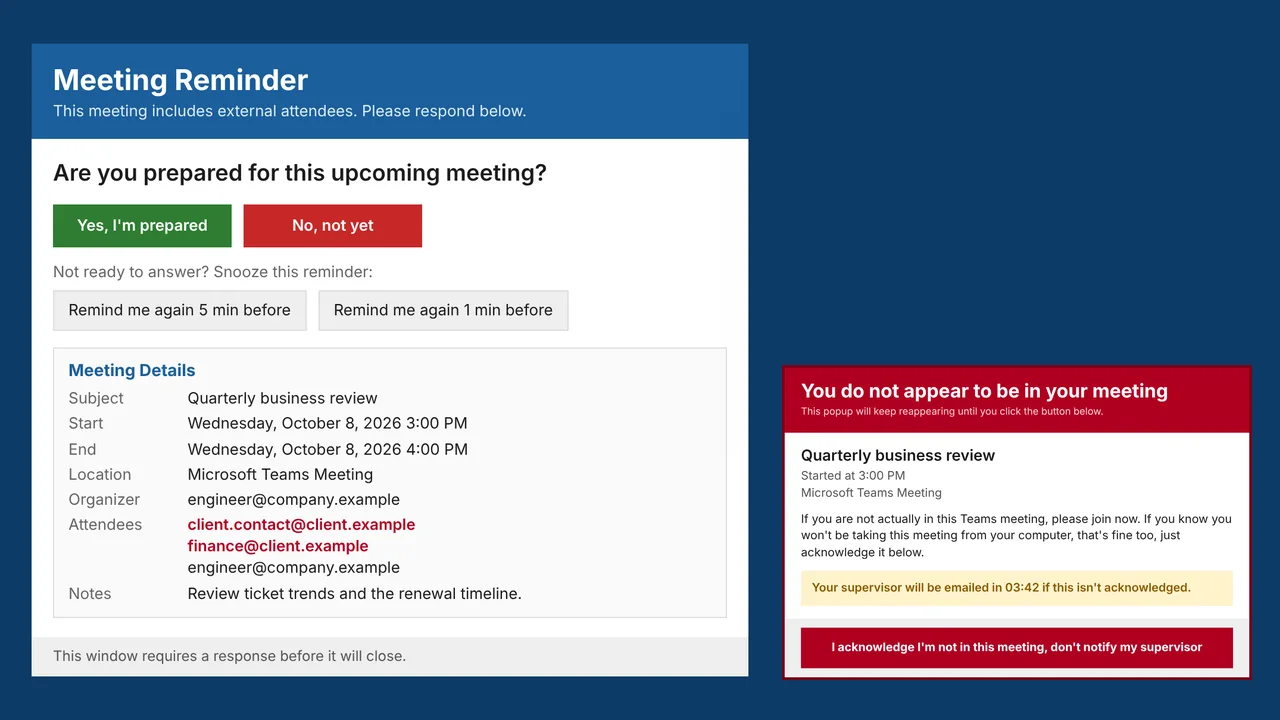
Missing or arriving late to a client's Teams meeting hurts an MSP's credibility. Outlook's own reminder is one click to dismiss and easy to forget.
What I built
I built a Windows app that asks whether you are prepared before each meeting, opens the meeting at start time, and five minutes in checks that Teams is actually in a call. For client meetings, an unacknowledged miss emails your supervisor.
How it works
- Check the Outlook calendar every 20 seconds.
- Ask "Are you prepared?" at the reminder lead time.
- Open the meeting at its start time.
- Five minutes in, check whether Teams has a live audio session.
- If not, warn until acknowledged, and email the supervisor for client meetings.
Built with
- C#
- .NET 8 WPF
- Outlook COM Interop
- NAudio
- Win32 interop
- System.Text.Json
More of Jeremy's work
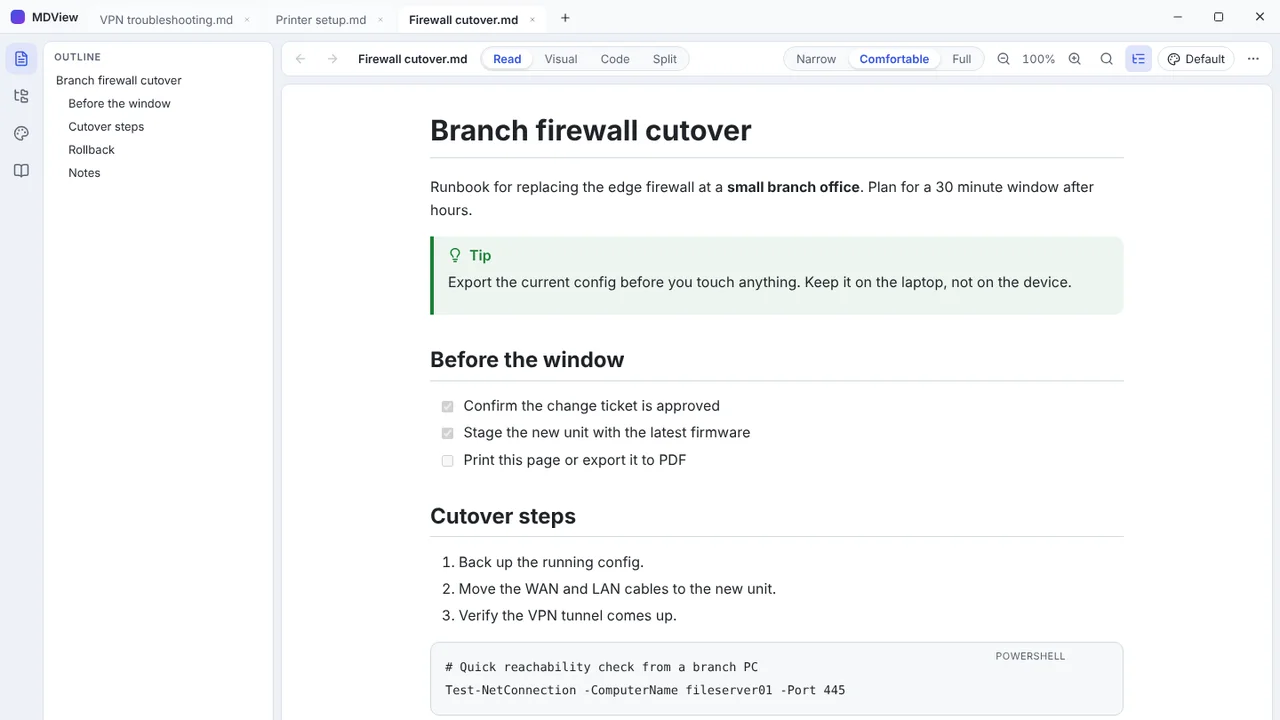 MDViewA portable Markdown reader and editor for Windows, one file, no install.
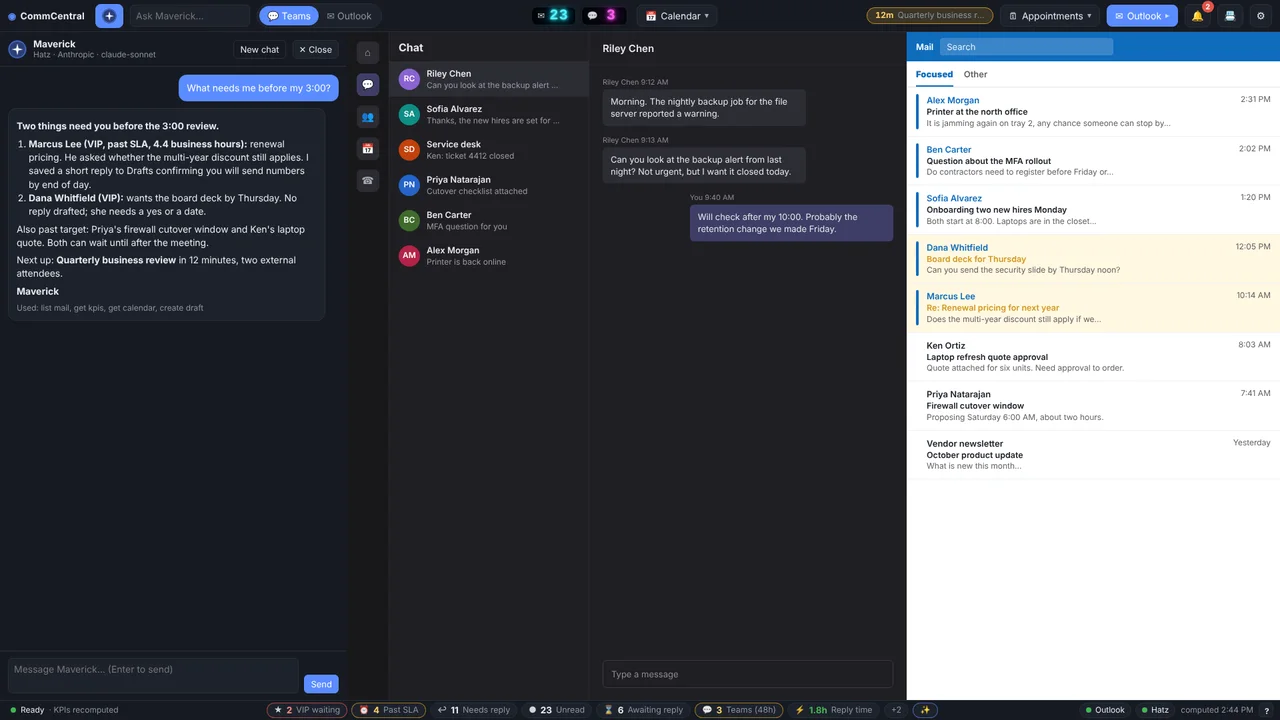 CommCentralTeams, Outlook, calendar, inbox KPIs and an AI assistant in one window.
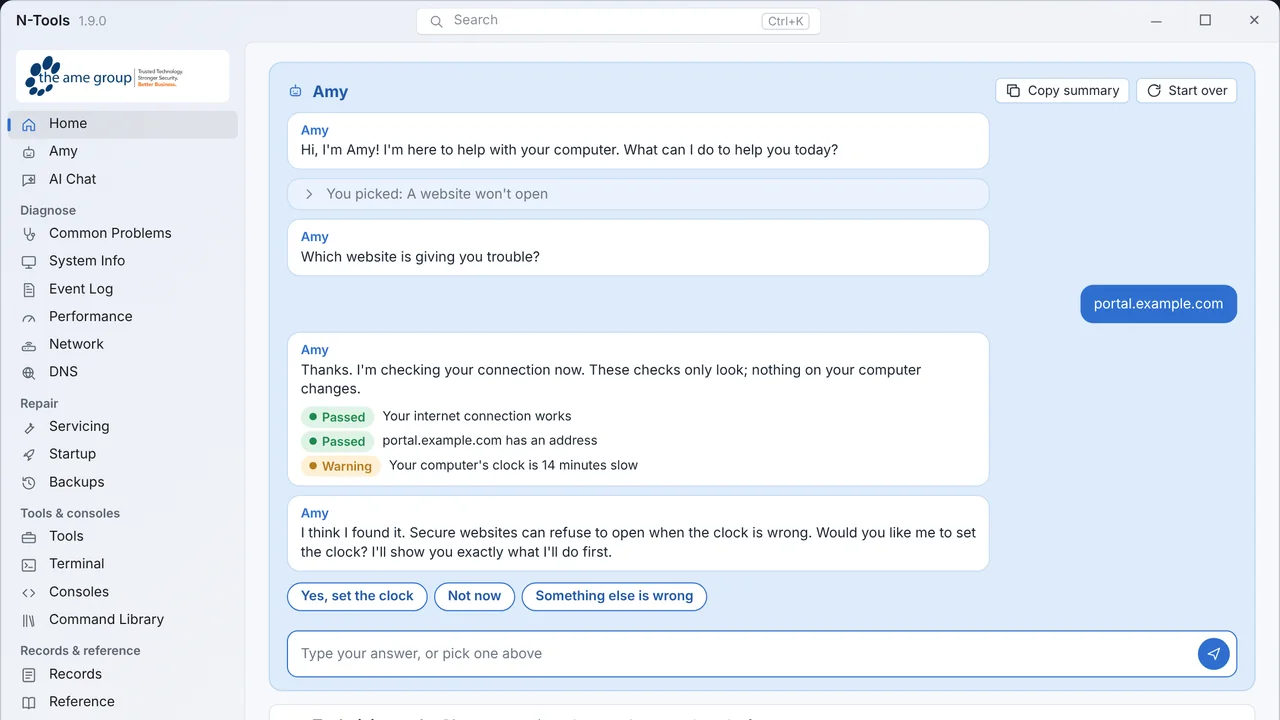 N-ToolsOne portable Windows toolkit to diagnose, repair and document a PC.
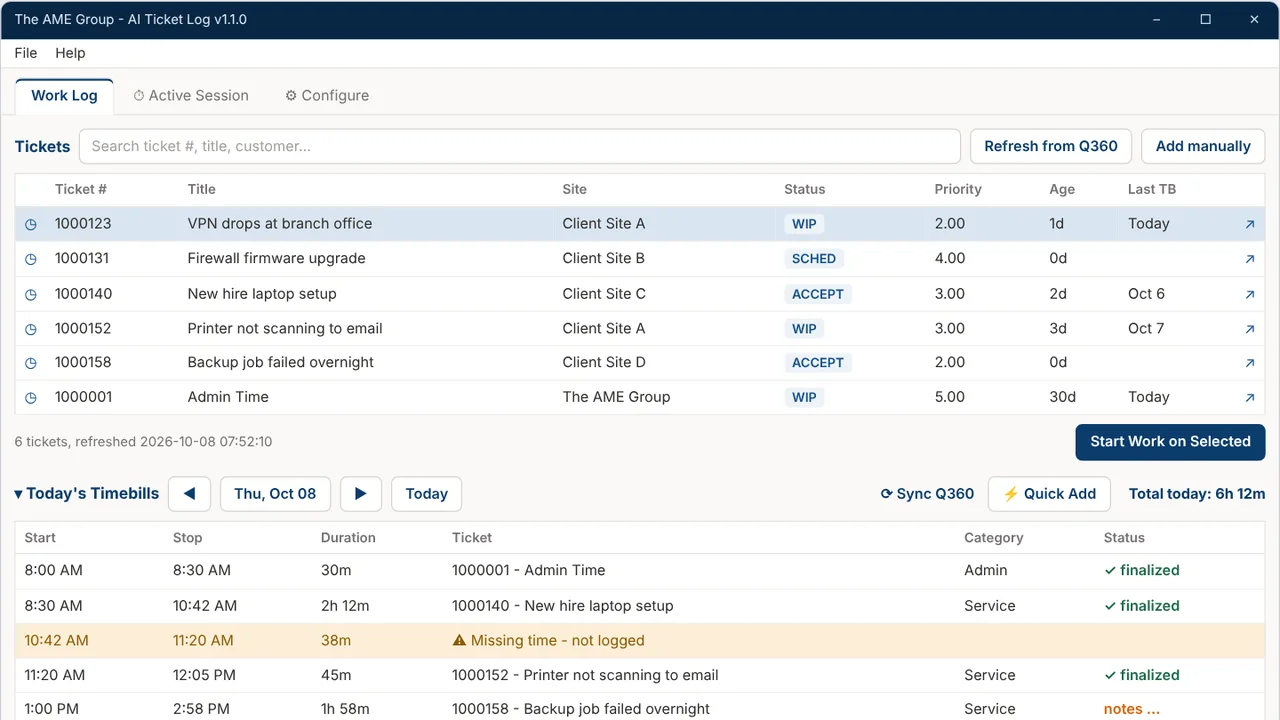 TicketNotesTime tracker that drafts Q360 timebill notes with AI.
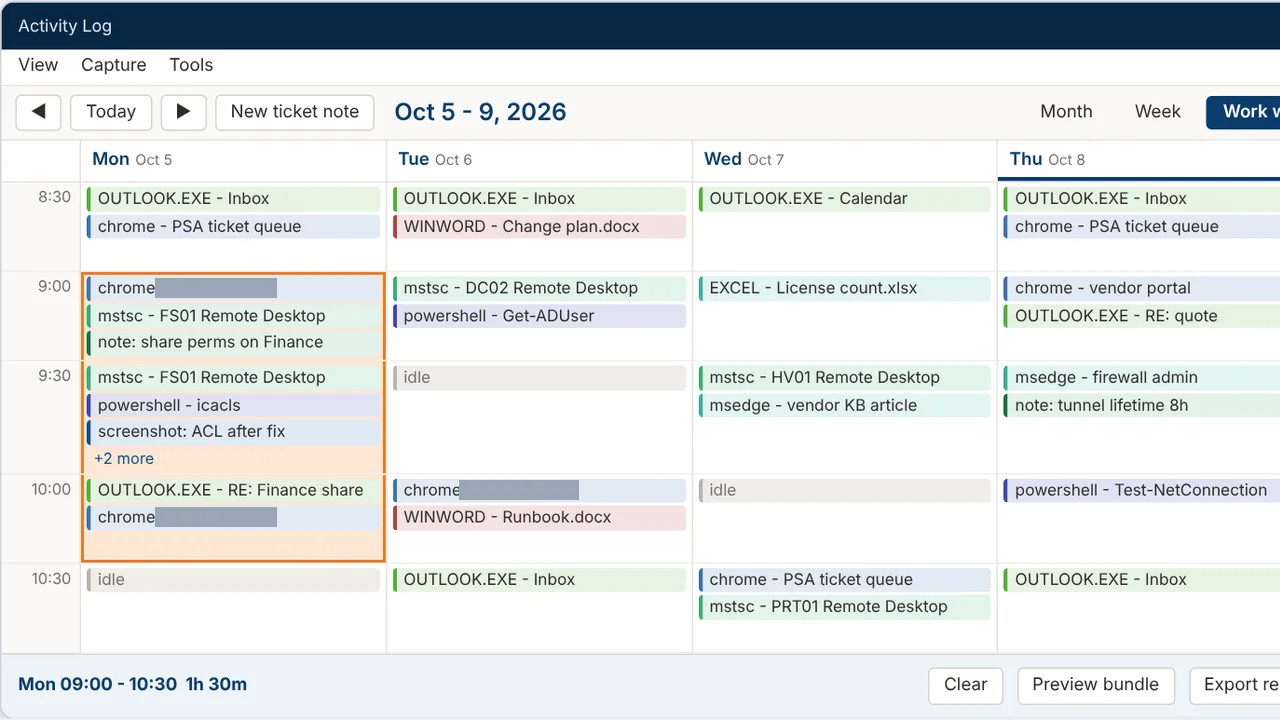 Activity LogRecords your workday and turns any time range into a ticket write-up.
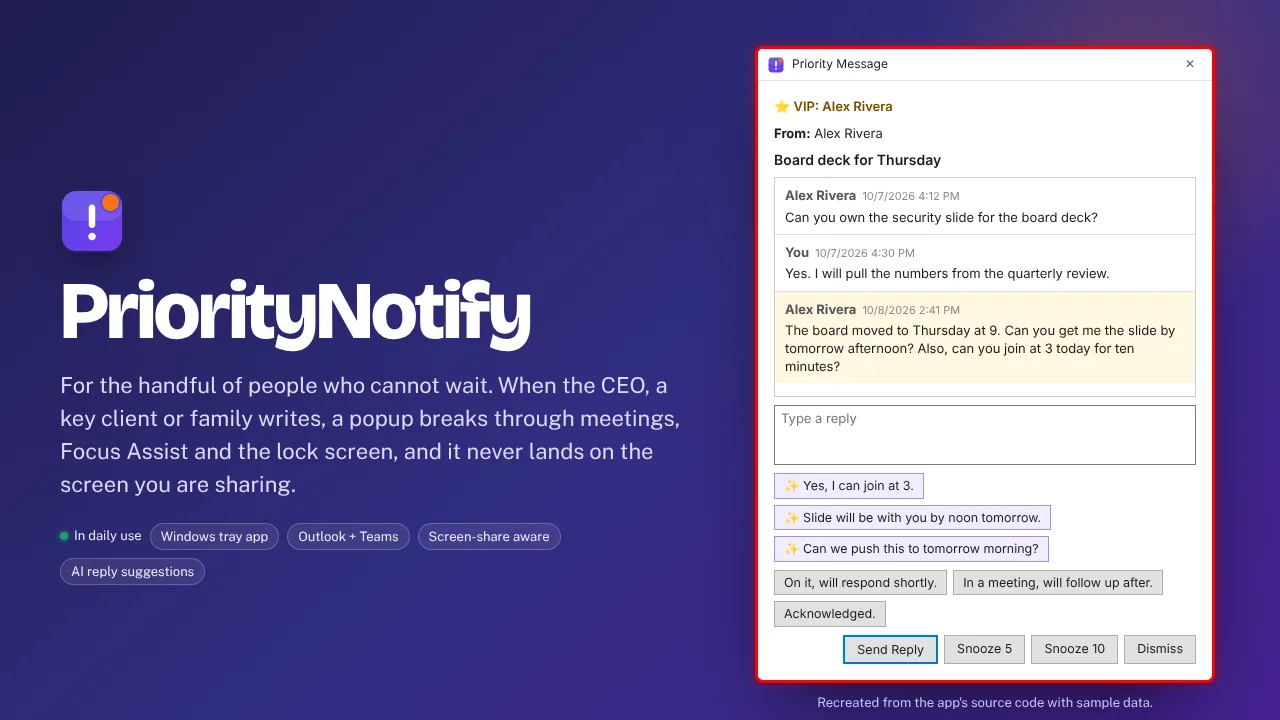 PriorityNotifyVIP emails and Teams chats that break through meetings and mute.