 Jeremy Neely
Desktop Apps · Beta
CommCentral
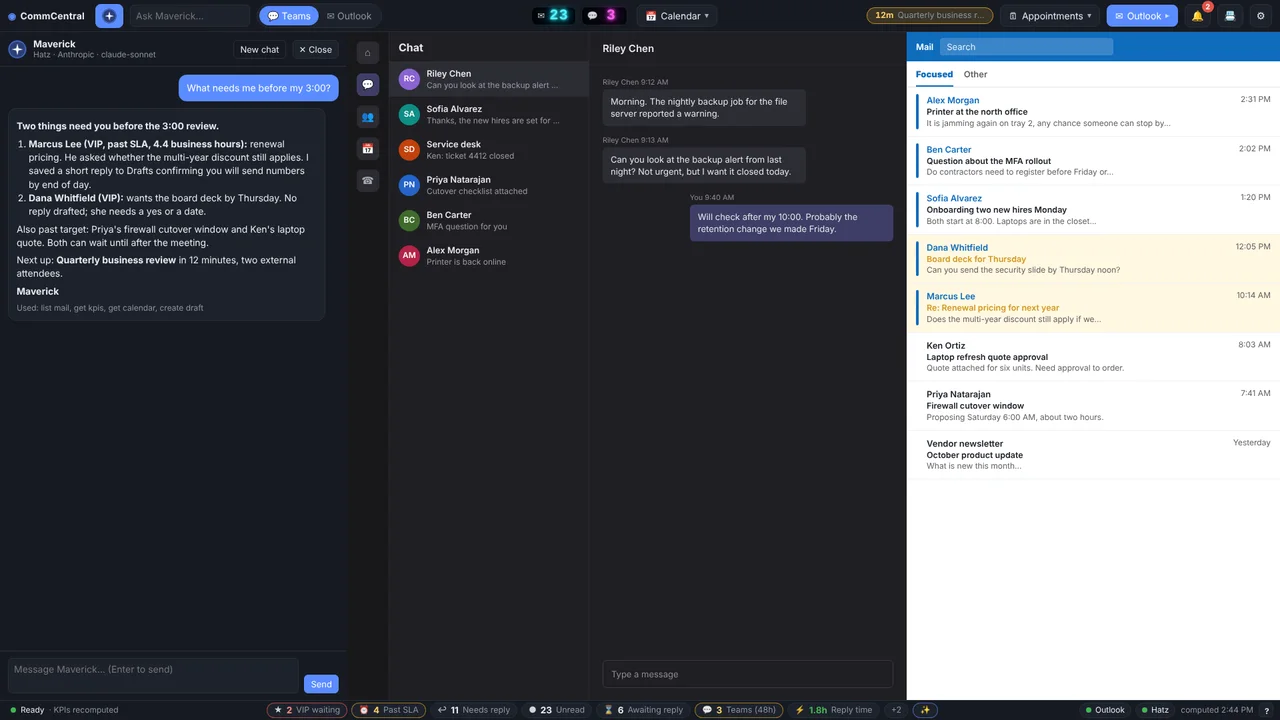
Teams, Outlook, calendar, inbox KPIs and an AI assistant in one window.
Built for: Managers at The AME Group
The problem
A manager's day is split across Teams, Outlook mail, the calendar and several helper apps. None of them answers the question that matters: what still needs a reply from me, and how long has it waited?
What I built
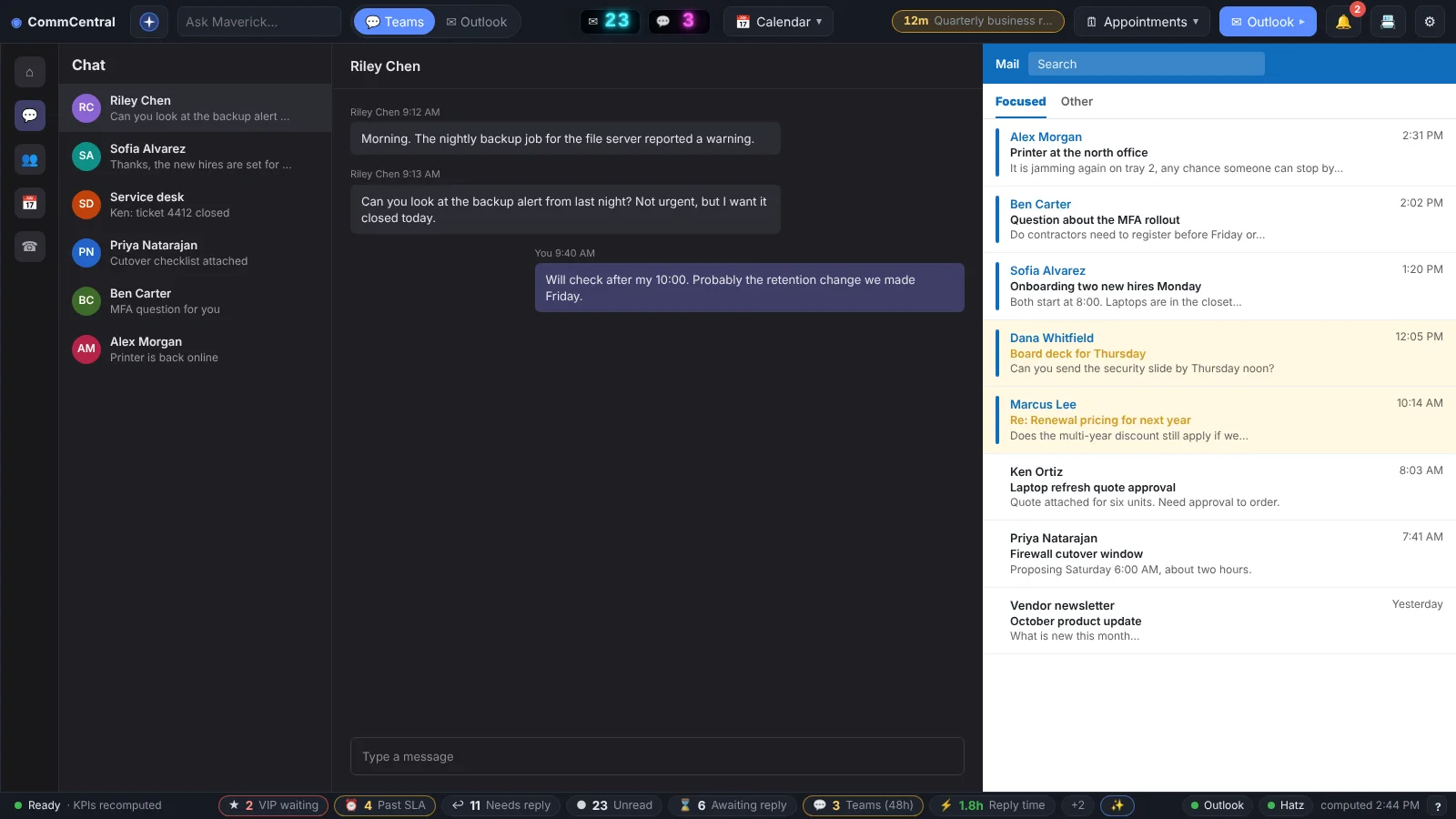
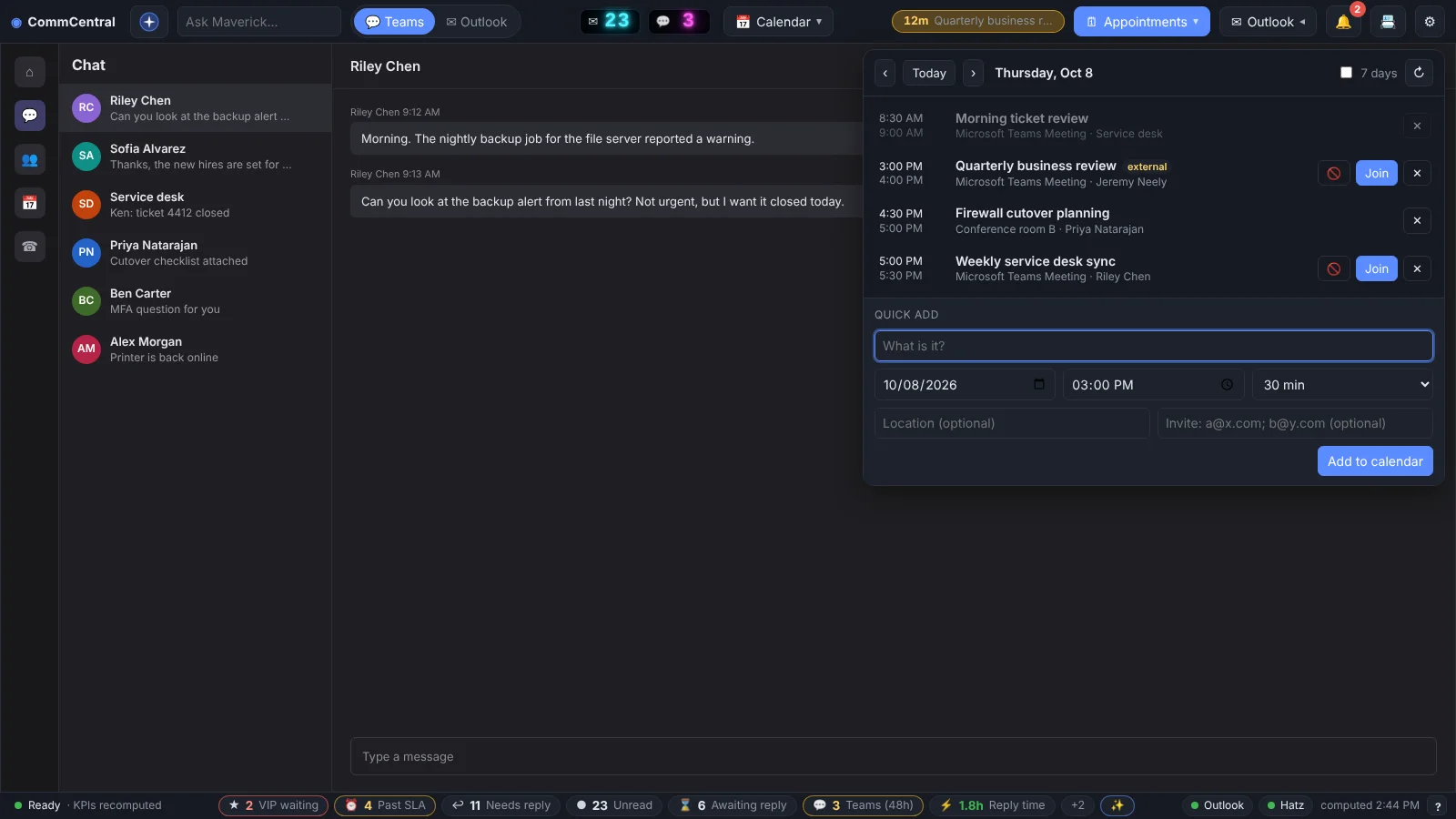
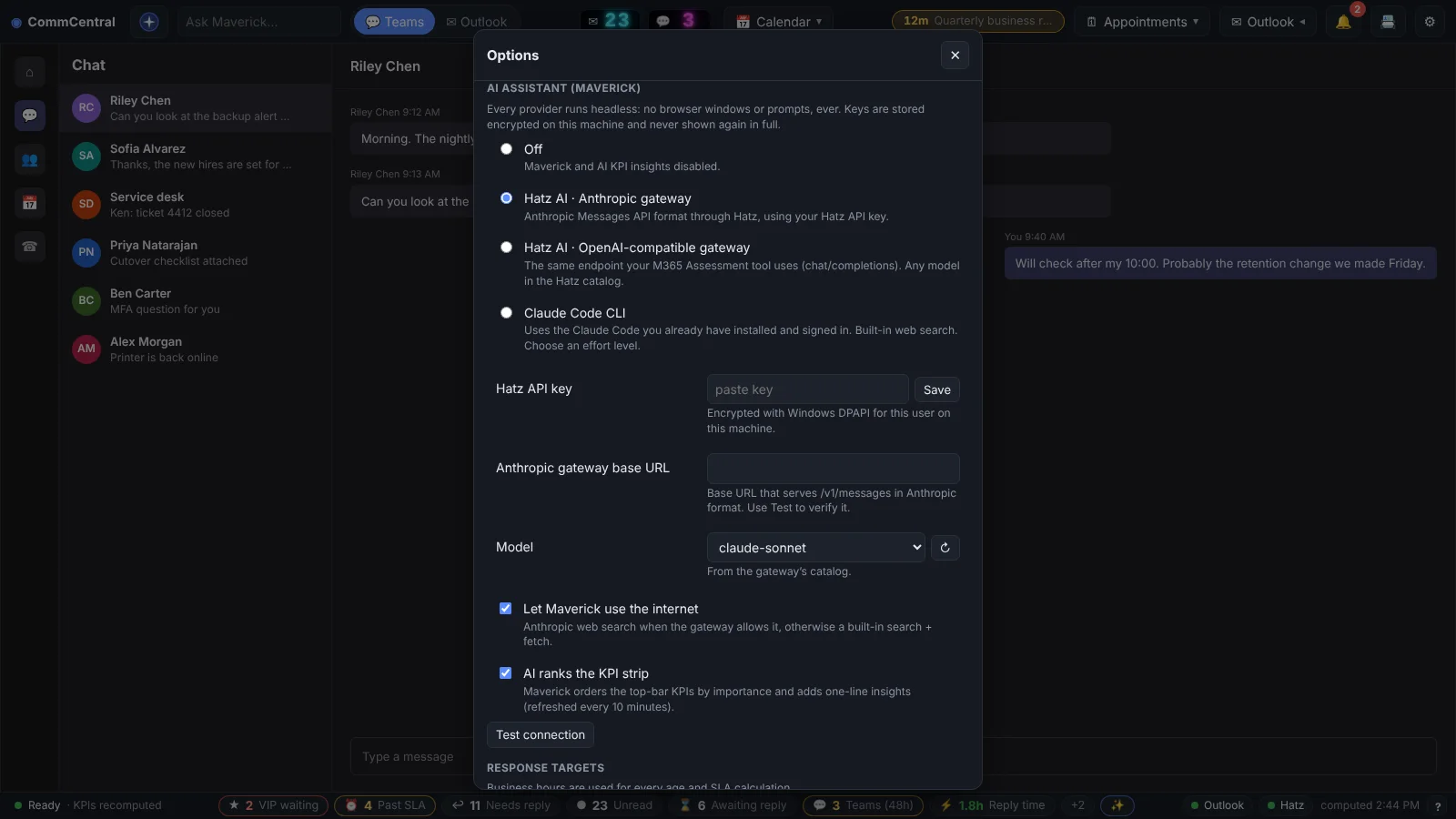
I built an Electron desktop hub that embeds the real Teams and Outlook web clients side by side and adds an inbox KPI strip measured in business hours. It includes Maverick, an AI assistant that drafts but never sends, and absorbs three of my earlier tray tools.
How it works
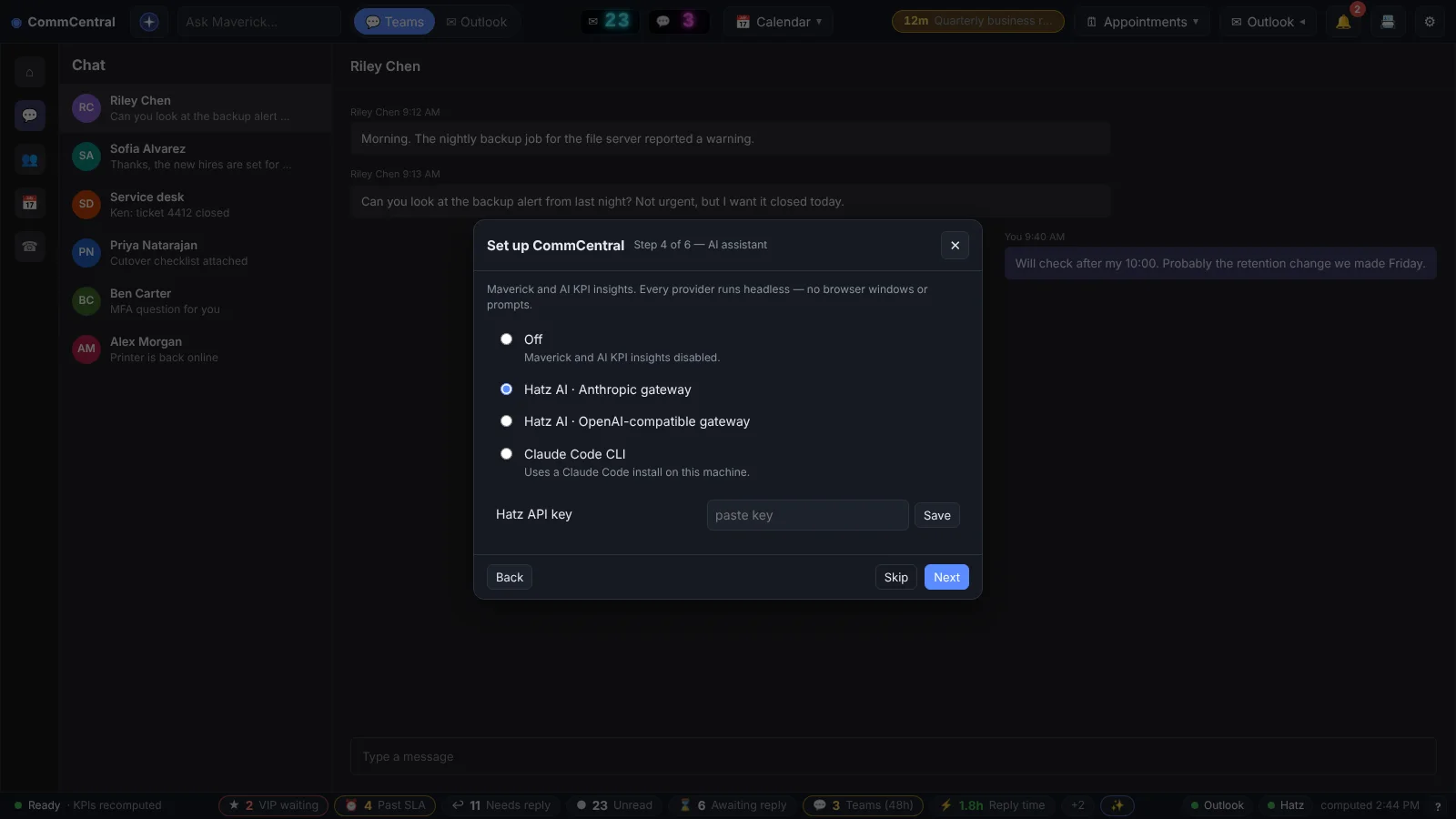
- Install per user and walk through a six-step setup.
- A local Outlook service reads mail, calendar and addresses.
- Teams and Outlook load side by side with one sign-in.
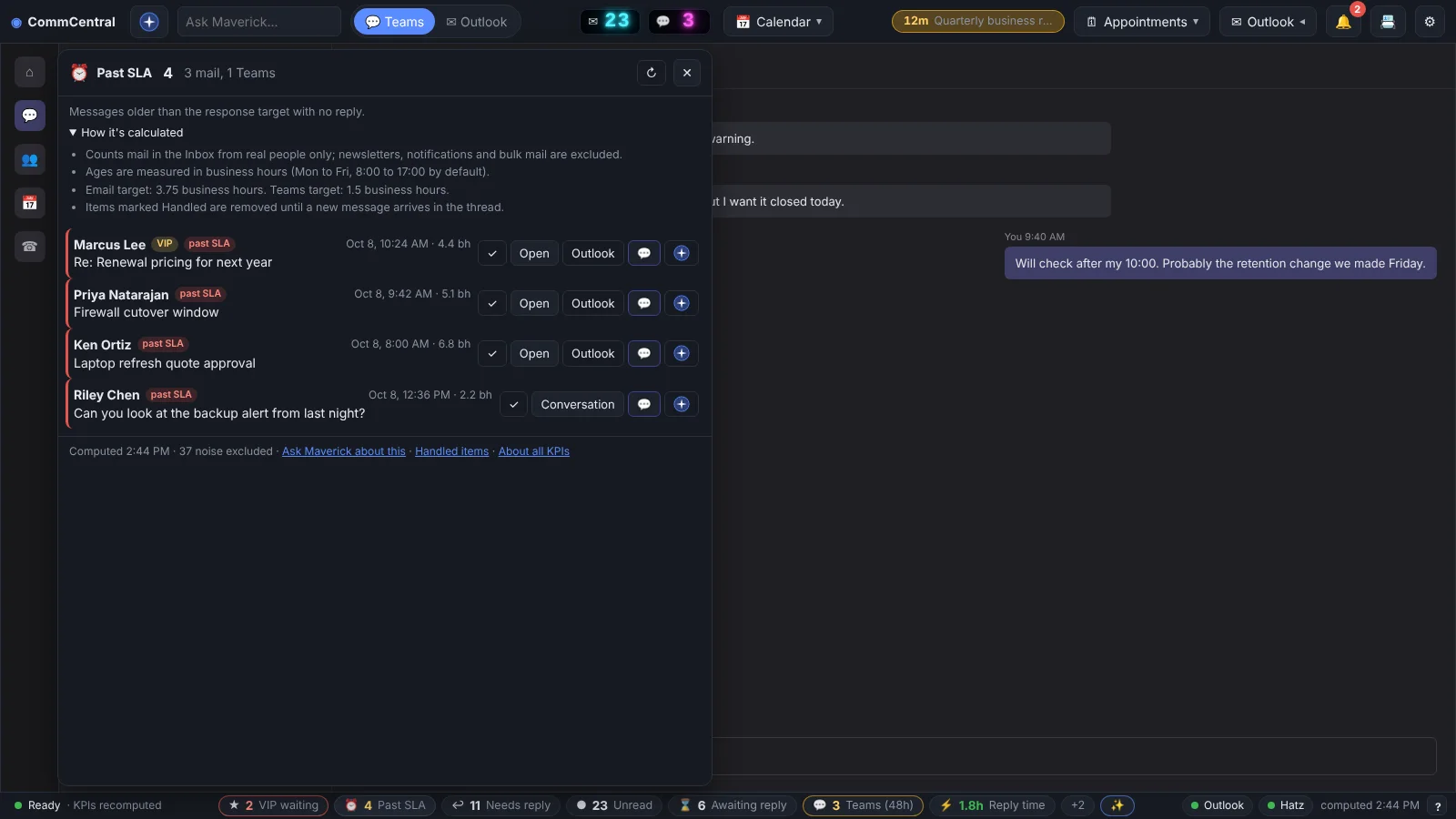
- The KPI strip counts what needs a reply, in business hours.
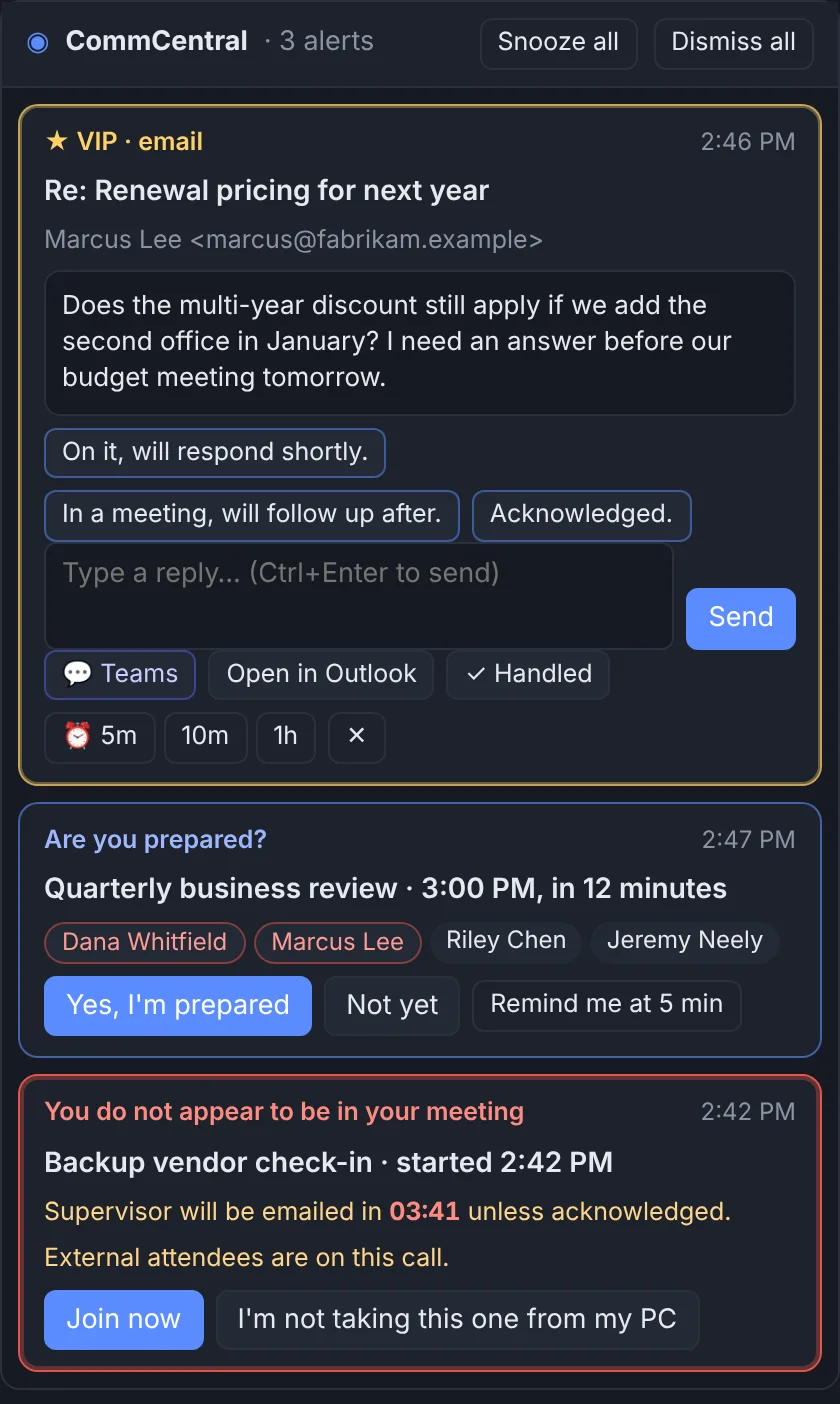
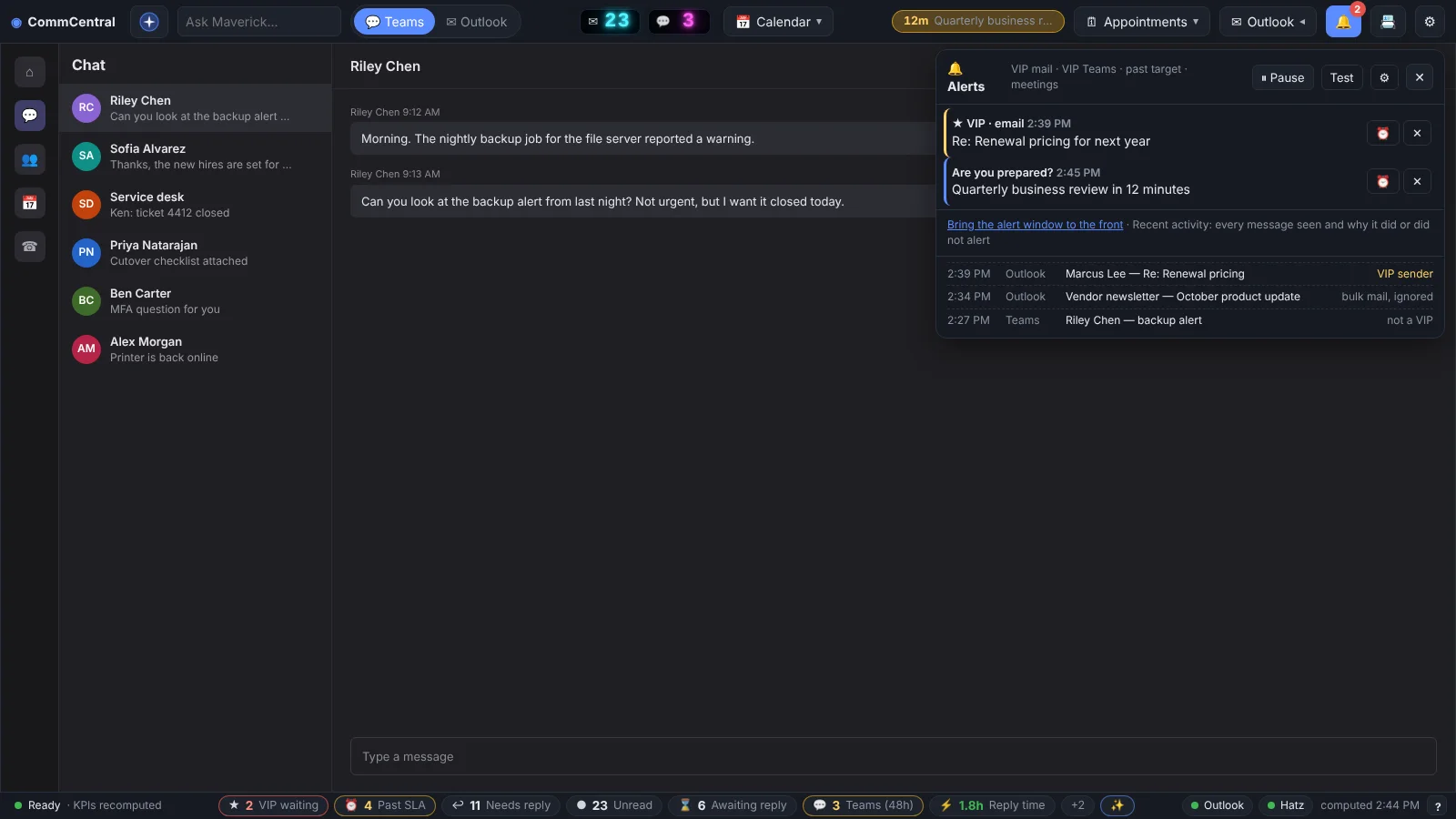
- VIP alerts and meeting checks run in the background.
Built with
- Electron 33
- Node.js
- JavaScript
- electron-builder (NSIS)
- electron-updater
- Anthropic SDK
More screens
More of Jeremy's work
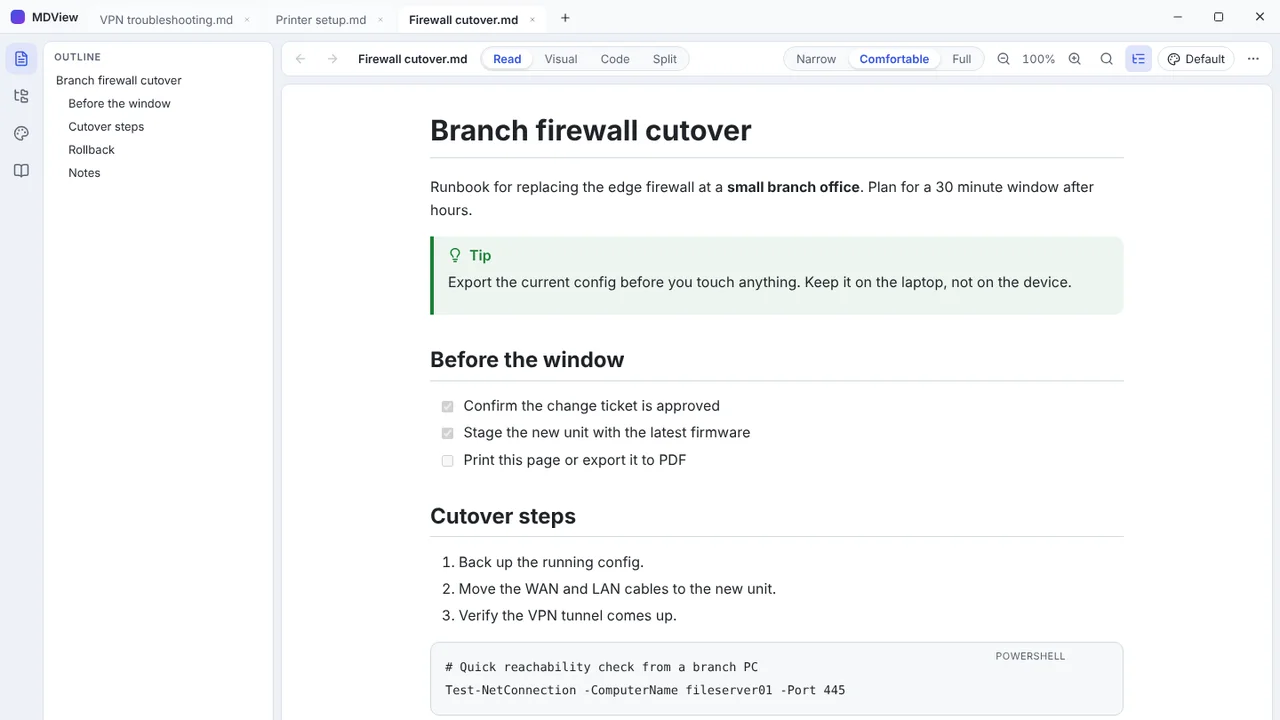 MDViewA portable Markdown reader and editor for Windows, one file, no install.
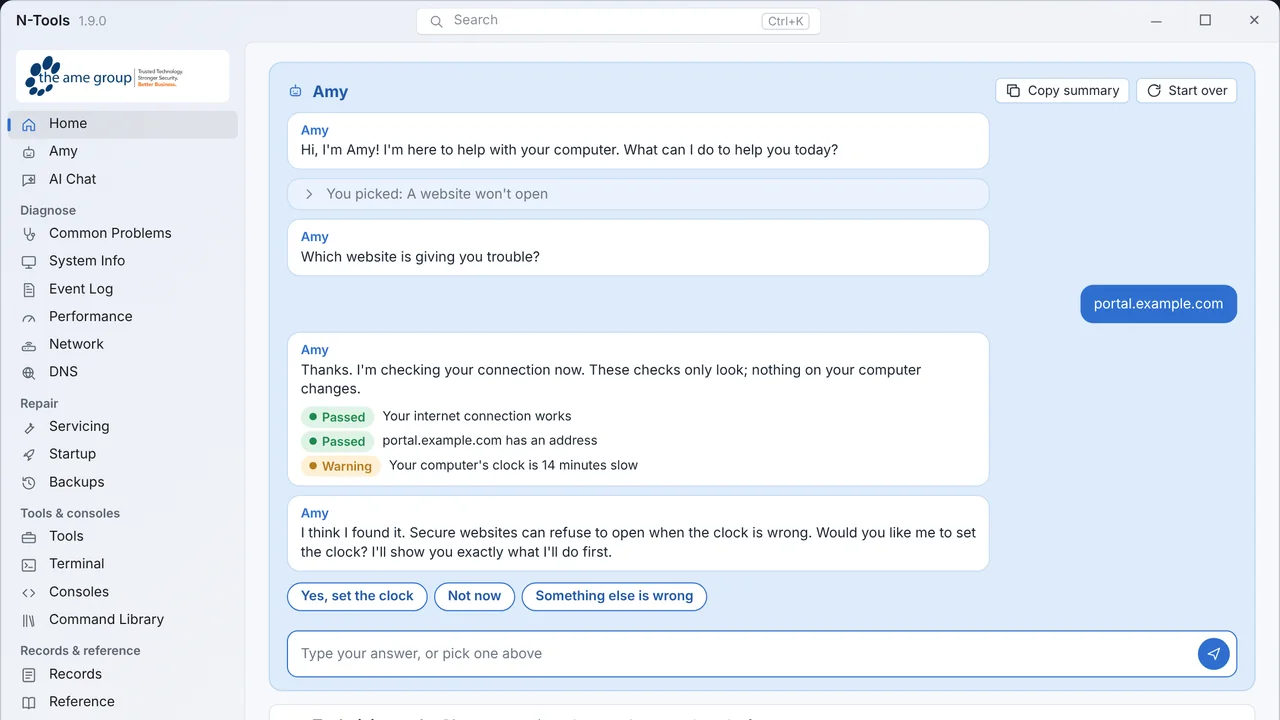 N-ToolsOne portable Windows toolkit to diagnose, repair and document a PC.
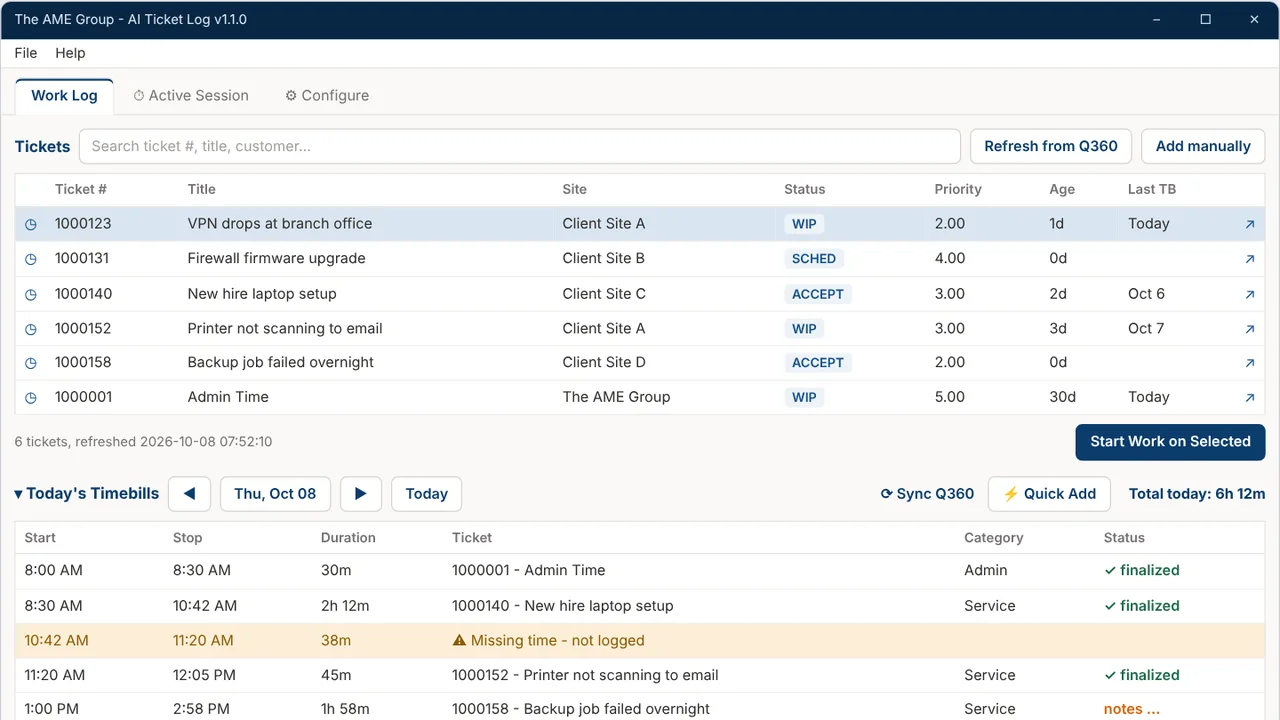 TicketNotesTime tracker that drafts Q360 timebill notes with AI.
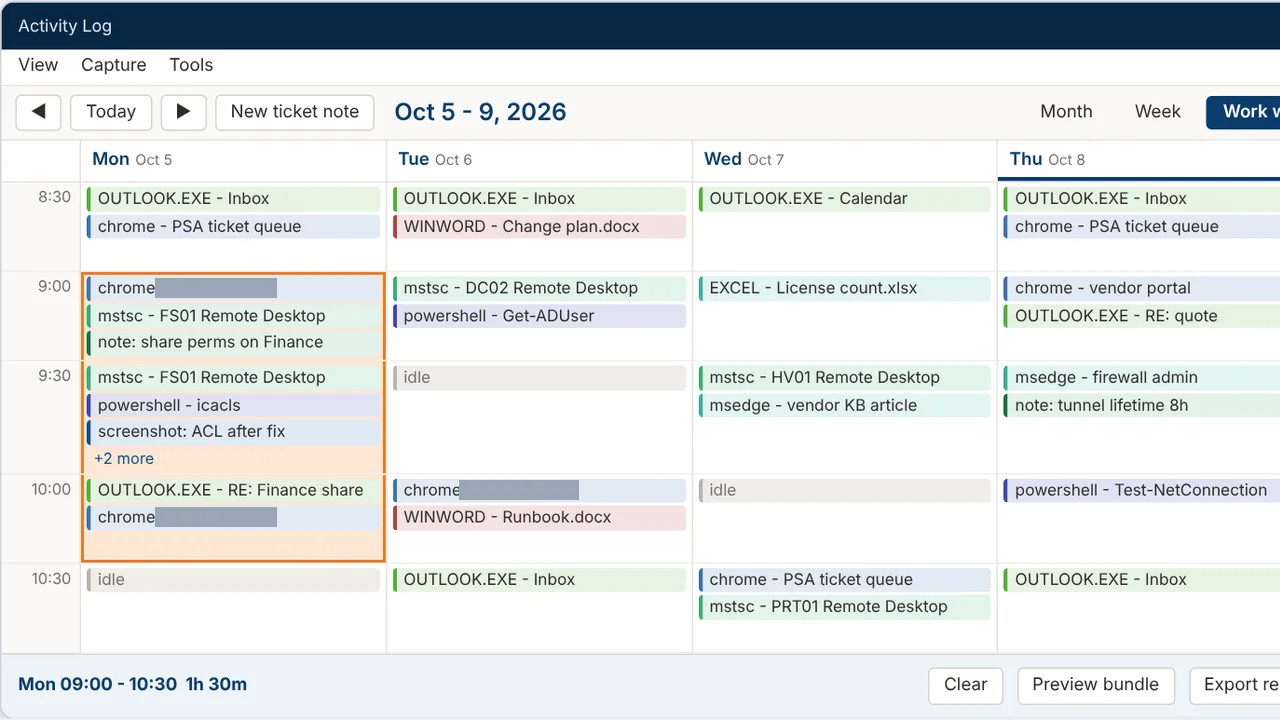 Activity LogRecords your workday and turns any time range into a ticket write-up.
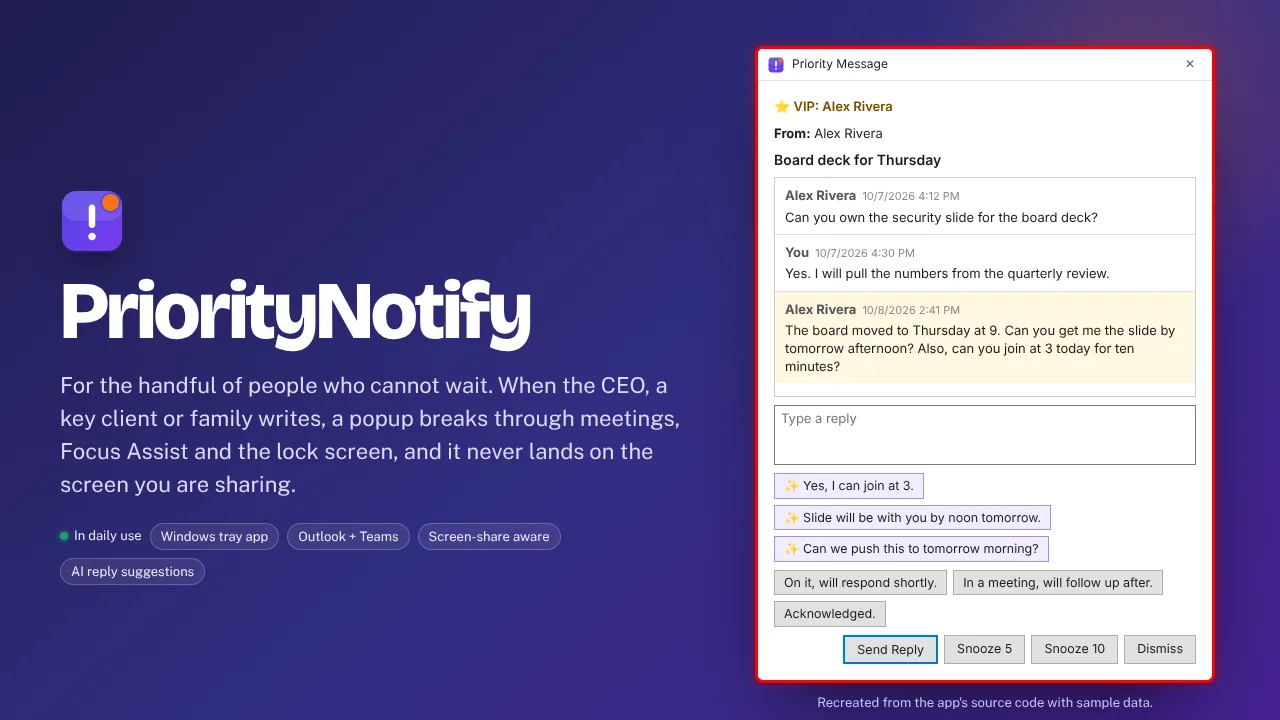 PriorityNotifyVIP emails and Teams chats that break through meetings and mute.
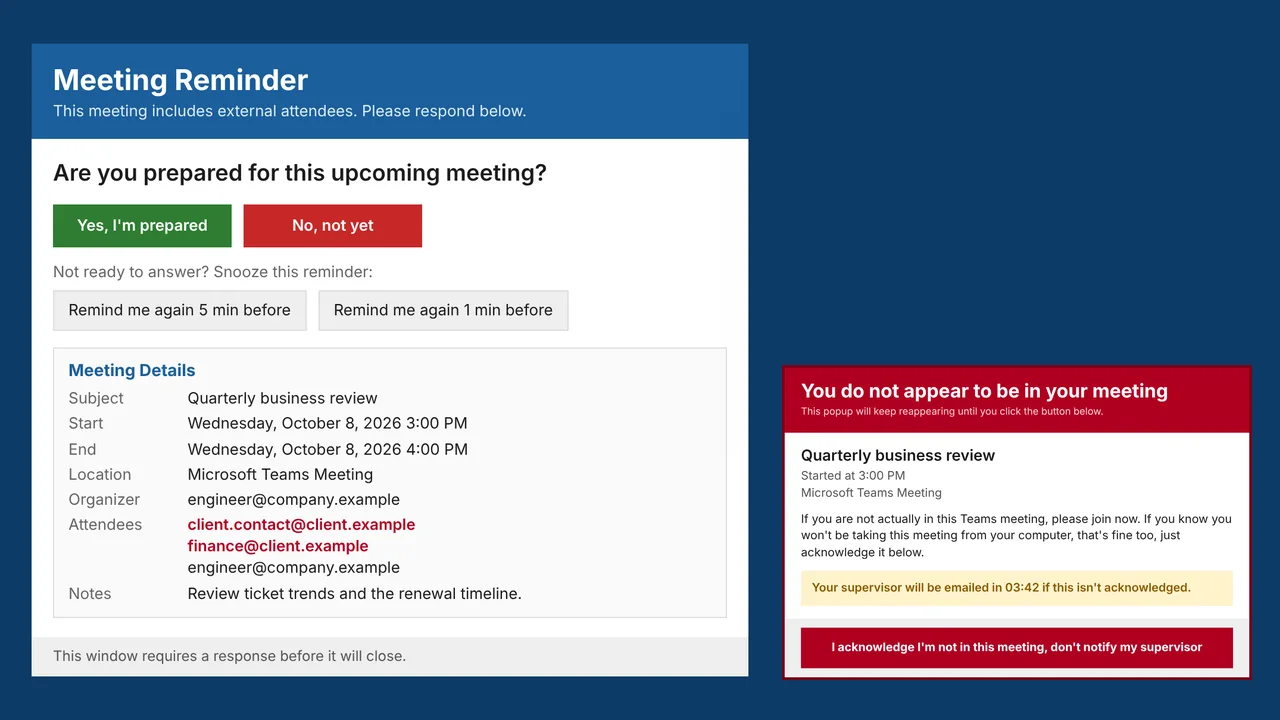 MeetingRemindMeeting reminders that check you actually joined the call.