 Jeremy Neely
Desktop Apps · Beta
MDView
A portable Markdown reader and editor for Windows, one file, no install.
Built for: Engineers, technicians and office staff at The AME Group
The problem
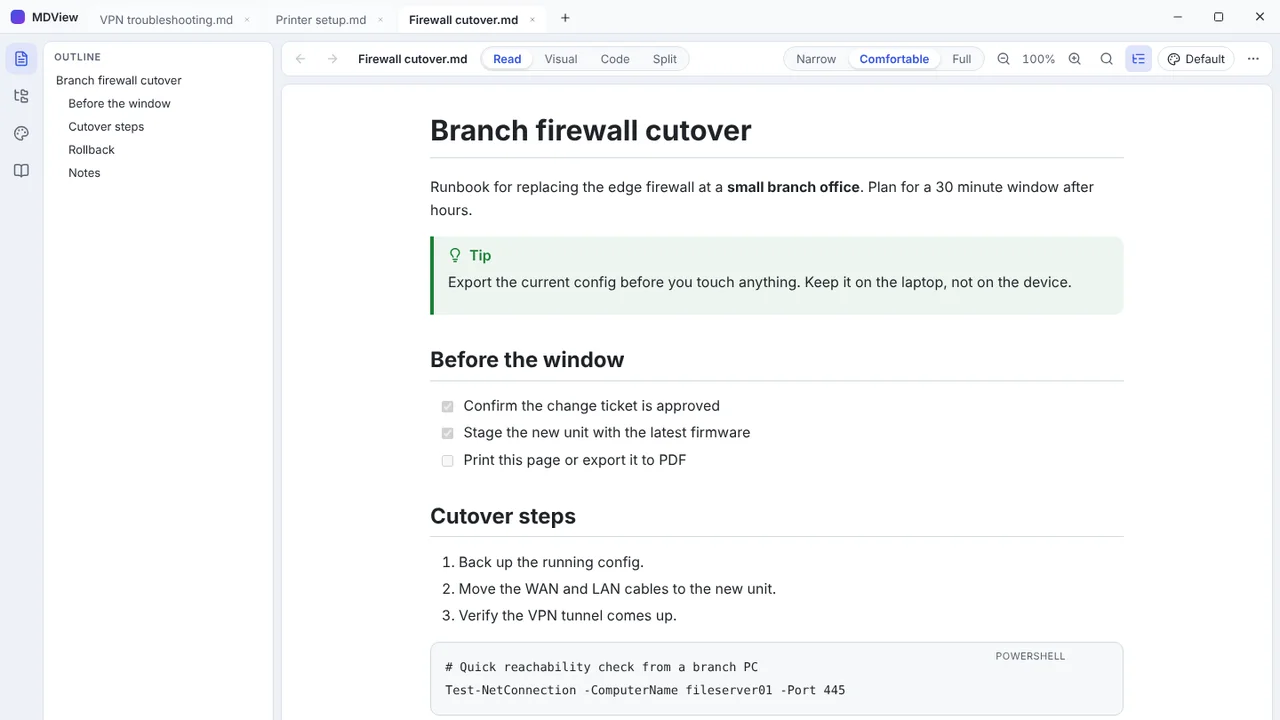
Windows has no good built-in way to read Markdown. Runbooks, README files and AI-generated notes open as raw text, or someone has to install a code editor just to read them.
What I built
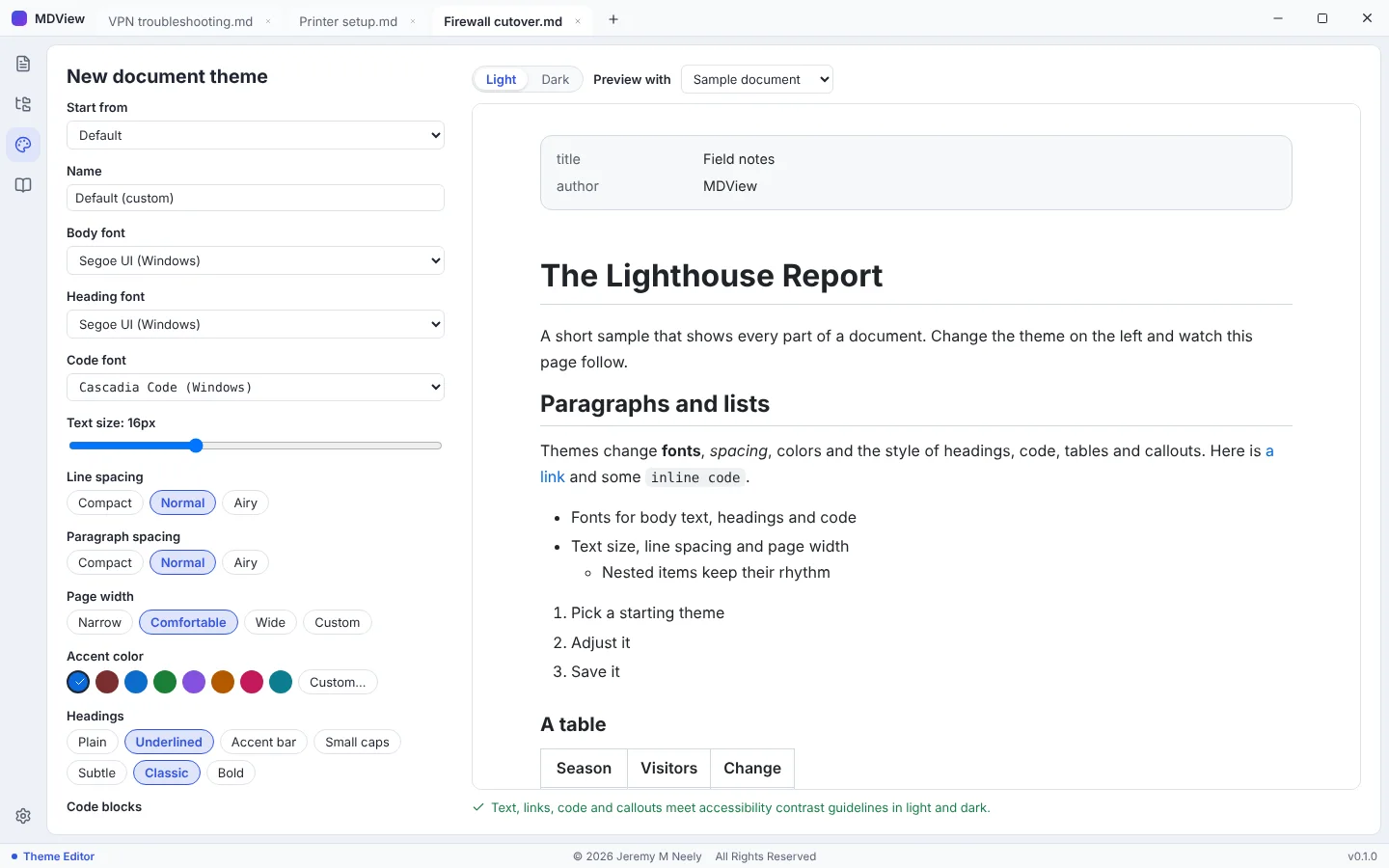
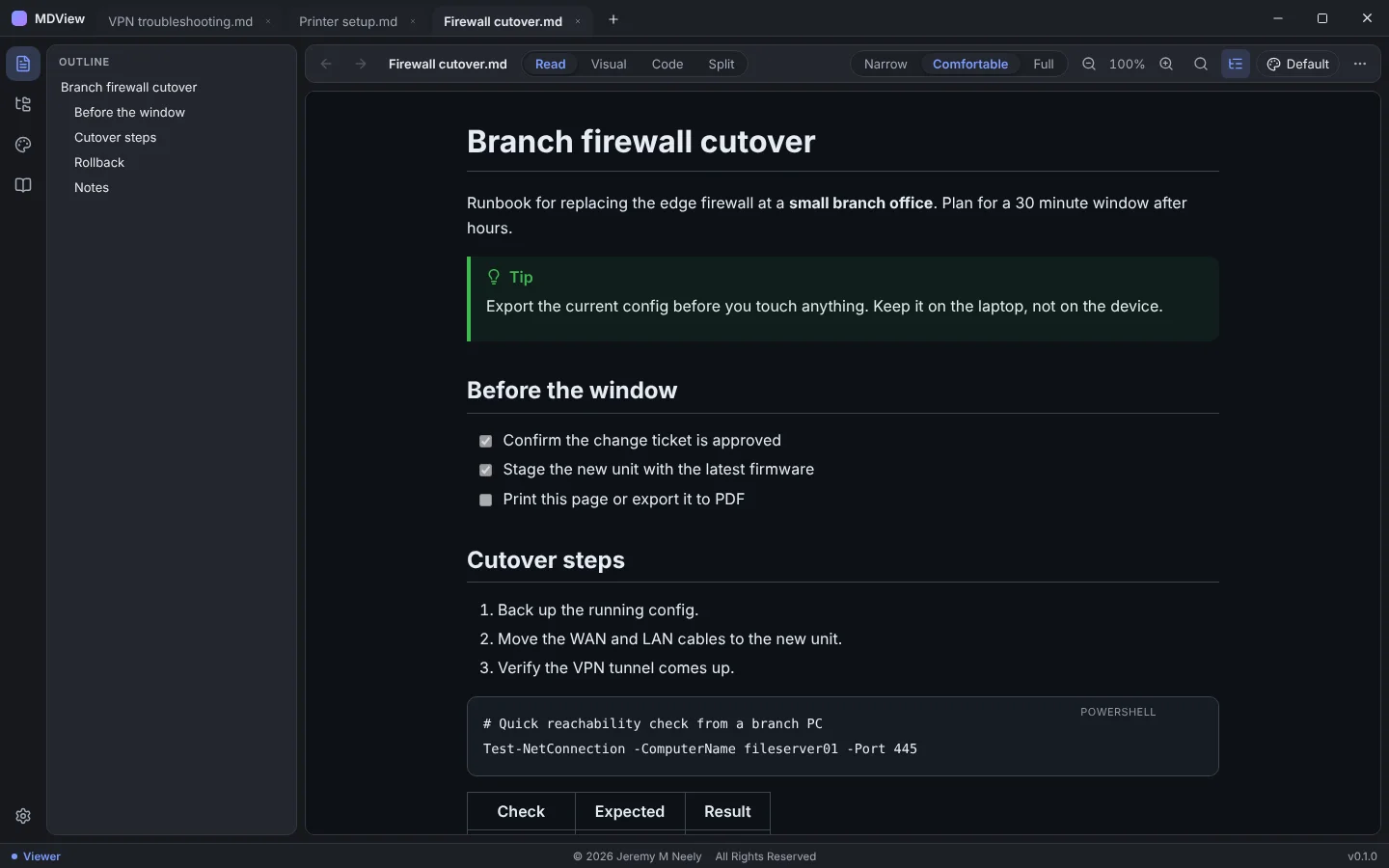
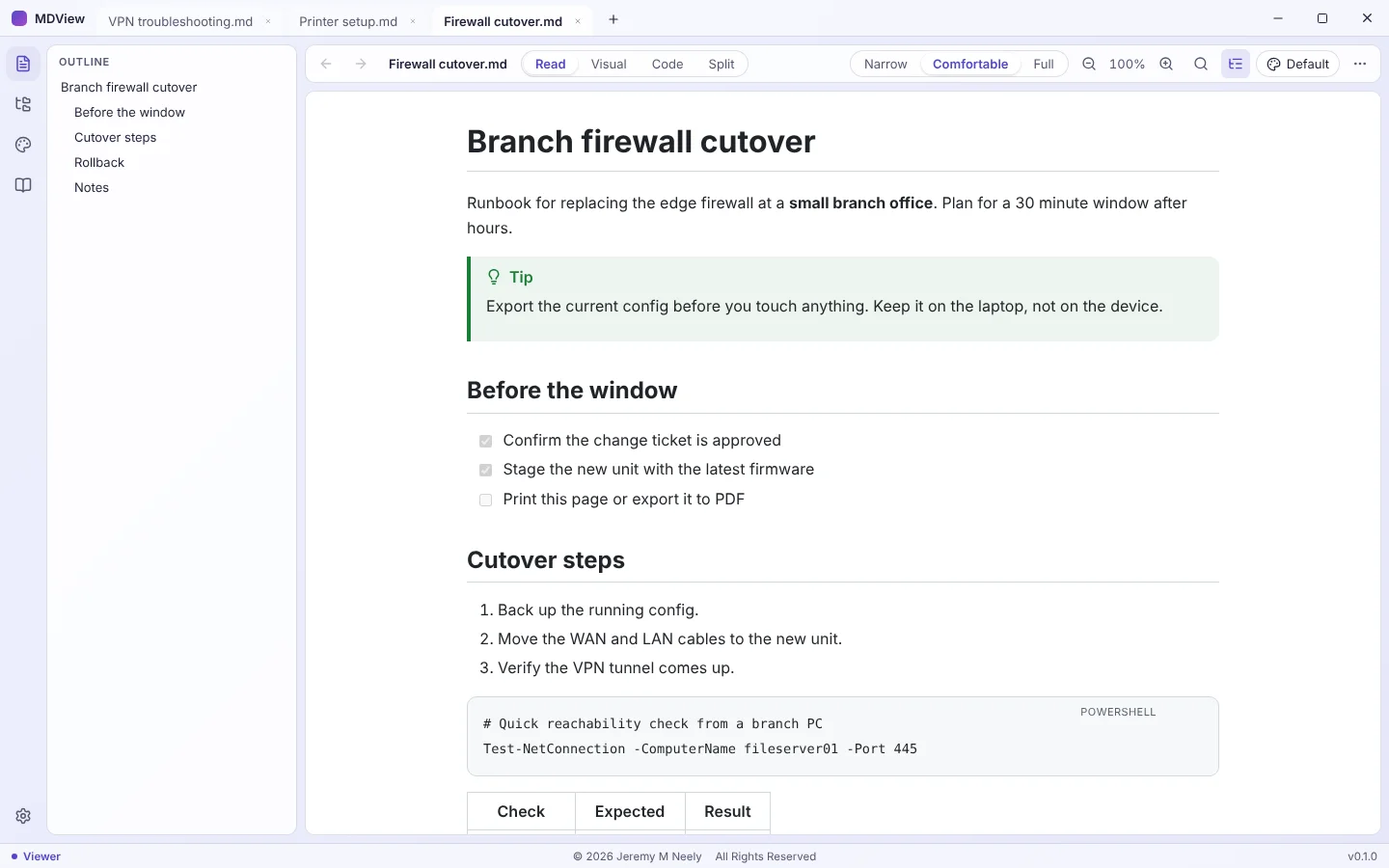
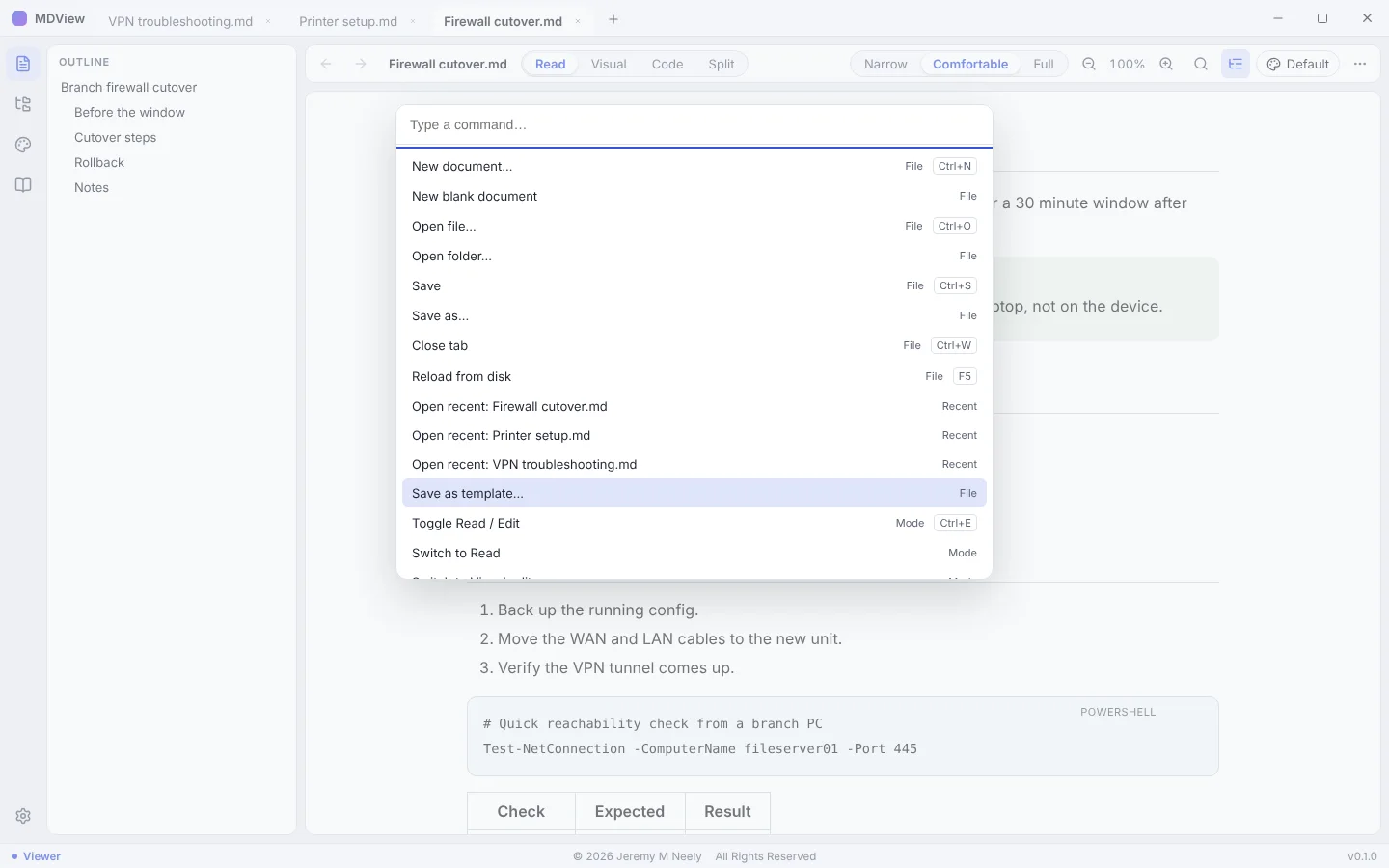
I built a single-file Windows app that renders Markdown as a finished document and lets you edit, theme, print and export it. It needs no installer or admin rights, and it updates itself from signed releases.
How it works
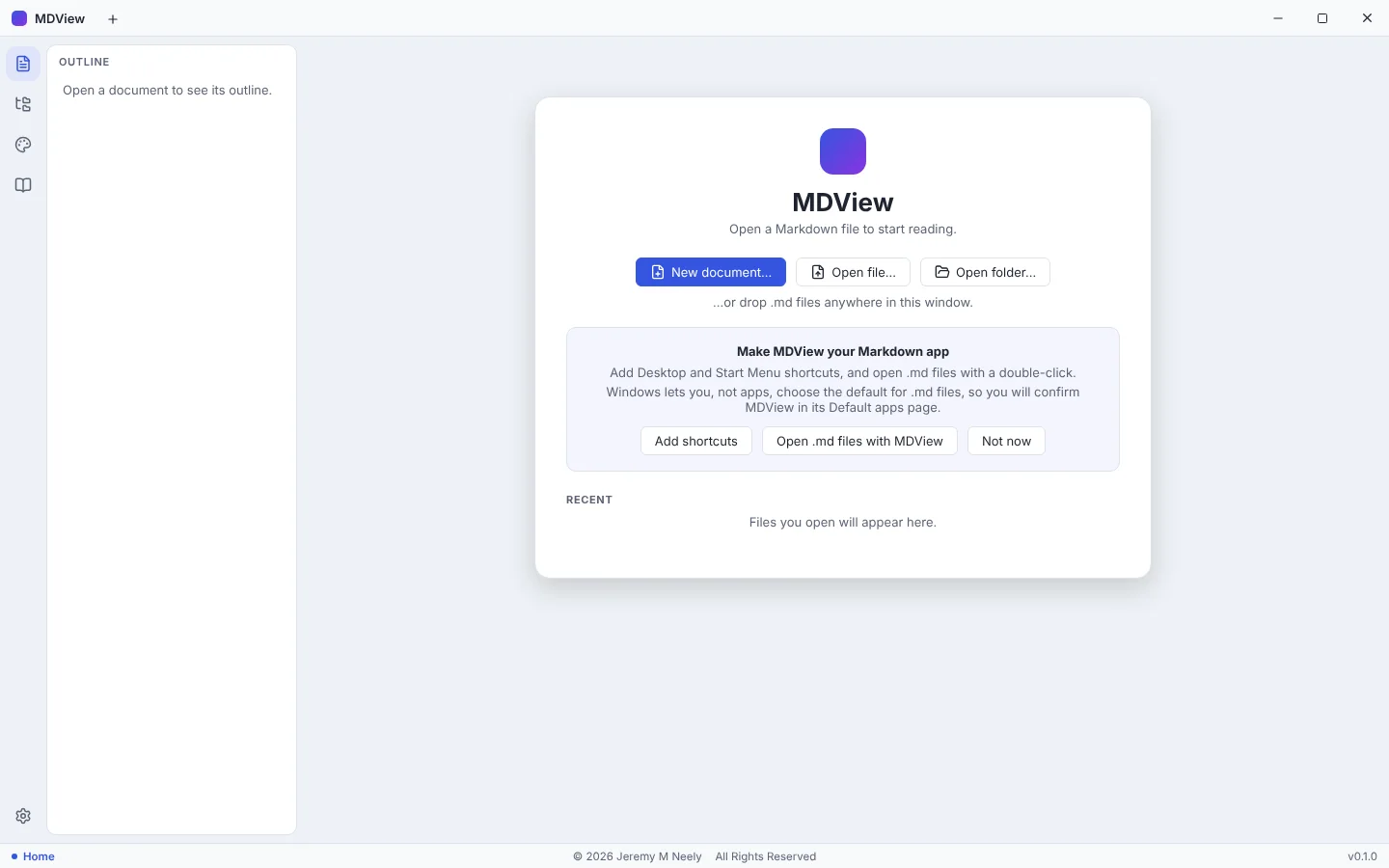
- Copy MDView.exe anywhere and double-click a .md file.
- A Rust backend reads the file and checks every local path it references.
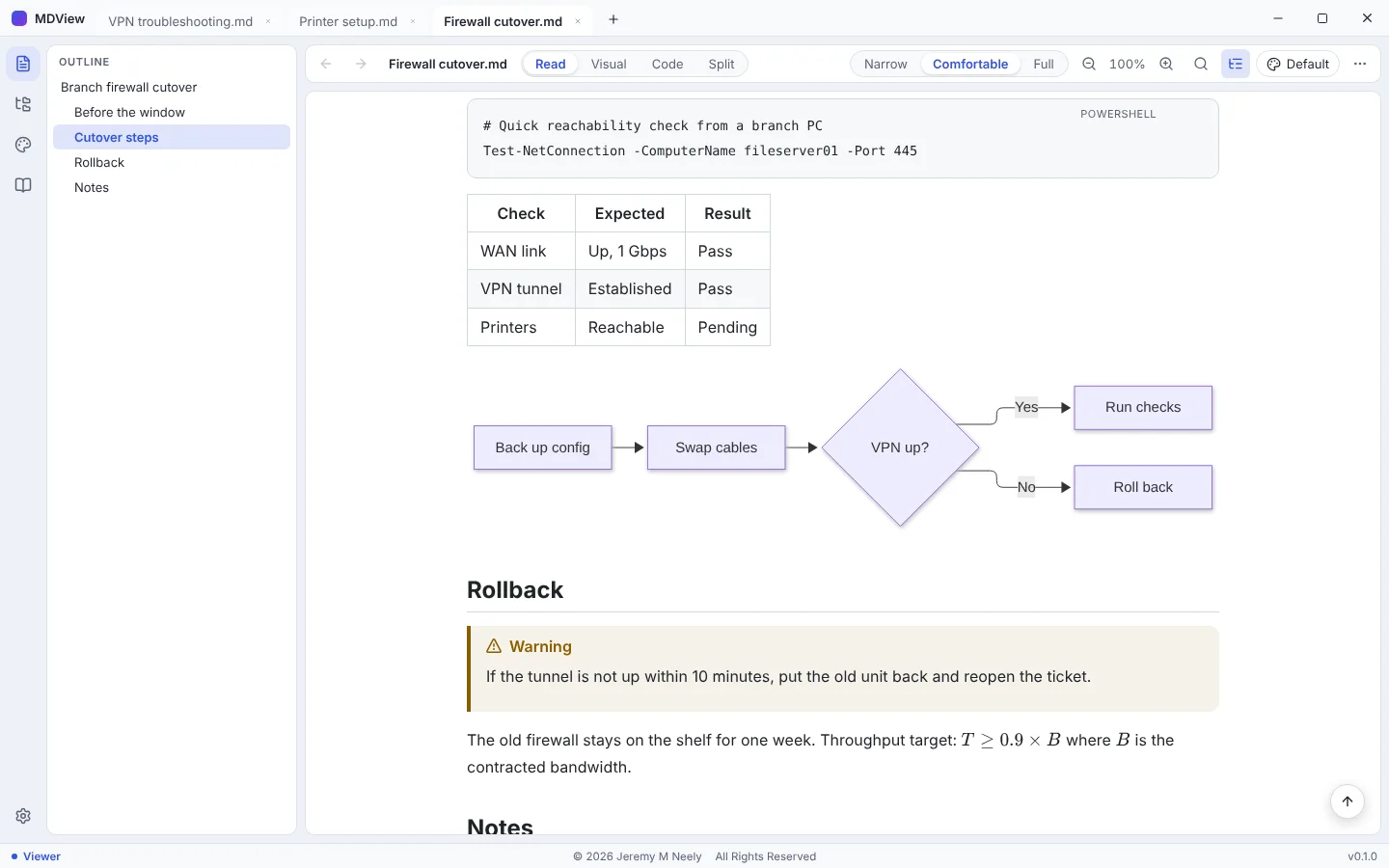
- One render pipeline draws Markdown, callouts, diagrams, math and code.
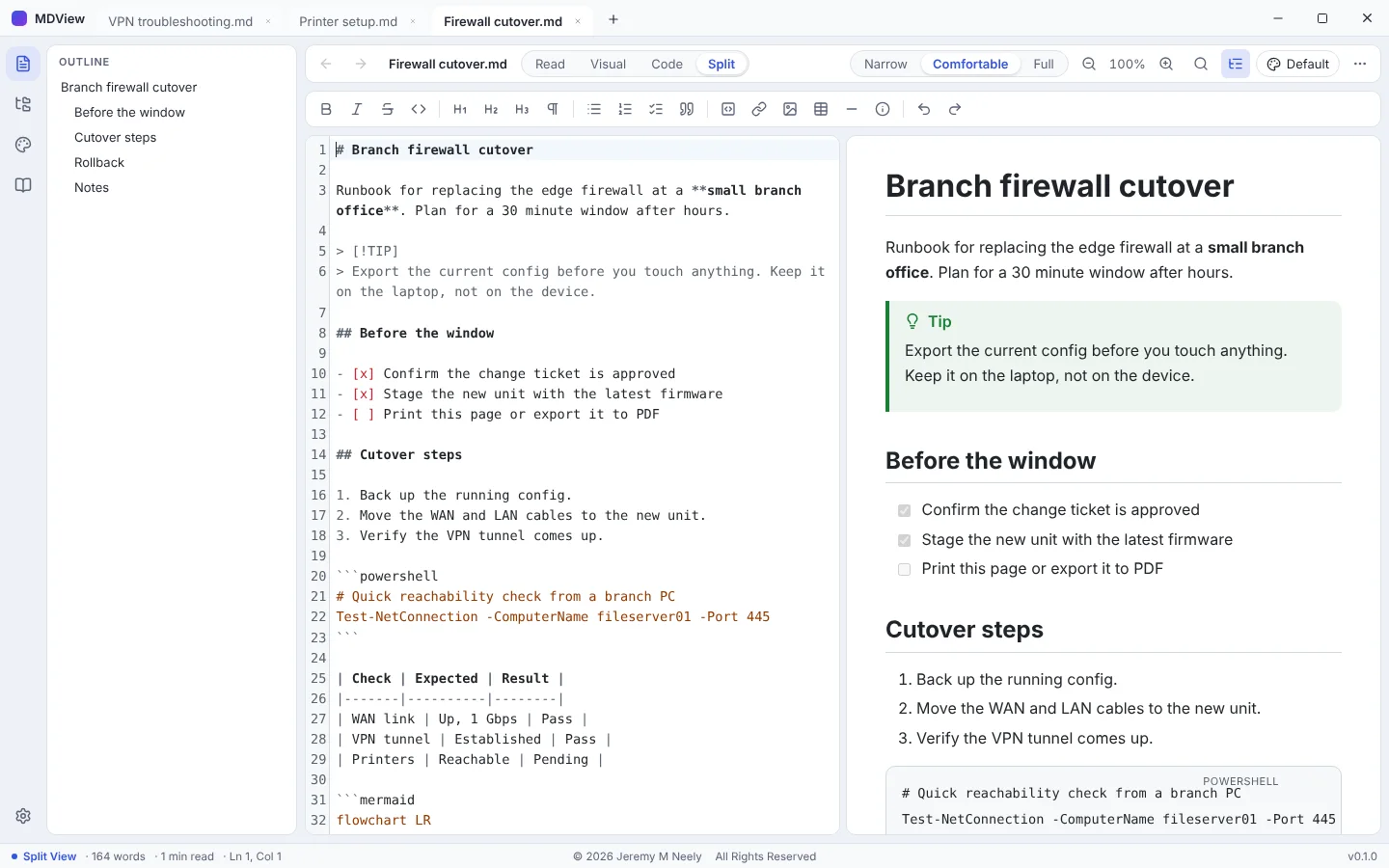
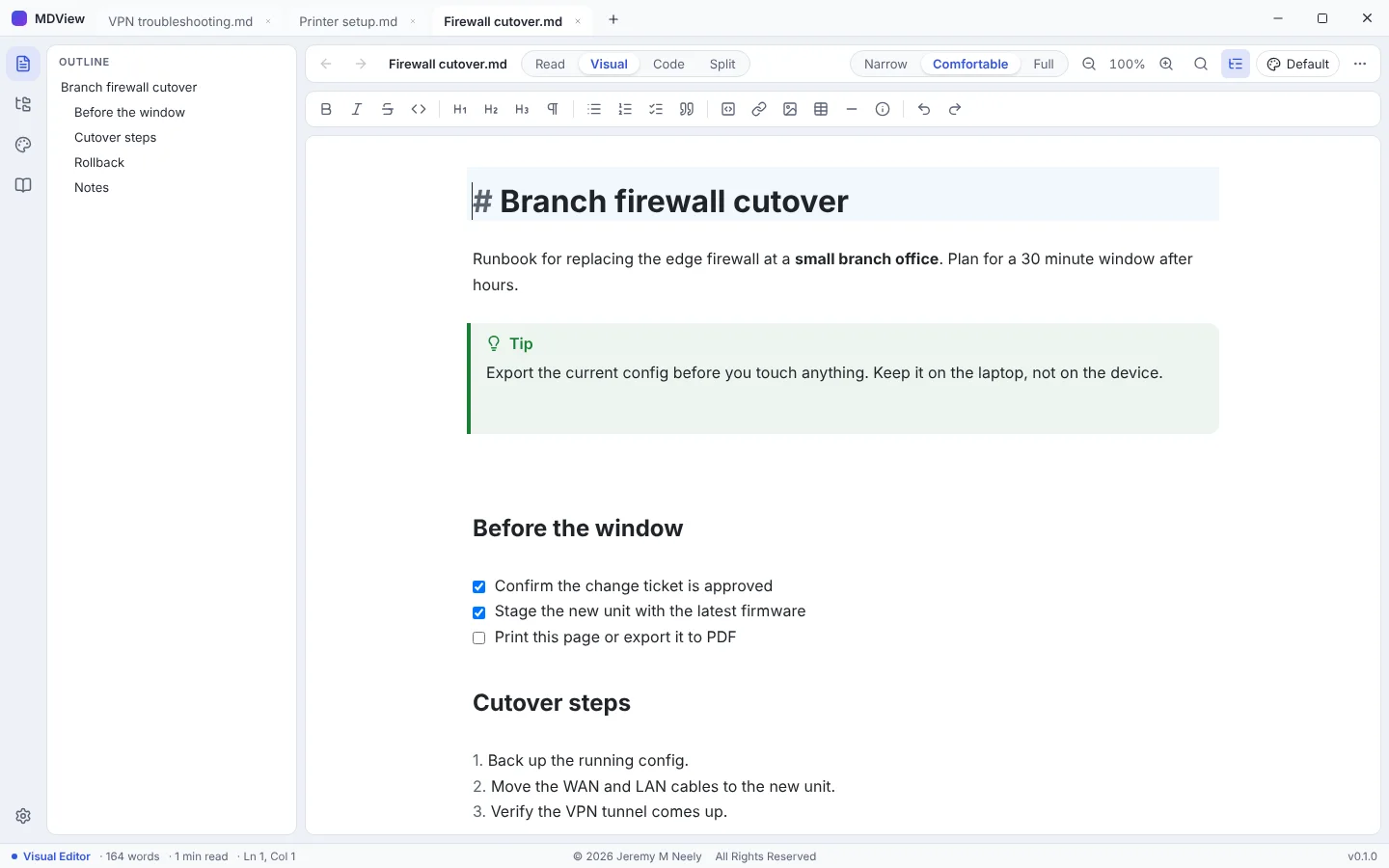
- Edit in Read, Visual, Code or Split mode without reformatting untouched lines.
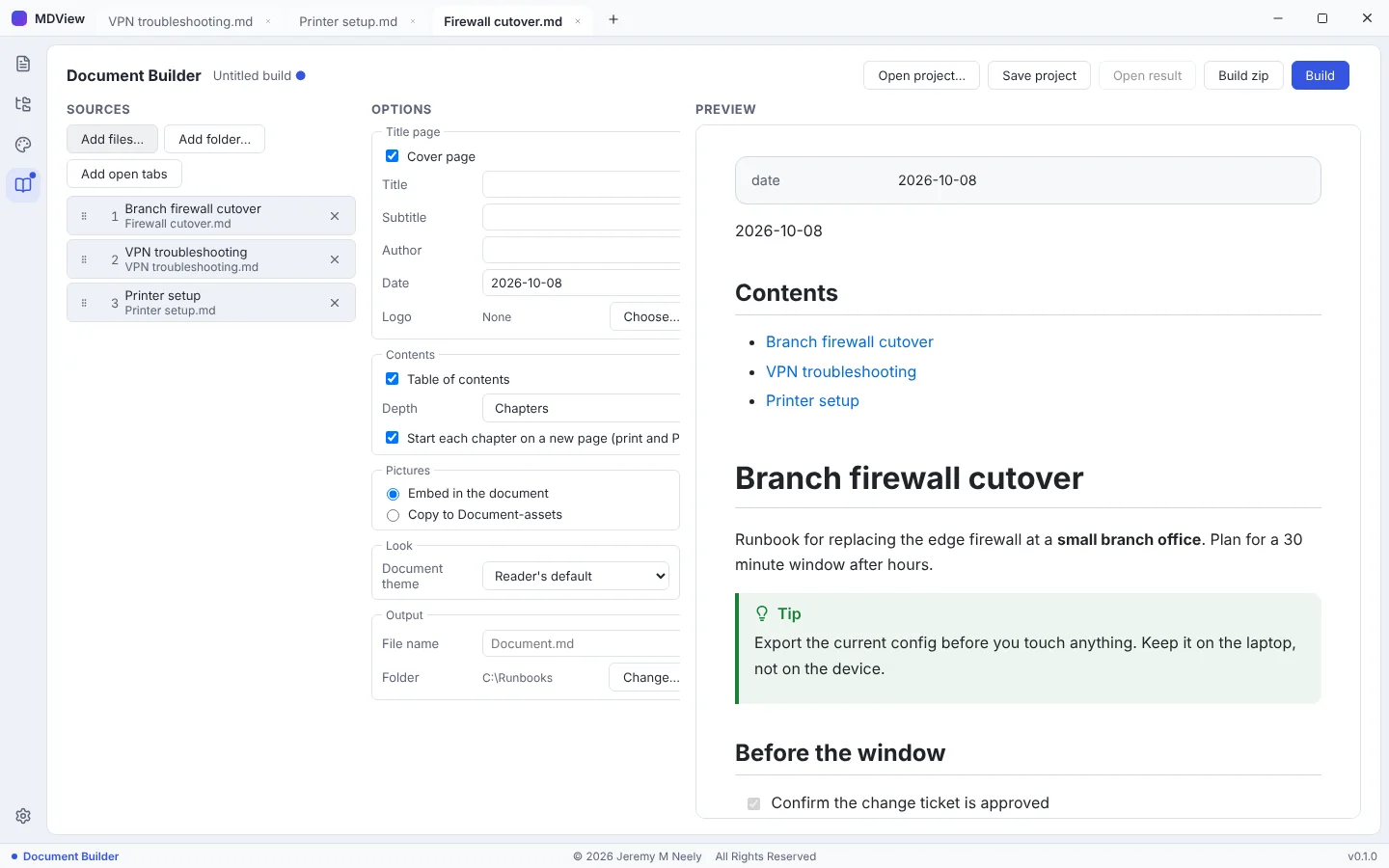
- Print, export to PDF or HTML, or combine files with the Document Builder.
Built with
- Tauri 2
- Rust
- TypeScript
- React 19
- CodeMirror 6
- markdown-it
More screens
More of Jeremy's work
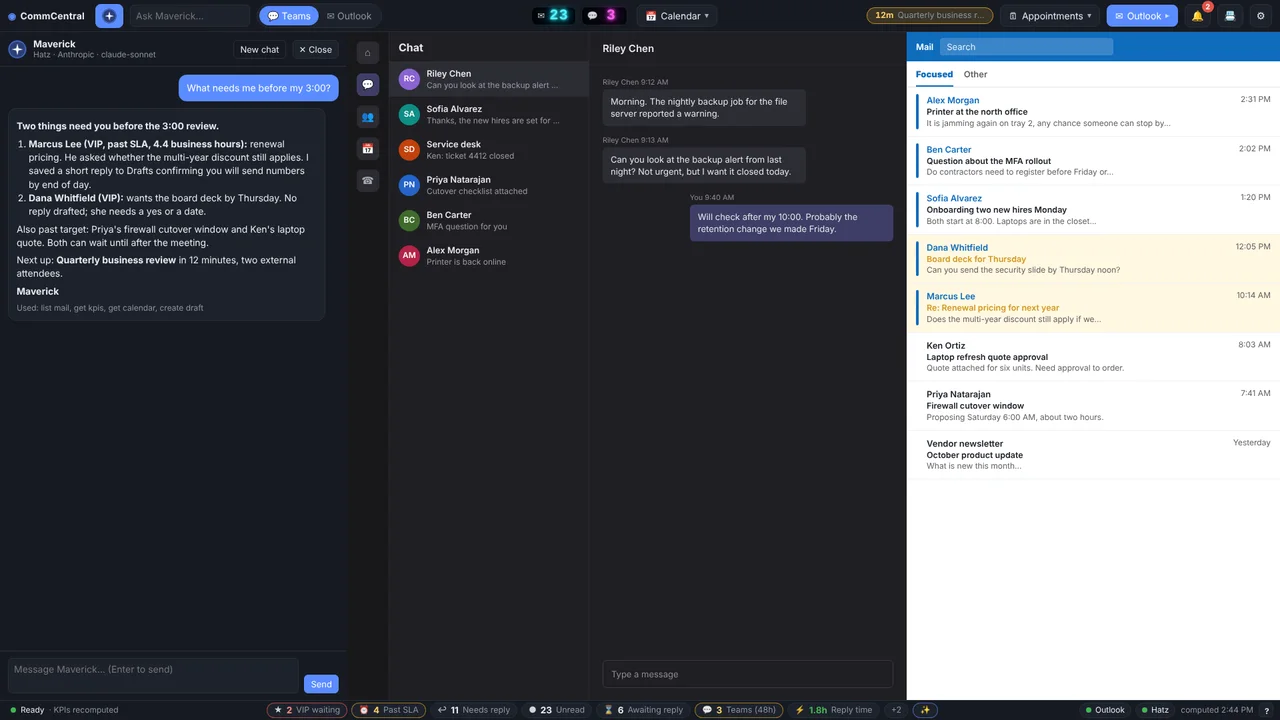 CommCentralTeams, Outlook, calendar, inbox KPIs and an AI assistant in one window.
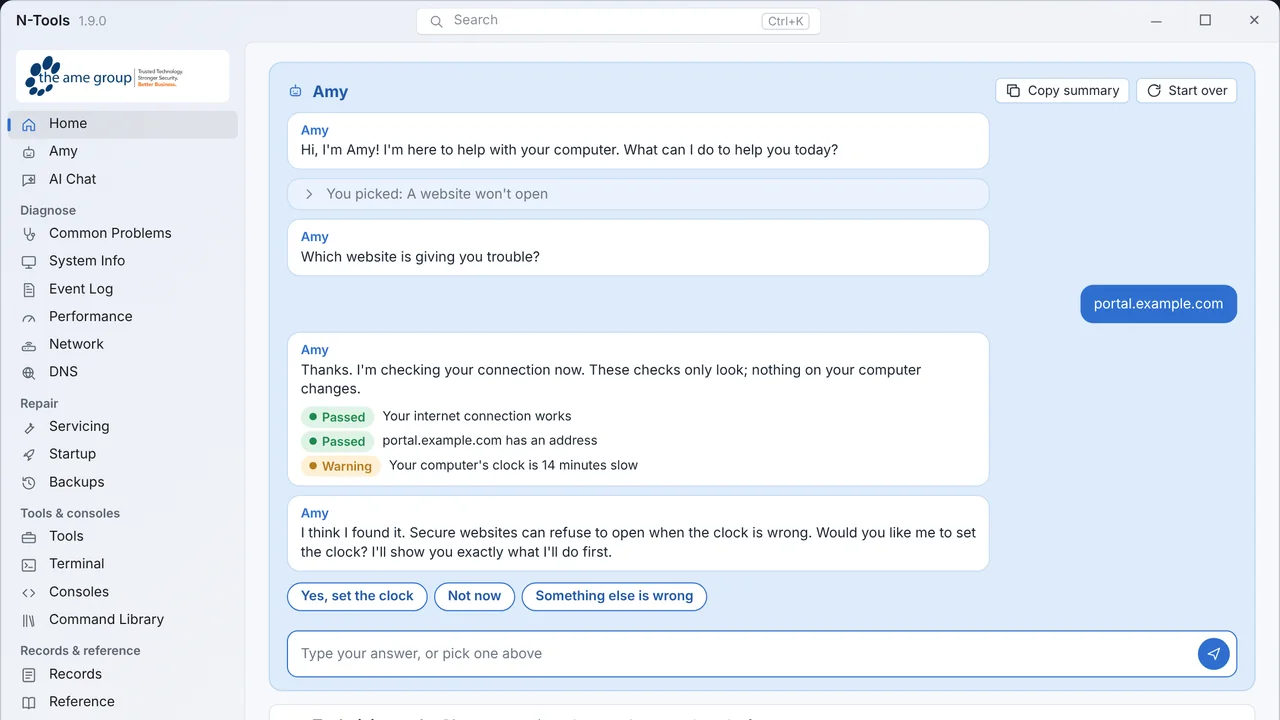 N-ToolsOne portable Windows toolkit to diagnose, repair and document a PC.
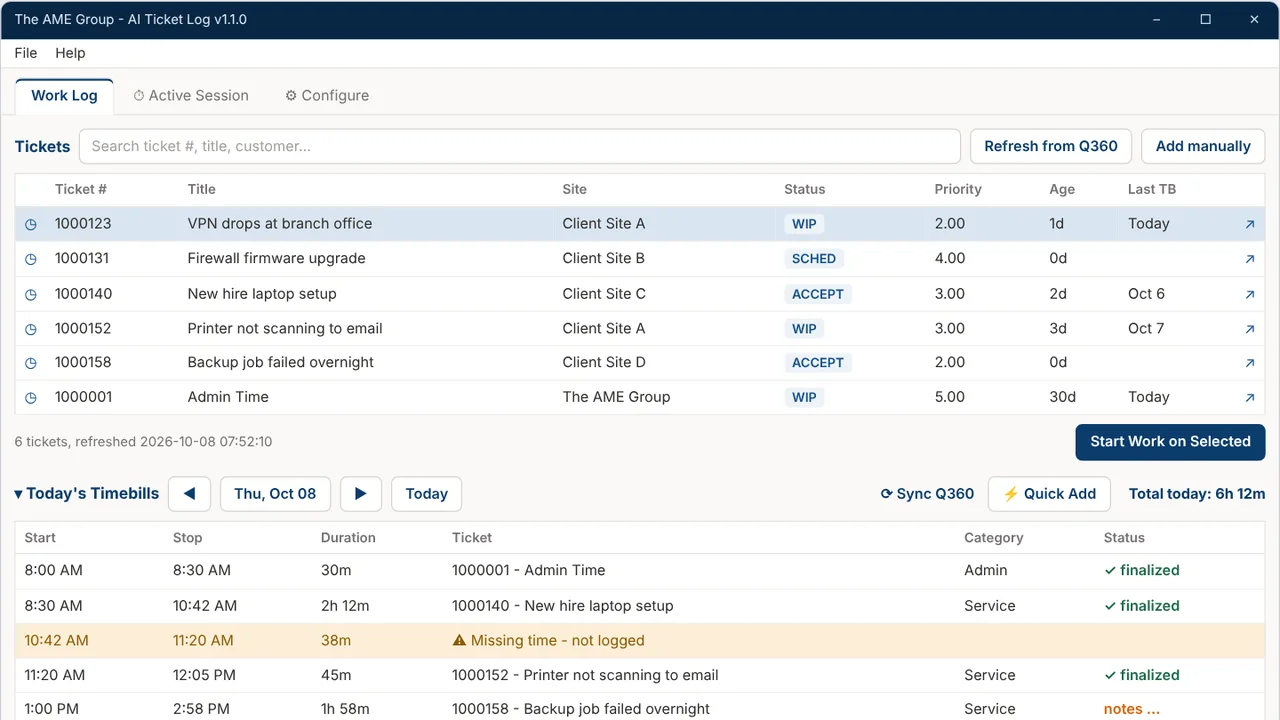 TicketNotesTime tracker that drafts Q360 timebill notes with AI.
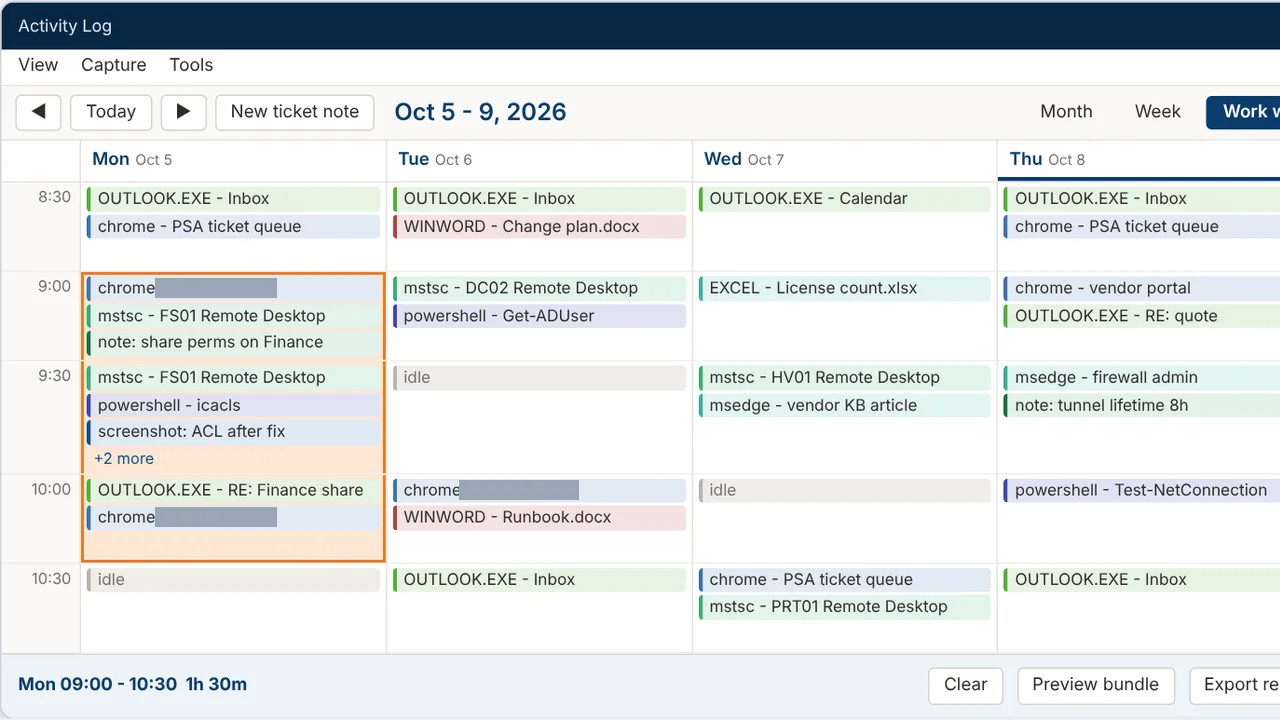 Activity LogRecords your workday and turns any time range into a ticket write-up.
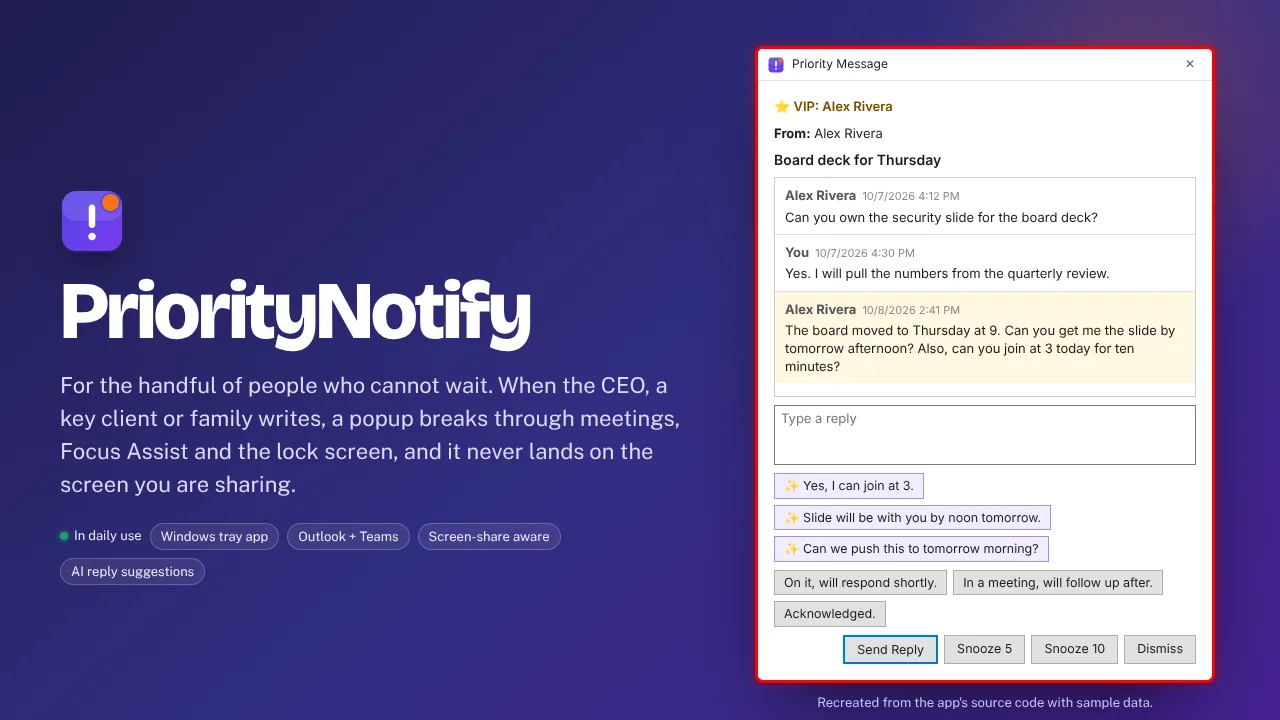 PriorityNotifyVIP emails and Teams chats that break through meetings and mute.
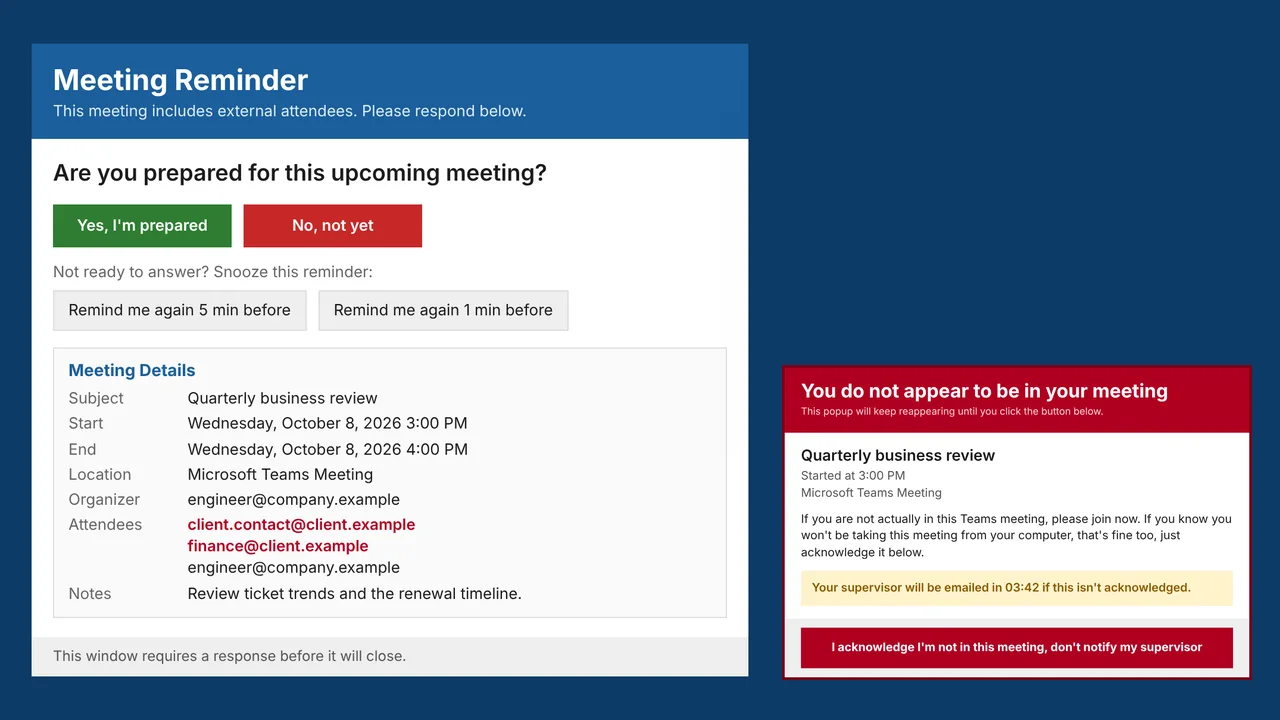 MeetingRemindMeeting reminders that check you actually joined the call.