 Jeremy Neely
Desktop Apps · Production
PriorityNotify
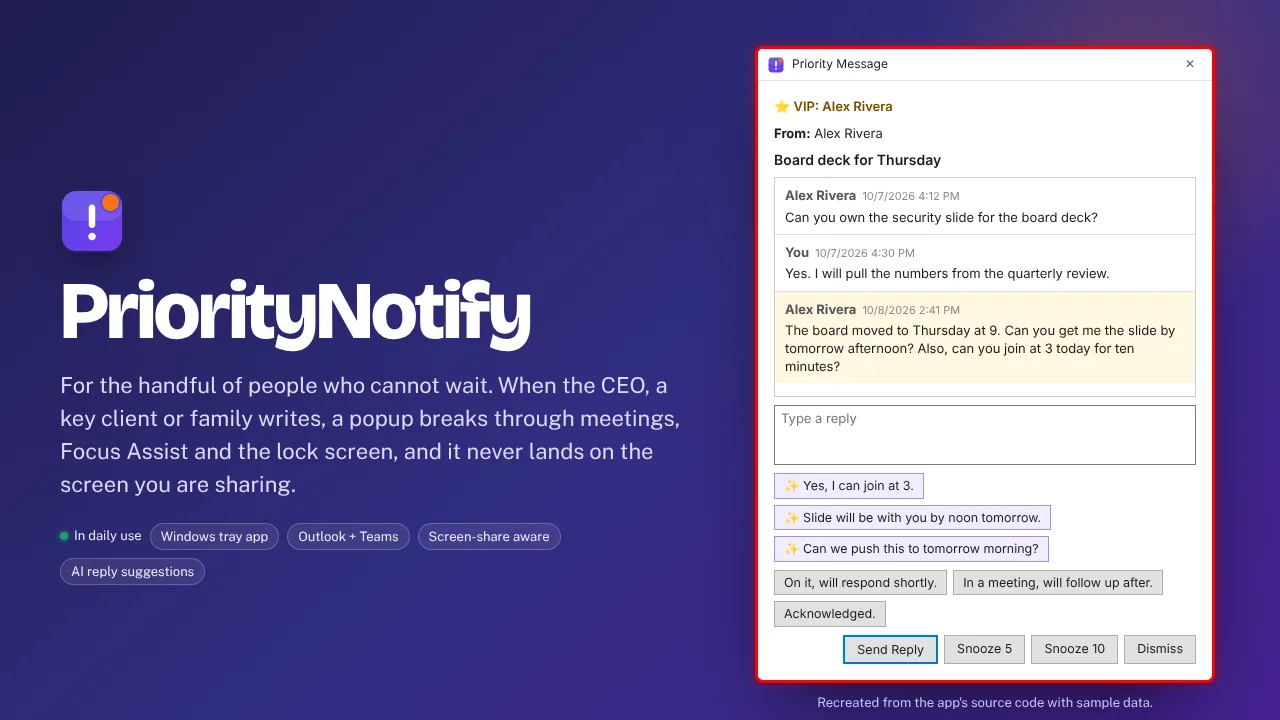
VIP emails and Teams chats that break through meetings and mute.
Built for: Managers and engineers who must not miss specific people
The problem
Outlook and Teams notifications get suppressed or buried exactly when a message matters: while presenting, with Focus Assist on, or with the PC locked. Missing a message from leadership or a key client is costly.
What I built
I built a Windows tray app that watches Outlook and Teams for messages from a short VIP list and raises its own popup, sound and toast. It is screen-share aware and can draft three reply suggestions with the Claude CLI.
How it works
- List your VIPs, with an optional sound per person.
- Outlook events catch VIP email as it arrives.
- A Power Automate flow logs VIP Teams messages to a synced Excel file.
- The app places the popup away from any shared screen.
- Reply, snooze or dismiss, with a reminder offered after meetings.
Built with
- C#
- .NET 8
- WPF
- Outlook COM Interop
- FlaUI UIA3
- WebView2
More of Jeremy's work
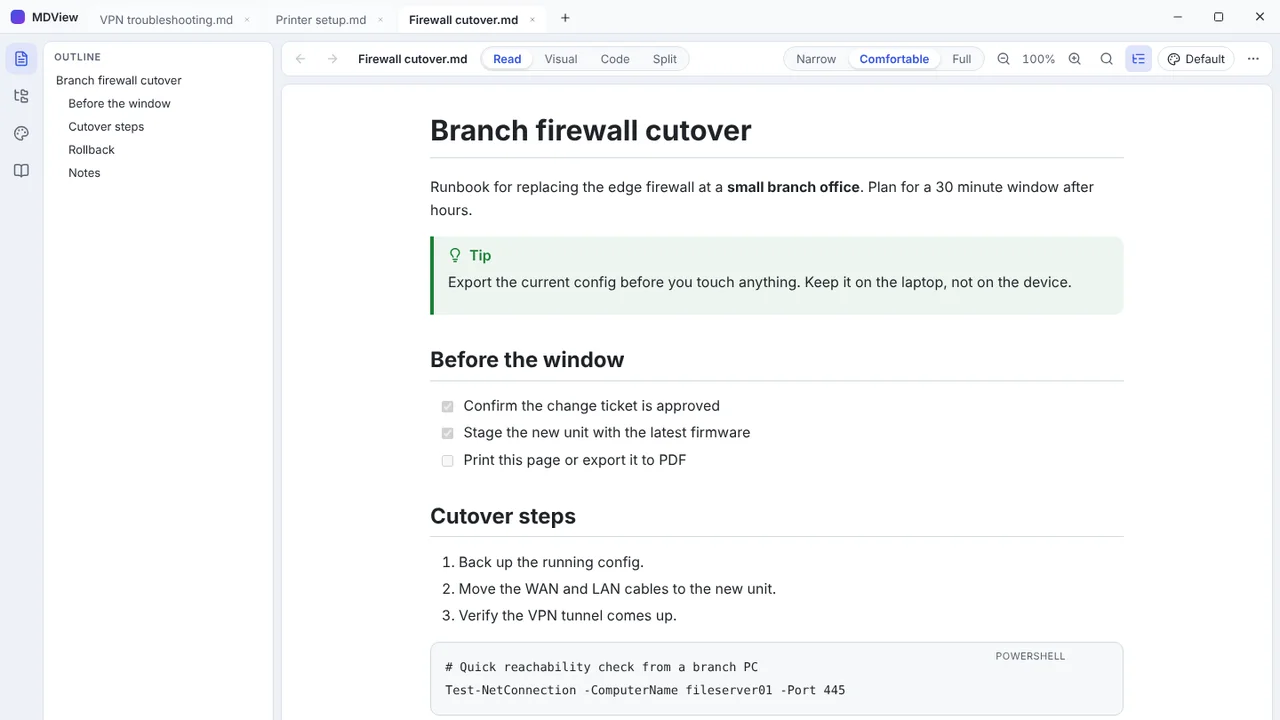 MDViewA portable Markdown reader and editor for Windows, one file, no install.
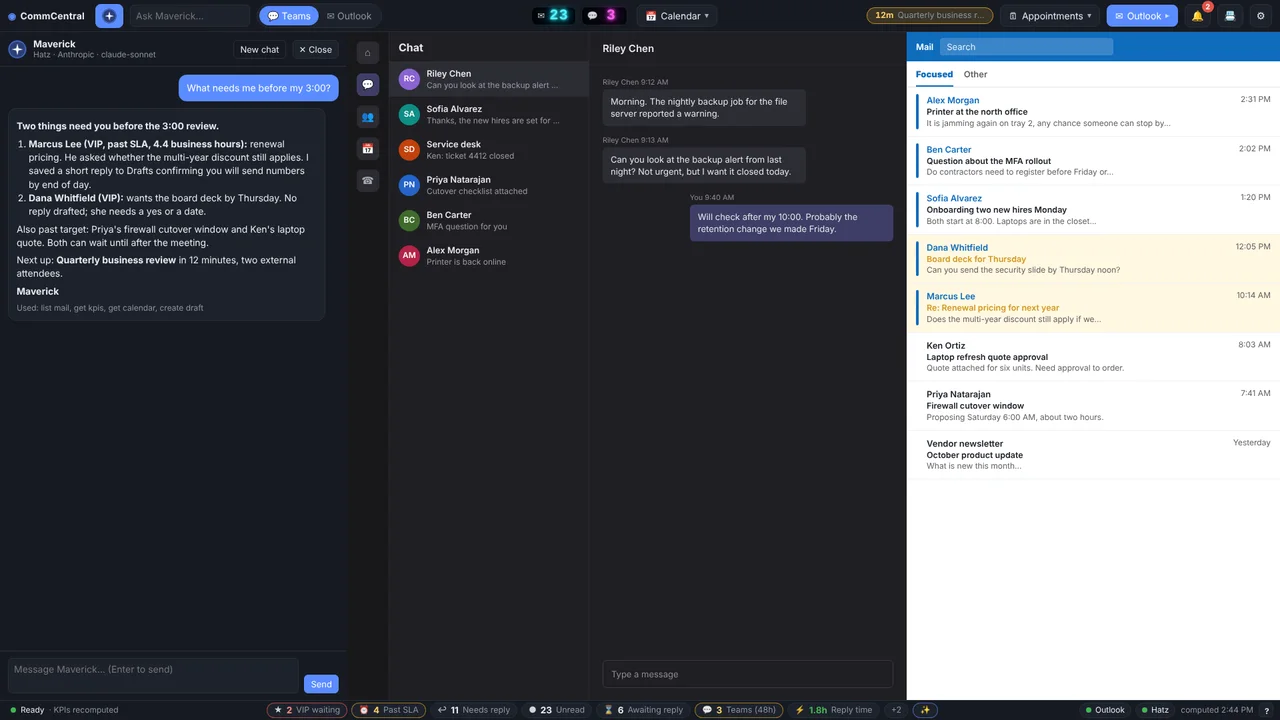 CommCentralTeams, Outlook, calendar, inbox KPIs and an AI assistant in one window.
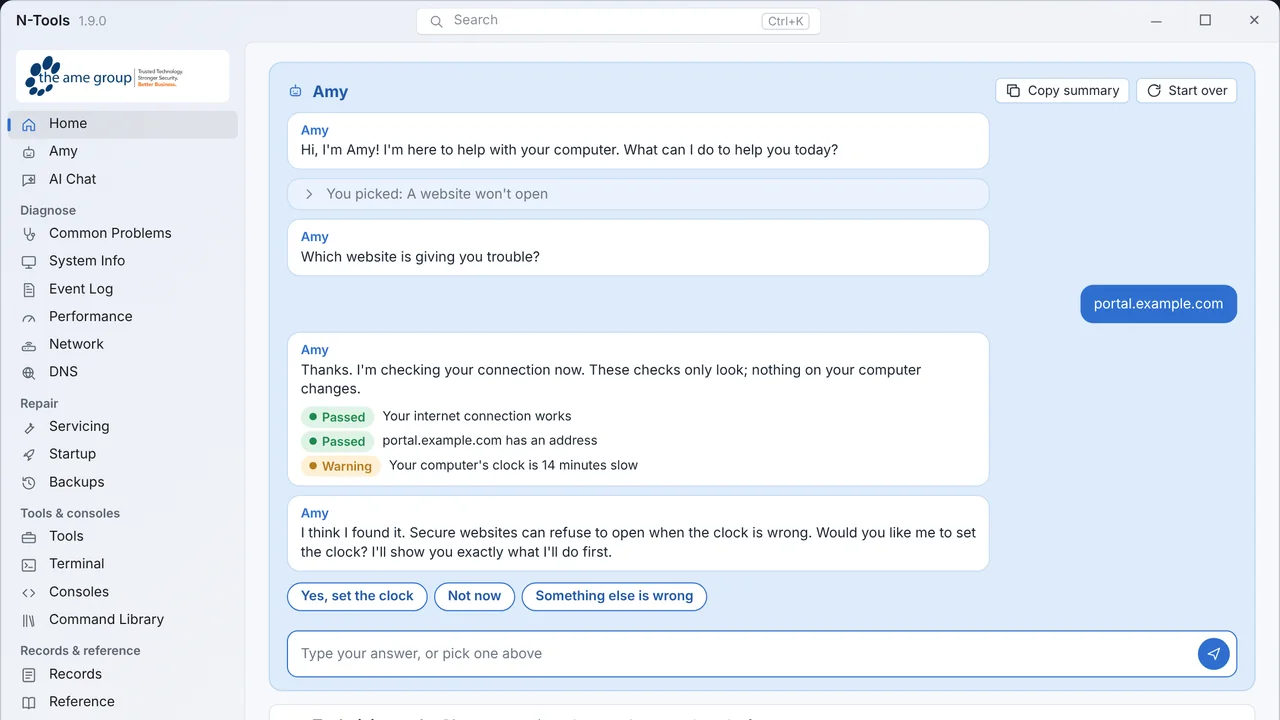 N-ToolsOne portable Windows toolkit to diagnose, repair and document a PC.
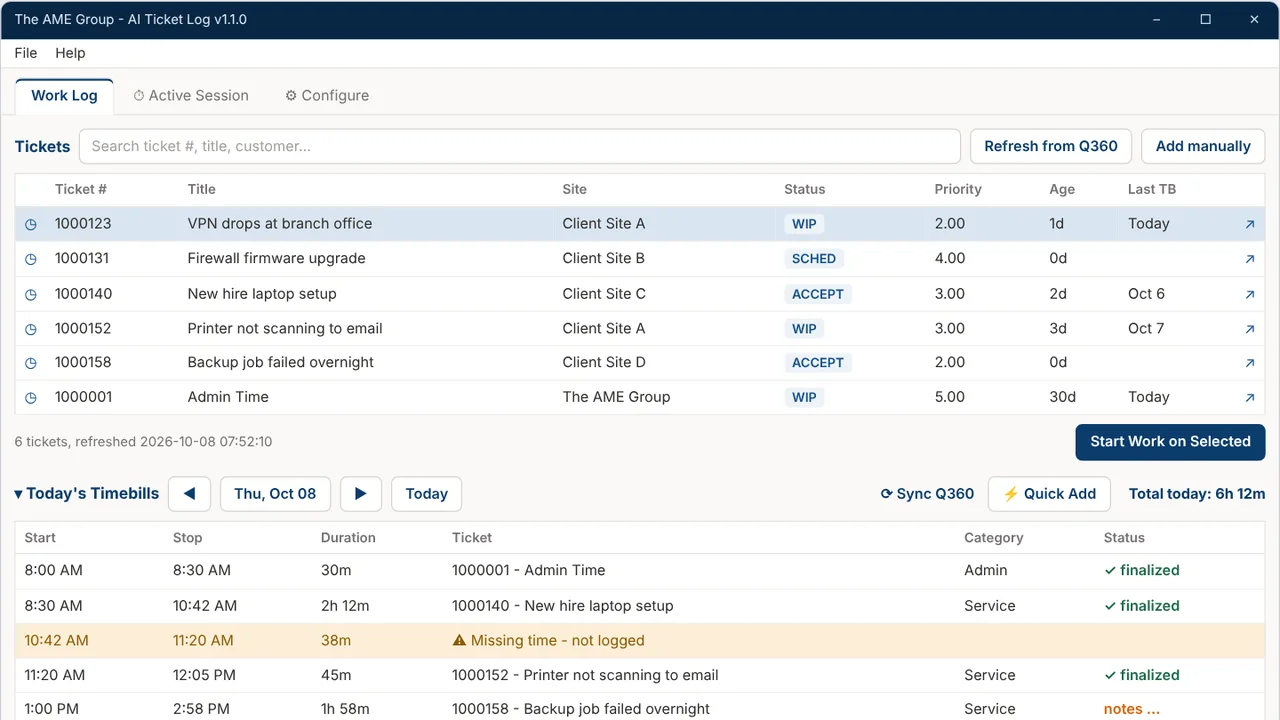 TicketNotesTime tracker that drafts Q360 timebill notes with AI.
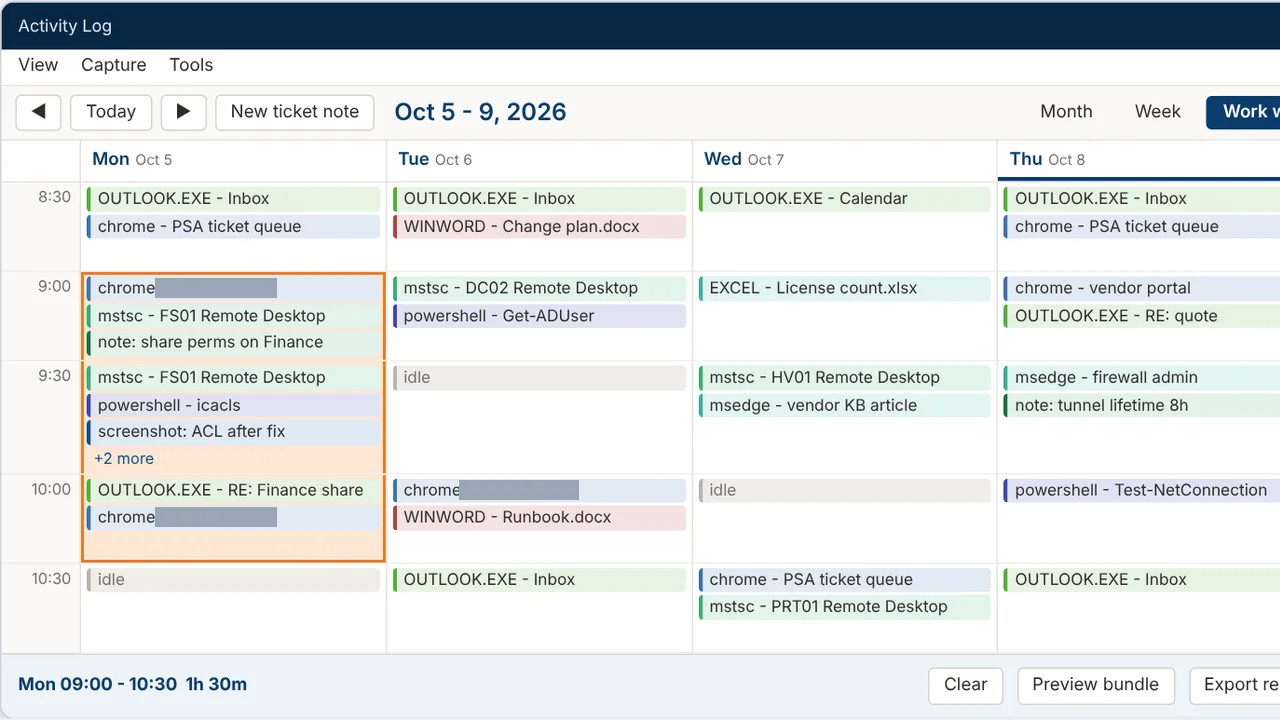 Activity LogRecords your workday and turns any time range into a ticket write-up.
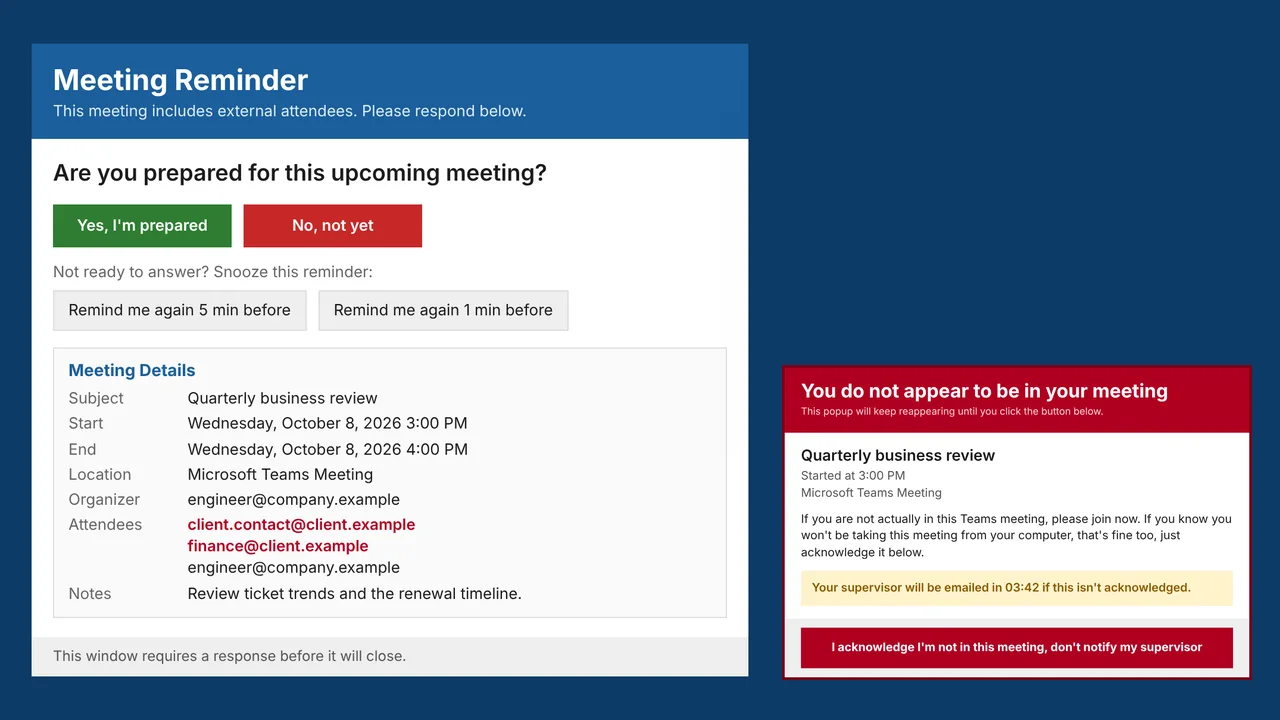 MeetingRemindMeeting reminders that check you actually joined the call.