 Jeremy Neely
Desktop Apps · Production
AppWatcher
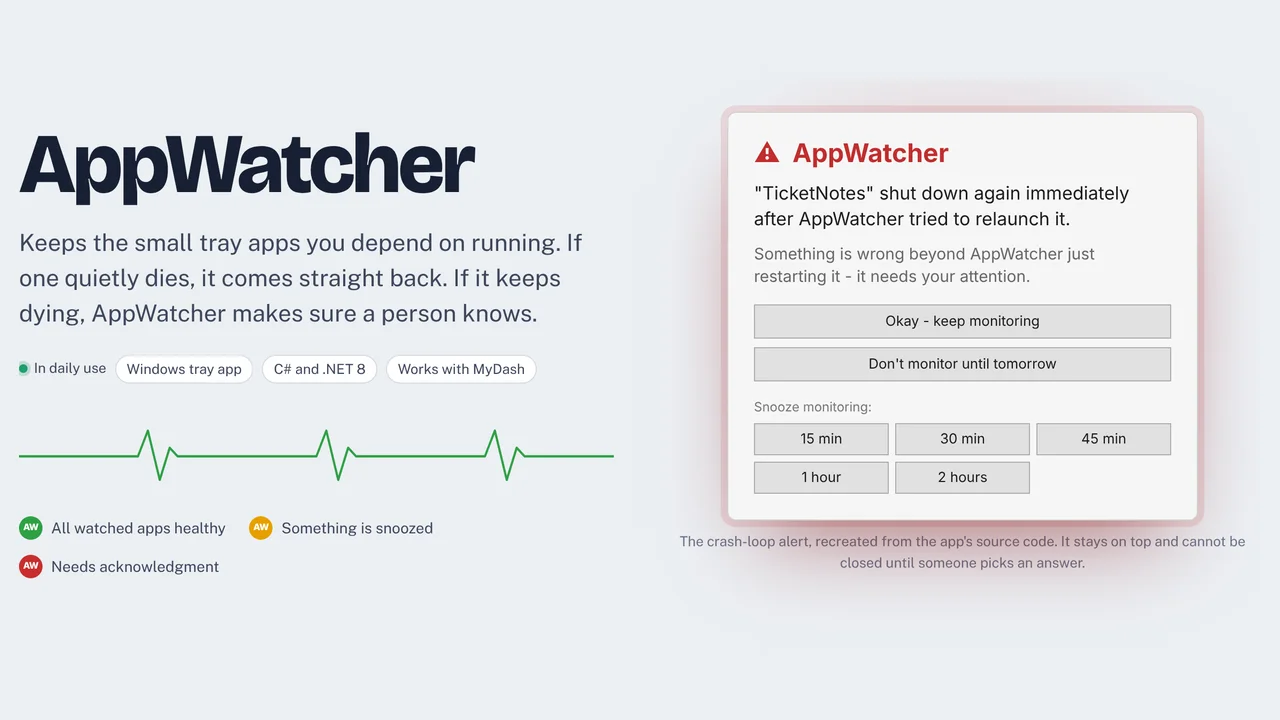
Keeps important tray apps running and alerts when they keep failing.
Built for: Anyone who runs always-on helper apps in the Windows tray
The problem
Small helper apps that run all day in the tray get killed by a Windows update or a one-off crash. Nobody notices until the thing they were meant to catch has already been missed.
What I built
I built a Windows tray app that watches a list of programs and relaunches any that have stopped. If one dies again right after a relaunch, it treats it as a crash loop, plays a sound, and shows an alert that holds focus until someone answers.
How it works
- Start at login with a colored tray icon.
- Add apps by hand or pick them from what is running.
- Choose a mode: at startup, hourly, continuous or every N minutes.
- Relaunch any stopped app and show a notification.
- Hold a crash-looping app and alert a person instead.
Built with
- C#
- .NET 8
- WPF
- WMI
- Windows toast notifications
- Serilog
More of Jeremy's work
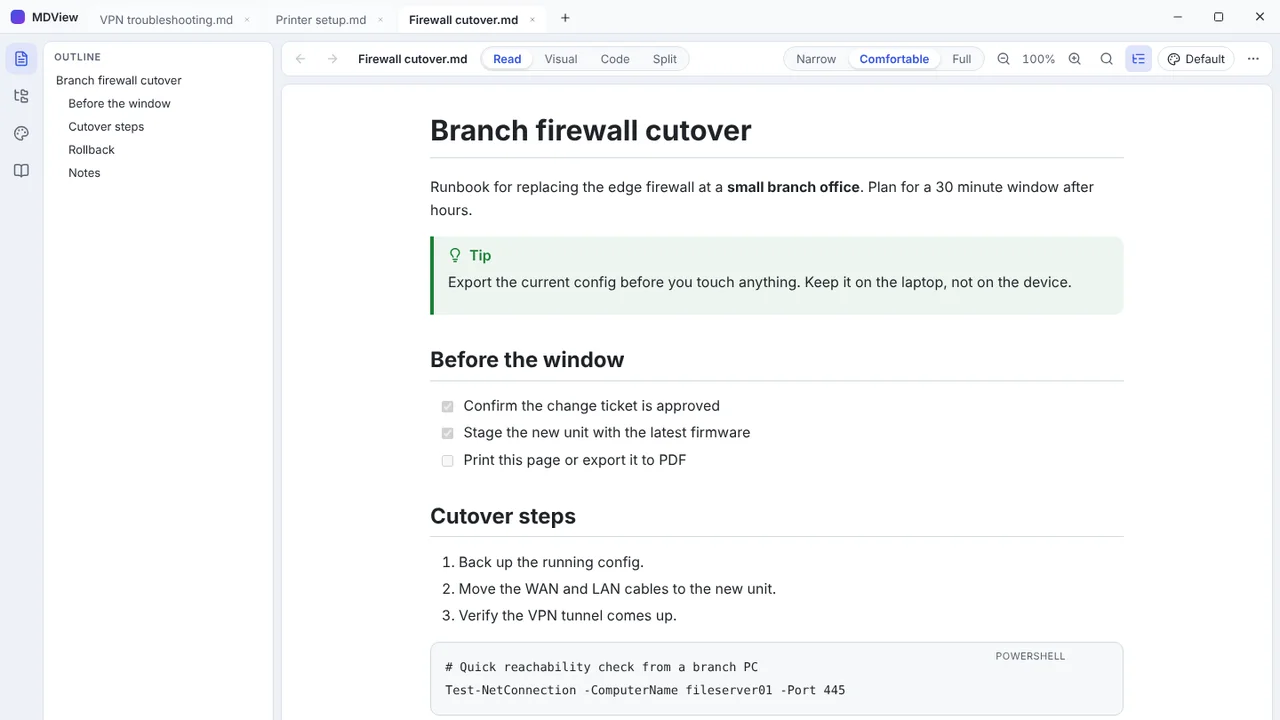 MDViewA portable Markdown reader and editor for Windows, one file, no install.
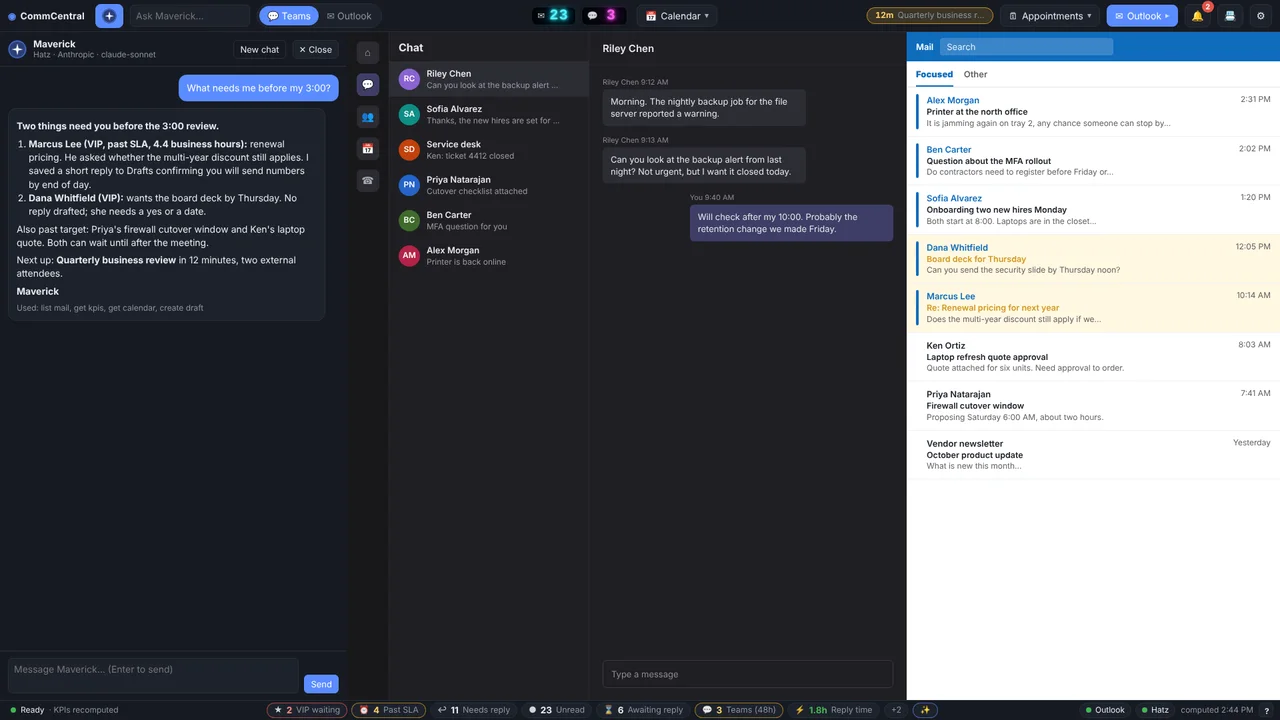 CommCentralTeams, Outlook, calendar, inbox KPIs and an AI assistant in one window.
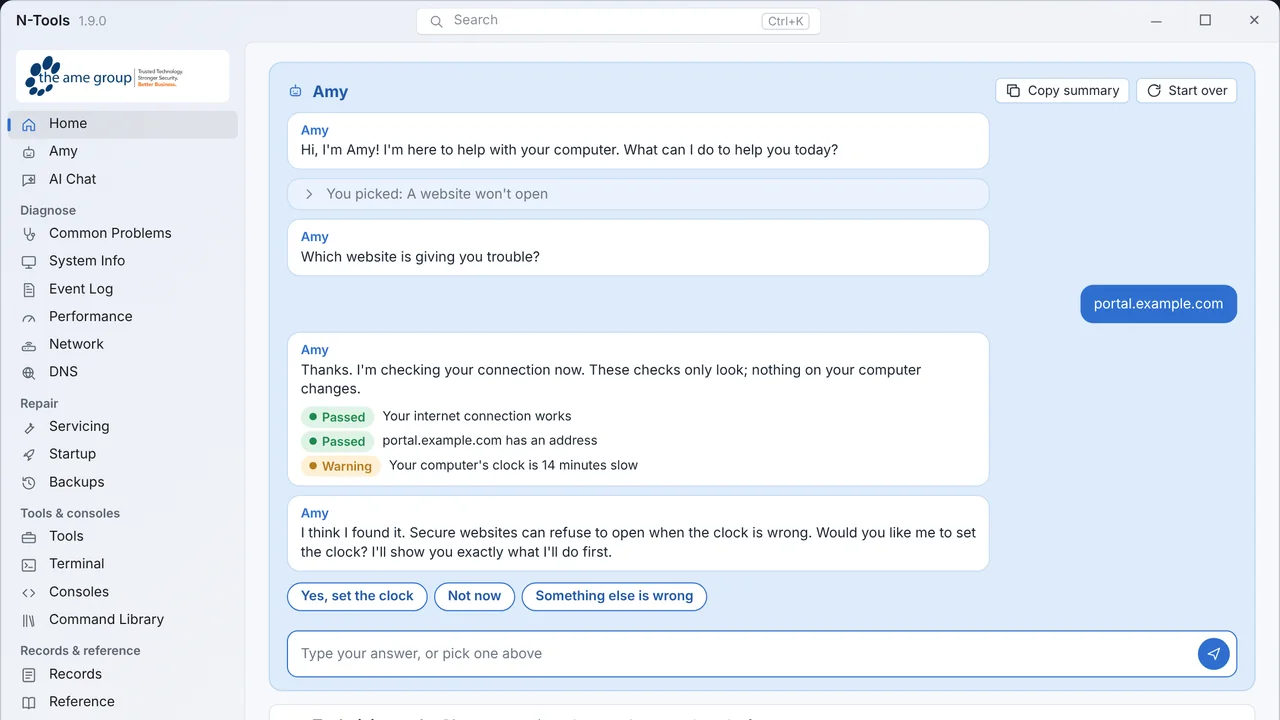 N-ToolsOne portable Windows toolkit to diagnose, repair and document a PC.
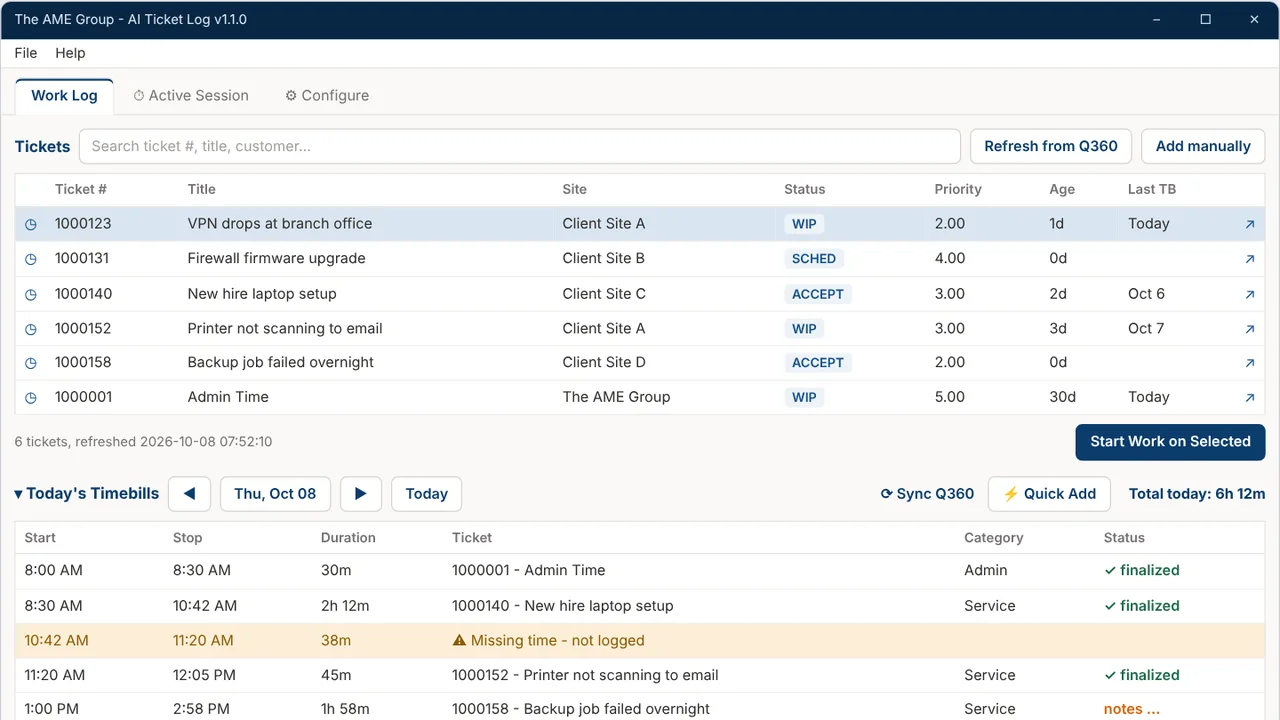 TicketNotesTime tracker that drafts Q360 timebill notes with AI.
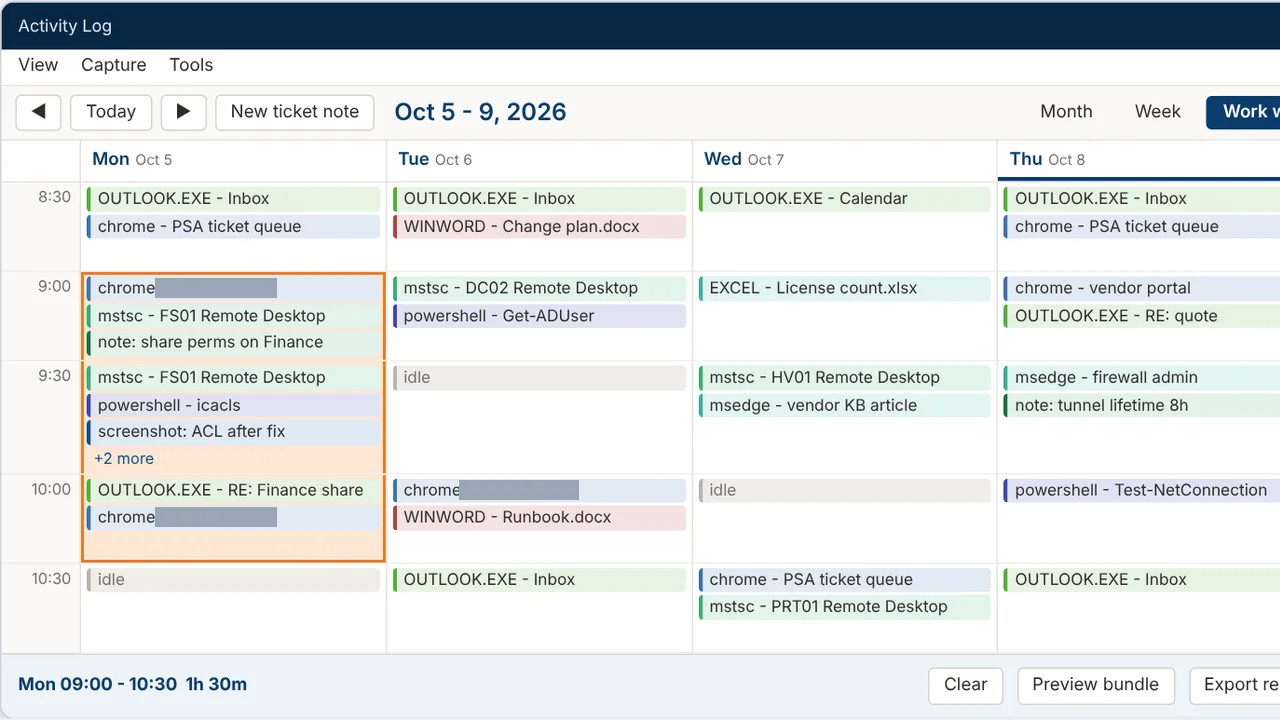 Activity LogRecords your workday and turns any time range into a ticket write-up.
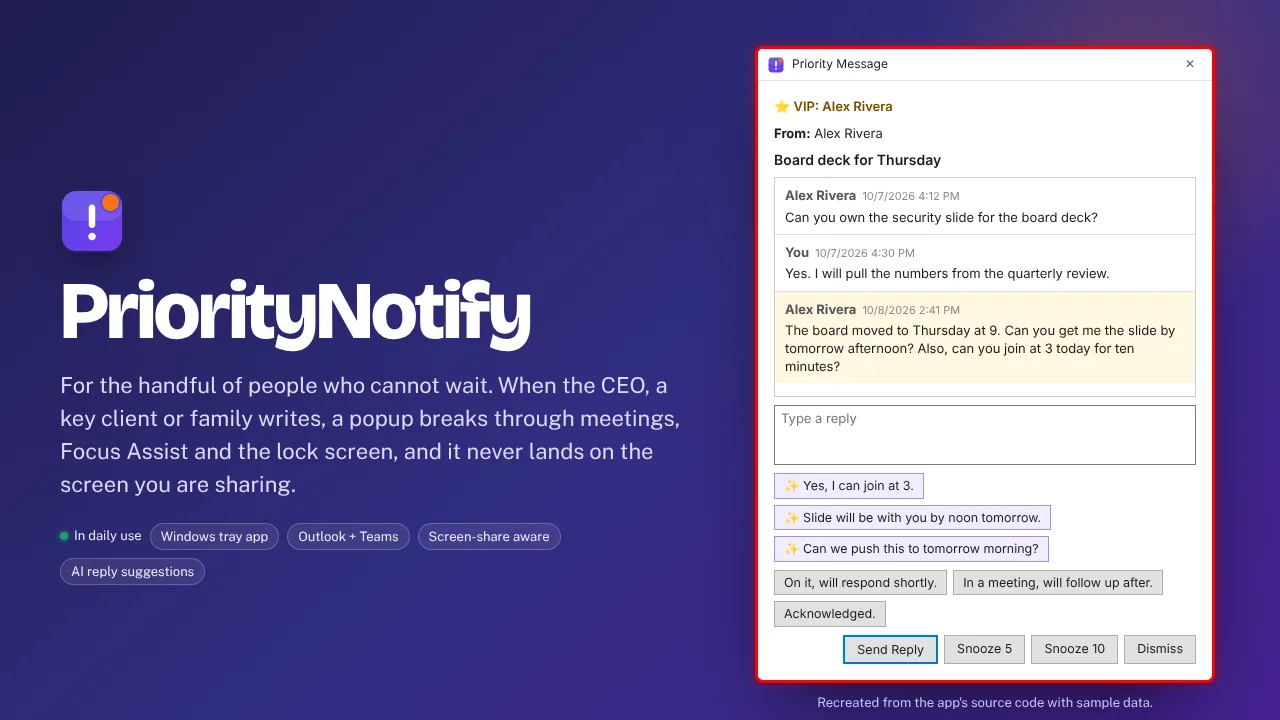 PriorityNotifyVIP emails and Teams chats that break through meetings and mute.