 Jeremy Neely
AI & Agents · Beta
Secure AI for Excel
Chat with any Hatz AI model inside Excel and let it do the work.
Built for: Secure AI clients and AME staff who work in Excel
The problem
Secure AI clients wanted an AI that works inside Excel on the Hatz models and credits they already pay for. Copying between a chat window and a spreadsheet is slow, and an AI that edits a workbook needs guard rails.
What I built
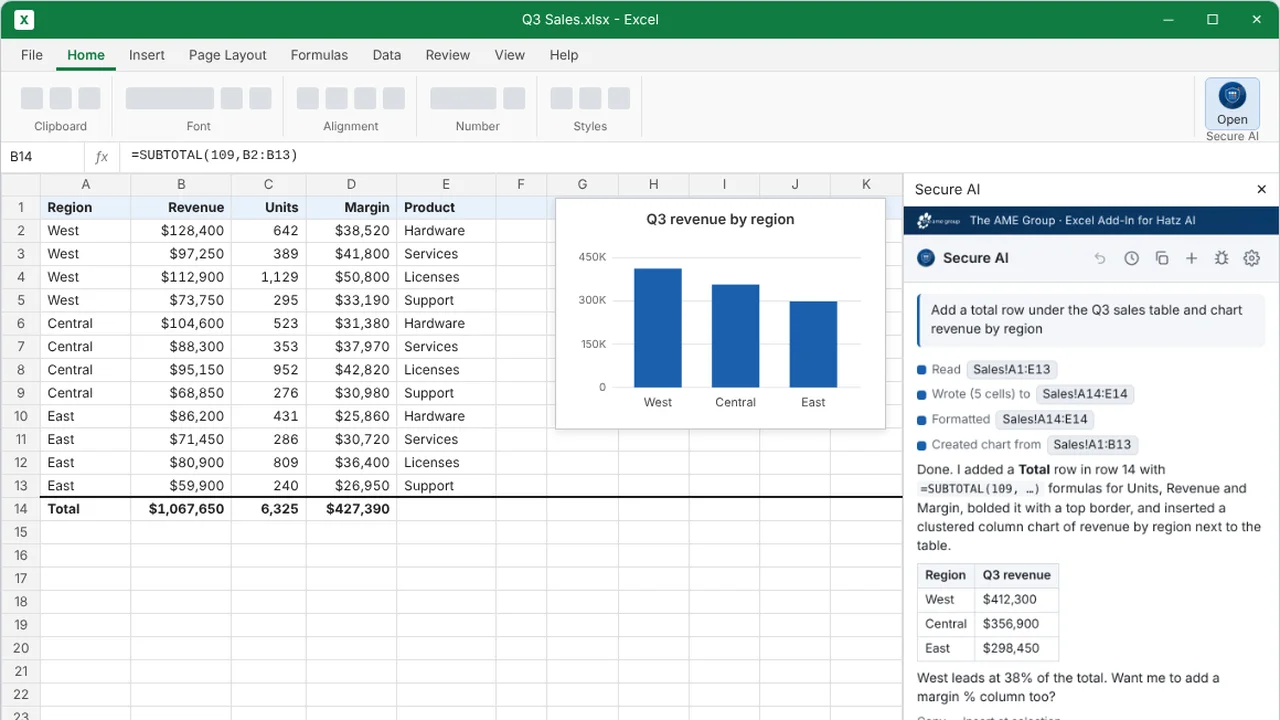
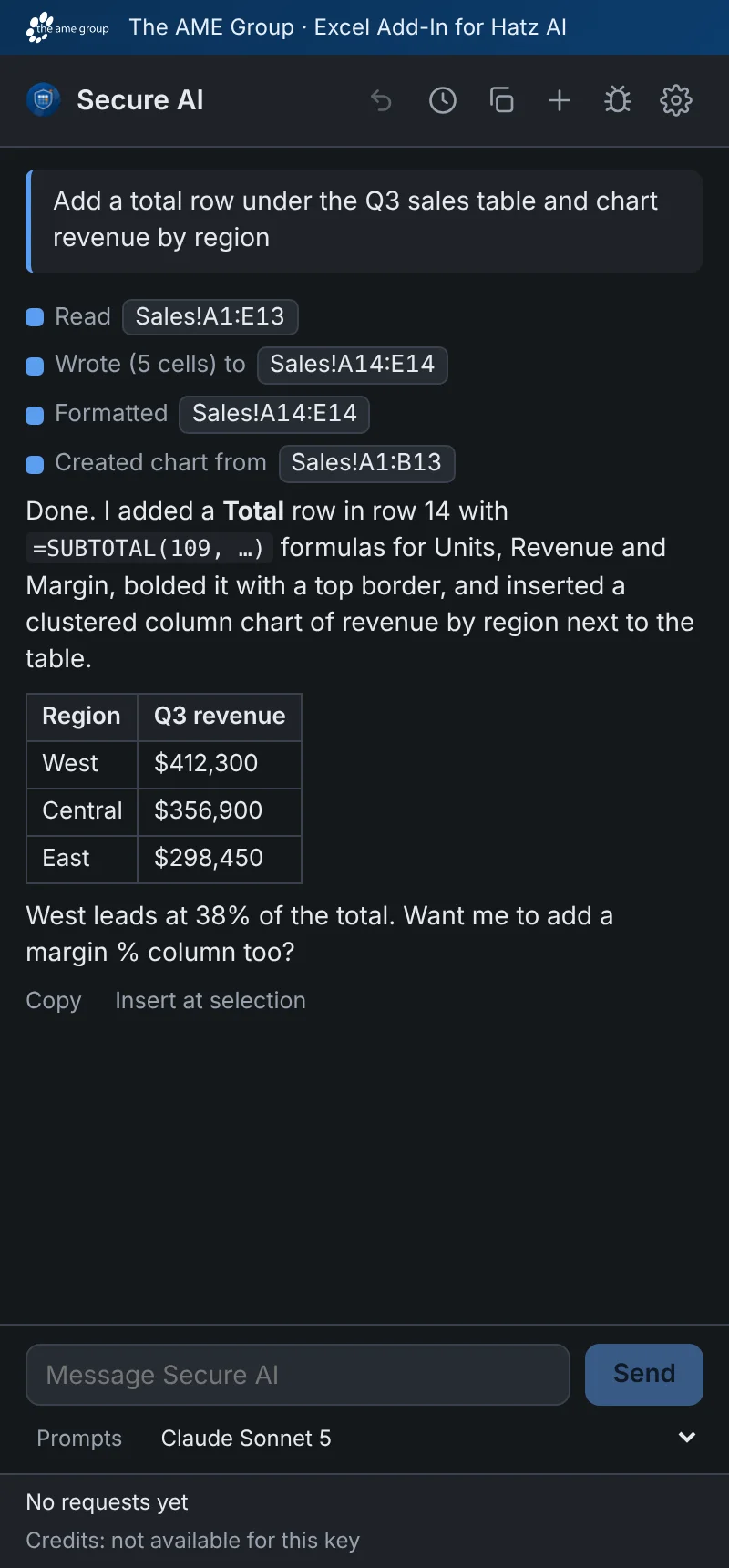
I built an Excel task-pane add-in that lets a user chat with a Hatz model about the open workbook and have it act through 22 typed Excel tools. It has confirmations, undo and spending limits, and no backend.
How it works
- Install through Microsoft 365 or a no-admin sideload installer.
- Paste a Hatz API key and pick a model.
- Ask a question; a short overview of the workbook goes with it.
- The model calls tools such as read, write, sort, chart and pivot.
- Risky steps ask first, and Undo reverses the last request.
Built with
- TypeScript
- React 18
- Vite 6
- Office.js
- Vitest
- Azure Static Web Apps
More screens

More of Jeremy's work
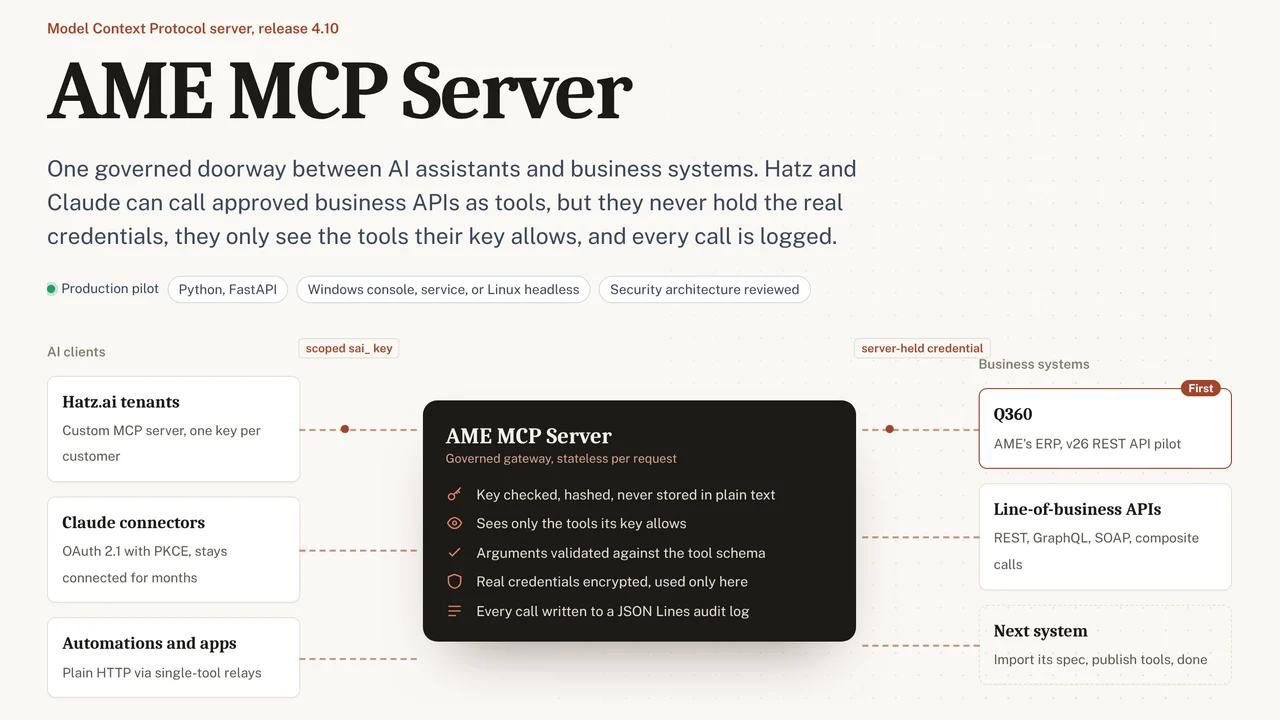 AME MCP ServerOne governed doorway between AI assistants and business systems.
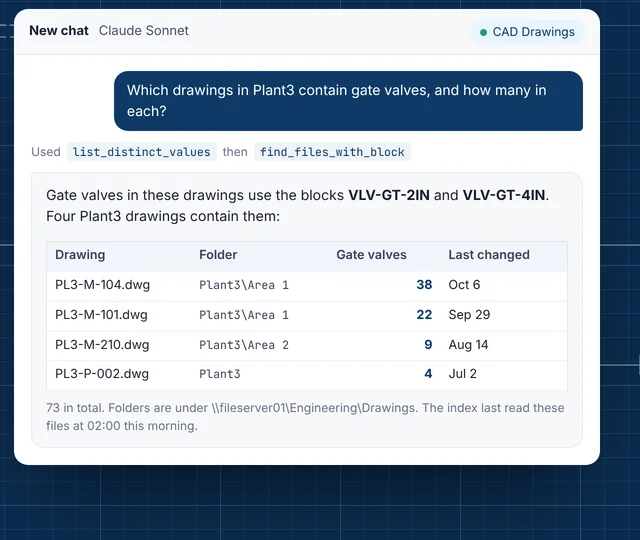 CAD Drawing IndexLets staff ask their AI assistant what is inside AutoCAD drawings.
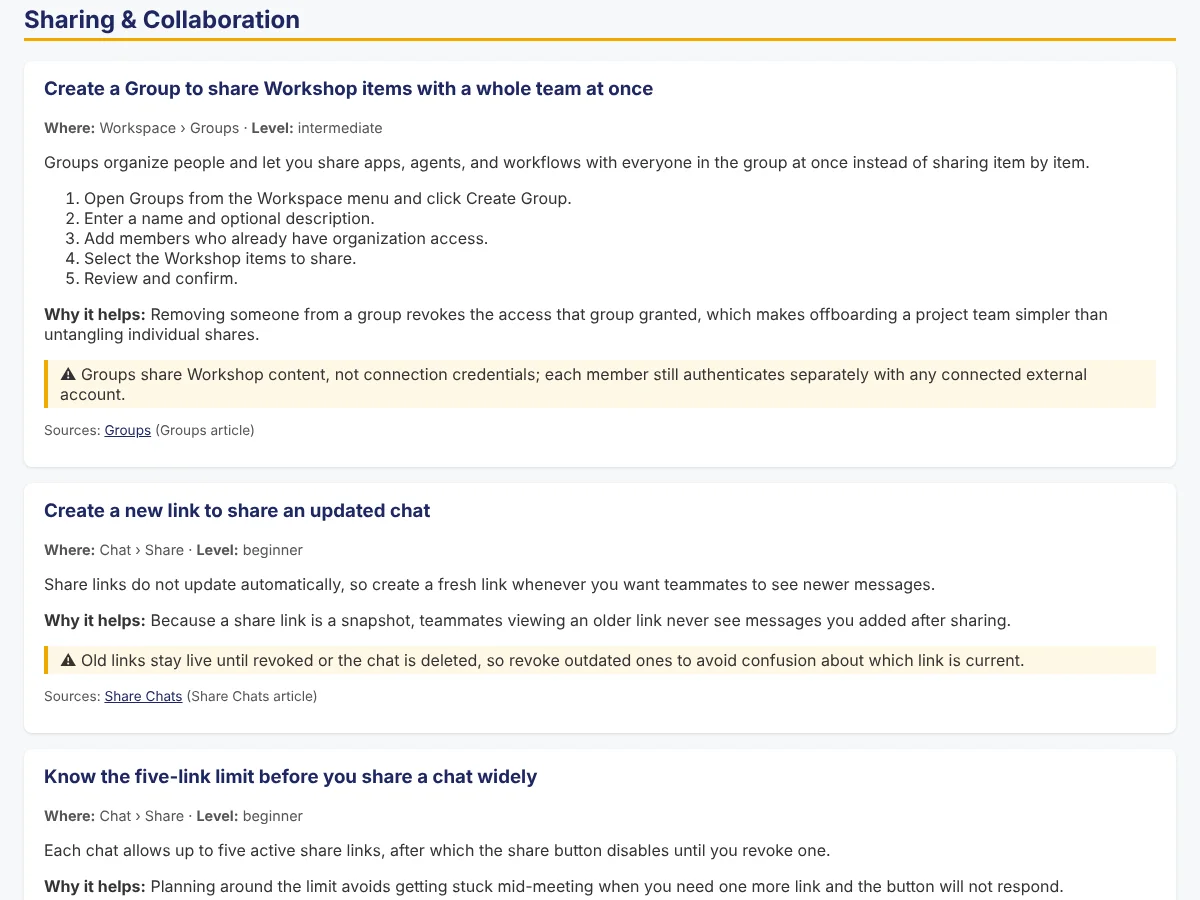 Secure AI Hatz TipsFact-checked how-to answers inside the AI chat customers already use.
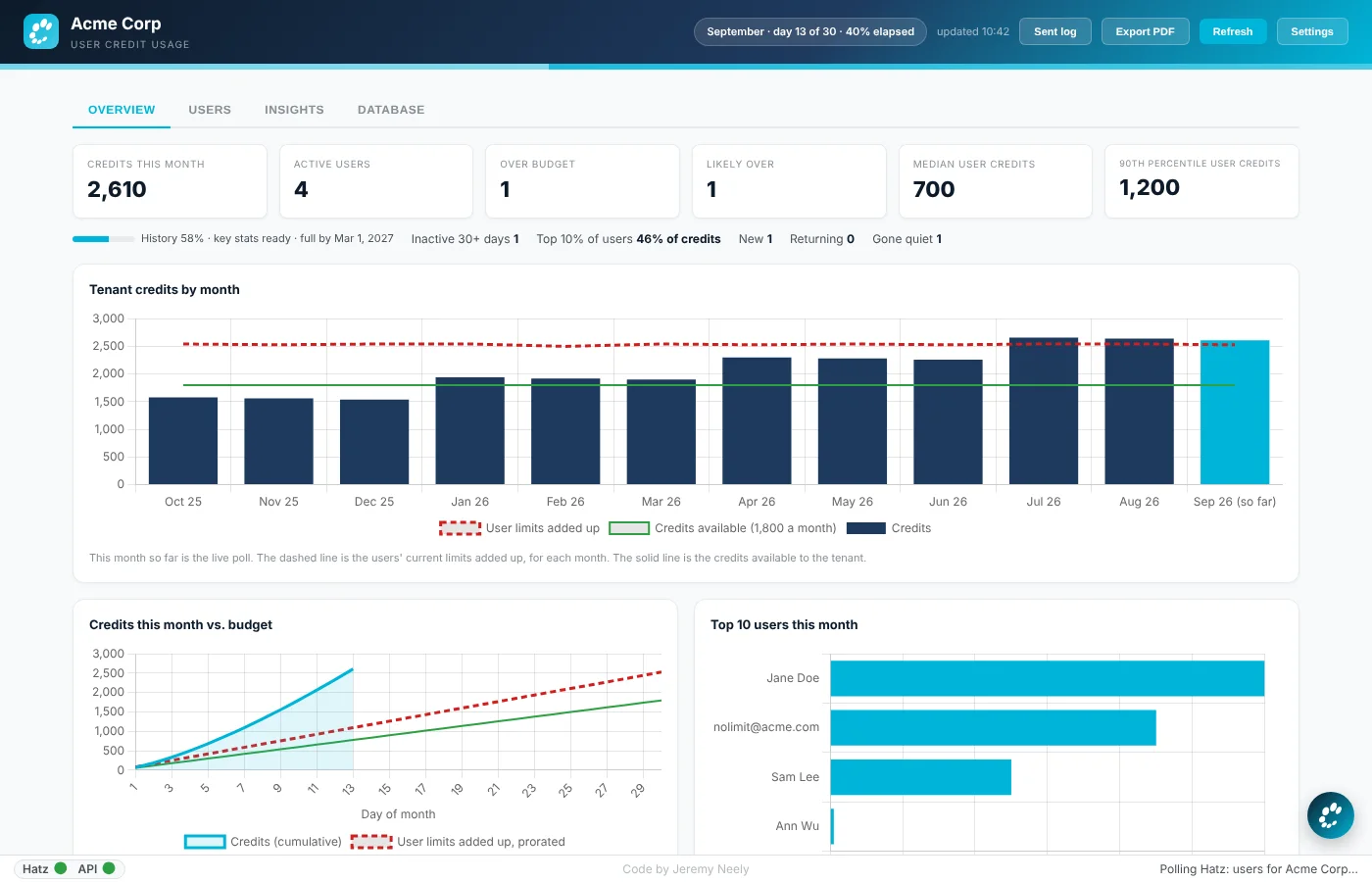 Hatz User WatchWarns admins before any person runs out of AI credits.
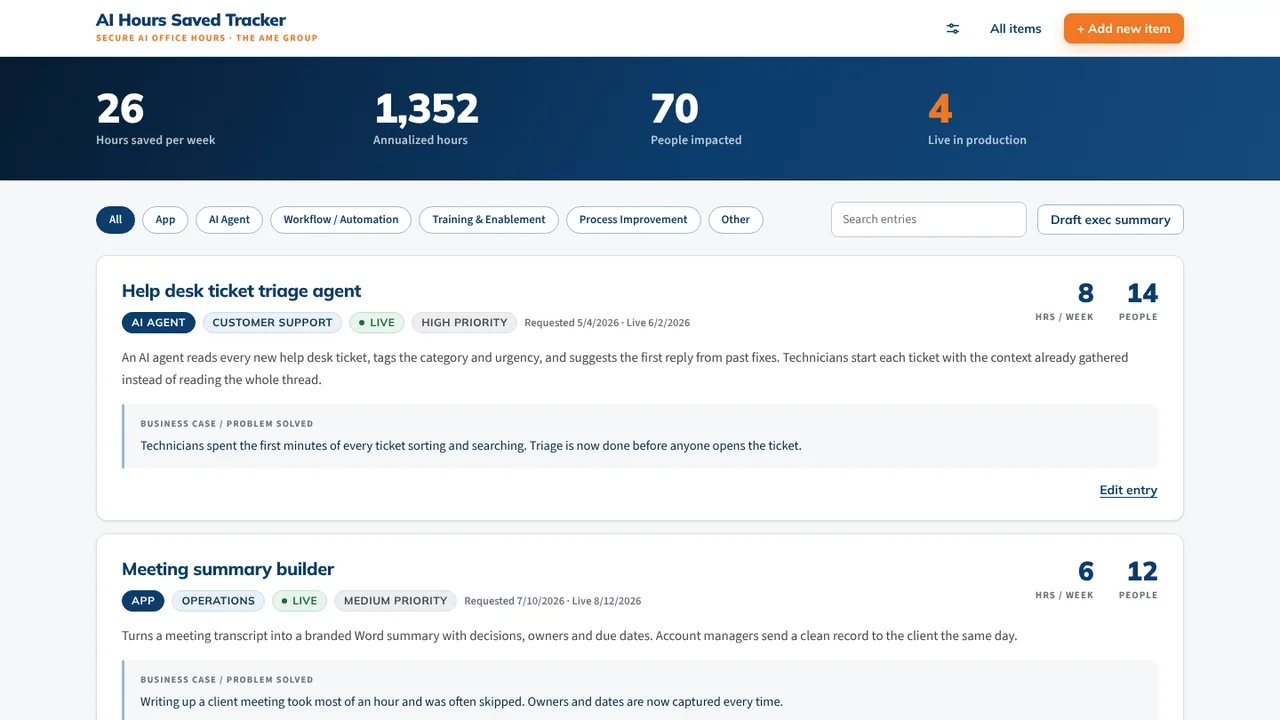 AI Hours TrackerAI interviews staff and writes up each AI time-saving win for leadership.
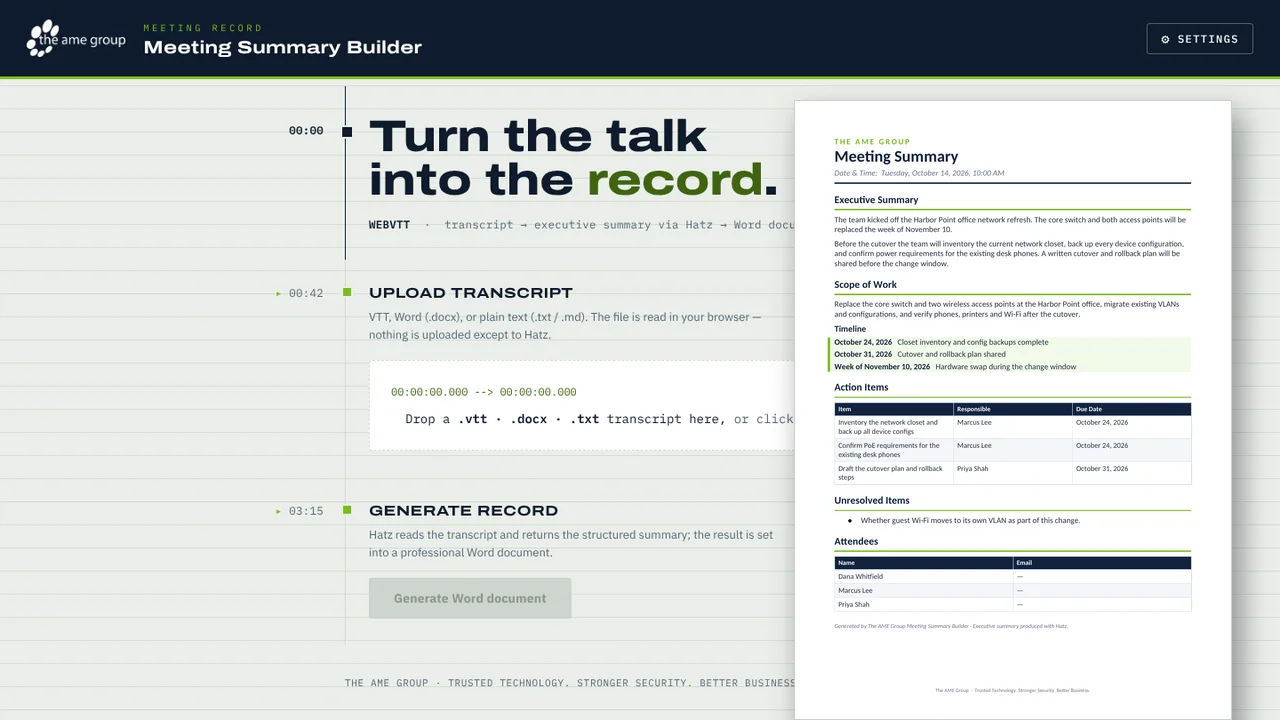 Meeting Summary BuilderTurns a Teams or Zoom transcript into a branded Word meeting summary.