 Jeremy Neely
AI & Agents · Production
Hatz User Watch
Warns admins before any person runs out of AI credits.
Built for: The AME Group, the managed IT provider I work for, watching AI usage across about 20 client companies
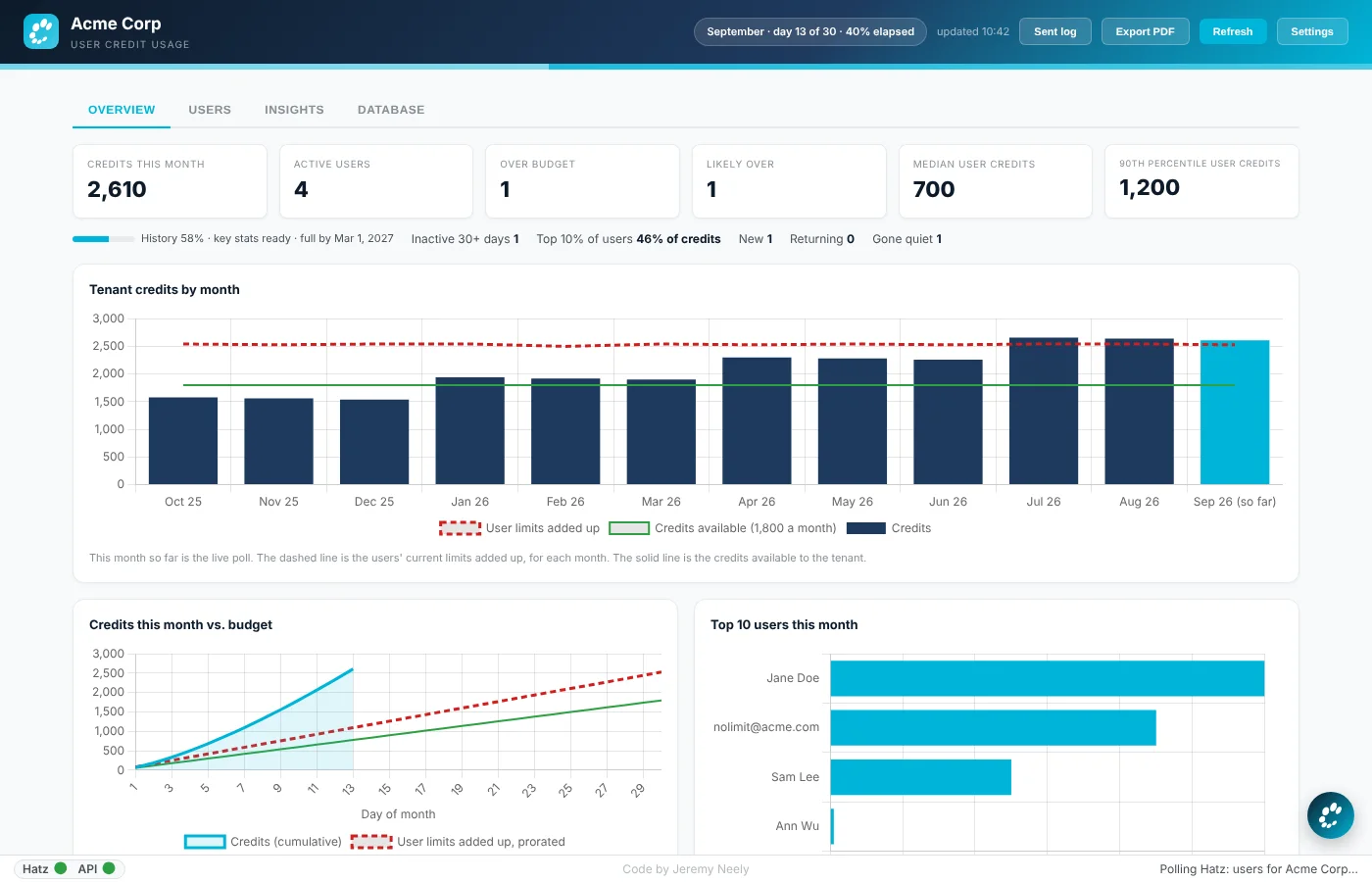
The problem
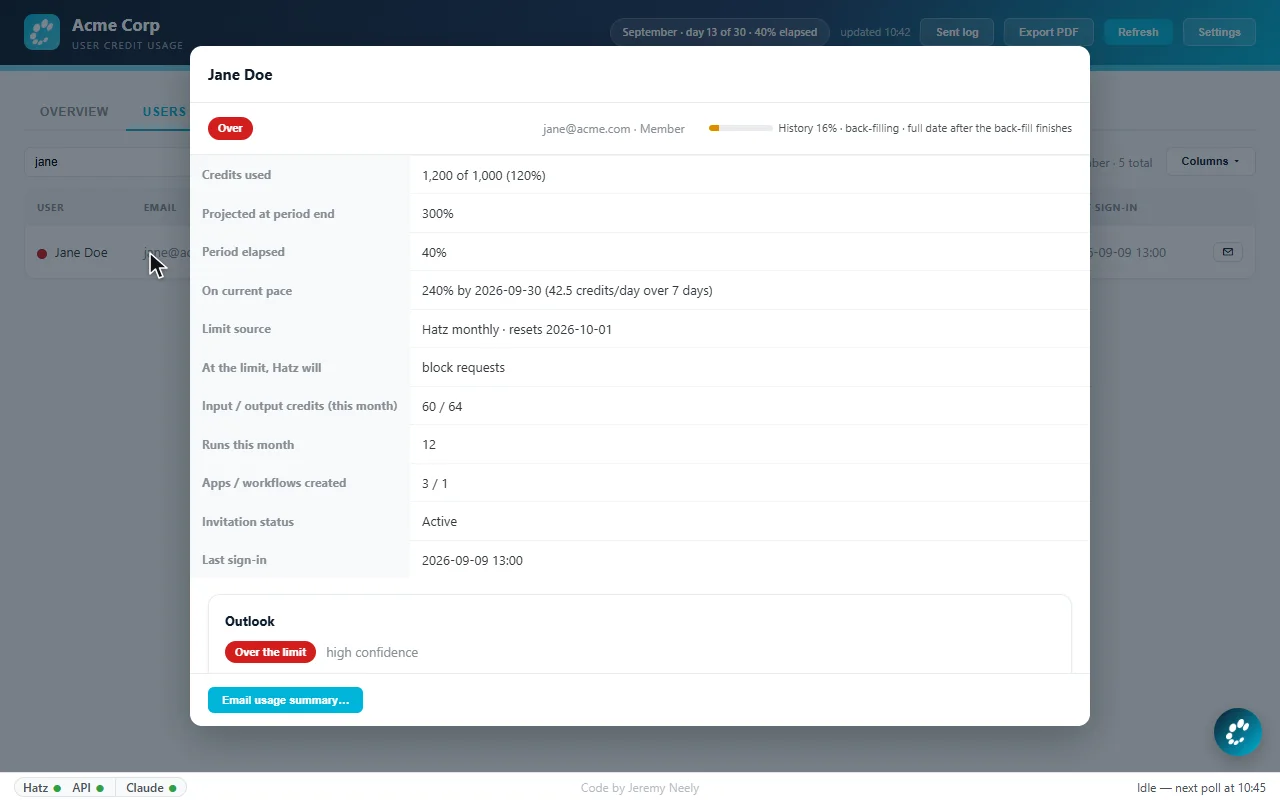
Hatz AI credit limits are set per role and per person. Someone can burn through their allowance unnoticed until they are blocked in the middle of a task, and admins had no quick way to see who was over, about to go over, or had gone quiet.
What I built
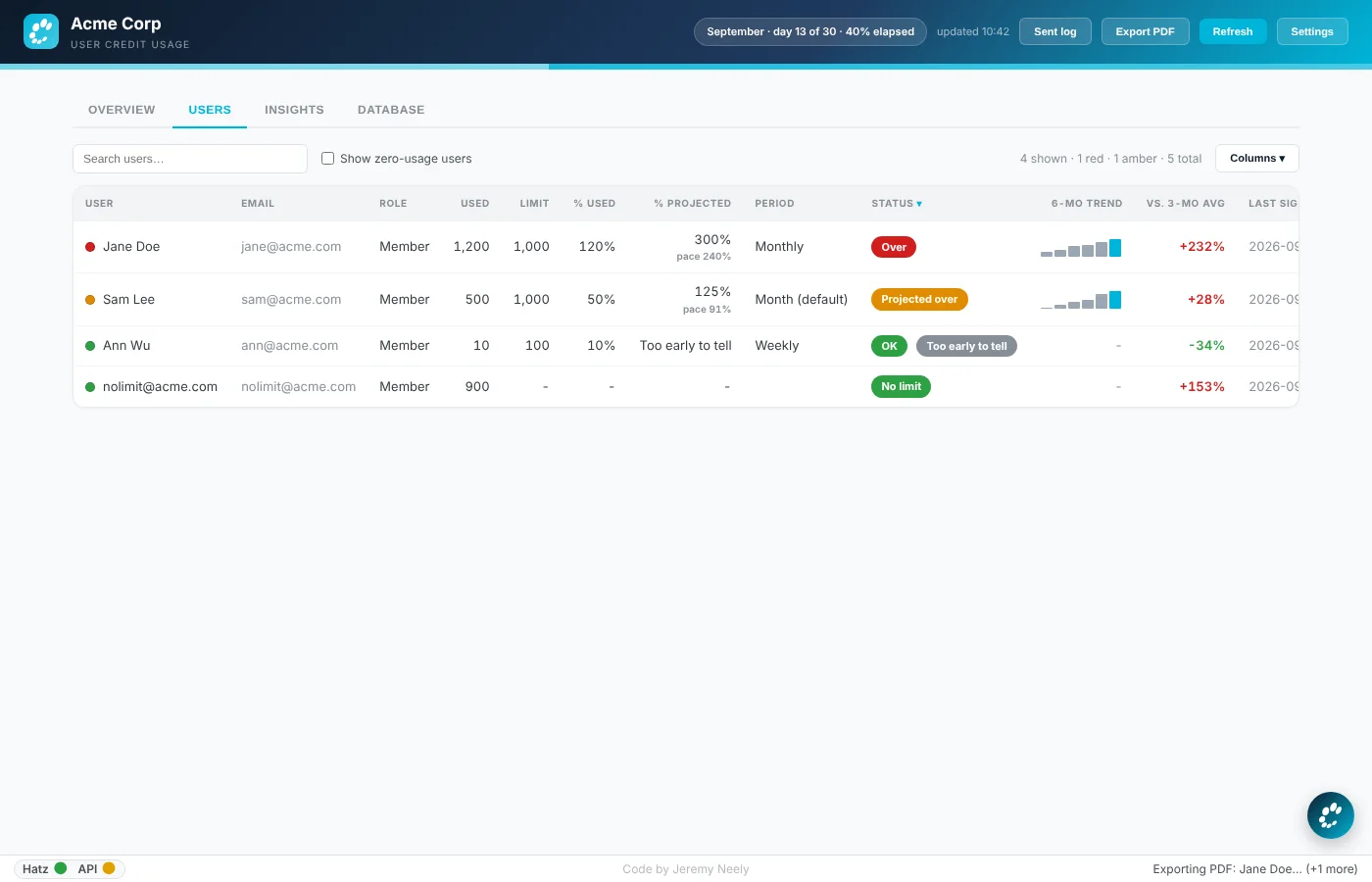
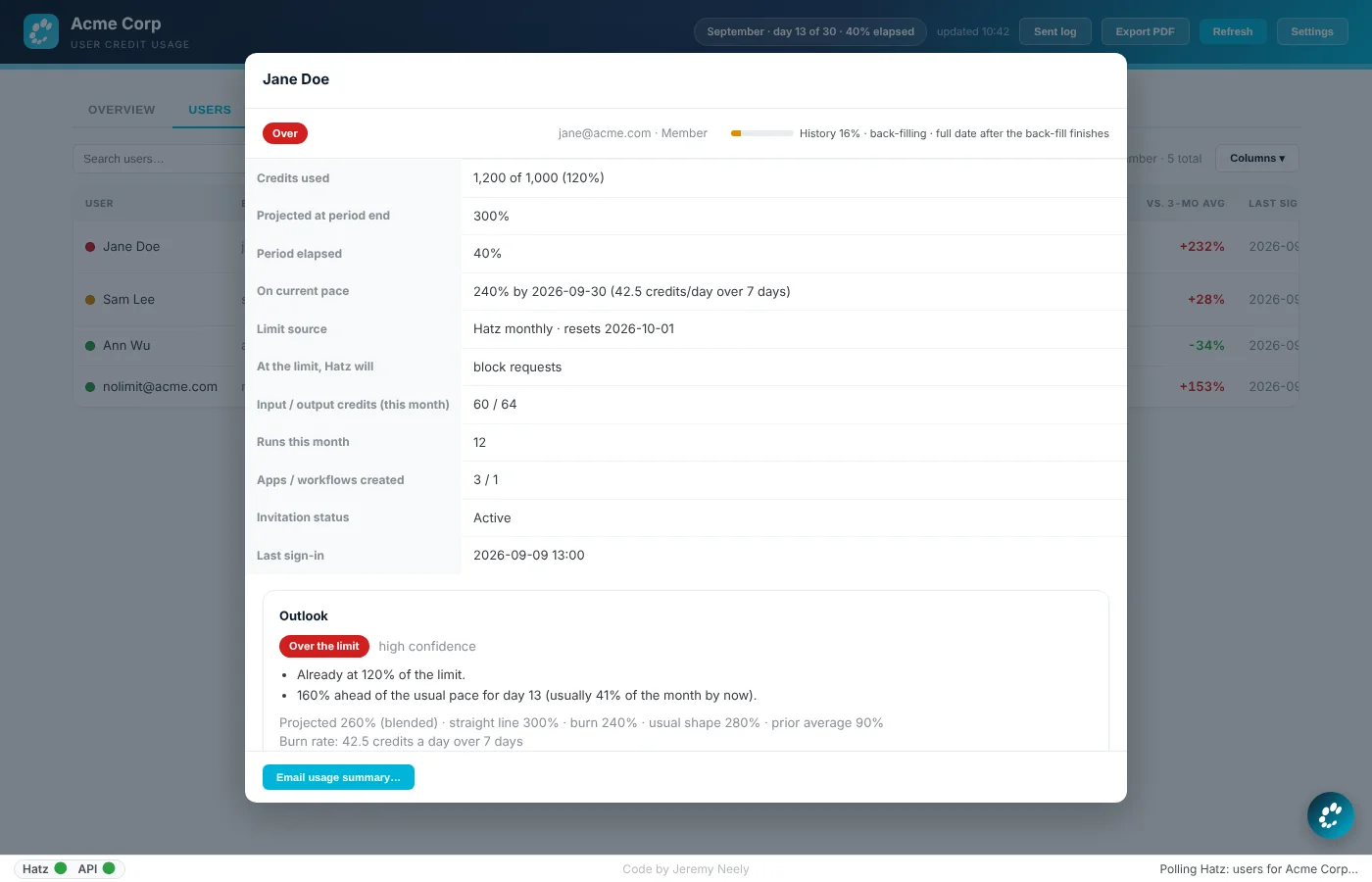
I built a Windows tray app that watches every user in a client's AI tenant against their credit budget, with a forecast for each person and plain-language reasons. It can email a user a branded usage summary with recommendations and a button to request more credits, and it sends threshold alerts automatically.
How it works
- Watch every person in one tenant, not just the tenant total.
- Work out each person's effective limit and forecast the month.
- Color the tray icon and list who needs attention.
- Email users a branded summary when they cross a threshold.
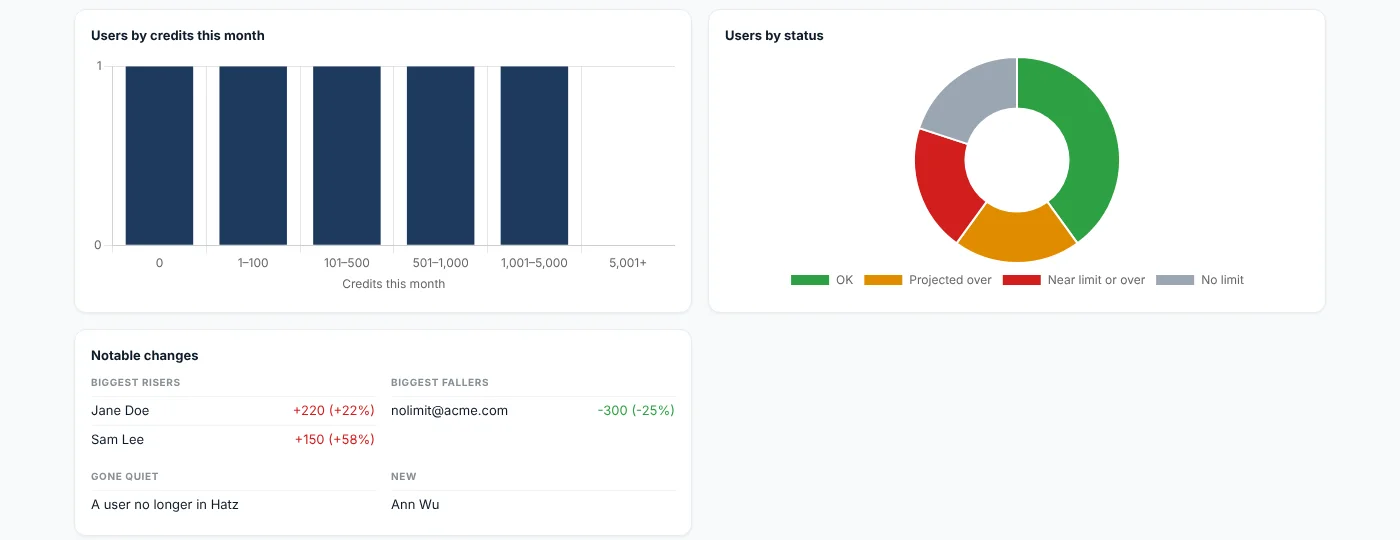
- Keep a usage history for trends and AI-written insights.
Built with
- C# / .NET 8
- WPF
- WebView2
- Chart.js
- MariaDB
- Hatz AI
More screens
More of Jeremy's work
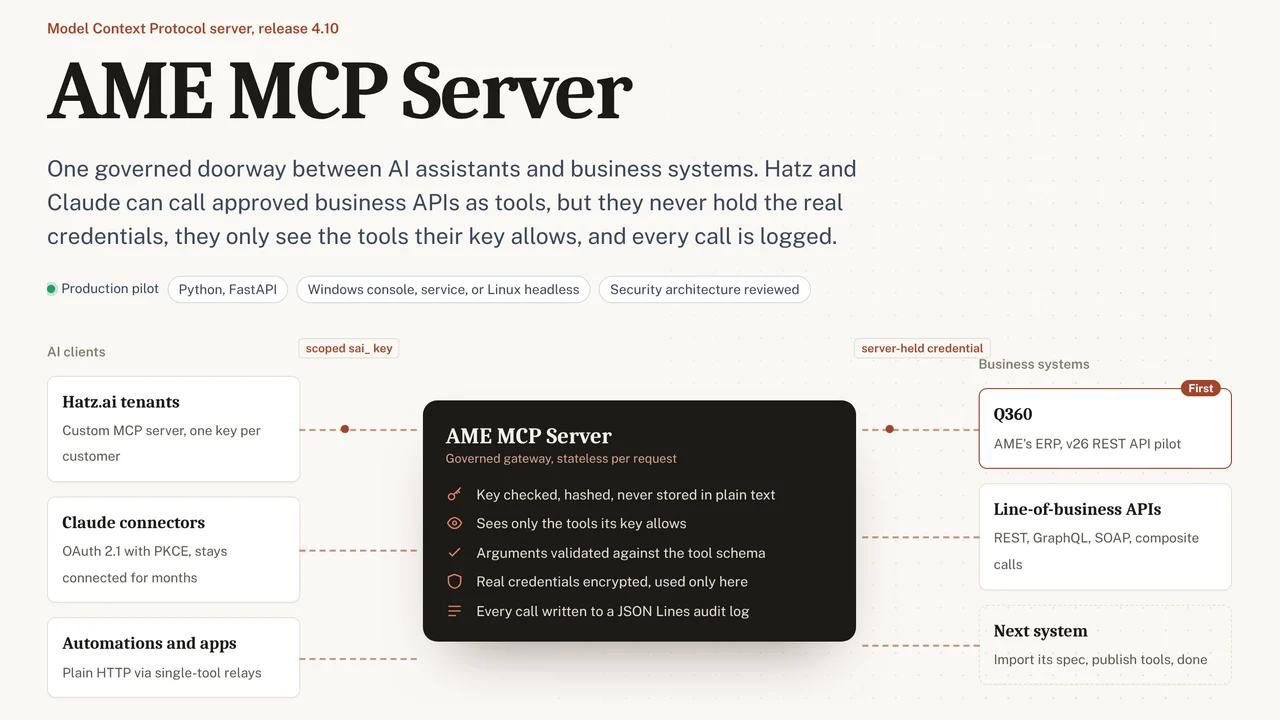 AME MCP ServerOne governed doorway between AI assistants and business systems.
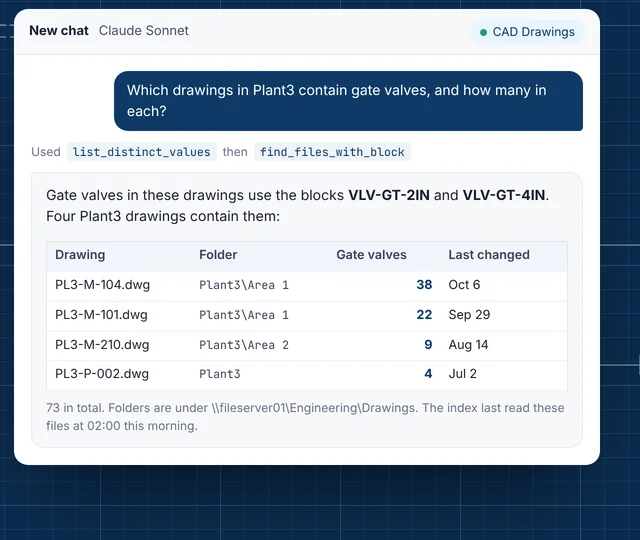 CAD Drawing IndexLets staff ask their AI assistant what is inside AutoCAD drawings.
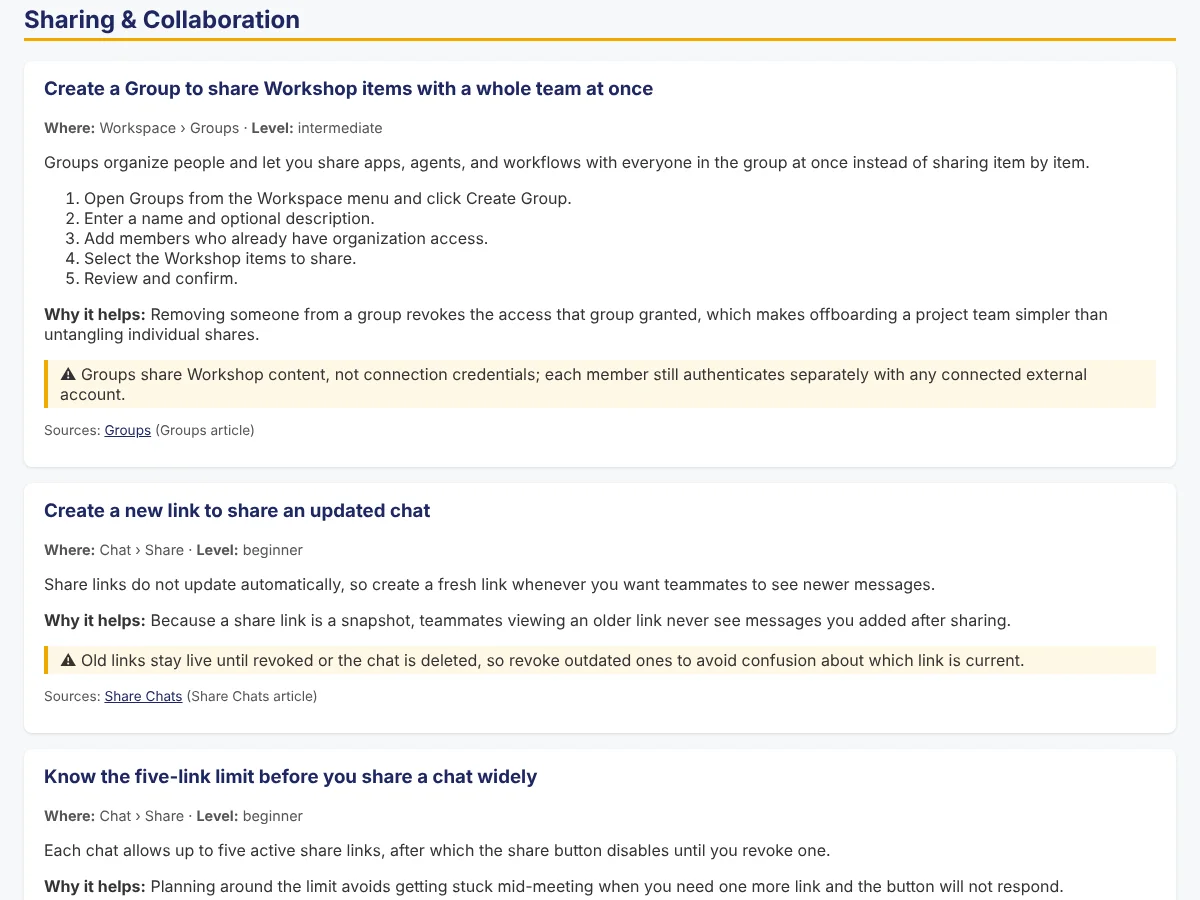 Secure AI Hatz TipsFact-checked how-to answers inside the AI chat customers already use.
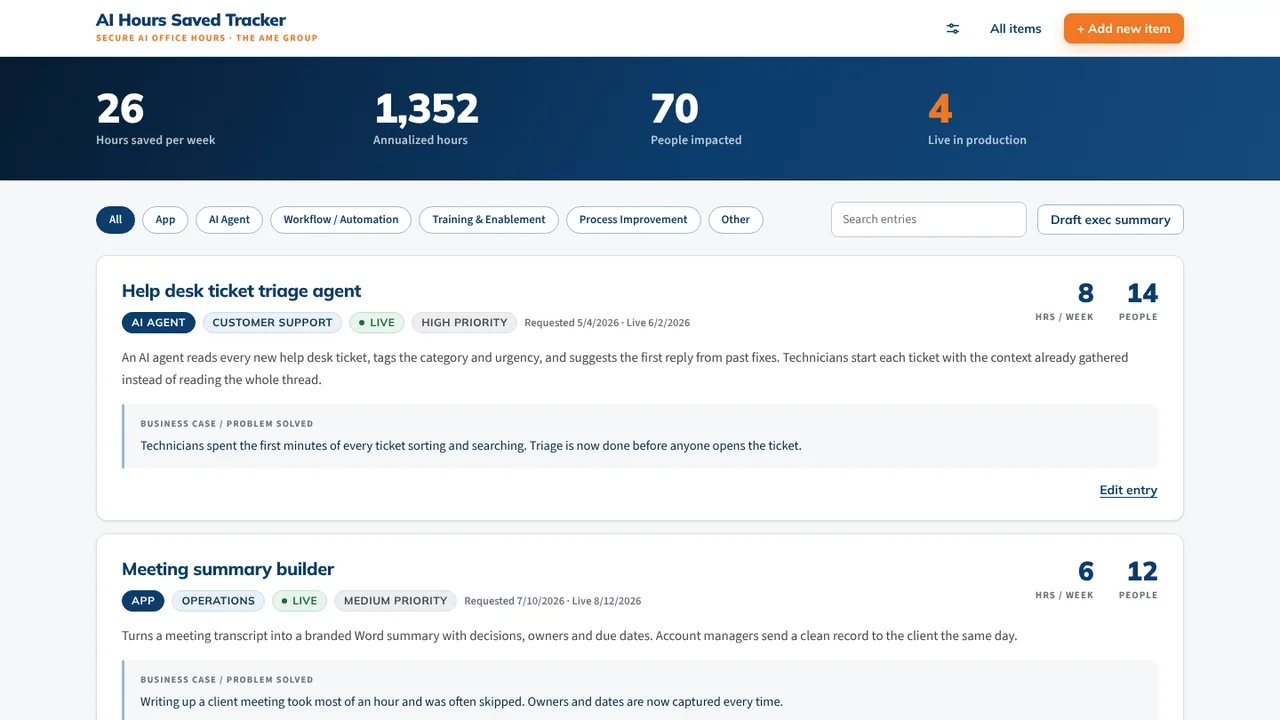 AI Hours TrackerAI interviews staff and writes up each AI time-saving win for leadership.
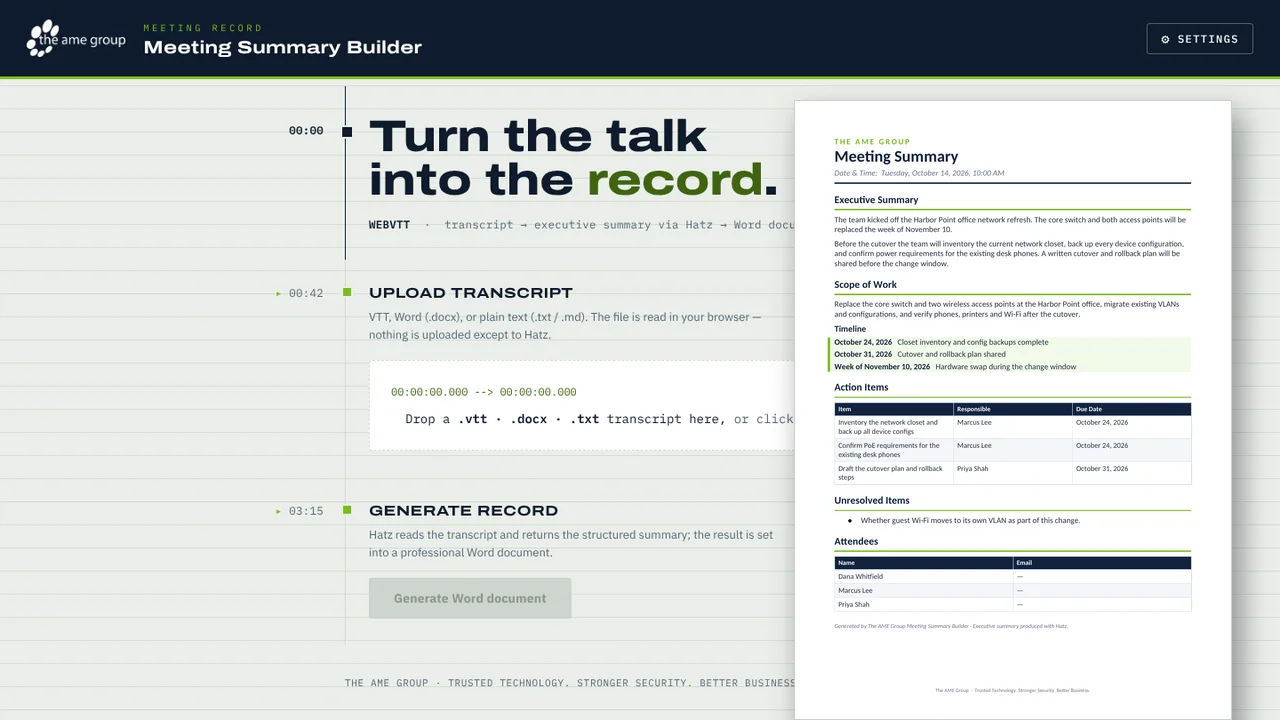 Meeting Summary BuilderTurns a Teams or Zoom transcript into a branded Word meeting summary.
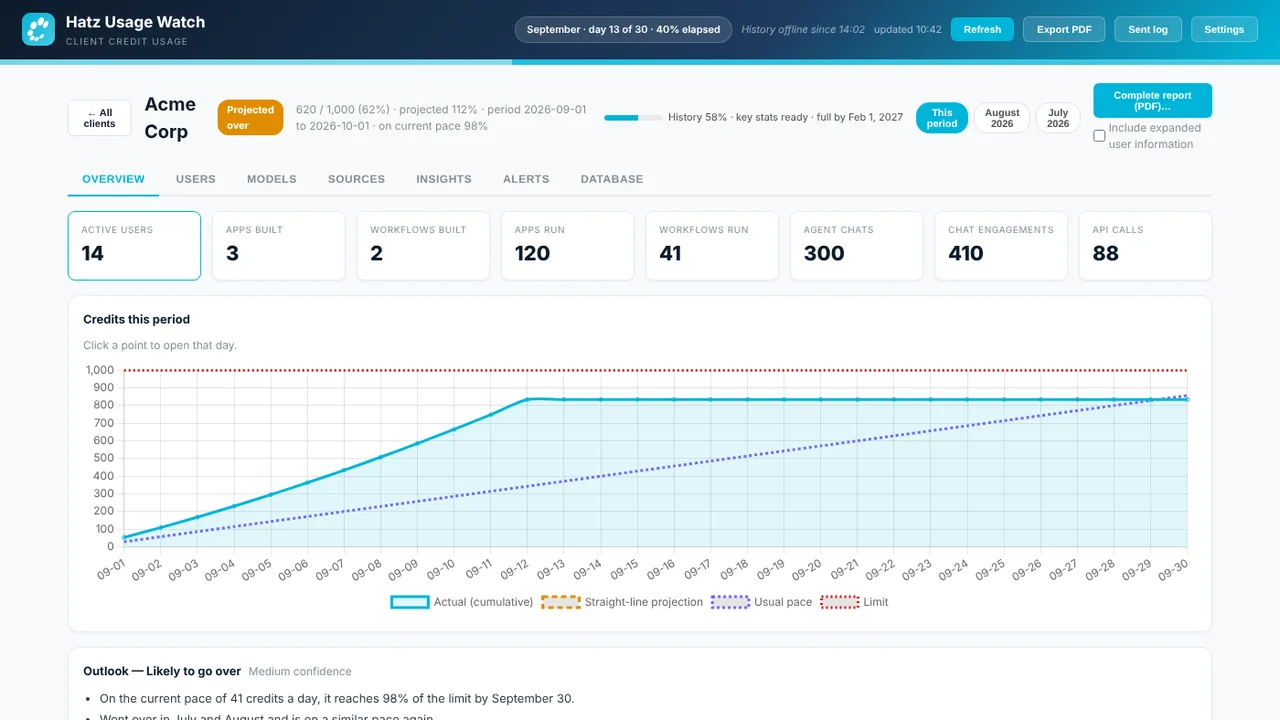 Hatz Usage WatchTray app that tracks every Hatz AI client's monthly credit use and warns early.