 Jeremy Neely
AI & Agents · Production
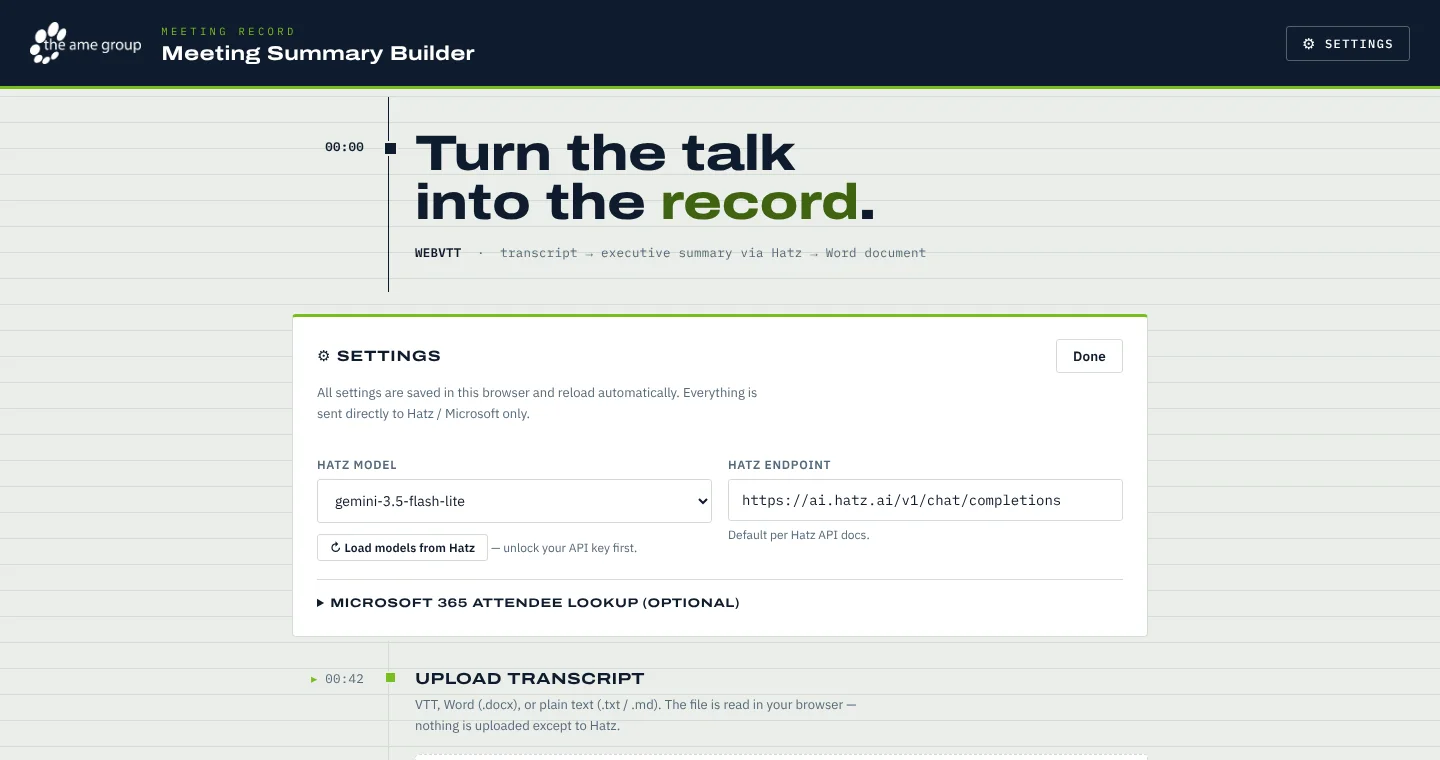
Meeting Summary Builder
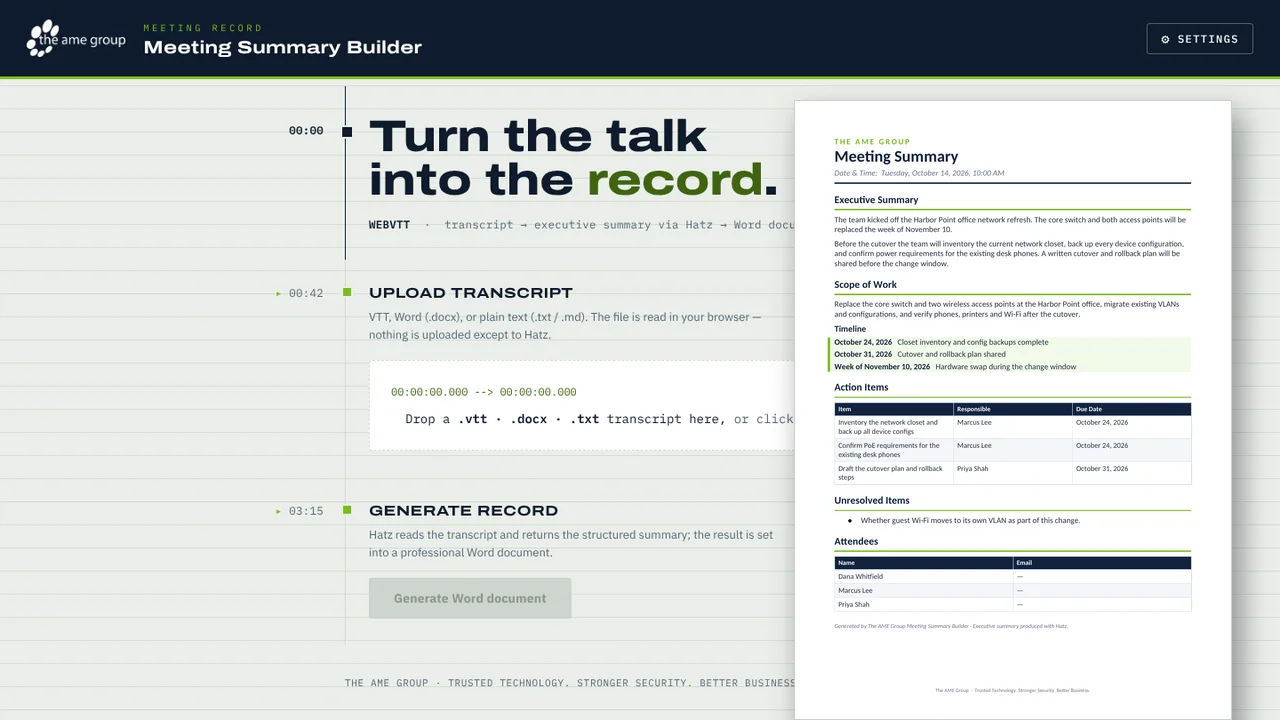
Turns a Teams or Zoom transcript into a branded Word meeting summary.
Built for: Account managers, project leads and engineers at The AME Group
The problem
After a client meeting, someone has to reread the transcript and write up scope, owners, dates and open questions. That takes about 30 to 60 minutes, so it often gets skipped and decisions get lost.
What I built
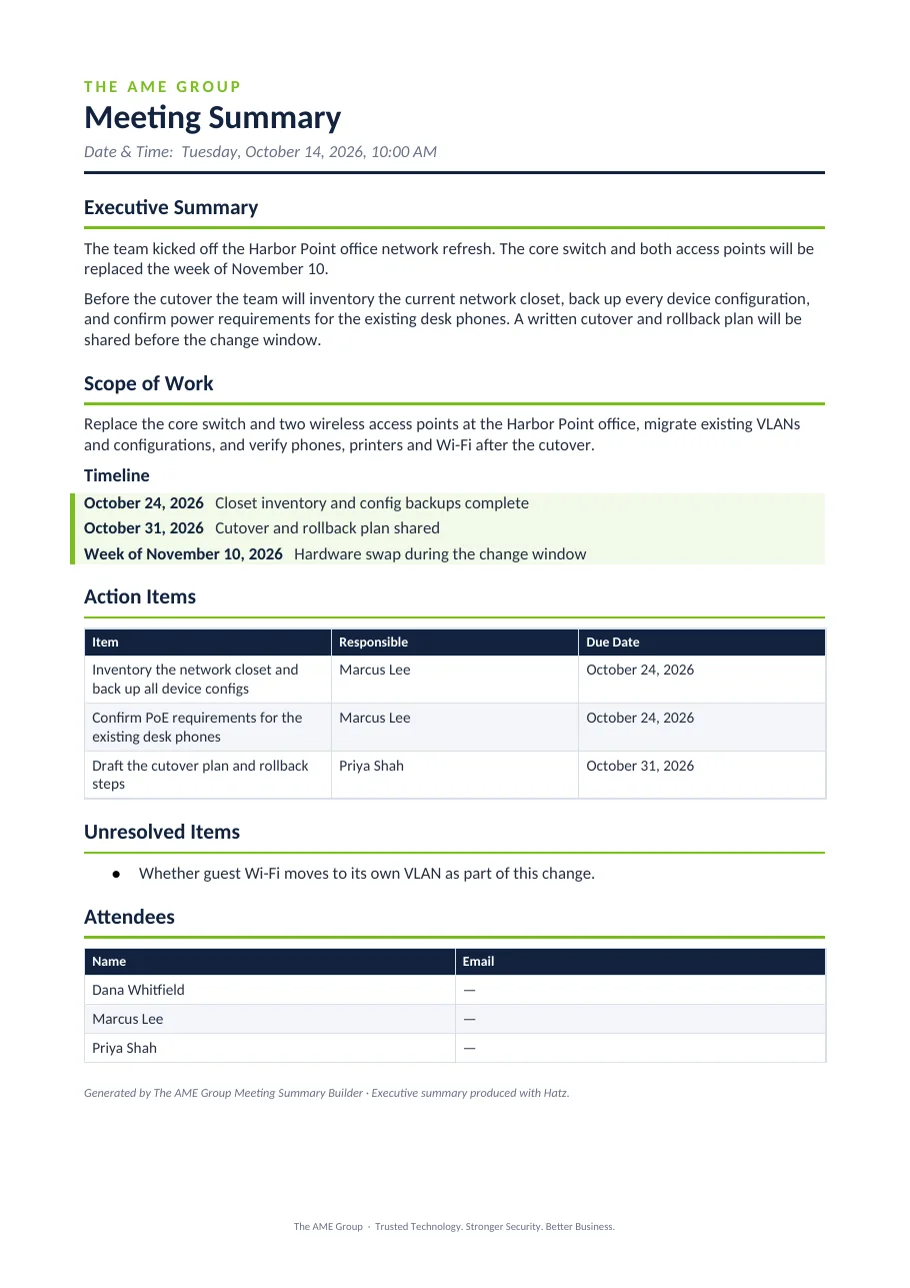
I built a single-file browser app that sends a transcript to Hatz AI for a structured summary and produces an AME-branded Word document. A tiny bundled local server lets non-technical staff run it without installing anything.
How it works
- Start the bundled local server and open the page.
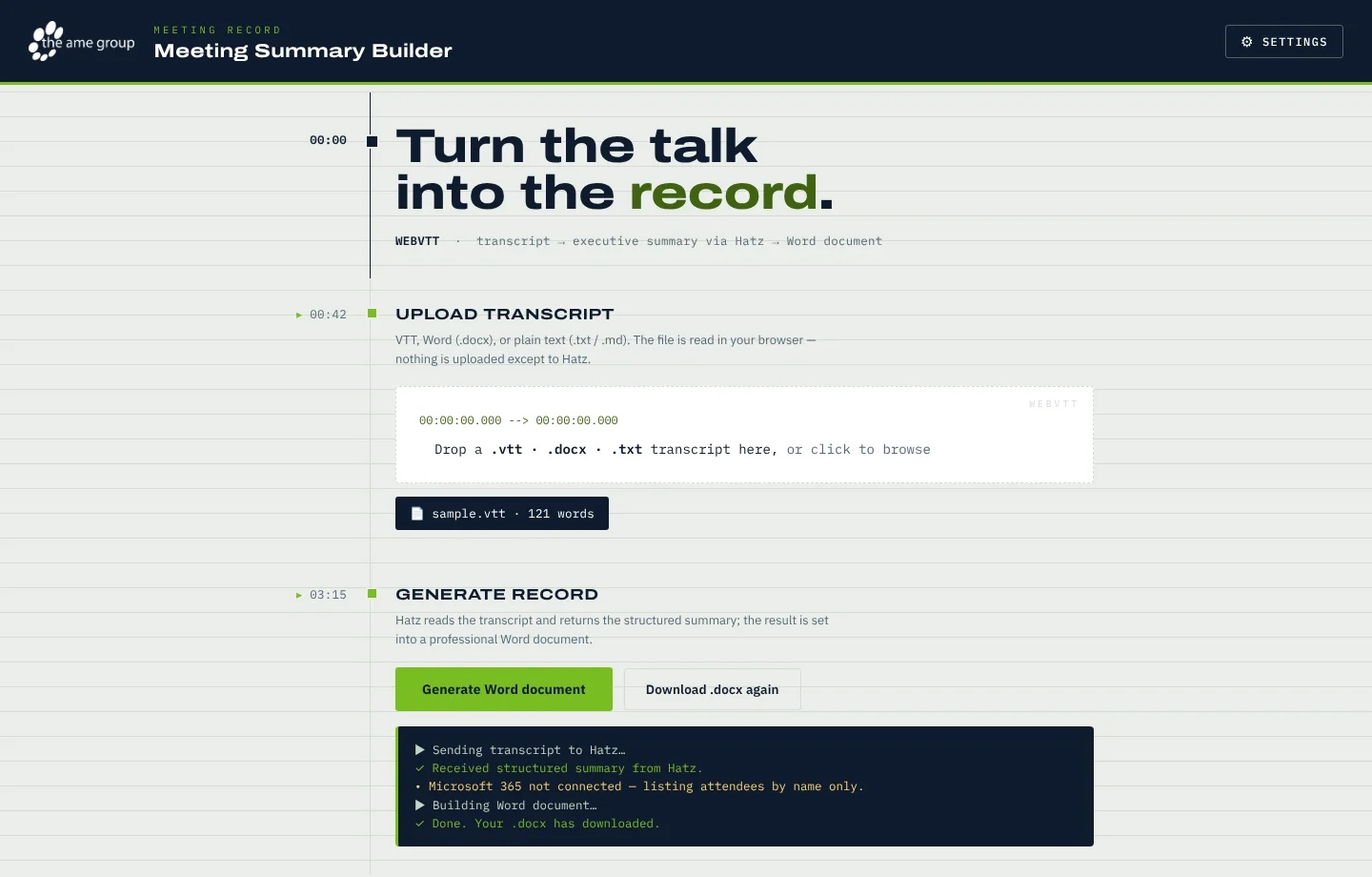
- Drop in a .vtt, .docx or .txt transcript.
- Hatz returns a structured summary as JSON.
- Optionally look up attendee emails through Microsoft 365.
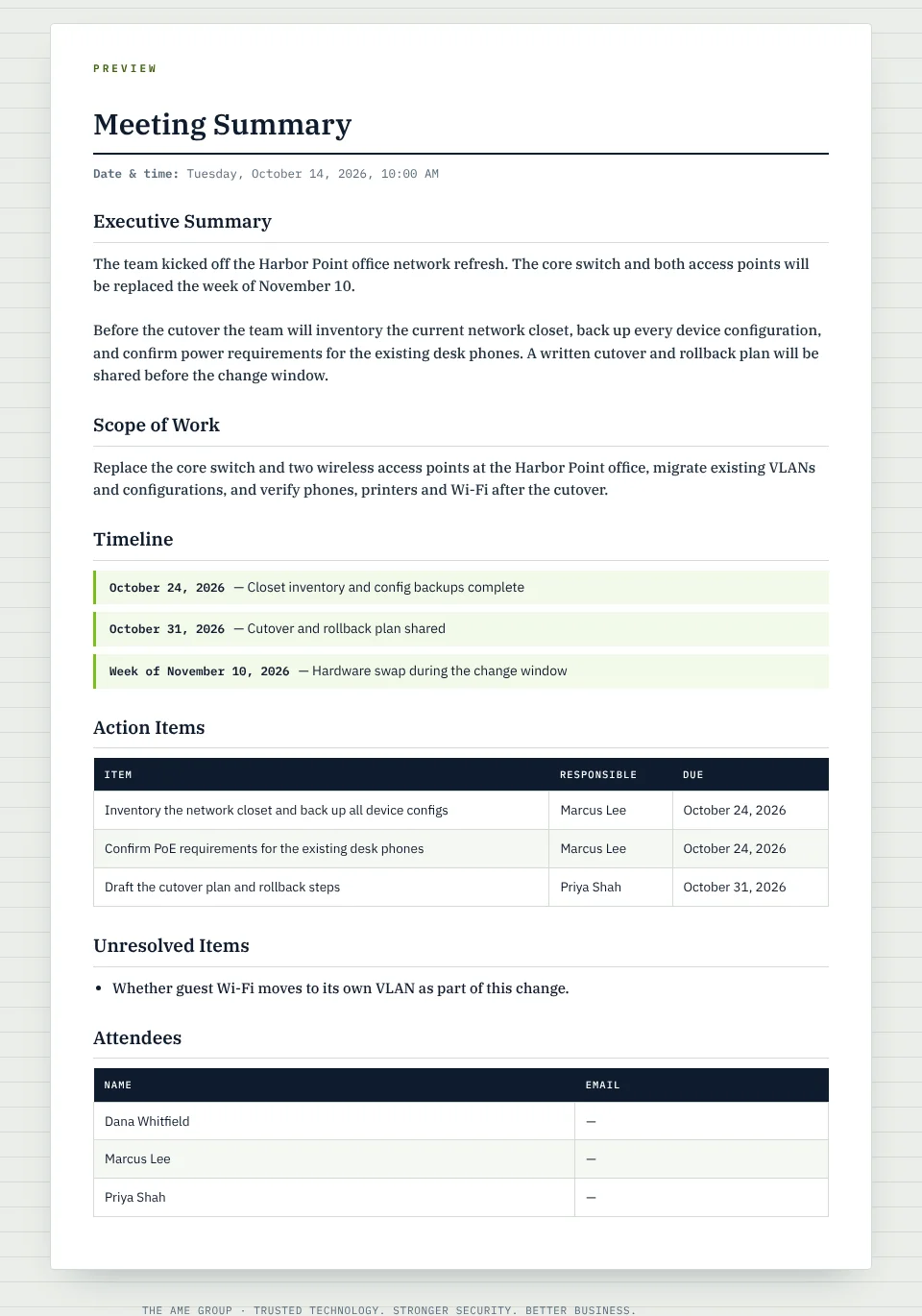
- Preview the record and download the Word file.
Built with
- JavaScript (single file)
- Hatz AI API
- docx.js
- mammoth.js
- Microsoft Graph
- Node.js
More screens
More of Jeremy's work
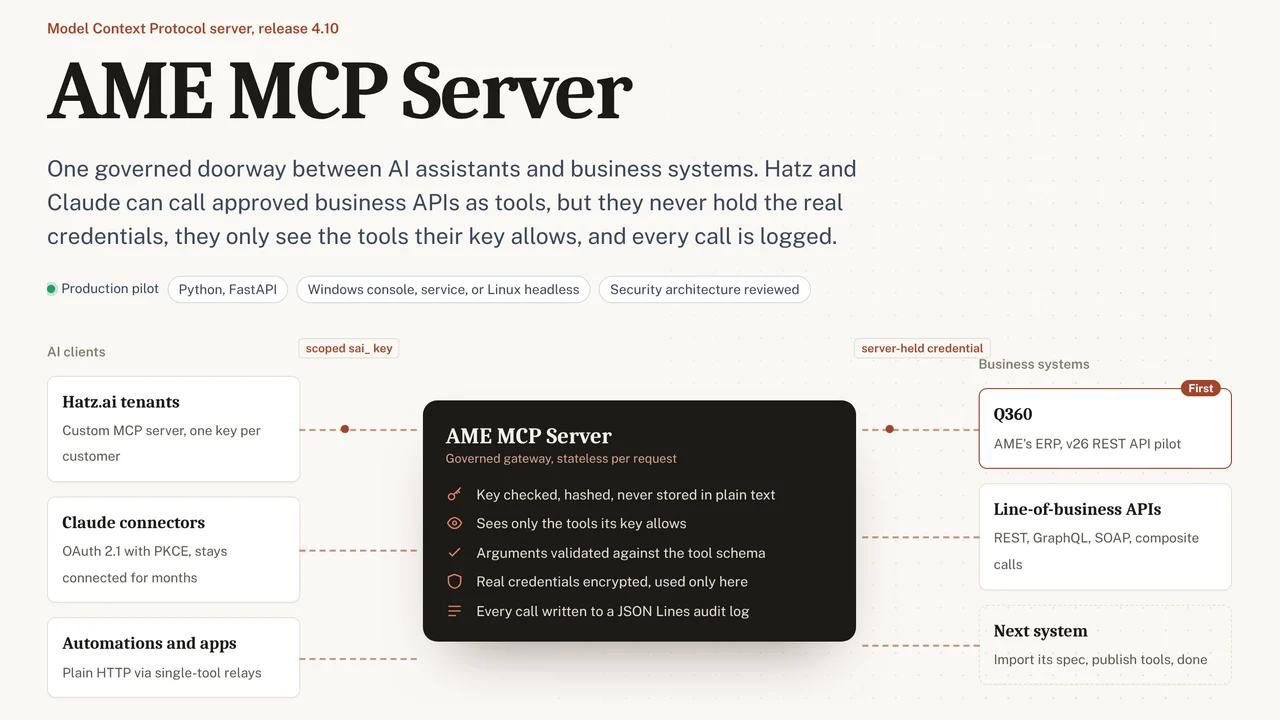 AME MCP ServerOne governed doorway between AI assistants and business systems.
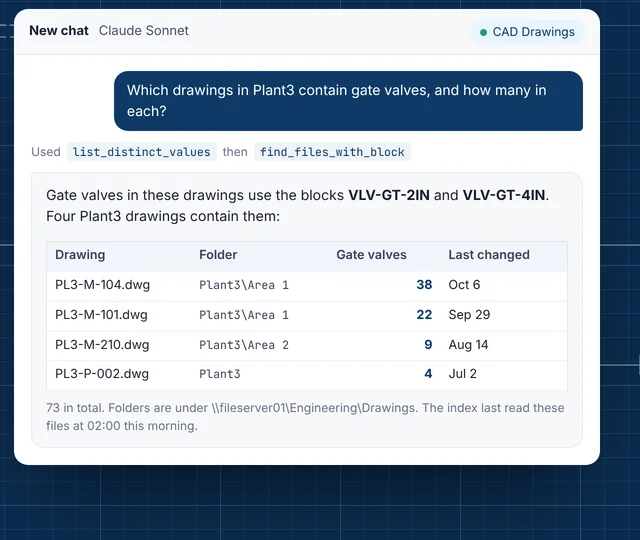 CAD Drawing IndexLets staff ask their AI assistant what is inside AutoCAD drawings.
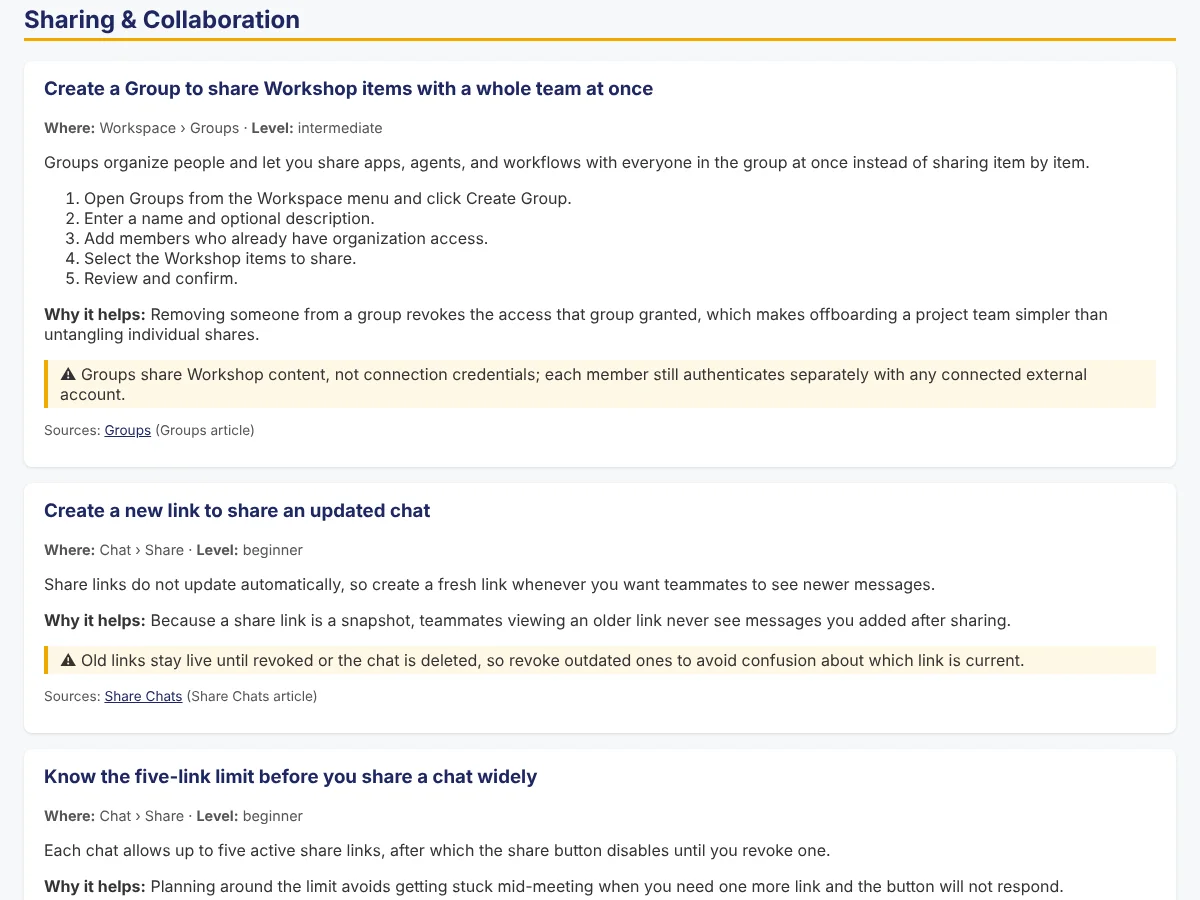 Secure AI Hatz TipsFact-checked how-to answers inside the AI chat customers already use.
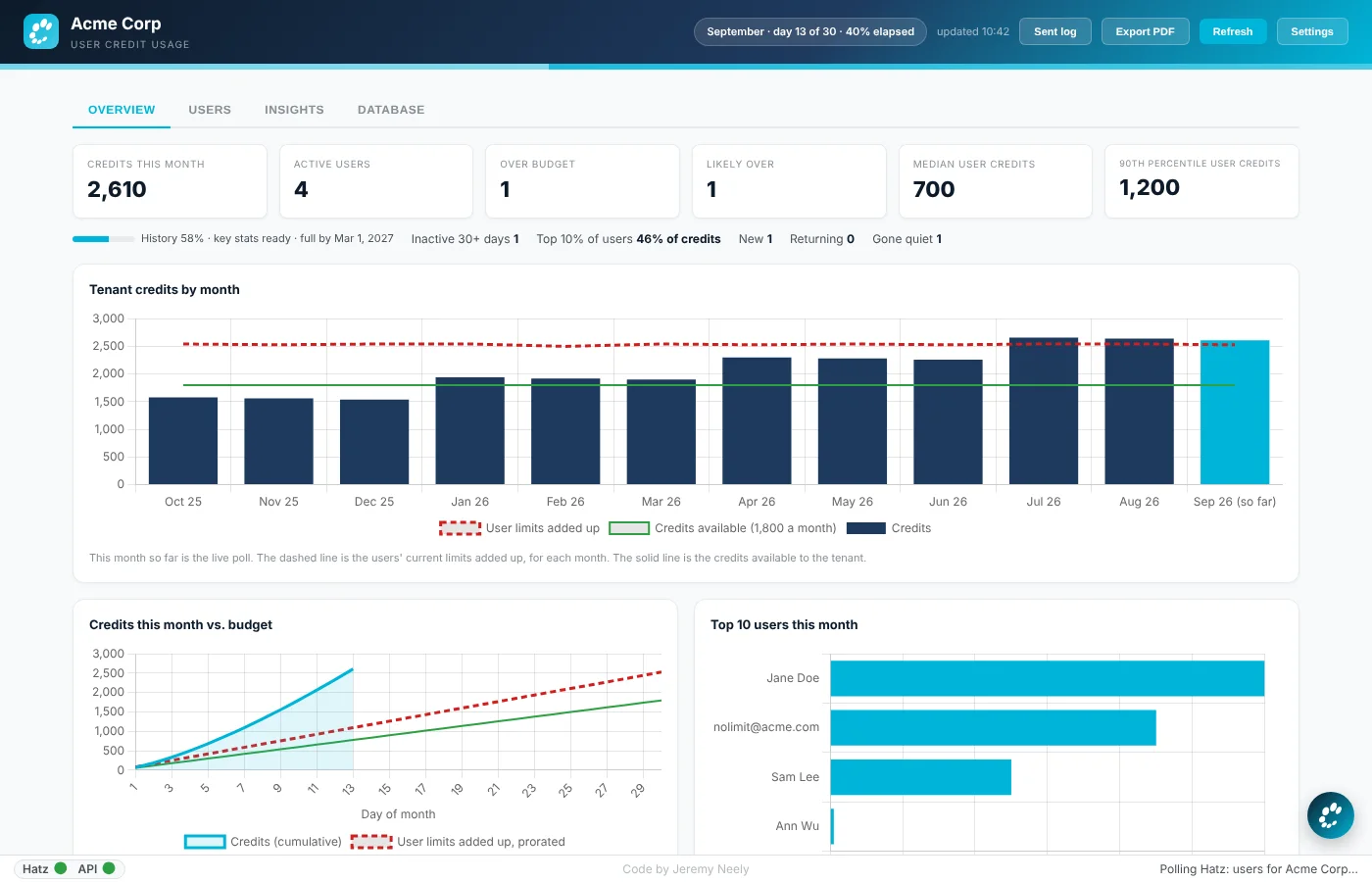 Hatz User WatchWarns admins before any person runs out of AI credits.
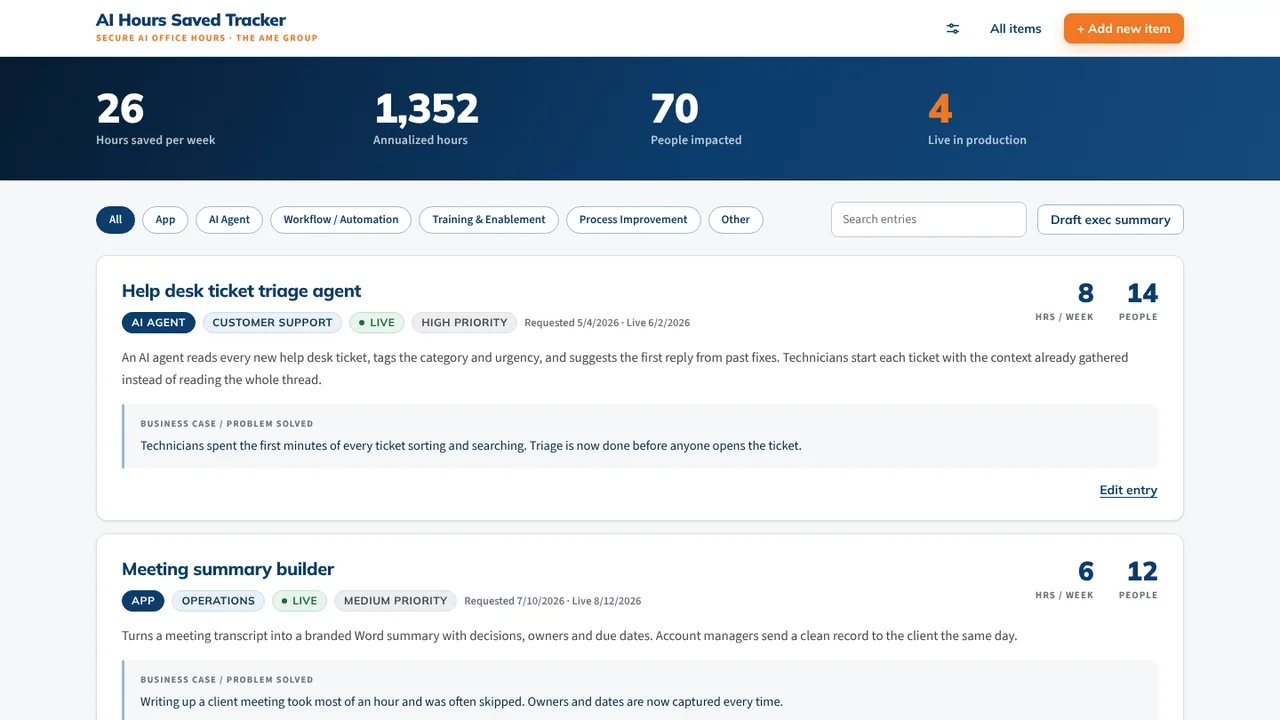 AI Hours TrackerAI interviews staff and writes up each AI time-saving win for leadership.
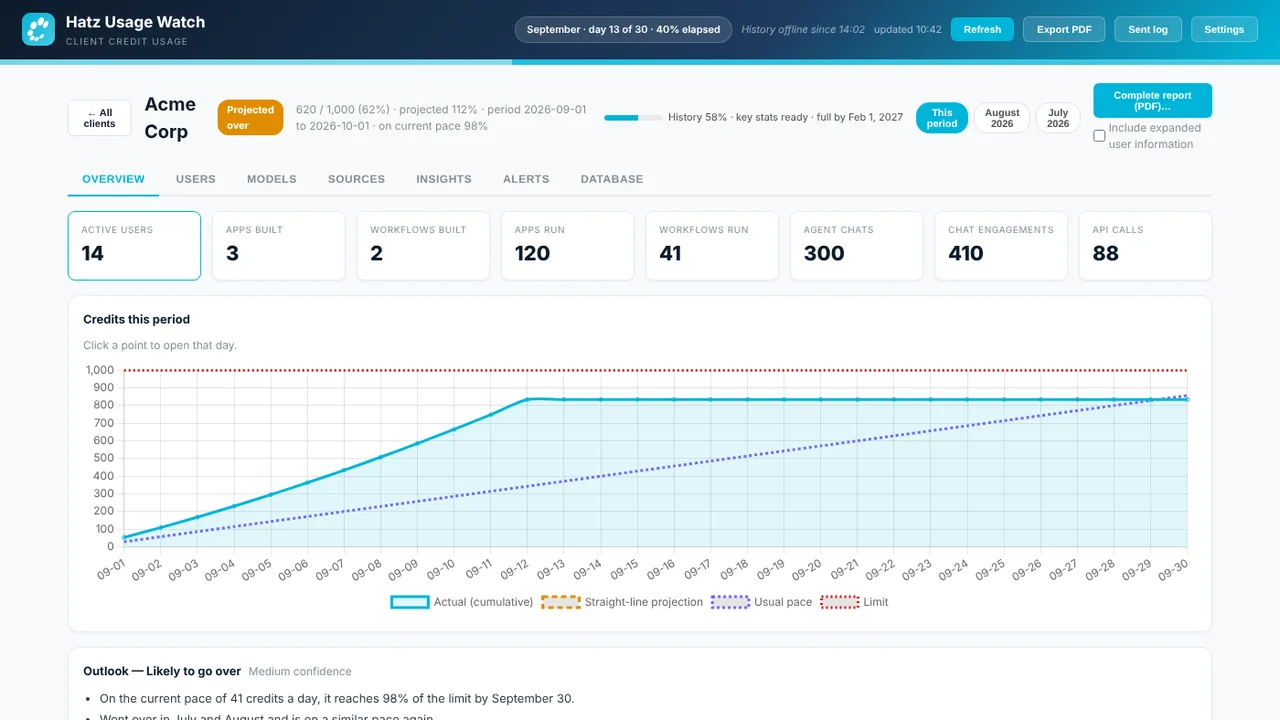 Hatz Usage WatchTray app that tracks every Hatz AI client's monthly credit use and warns early.