 Jeremy Neely
AI & Agents · Beta
localzero
Inbox-zero triage for Outlook Classic, run locally with Claude.
Built for: Outlook Classic users who live in email
The problem
A busy inbox buries the few emails that need a reply. Commercial inbox-zero tools need cloud access to the mailbox, which many companies' IT policies block.
What I built
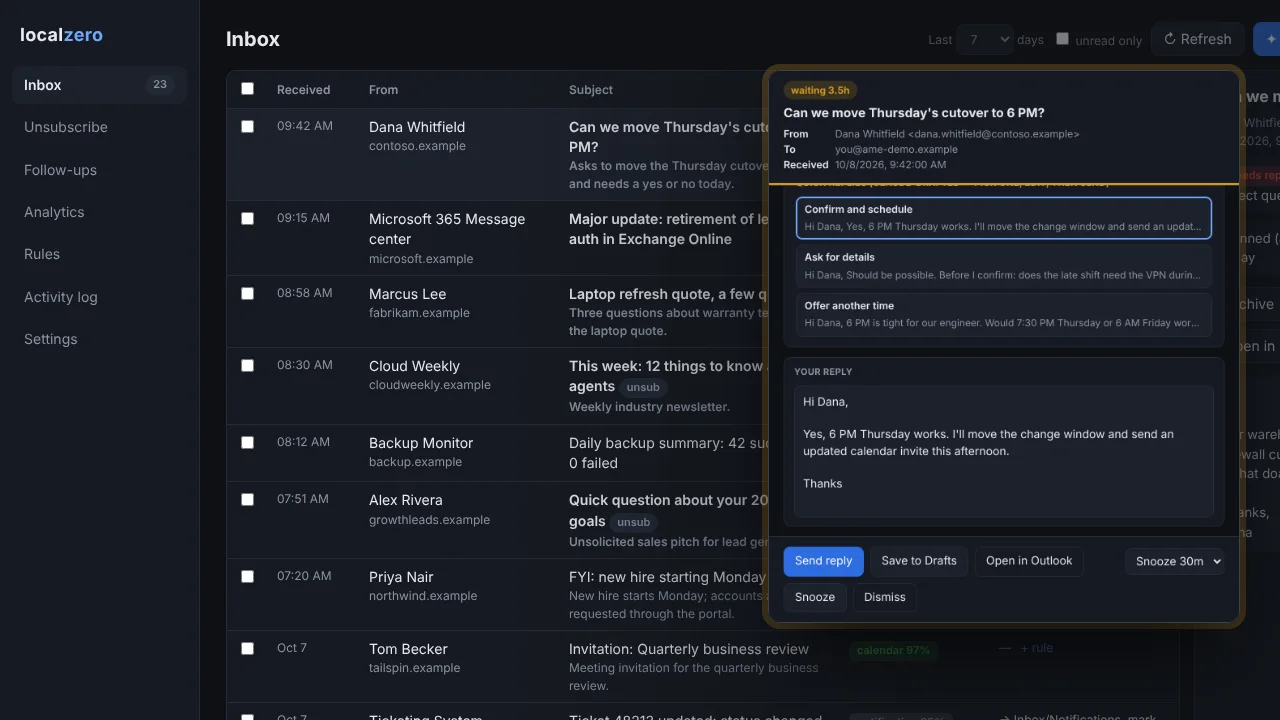
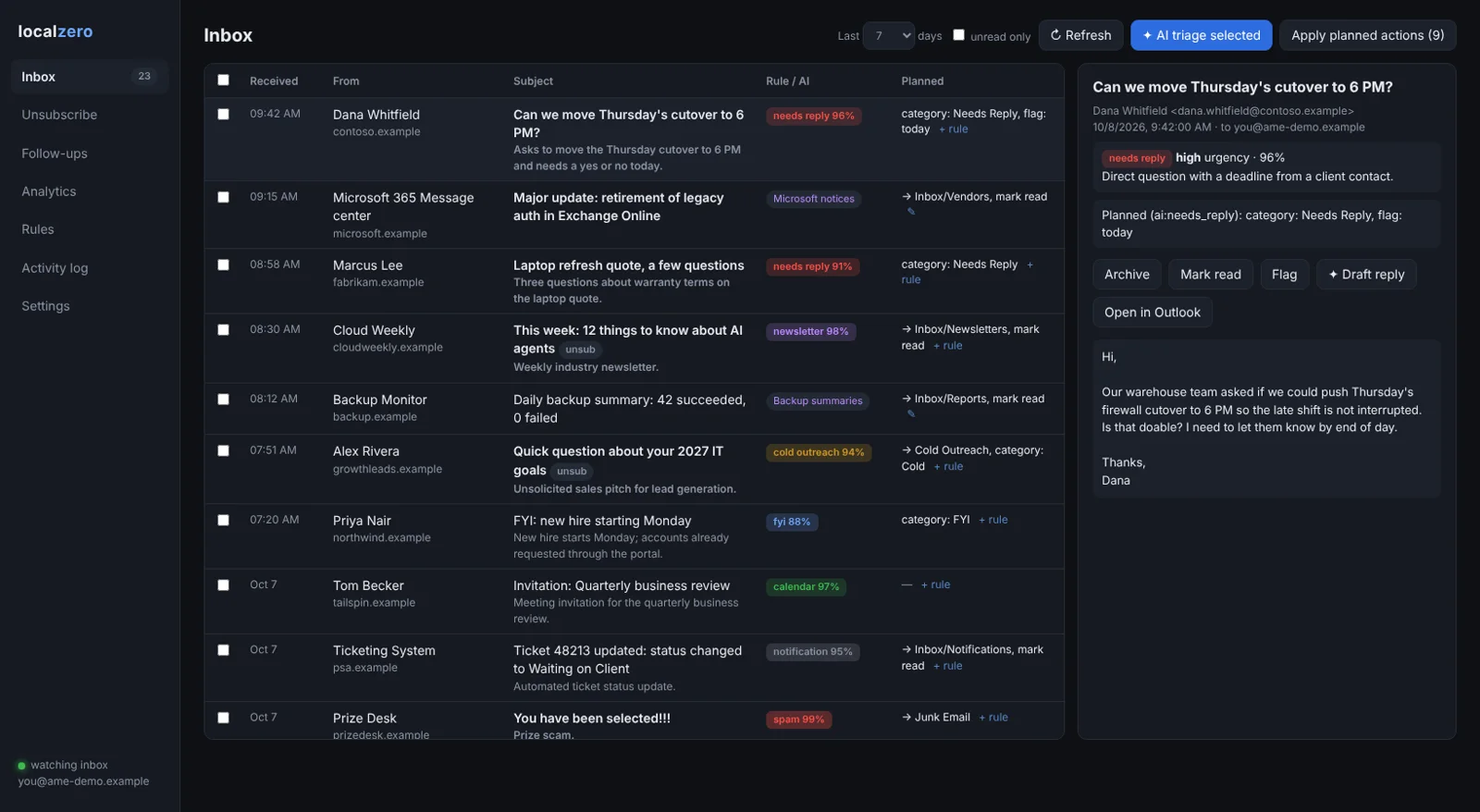
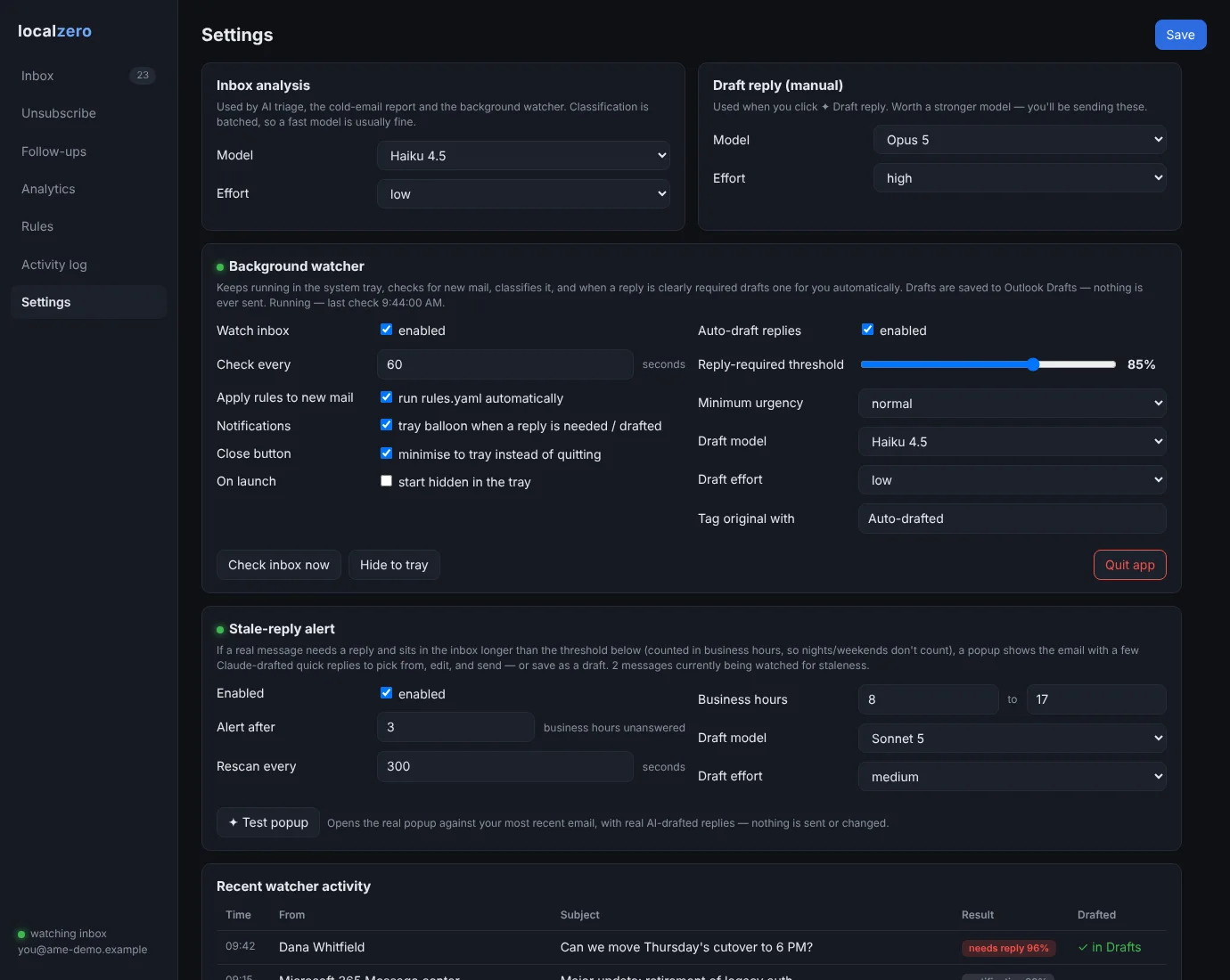
I built a local email assistant that works through Outlook's COM object model, so it needs no Graph app or admin consent. Rules sort predictable mail, Claude classifies the rest, and a tray watcher drafts replies but never sends.
How it works
- YAML rules handle predictable mail first.
- Claude classifies the rest into categories, in batches.
- You review the planned actions, then apply them.
- A tray watcher drafts replies for mail that clearly needs one.
- A popup surfaces needs-reply mail waiting past 3 business hours.
Built with
- Python
- pywin32 (Outlook COM)
- pywebview
- Claude Agent SDK
- pydantic
- PyInstaller
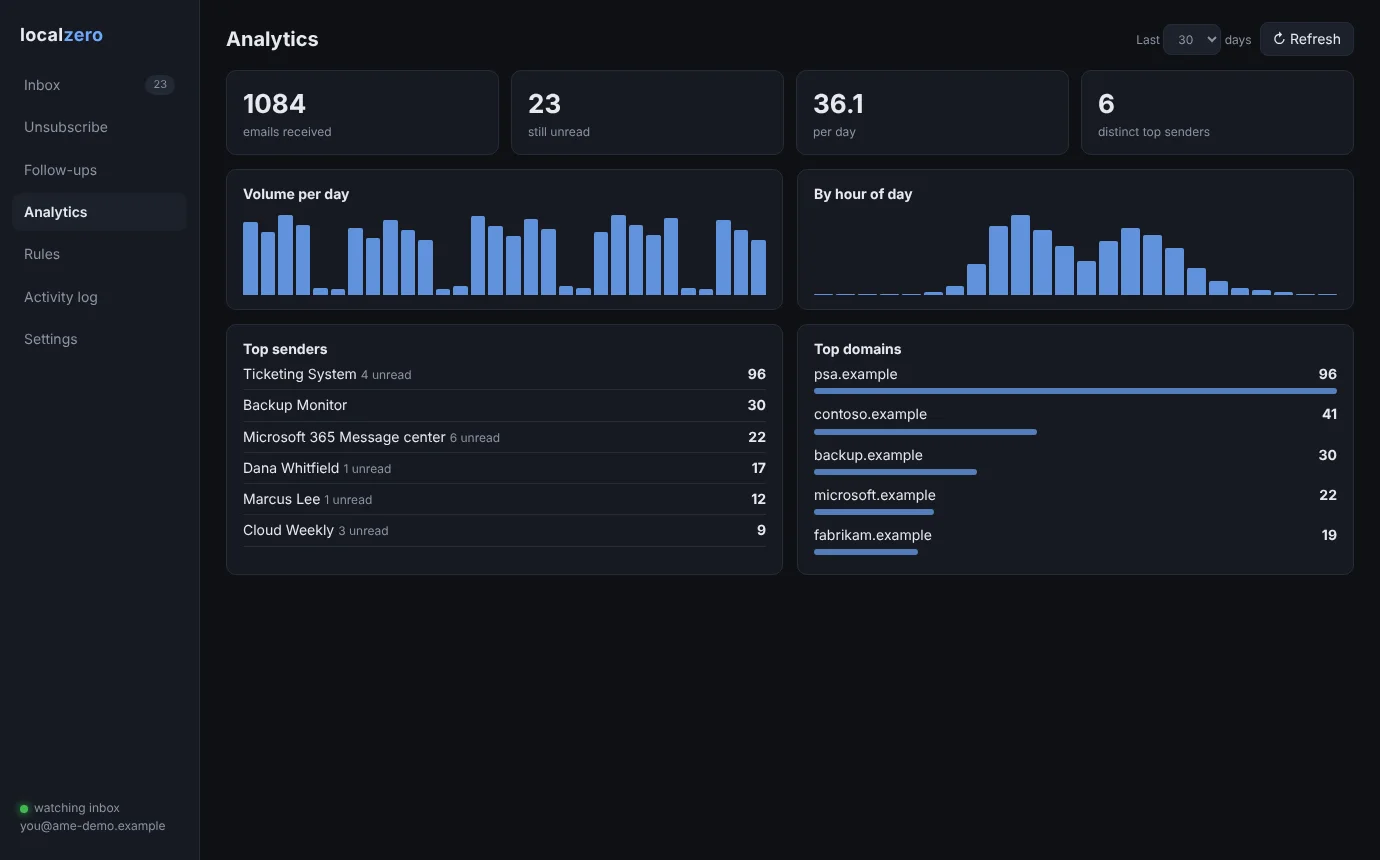
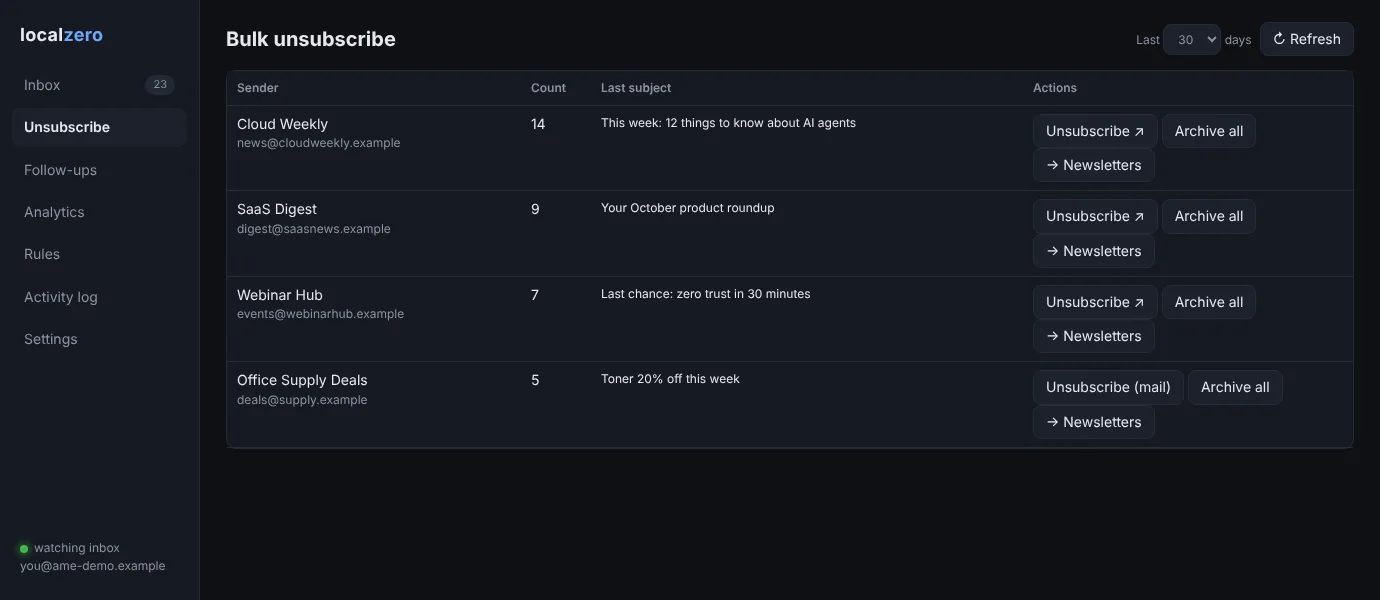
More screens
More of Jeremy's work
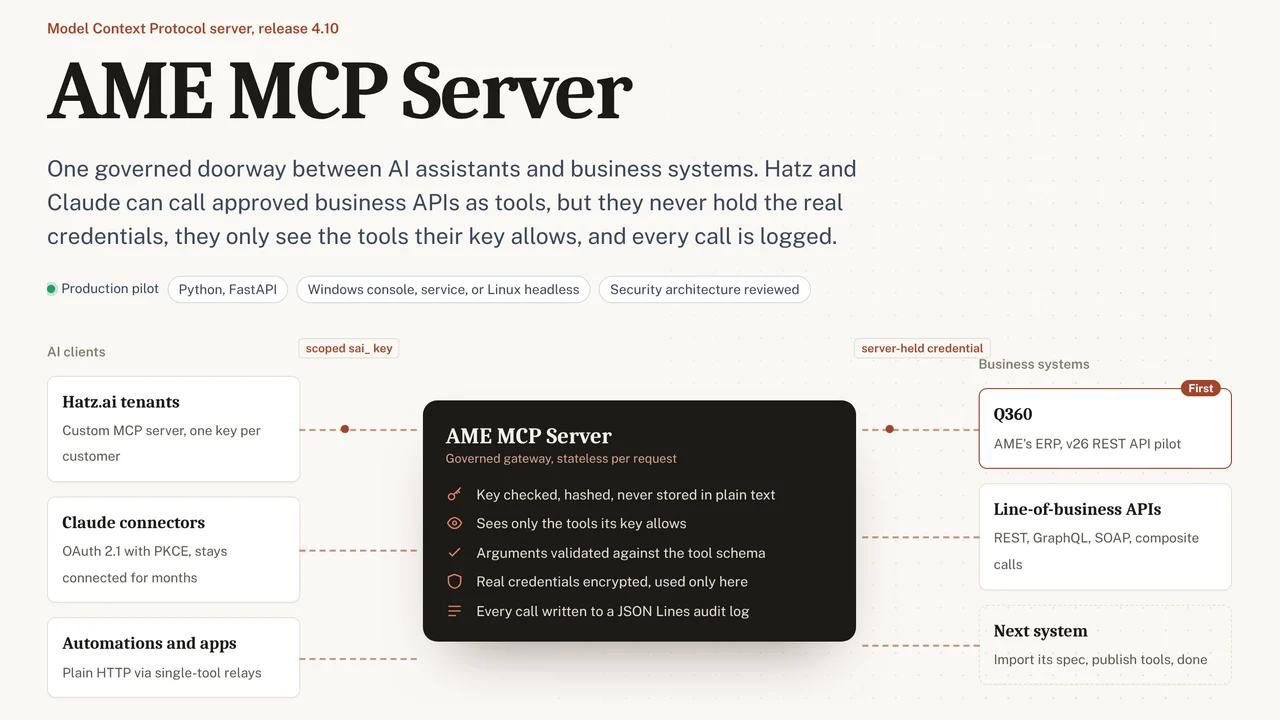 AME MCP ServerOne governed doorway between AI assistants and business systems.
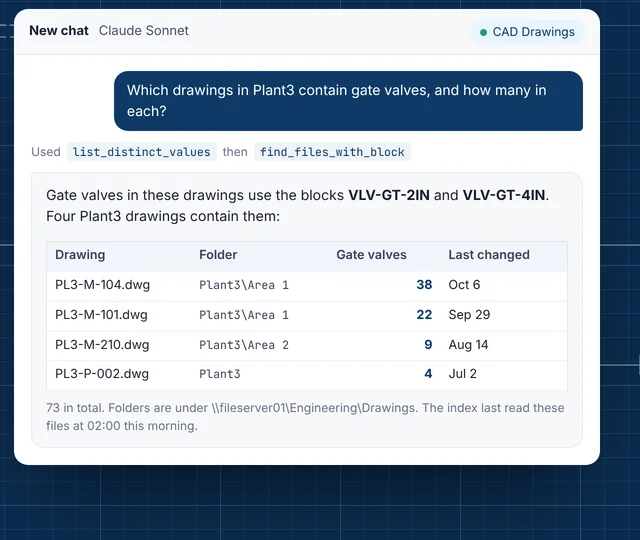 CAD Drawing IndexLets staff ask their AI assistant what is inside AutoCAD drawings.
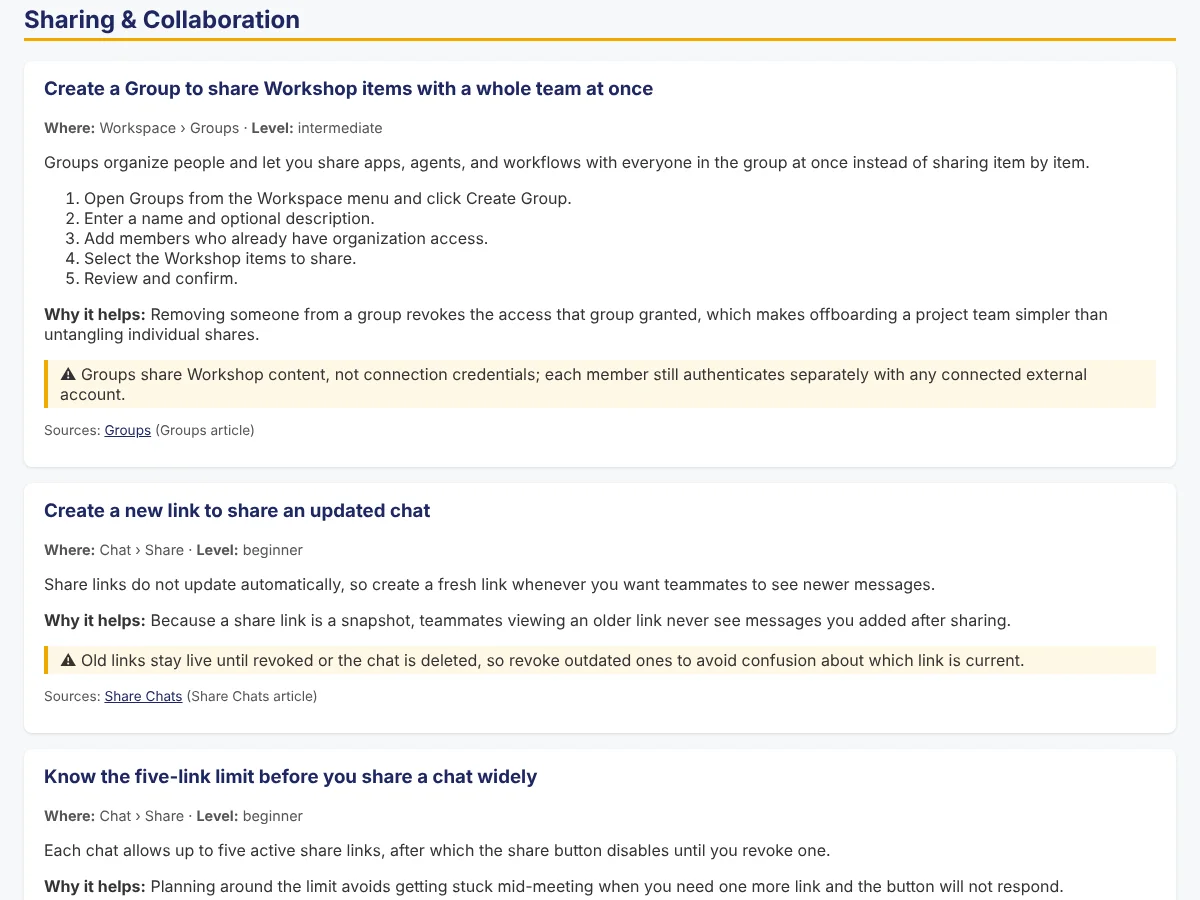 Secure AI Hatz TipsFact-checked how-to answers inside the AI chat customers already use.
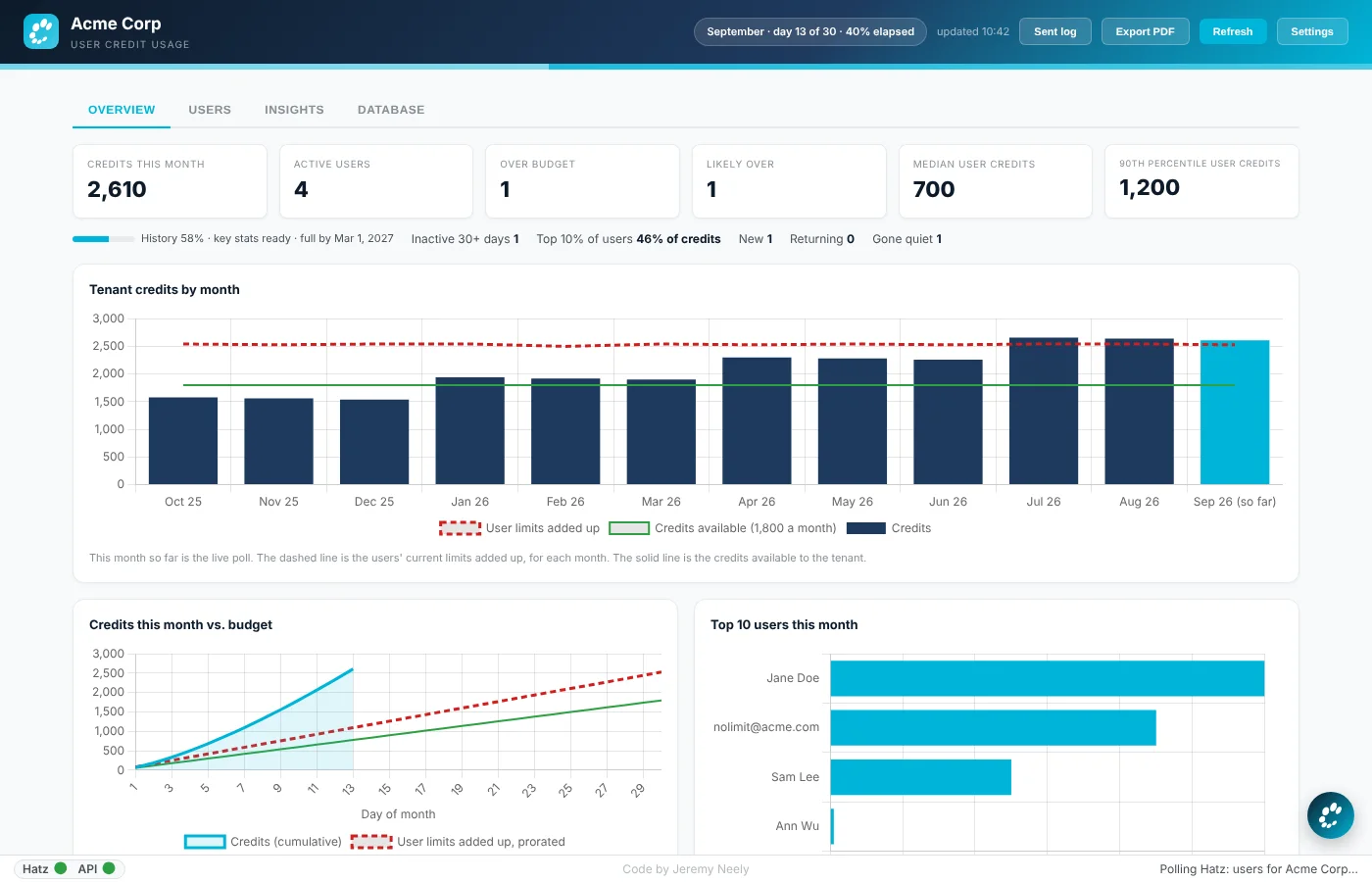 Hatz User WatchWarns admins before any person runs out of AI credits.
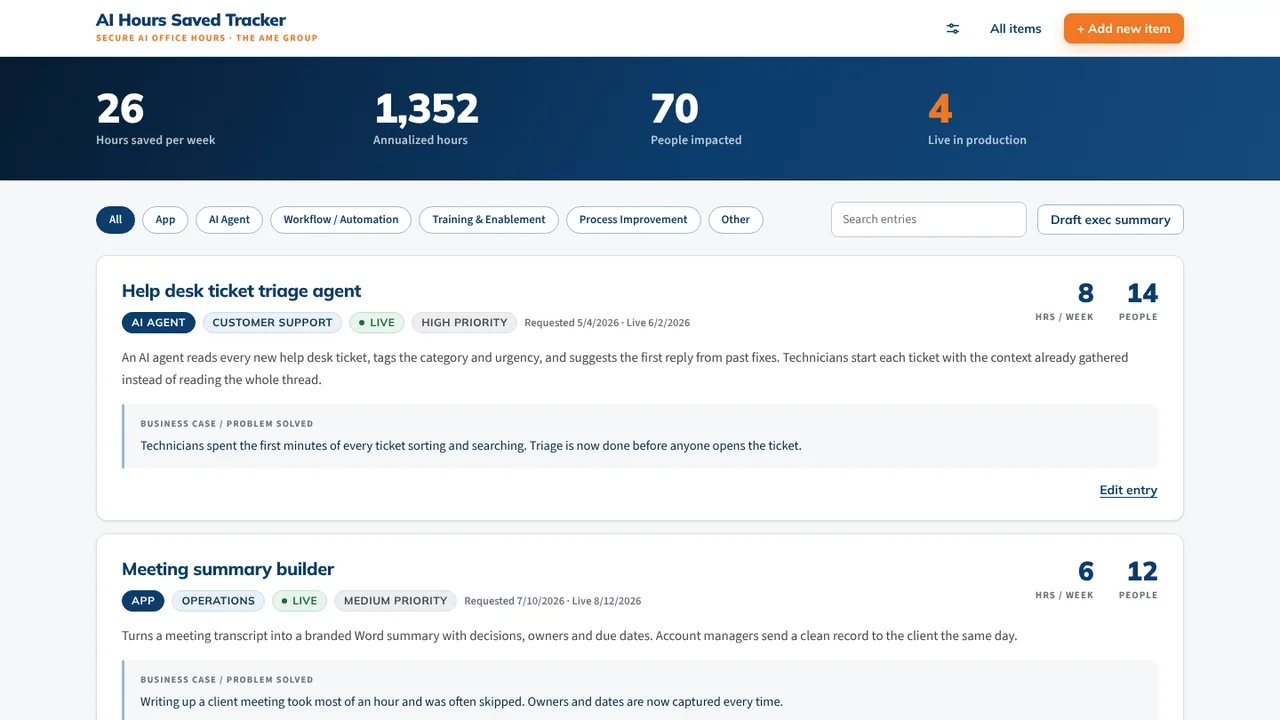 AI Hours TrackerAI interviews staff and writes up each AI time-saving win for leadership.
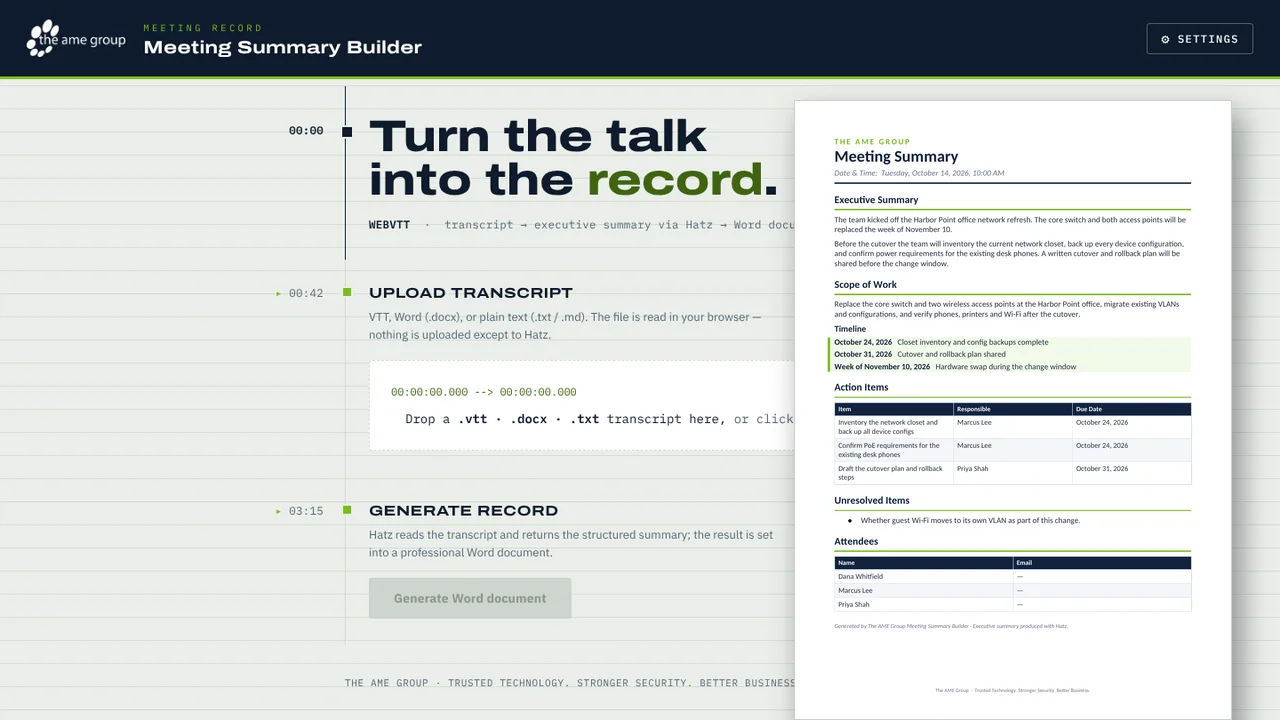 Meeting Summary BuilderTurns a Teams or Zoom transcript into a branded Word meeting summary.