 Jeremy Neely
AI & Agents · Beta
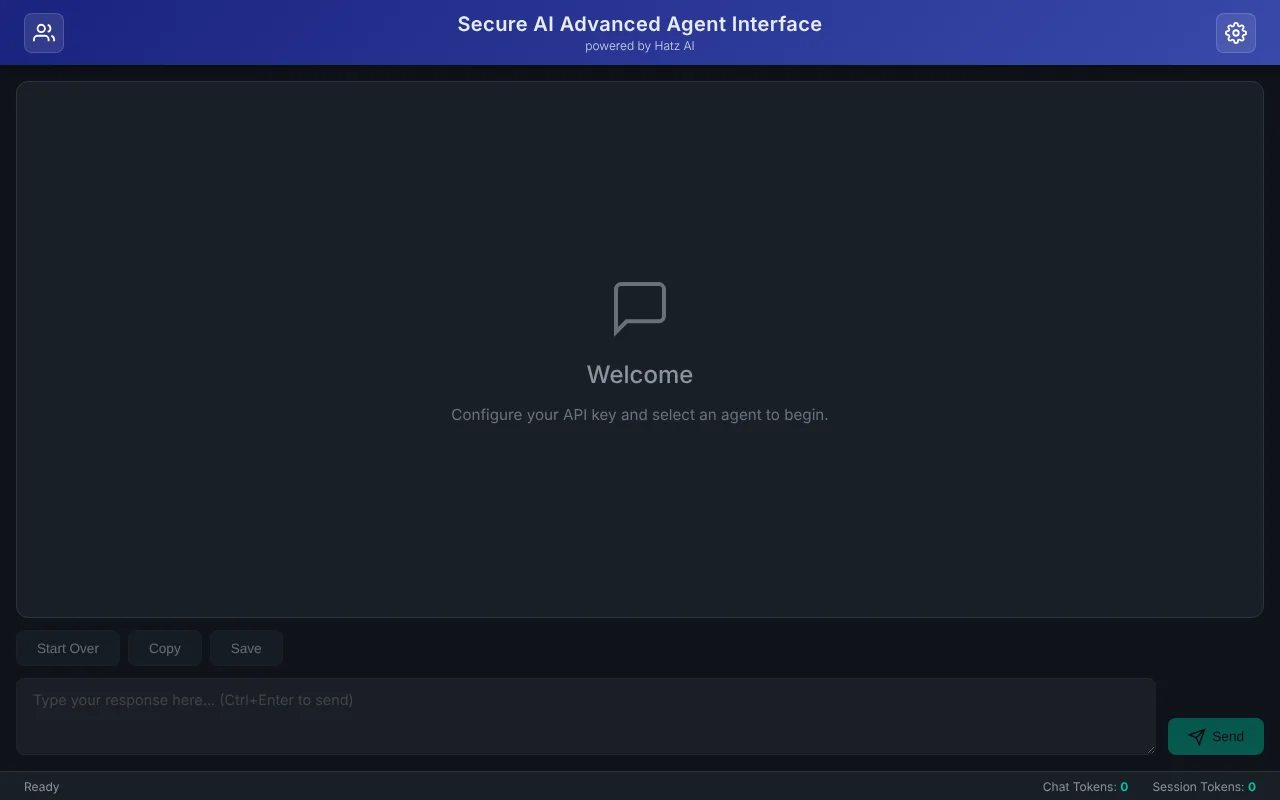
Secure AI Advanced Chat
Saved-prompt workspaces for Claude through the Hatz AI gateway.
Built for: AI and solution engineers at The AME Group
The problem
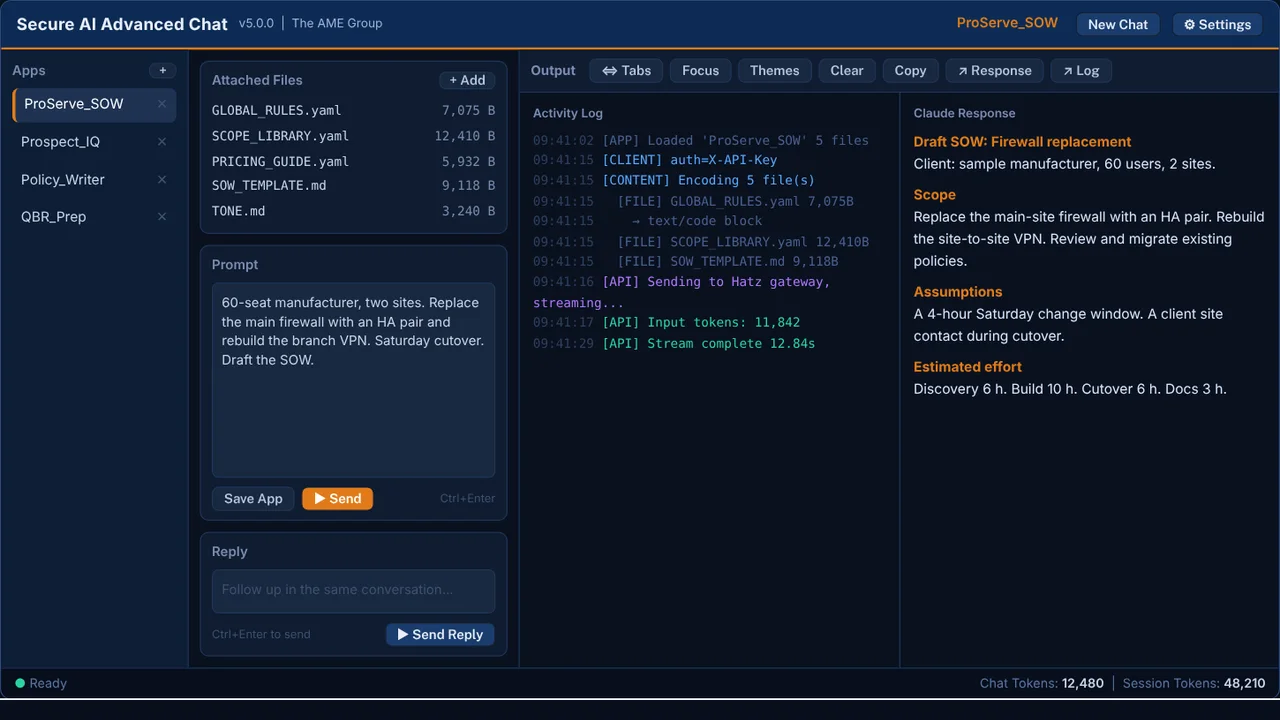
AME engineers build structured prompt packages, such as a Statement of Work generator driven by YAML instruction files. The standard chat window made them awkward to reuse, and nobody could see what a long conversation cost until it was over.
What I built
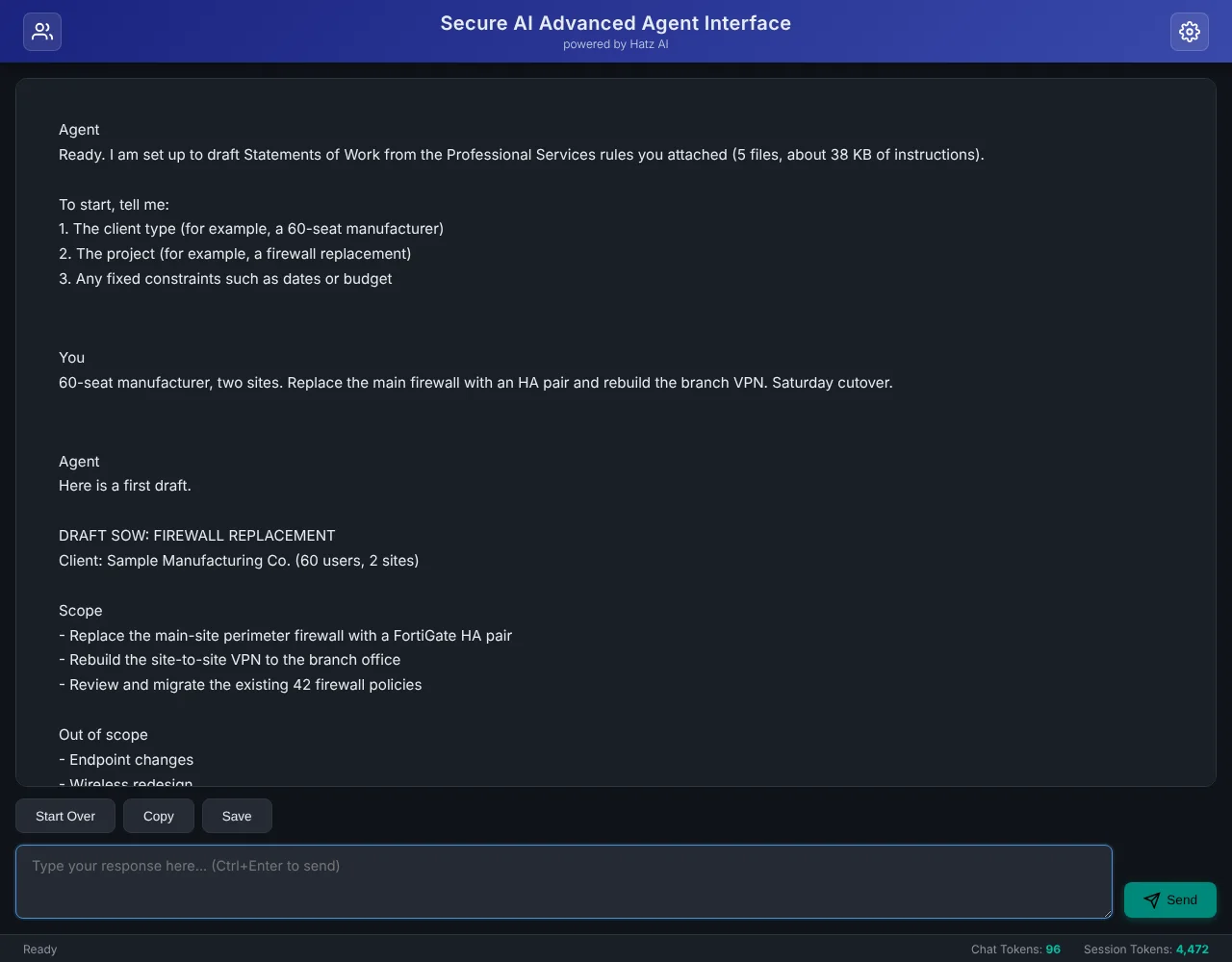
I built a power-user Claude client that saves each prompt package as a named App with its reference files. It streams replies through the Hatz AI gateway, tracks tokens live and encrypts its settings. It exists as both a desktop app and a browser edition.
How it works
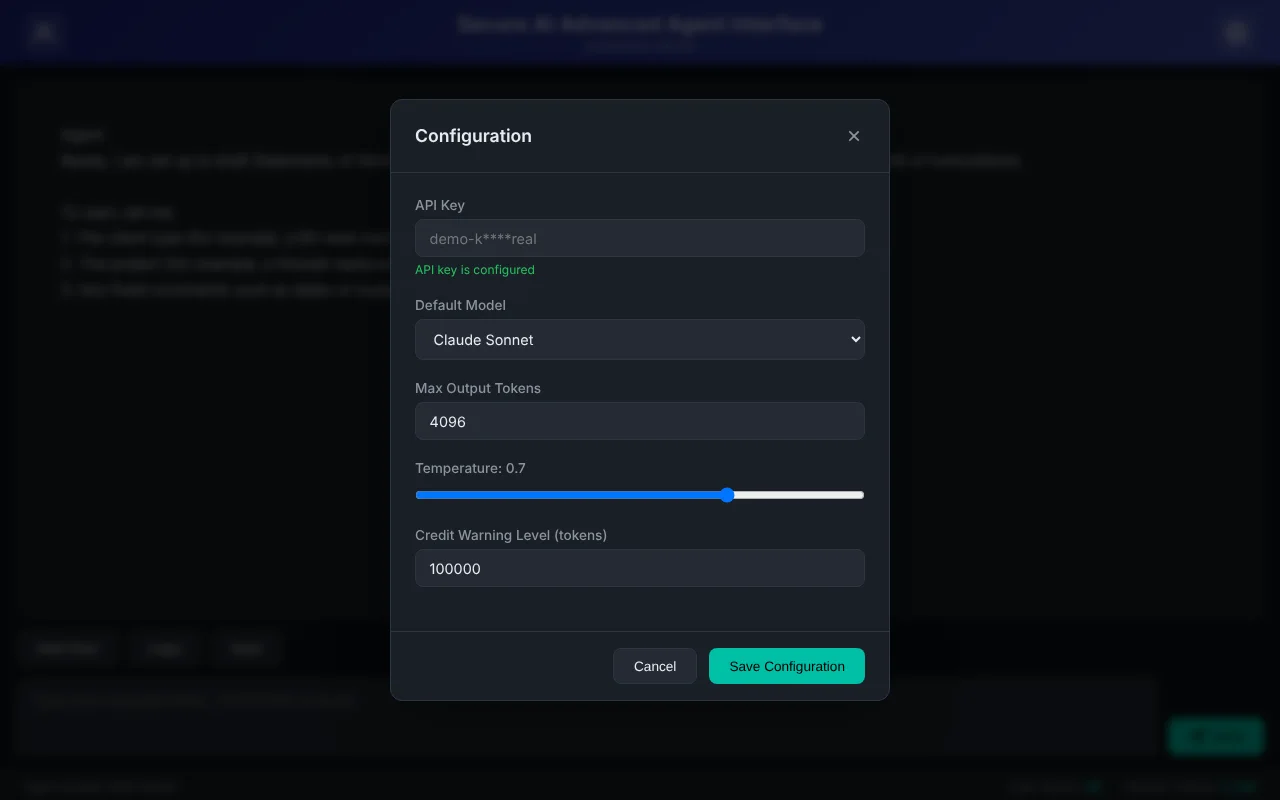
- Enter the Hatz key and gateway once; settings are encrypted.
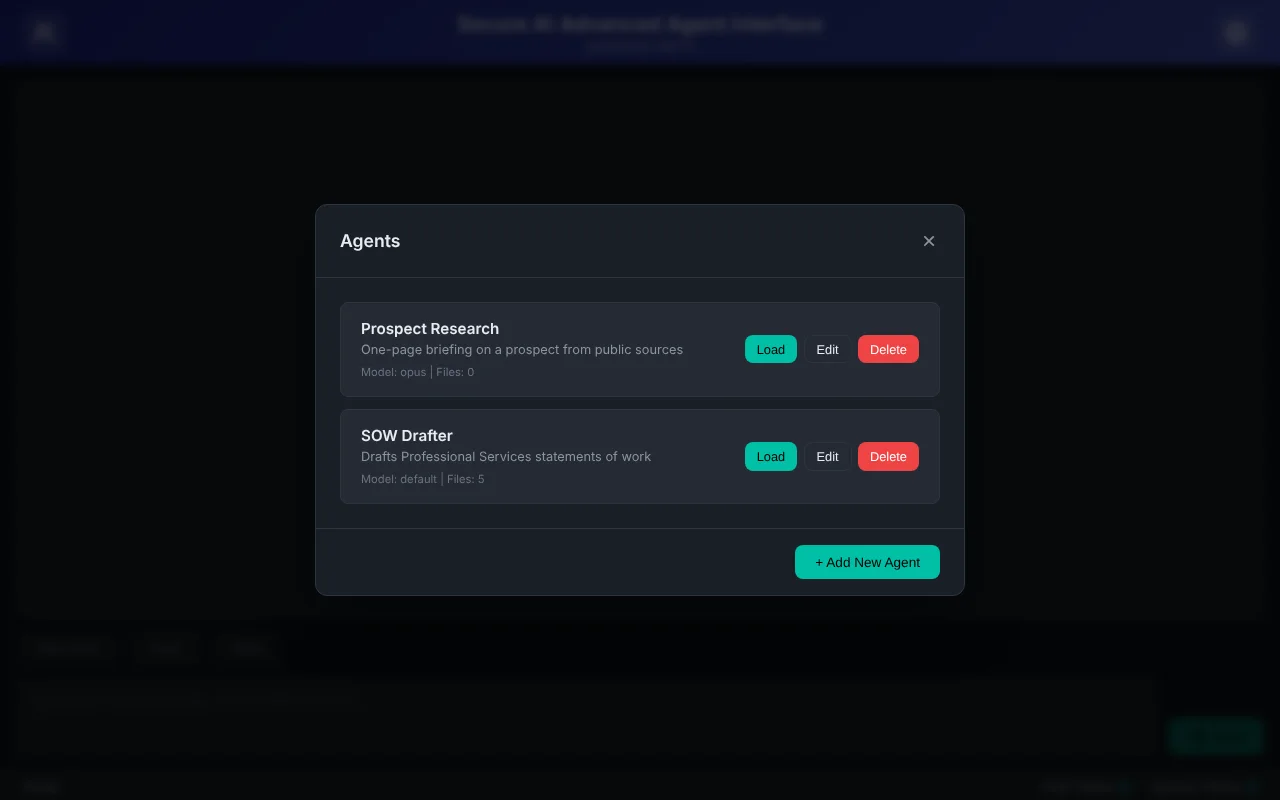
- Create an App with instructions and reference files.
- Send; files become Claude content and the reply streams in.
- Watch each API step in the activity log.
- Track chat and session tokens against a warning level.
Built with
- Python 3.10+
- customtkinter
- Anthropic Python SDK
- httpx
- cryptography
- Flask
More screens
More of Jeremy's work
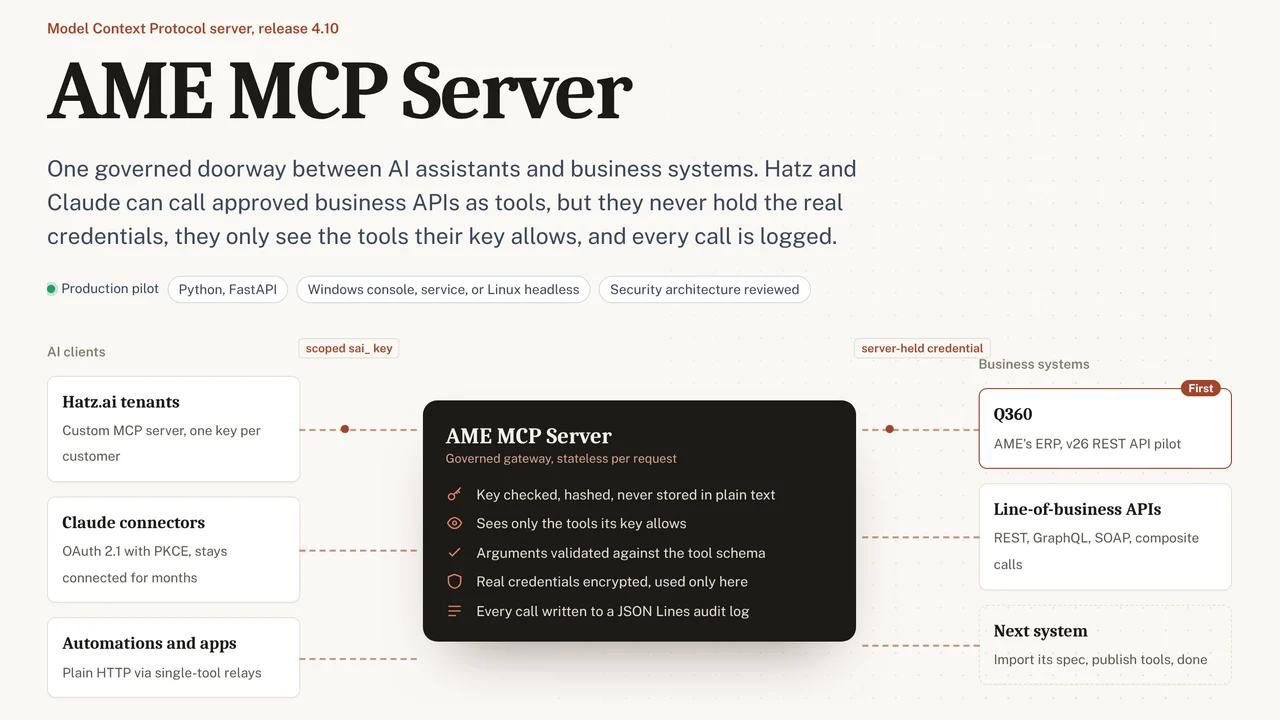 AME MCP ServerOne governed doorway between AI assistants and business systems.
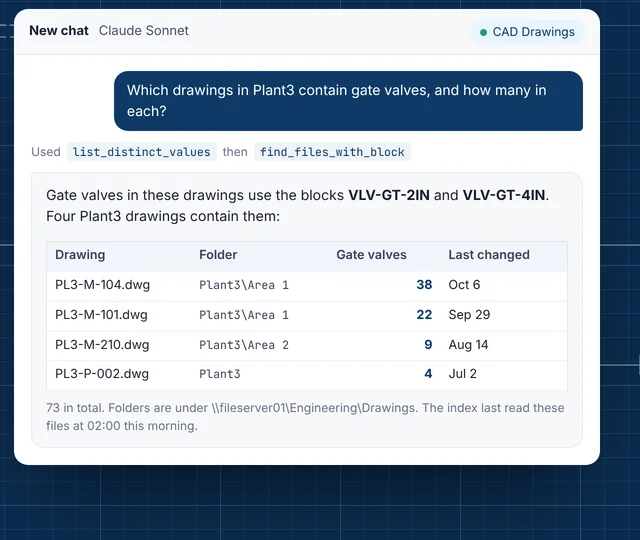 CAD Drawing IndexLets staff ask their AI assistant what is inside AutoCAD drawings.
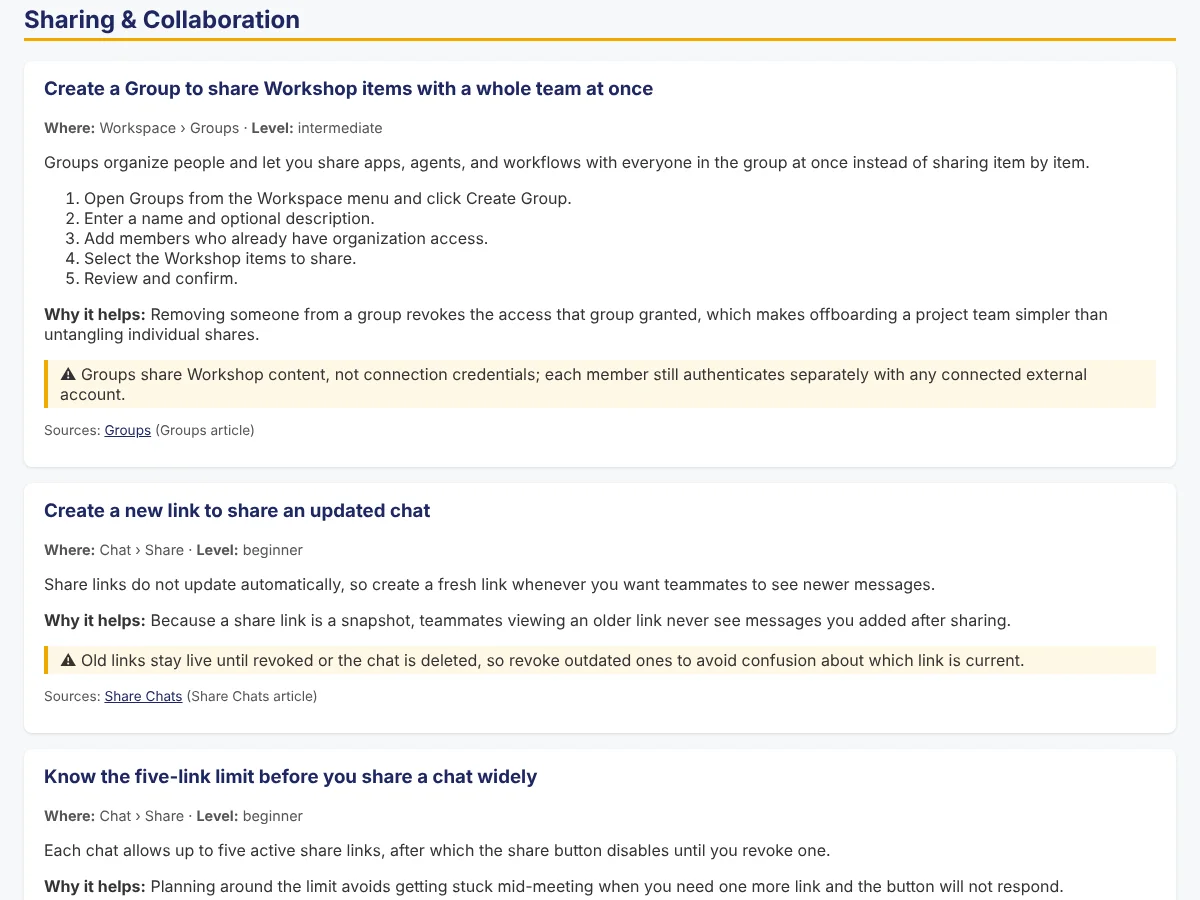 Secure AI Hatz TipsFact-checked how-to answers inside the AI chat customers already use.
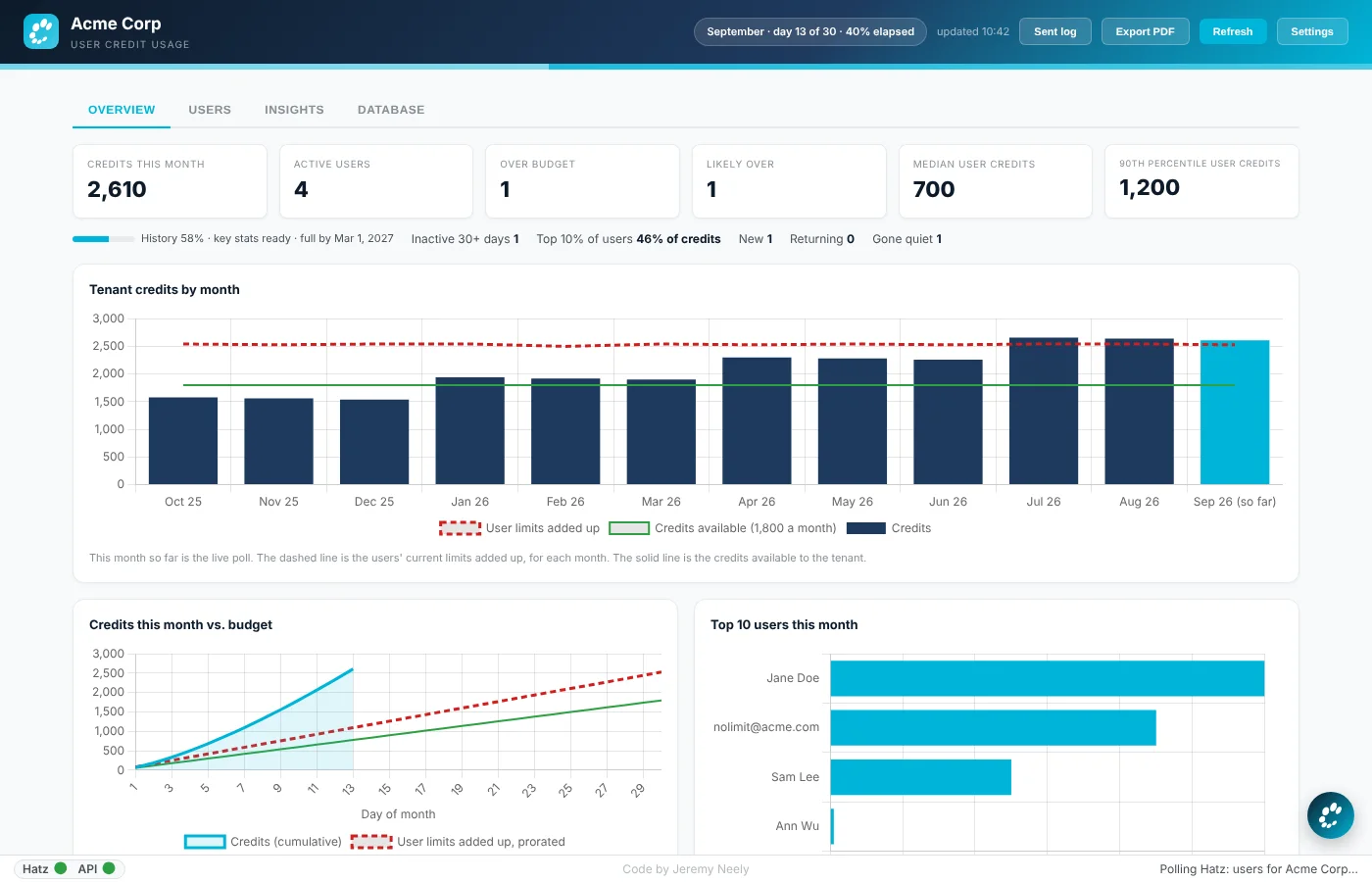 Hatz User WatchWarns admins before any person runs out of AI credits.
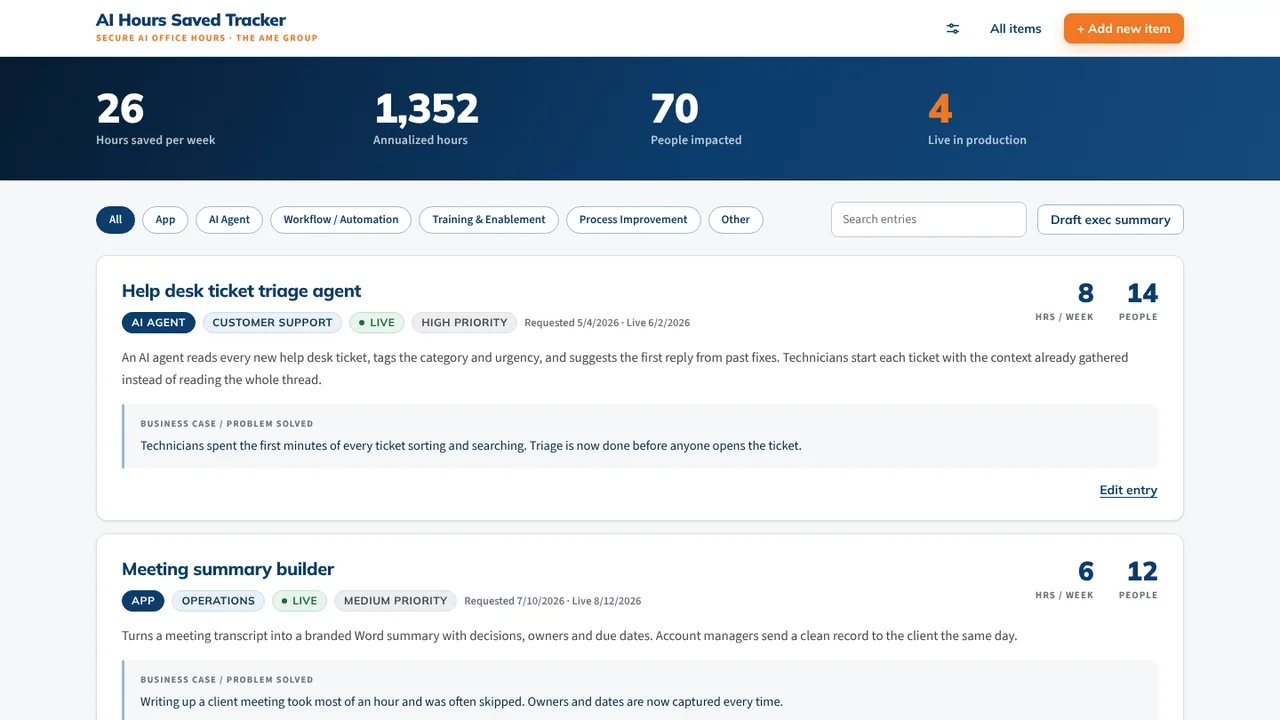 AI Hours TrackerAI interviews staff and writes up each AI time-saving win for leadership.
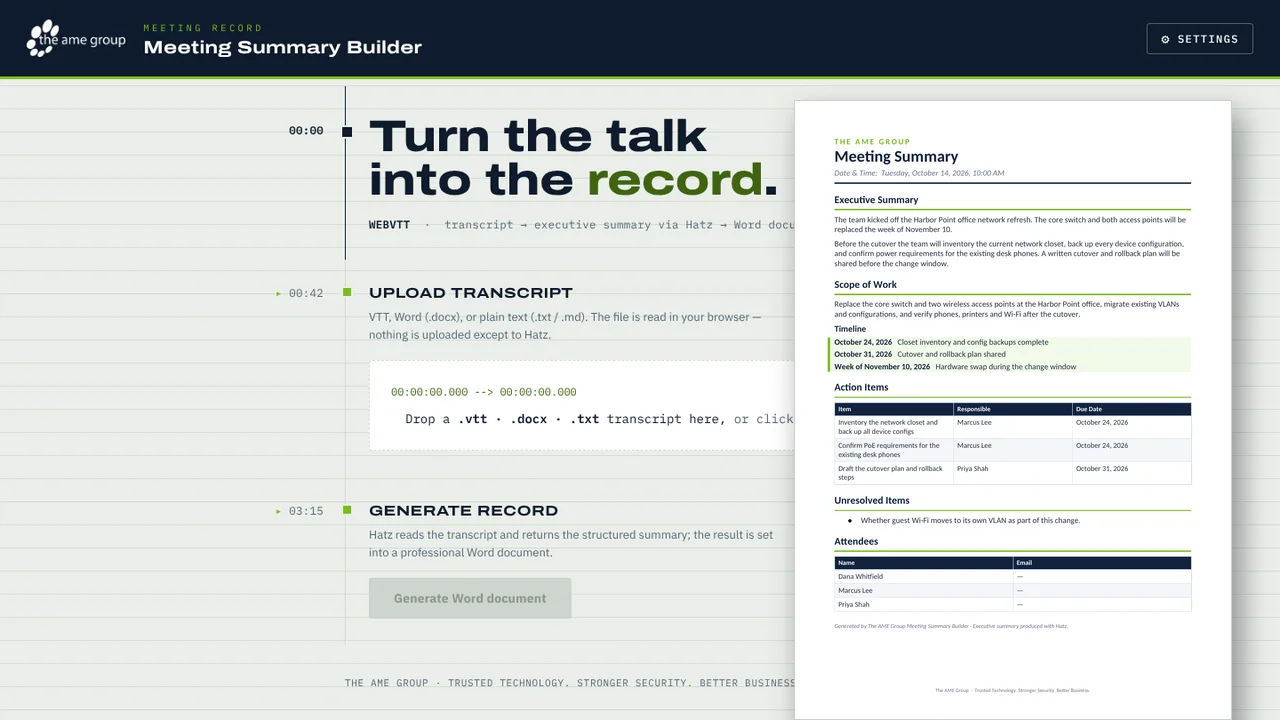 Meeting Summary BuilderTurns a Teams or Zoom transcript into a branded Word meeting summary.