 Jeremy Neely
AI & Agents · Production
Hatz Admin Toolkit
Admin tools for moving users and bulk-assigning roles in Hatz AI.
Built for: The AME Group's Secure AI and Hatz administrators
The problem
AME staff regularly step into client Hatz AI tenants to set them up, and onboarding often means a spending limit for every user. In the web console both jobs take many clicks per user and leave no audit trail.
What I built
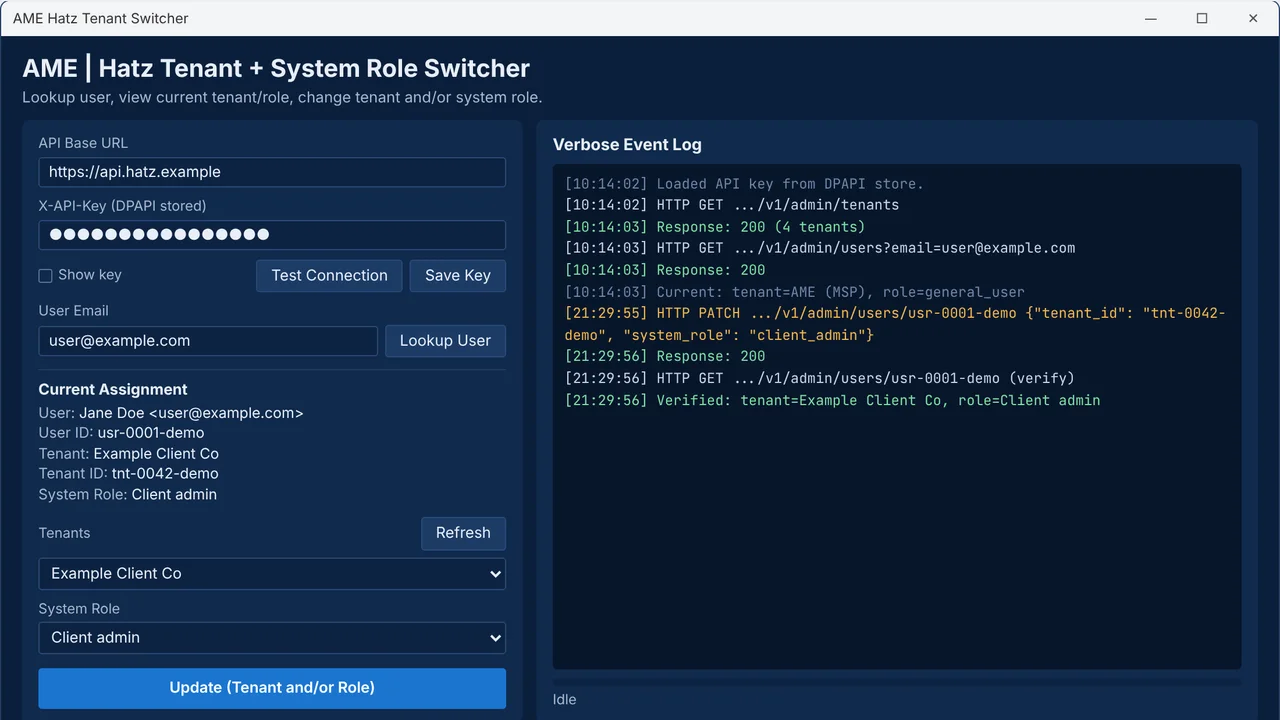
I built two Windows tools on the Hatz AI admin API. The Tenant Switcher moves a user between tenants and roles in one confirmed click, and the Role Provisioner gives each user in a CSV a personal role with a credit cap.
How it works
- Load the encrypted API key and fetch the tenants.
- Look up a user to see their current tenant and role.
- Confirm the change; only changed fields are sent, then re-read.
- Or feed in a CSV to create a capped role per user.
- Clean up those roles later, with a preview first.
Built with
- Python 3
- tkinter / ttk
- requests
- Windows DPAPI
- Hatz AI admin REST API
More of Jeremy's work
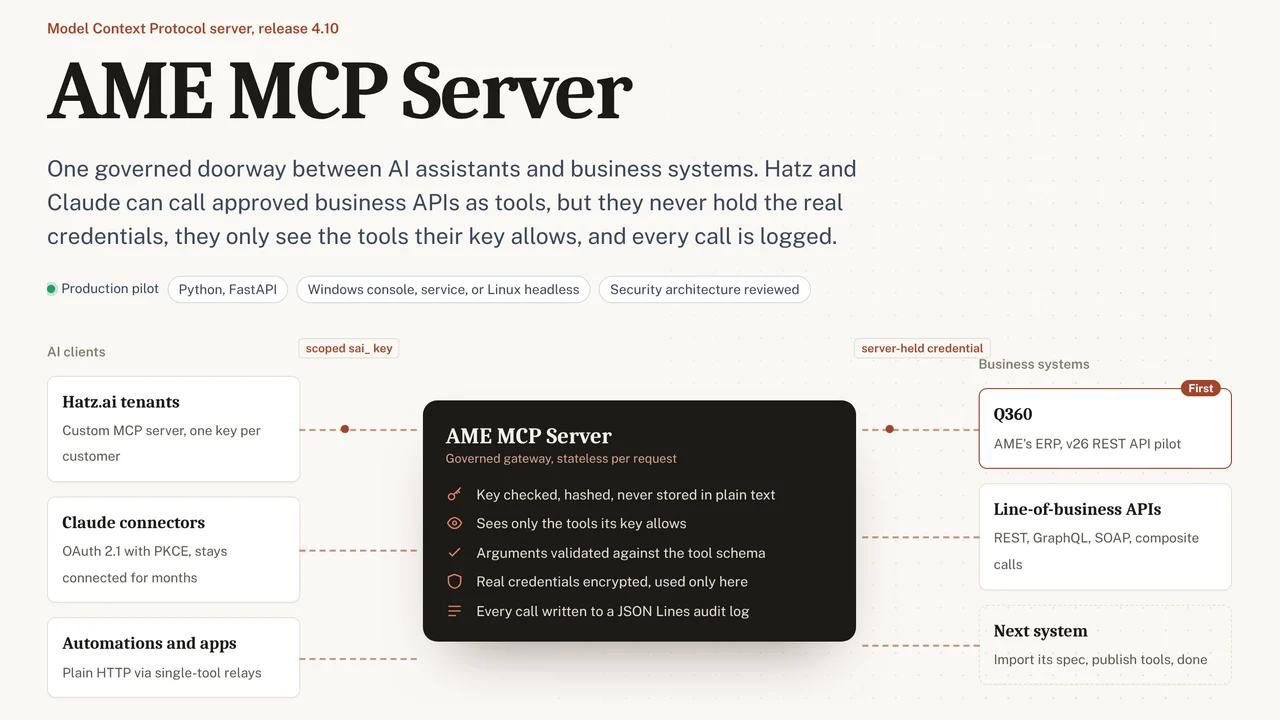 AME MCP ServerOne governed doorway between AI assistants and business systems.
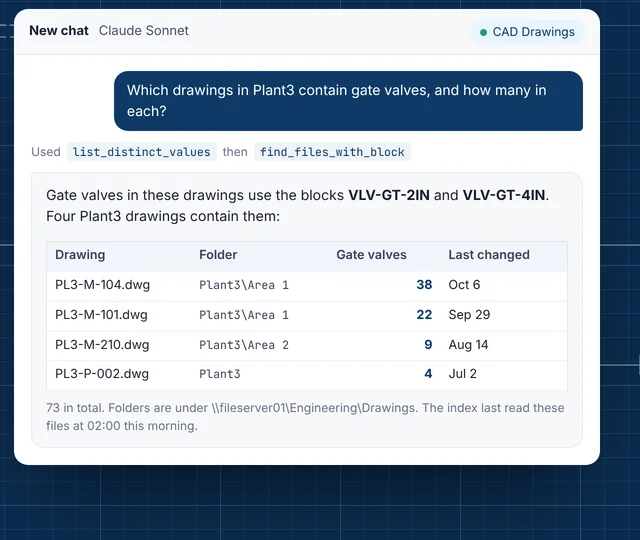 CAD Drawing IndexLets staff ask their AI assistant what is inside AutoCAD drawings.
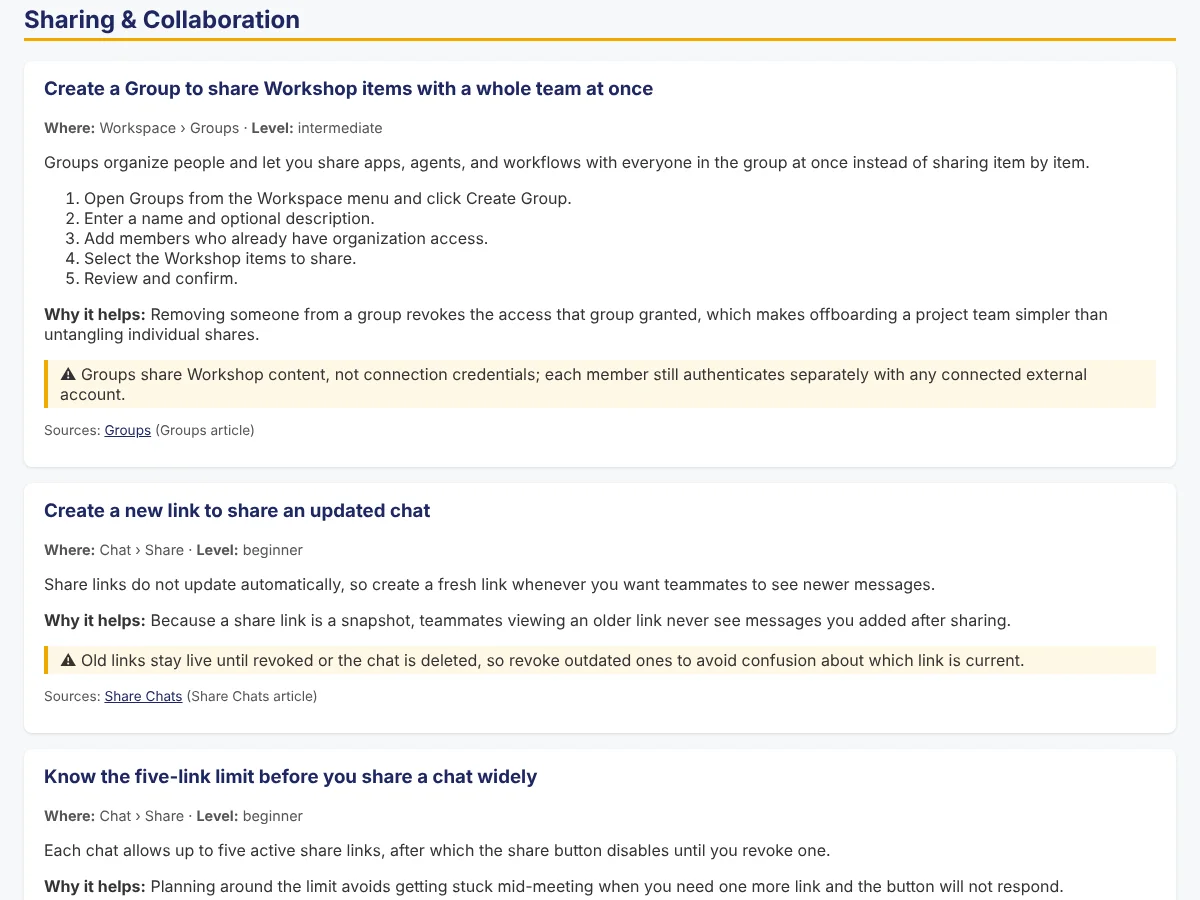 Secure AI Hatz TipsFact-checked how-to answers inside the AI chat customers already use.
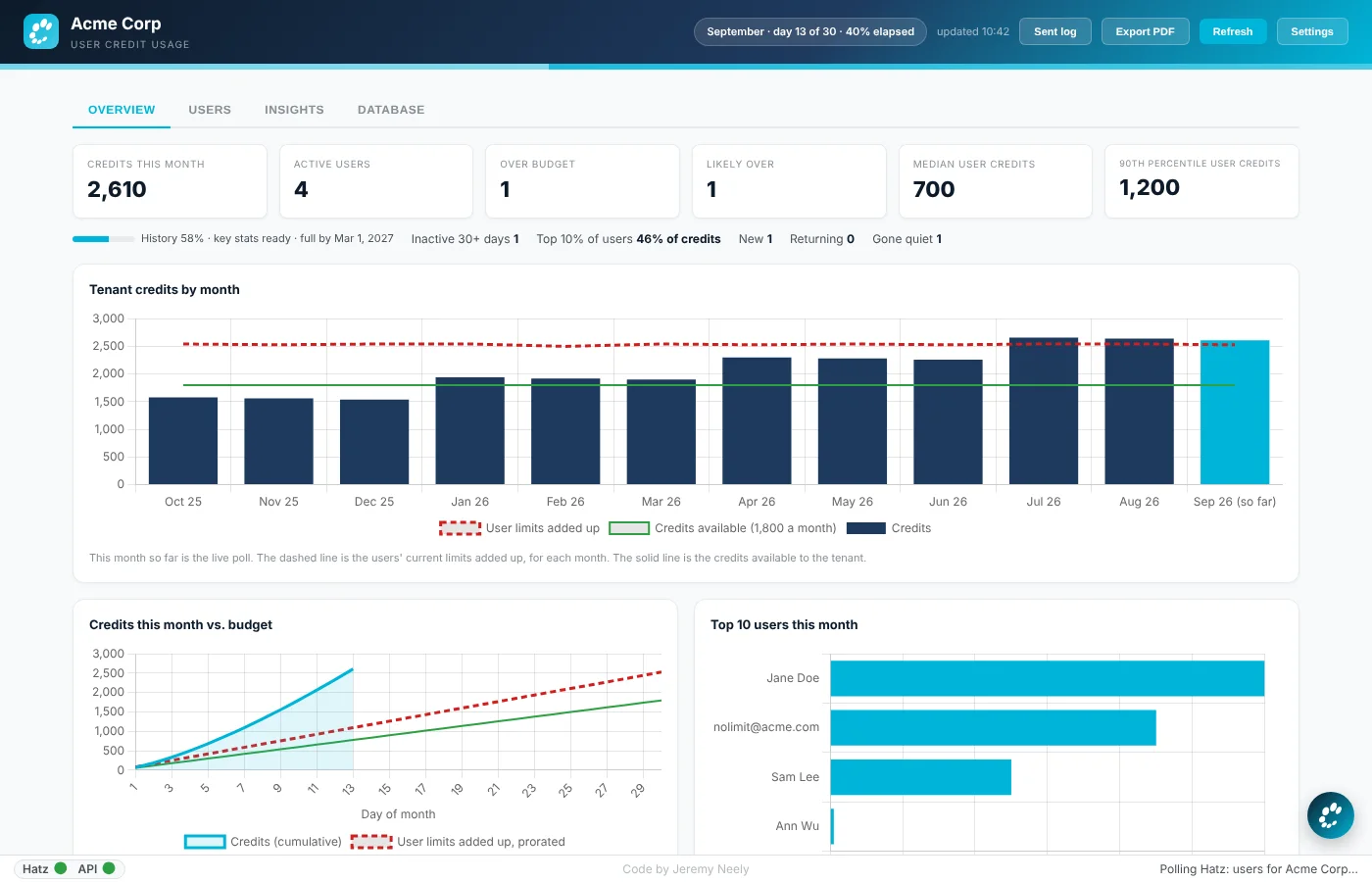 Hatz User WatchWarns admins before any person runs out of AI credits.
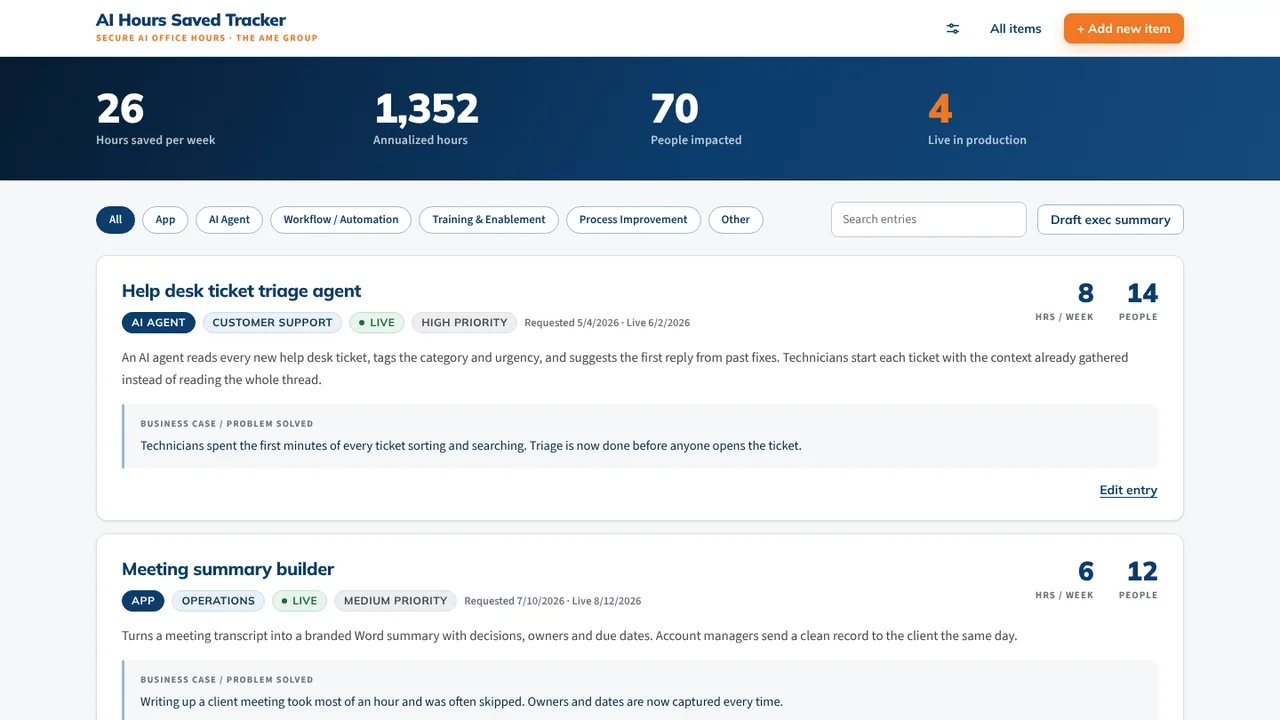 AI Hours TrackerAI interviews staff and writes up each AI time-saving win for leadership.
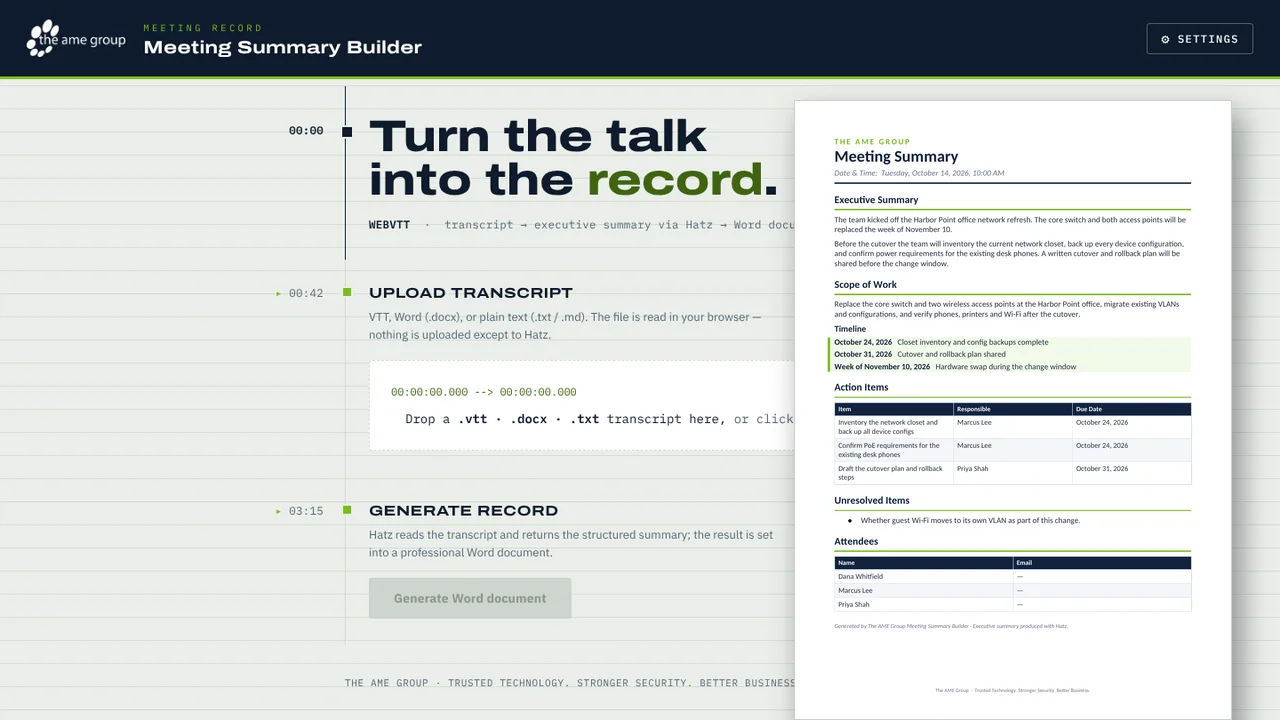 Meeting Summary BuilderTurns a Teams or Zoom transcript into a branded Word meeting summary.