 Jeremy Neely
Web Apps & Dashboards · Beta
SecureAIDB
Tracker that runs the 90-day Secure AI client onboarding program.
Built for: The AME Group's Secure AI facilitator
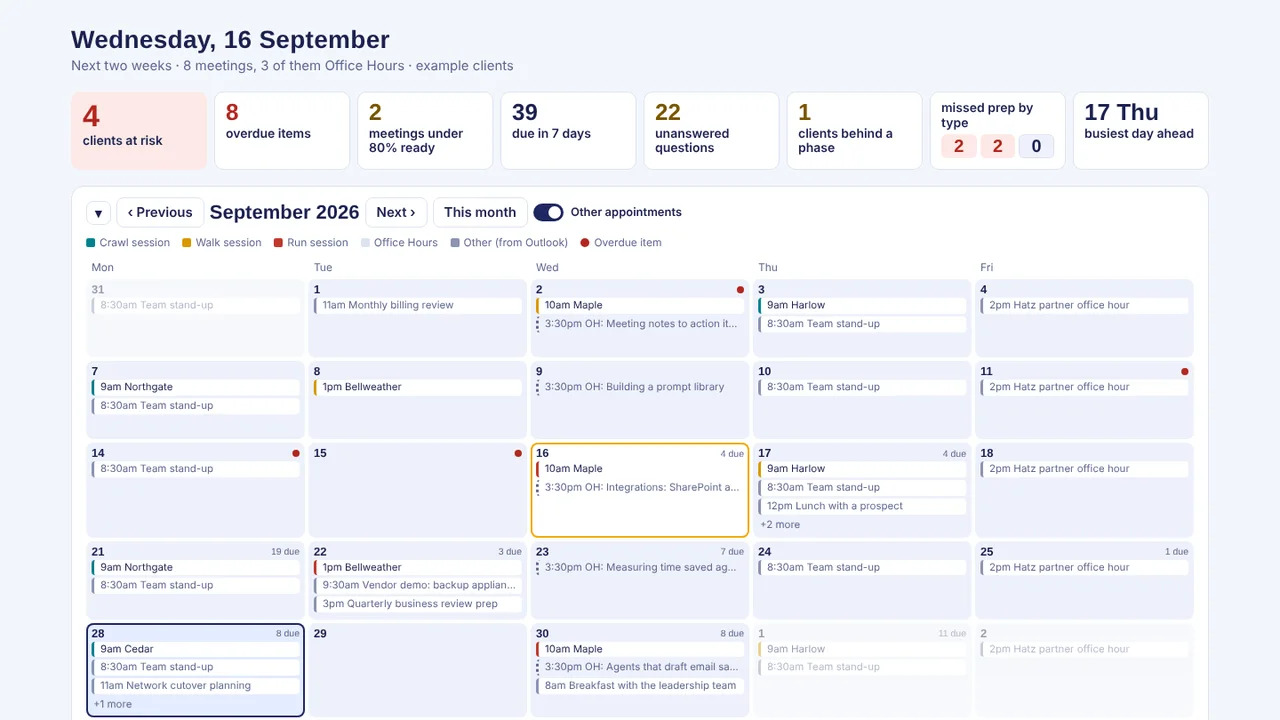
The problem
Running a 12-week AI onboarding program for many clients at once means juggling sessions, prep tasks, homework and Office Hours. From spreadsheets and calendars it is easy to walk in unprepared or let a client fall behind.
What I built
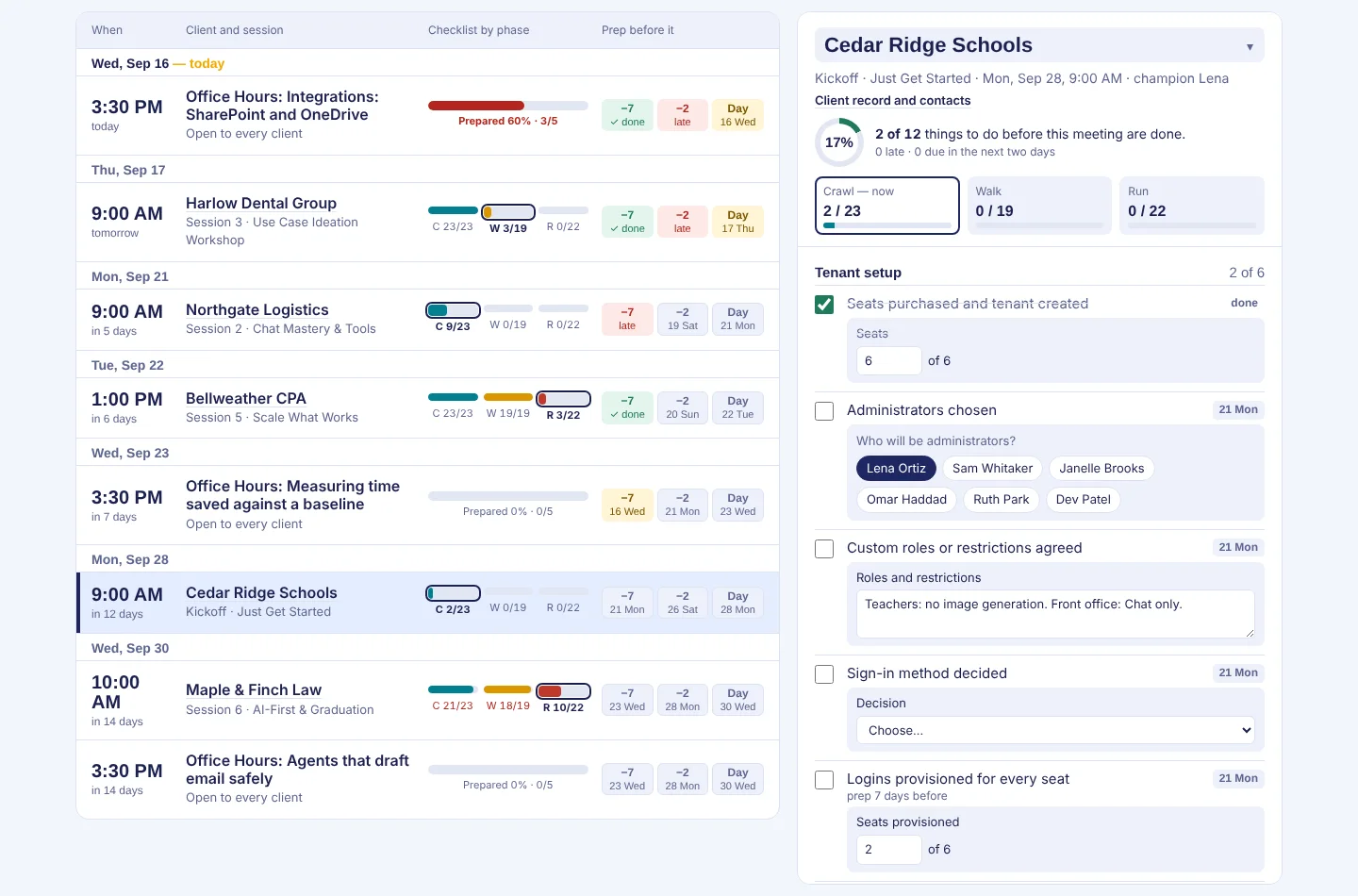
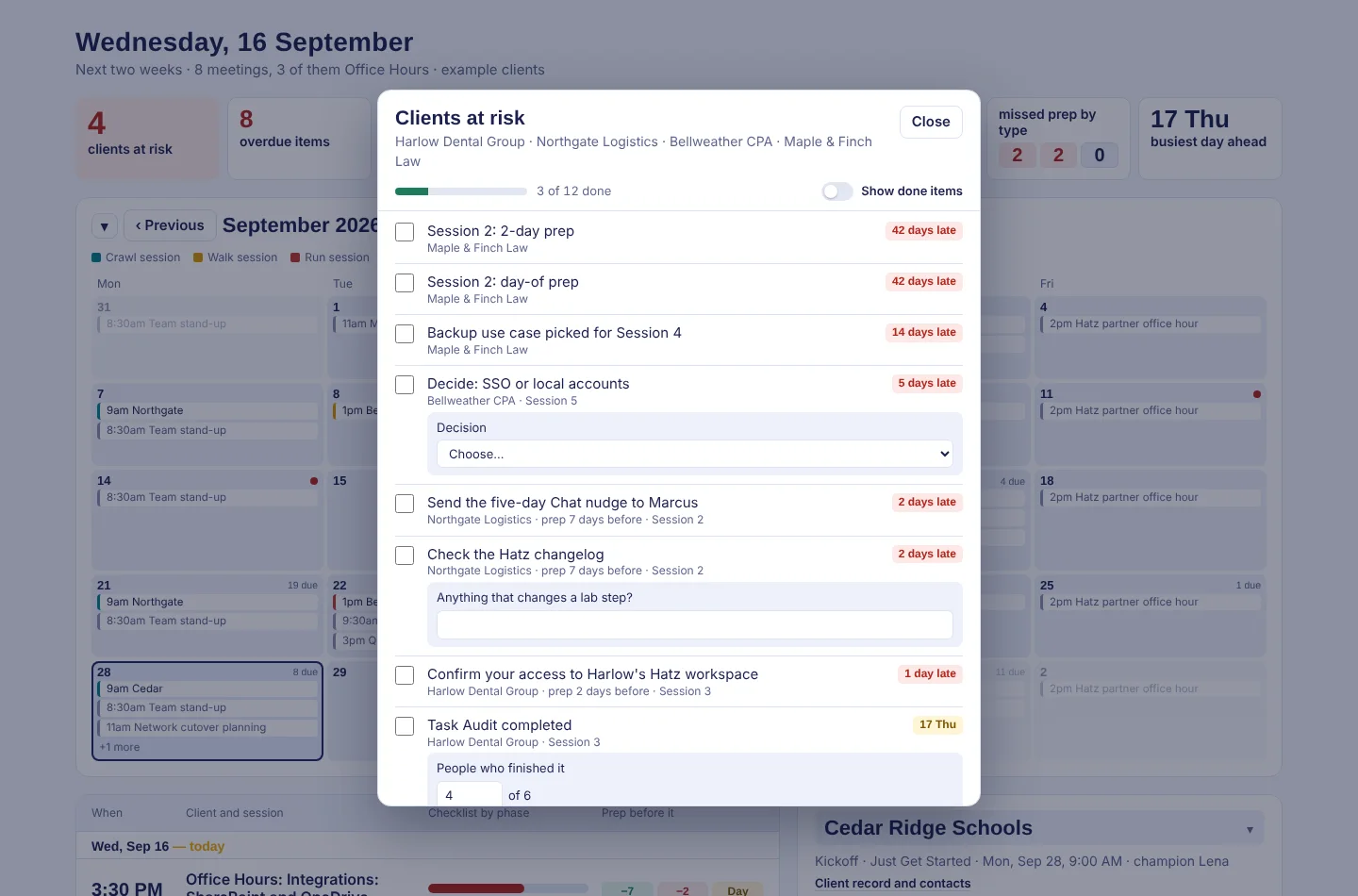
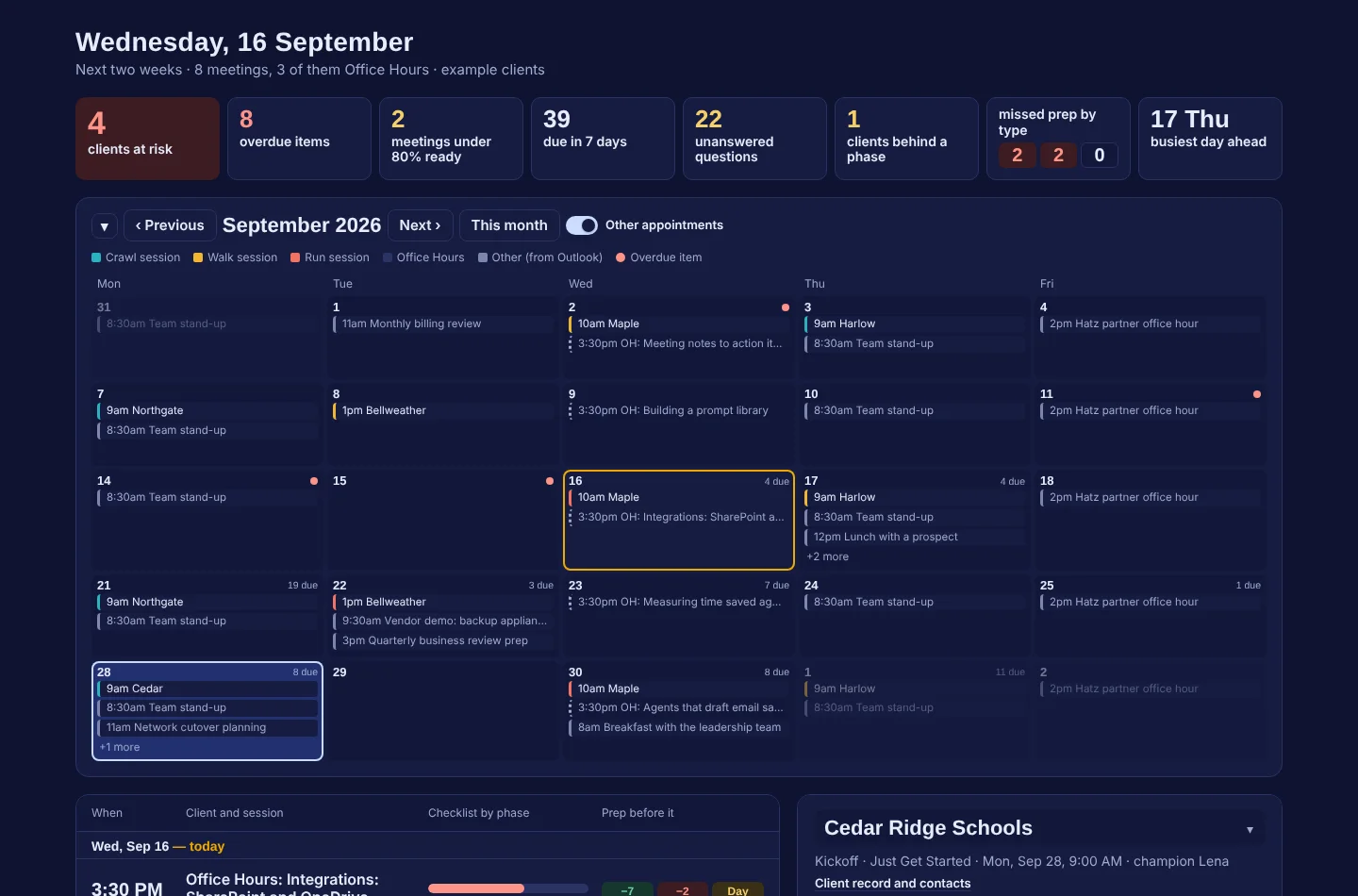
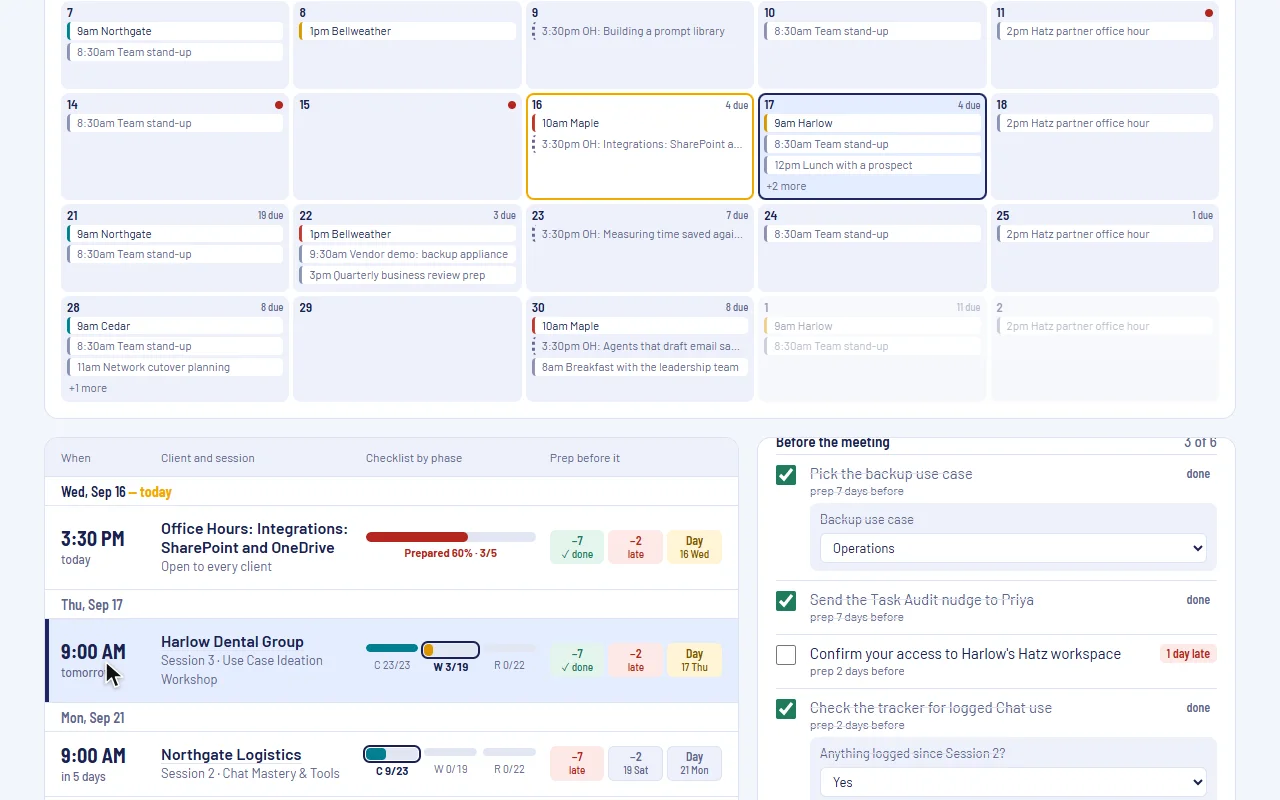
I built a local Blazor Server web app over MariaDB that stamps a versioned program template onto each client and computes every session and prep due date. Its dashboard shows clients at risk, overdue items and how ready each meeting is.
How it works
- Add a client and paste in their people.
- Start the program; every session and prep task gets a date.
- Answer checklist questions as the work gets done.
- Work from the dashboard of risk, readiness and due items.
- Draft nudge emails in Outlook and schedule Office Hours.
Built with
- C#
- .NET 10
- Blazor Server
- Entity Framework Core 9
- MariaDB
- xUnit
More screens
More of Jeremy's work
- Fleet InsightsMonthly repair reports that show each branch which trucks cost too much.
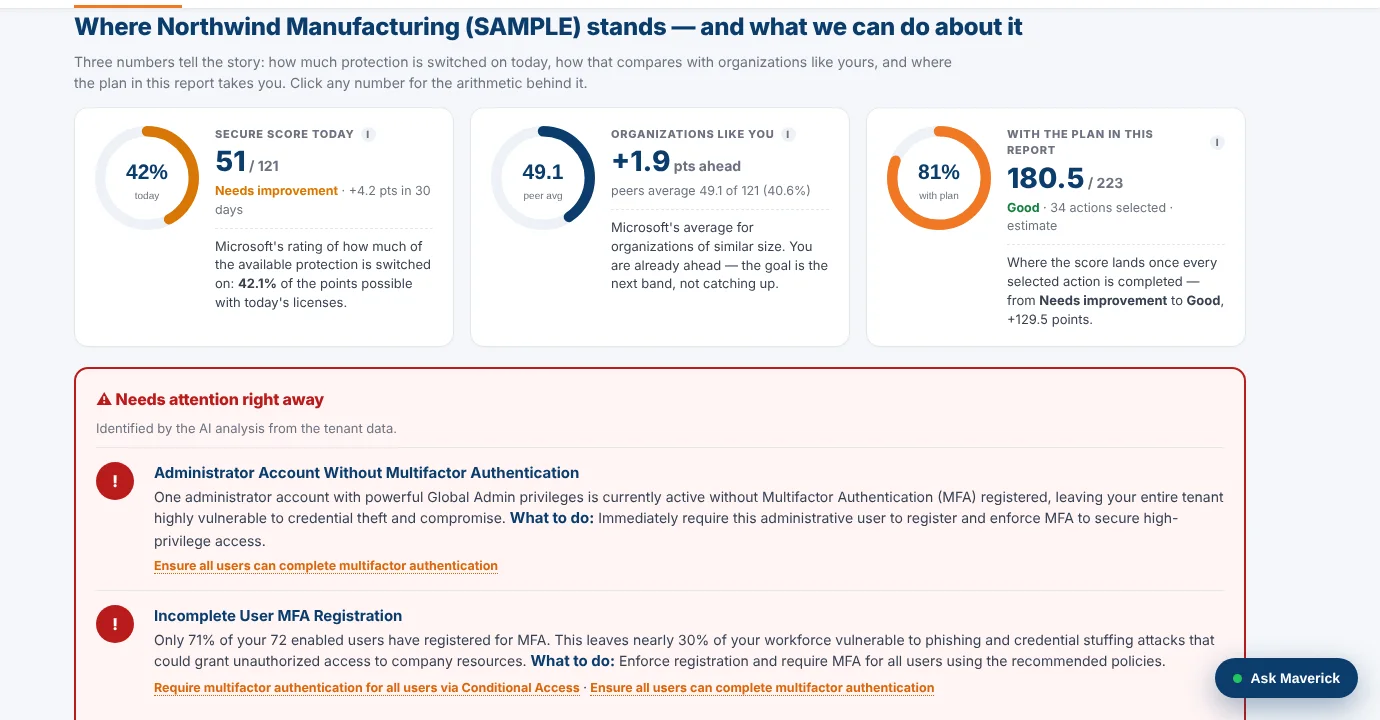 M365AssessOne read-only sign-in turns a Microsoft 365 tenant into a security plan.
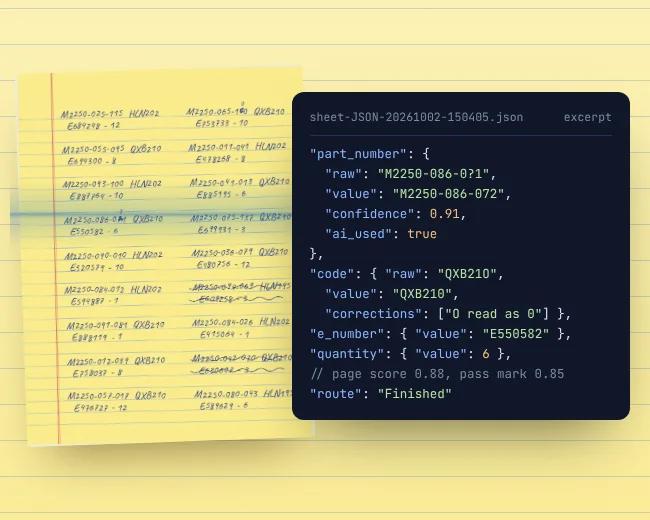 OCR WatchReads handwritten parts sheets on the PC and flags only uncertain entries.
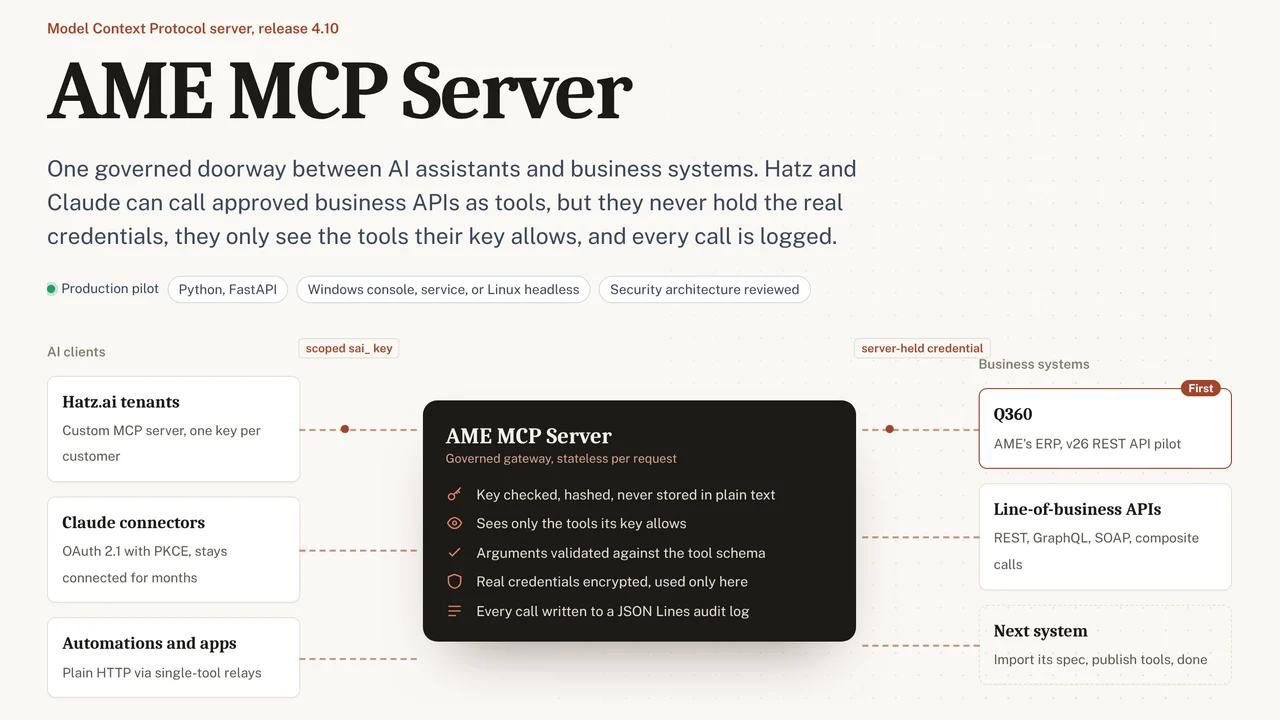 AME MCP ServerOne governed doorway between AI assistants and business systems.
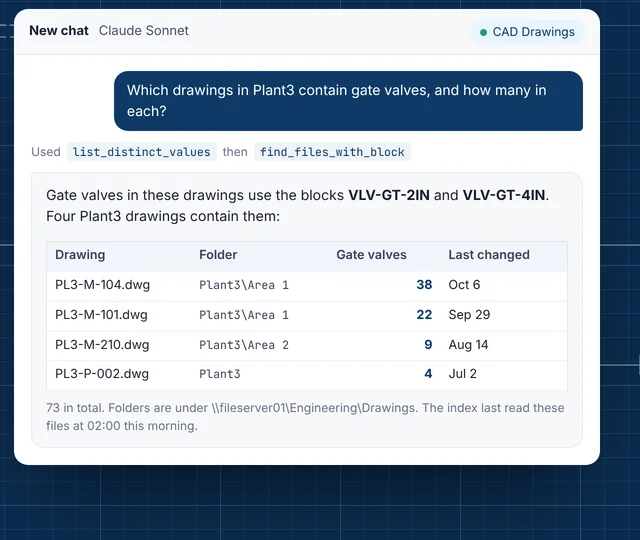 CAD Drawing IndexLets staff ask their AI assistant what is inside AutoCAD drawings.
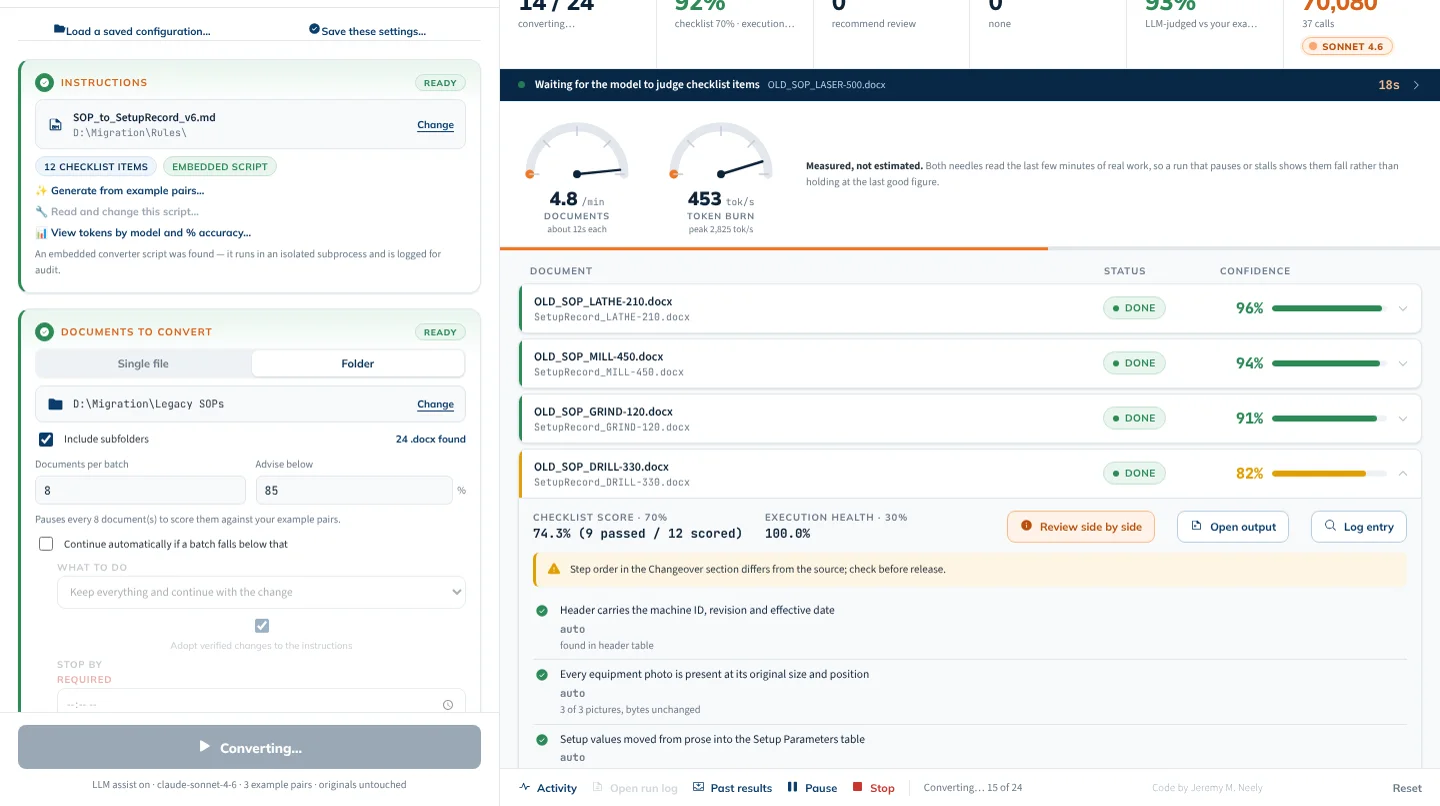 AME-XDOCMoves hundreds of Word documents to a new template, and checks itself.