 Jeremy Neely
Security & Compliance · Beta
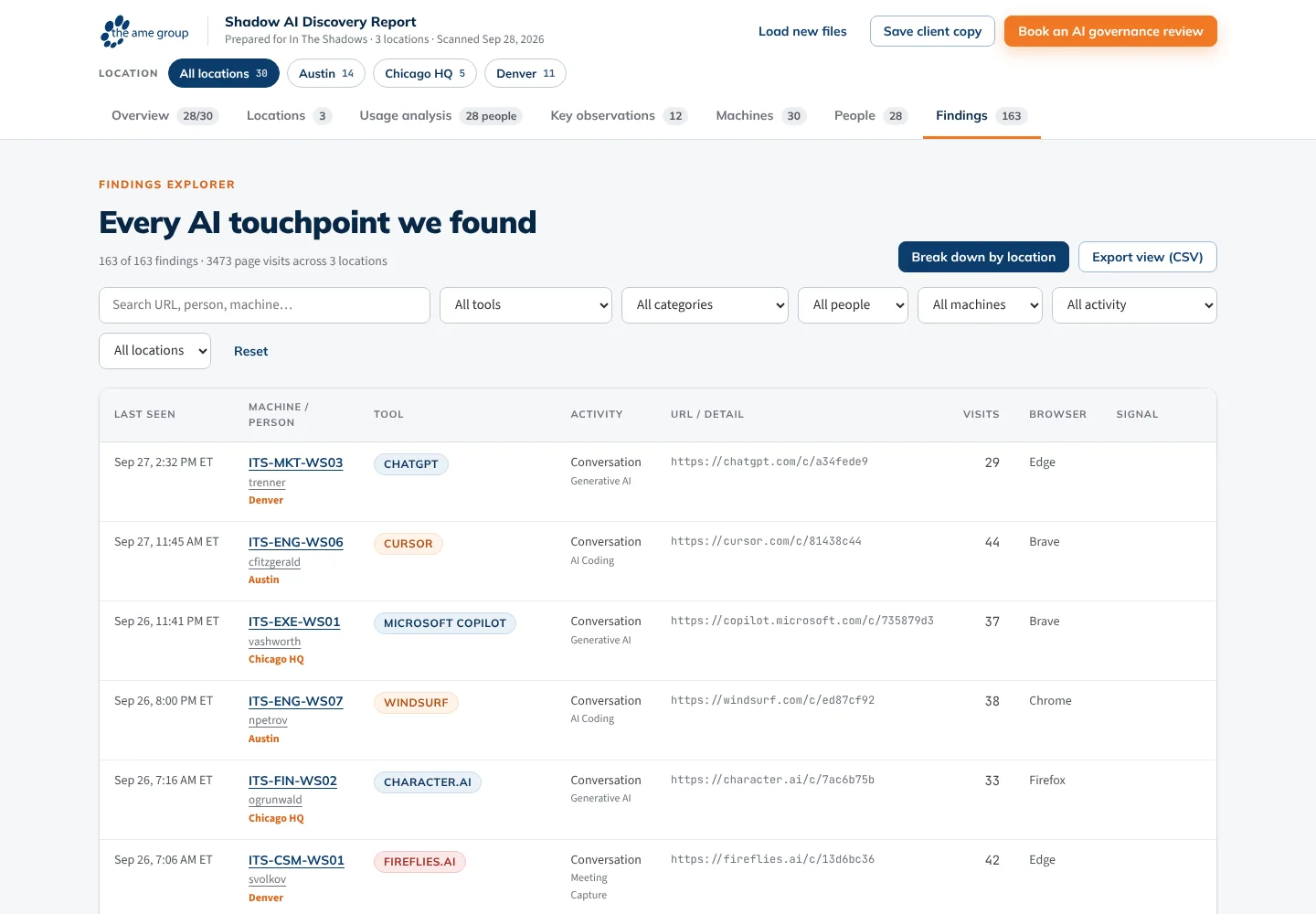
Shadow AI Scan and Reporter
Finds the AI tools in use across a client's PCs and reports the risk.
Built for: The AME Group's sales and admin teams, and client leadership
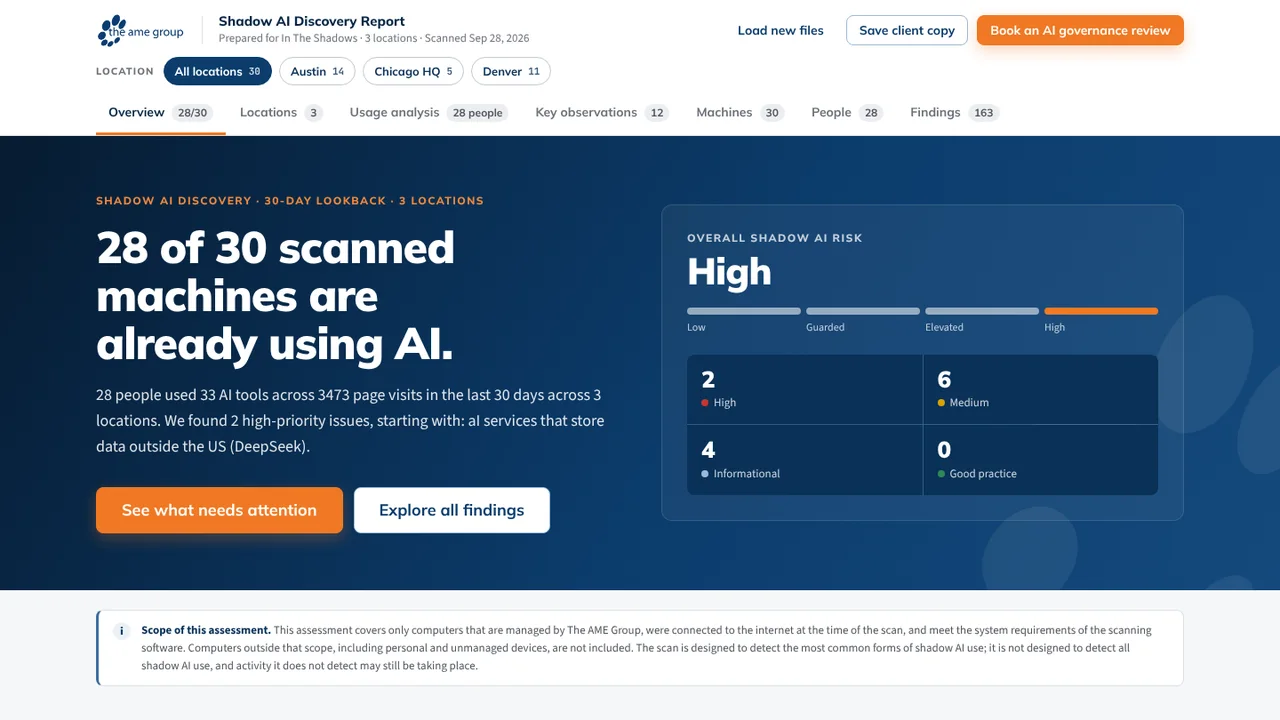
The problem
Employees adopt AI tools on their own, and leadership cannot see where company data is going. The vendor's stock scanner missed whole categories and kept results only in the vendor's dashboard.
What I built
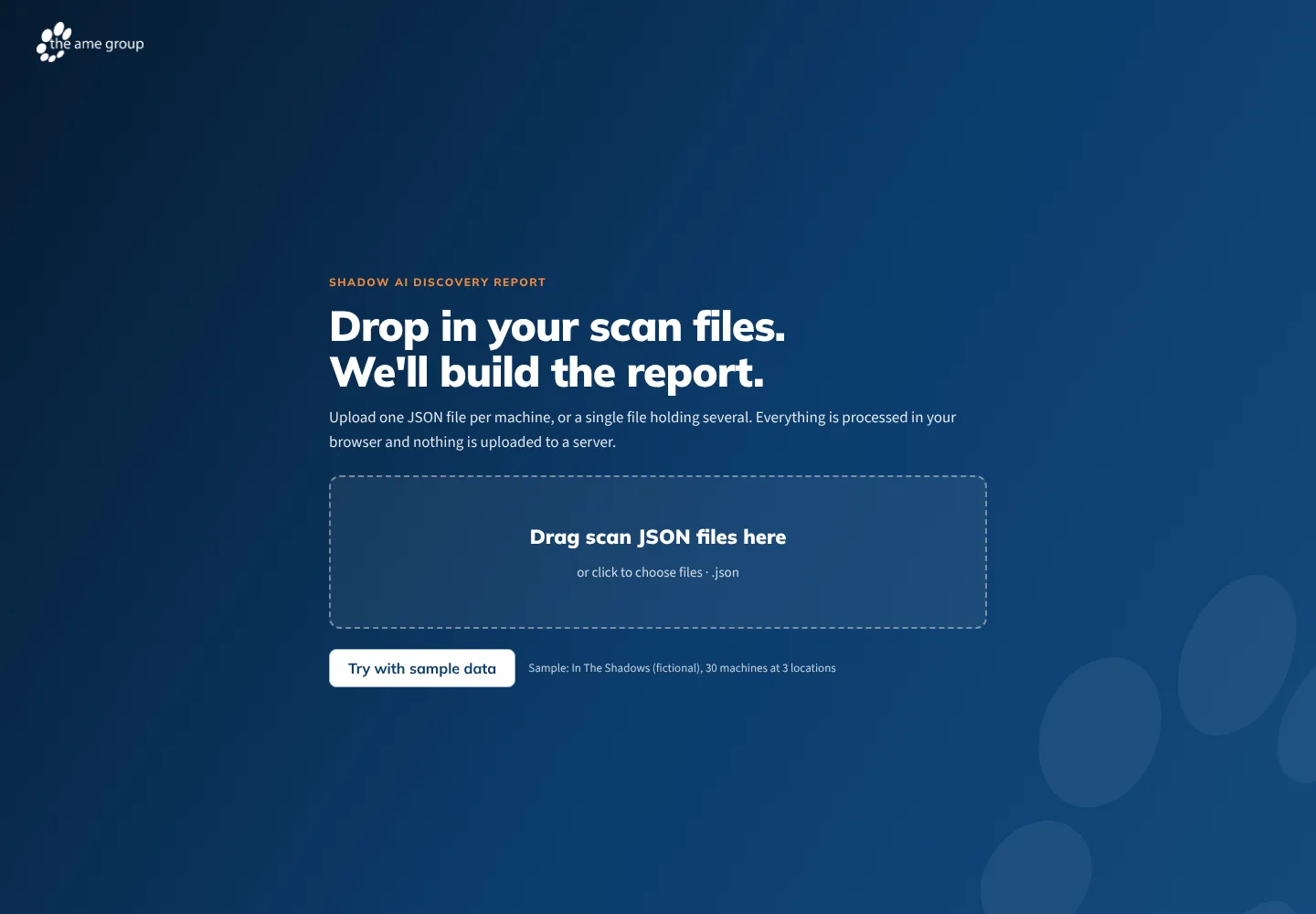
I built AME's edition of the Hatz endpoint collector, a PowerShell scan pushed through N-able N-central that also keeps AME's own copy of every scan. A companion tray app files scans by client, redacts them, and builds HTML and PDF discovery reports.
How it works
- An admin sets up one automation object in N-central.
- Each PC scans browsers, desktop apps, extensions and npm packages.
- Hatz gets its copy; AME's copy goes to OneDrive through Power Automate.
- The Reporter app files scans by client and applies redaction.
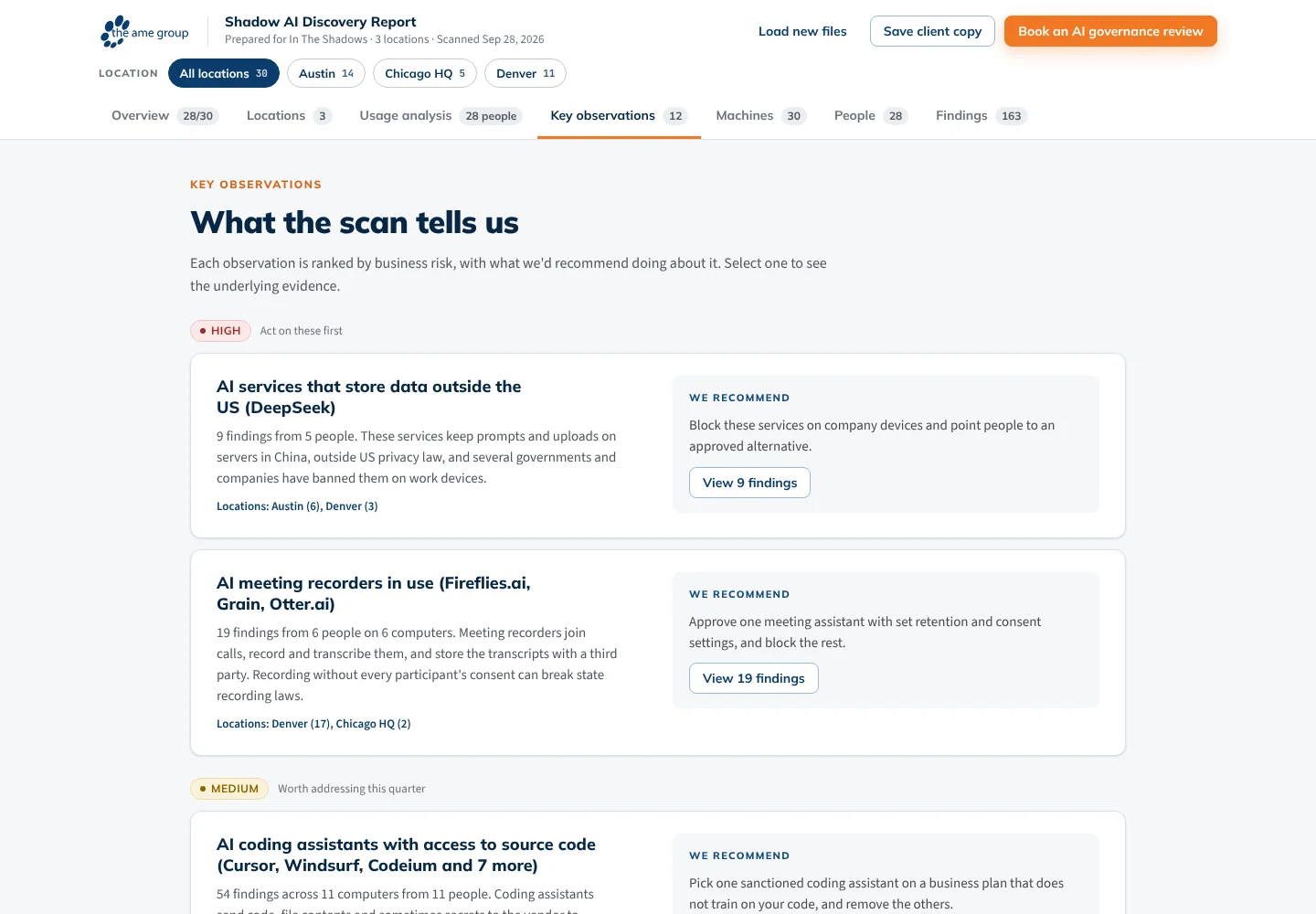
- A report with rated observations goes out on a schedule.
Built with
- PowerShell 5.1 / 7
- Pester 5
- N-able N-central
- Power Automate
- Python
- SQLite
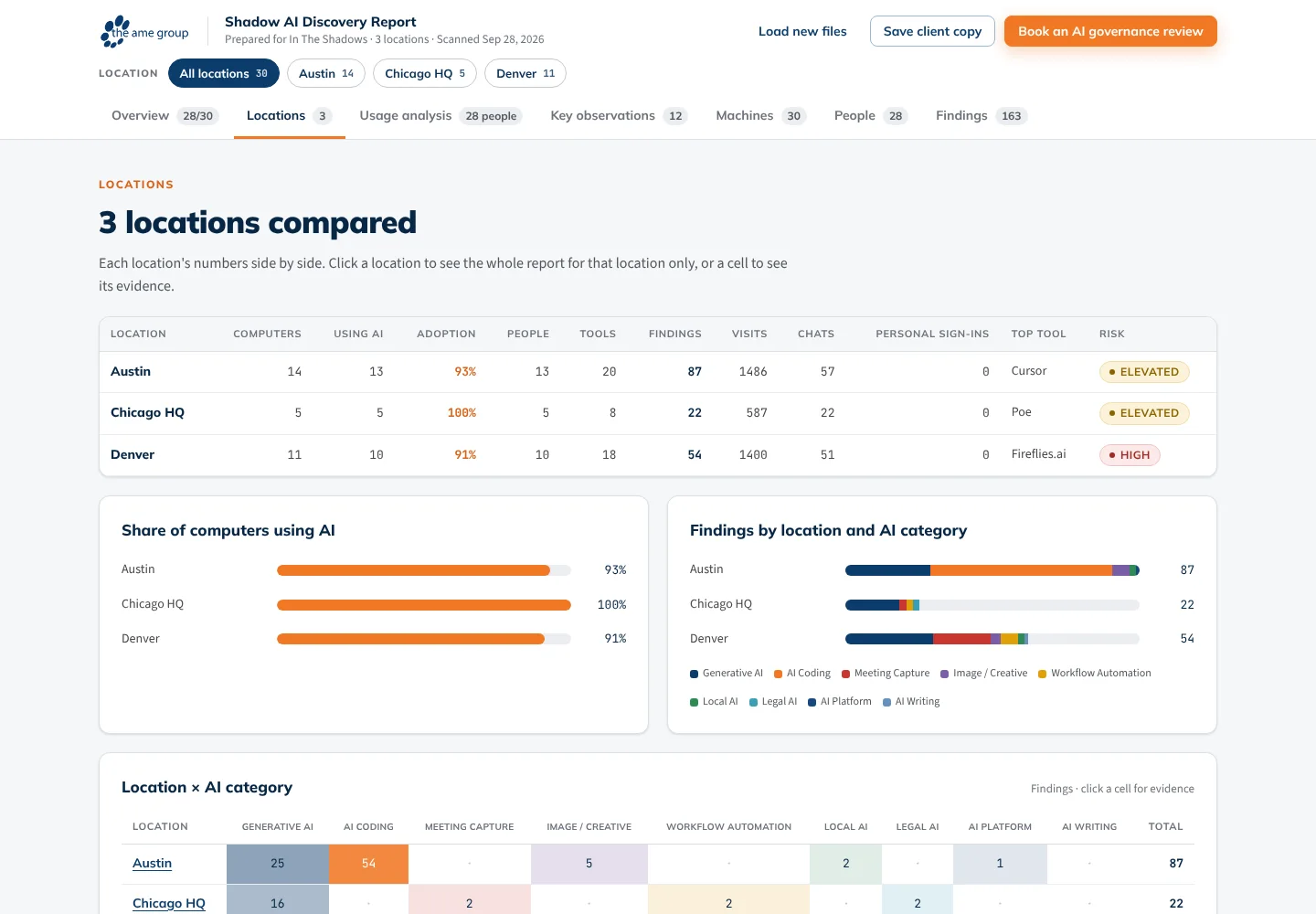
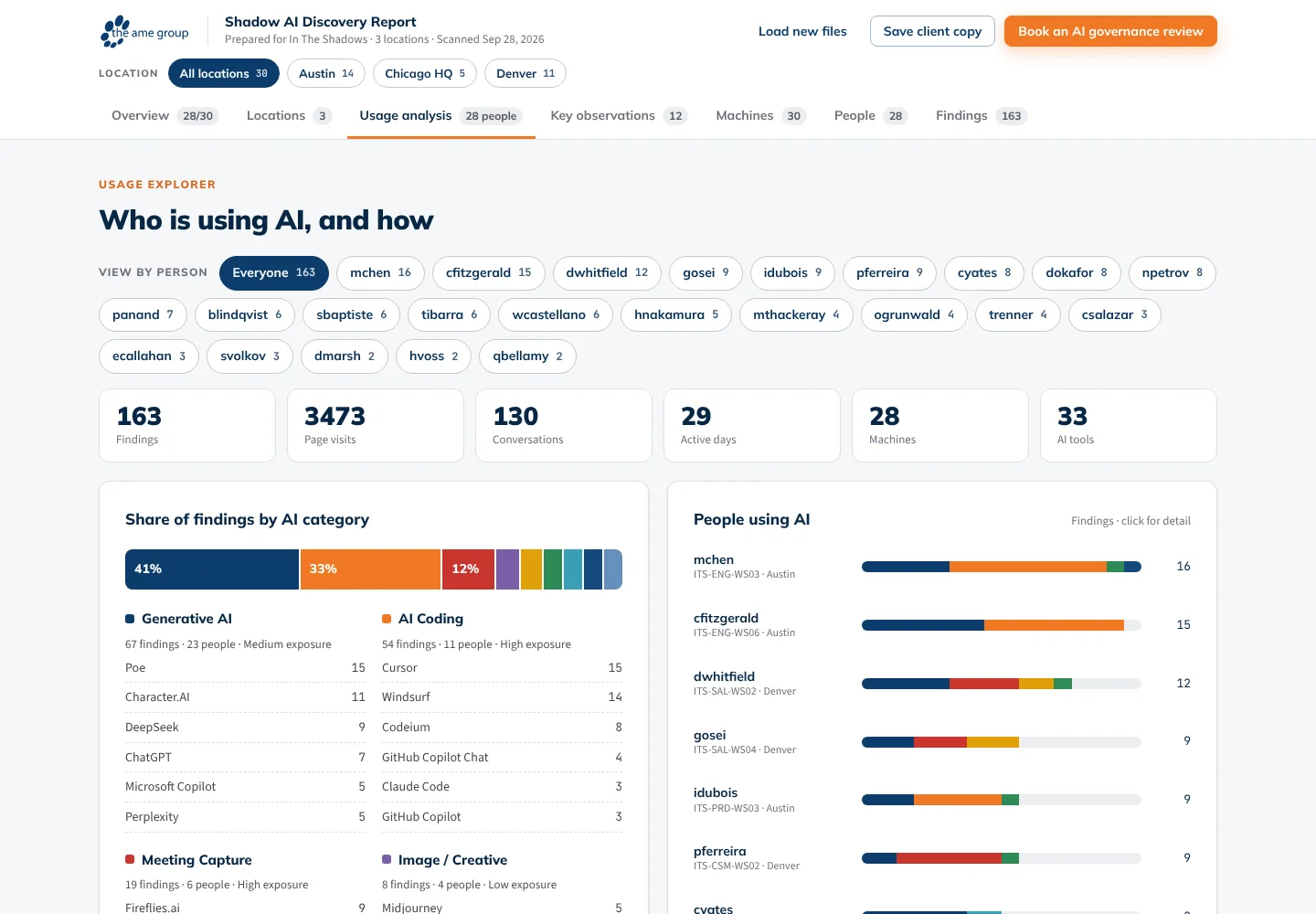
More screens

More of Jeremy's work
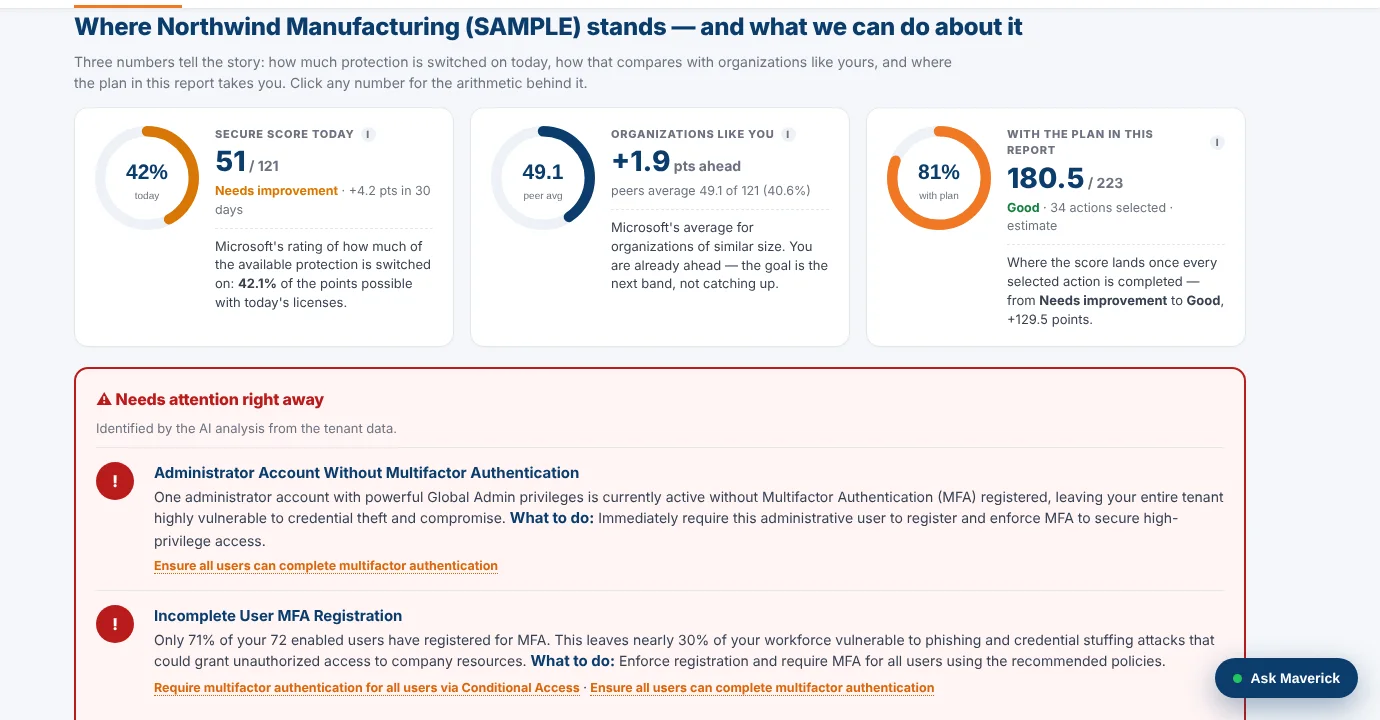 M365AssessOne read-only sign-in turns a Microsoft 365 tenant into a security plan.
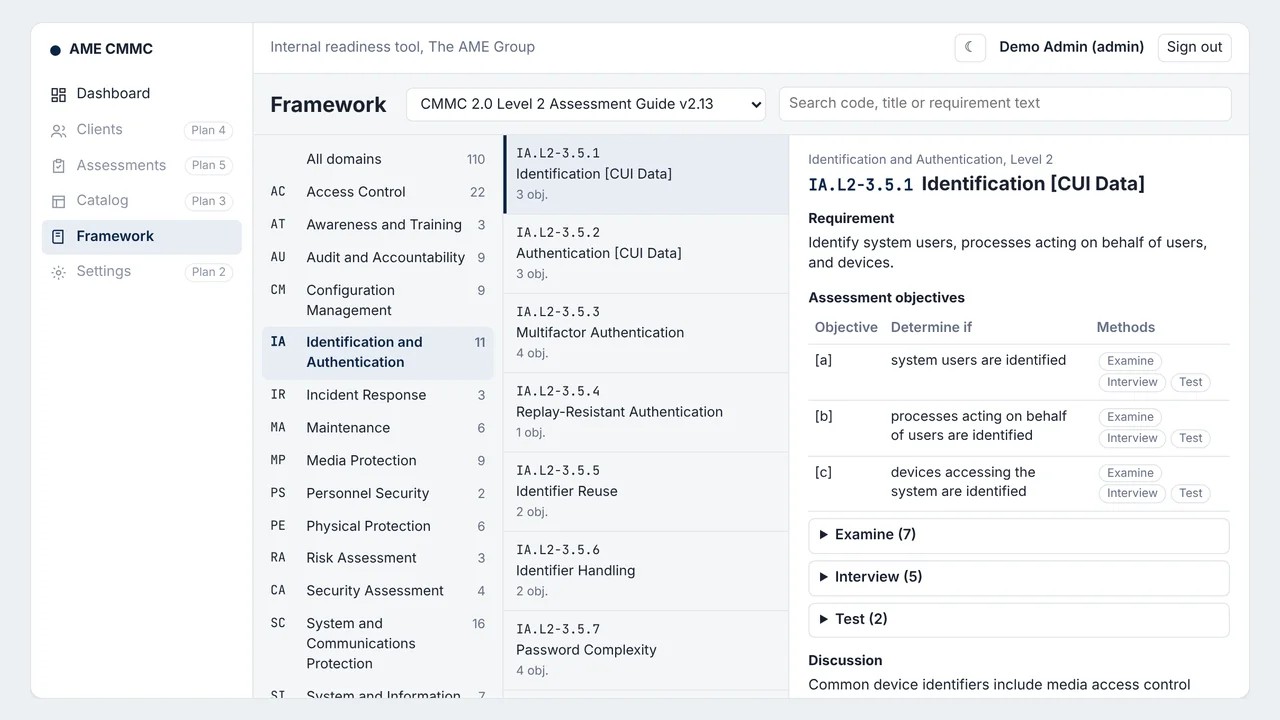 AME CMMCFirst stage of an AI-assisted CMMC readiness platform; AI drafting is designed, not built.
- Fleet InsightsMonthly repair reports that show each branch which trucks cost too much.
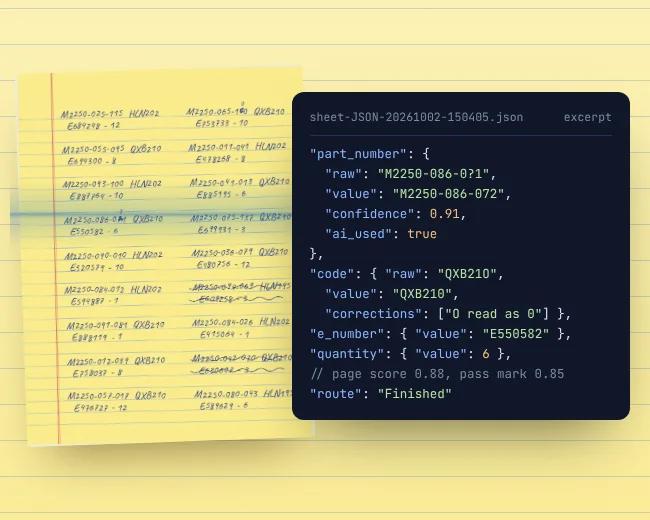 OCR WatchReads handwritten parts sheets on the PC and flags only uncertain entries.
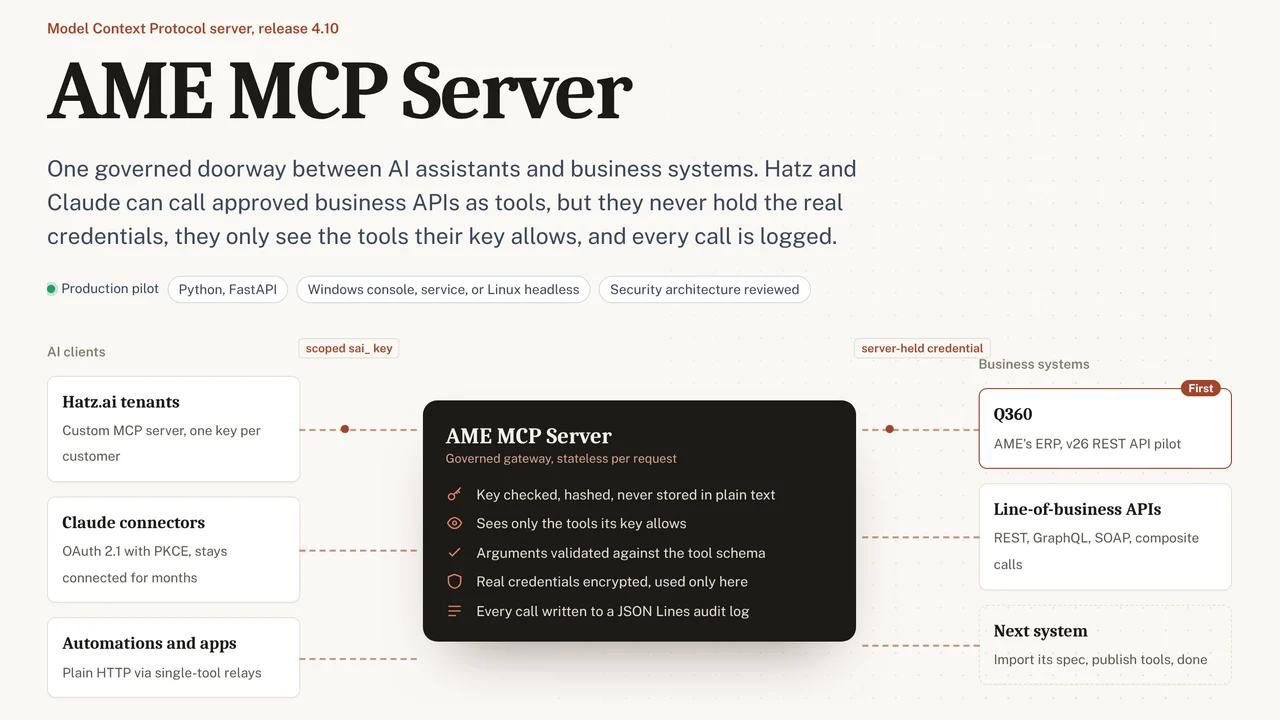 AME MCP ServerOne governed doorway between AI assistants and business systems.
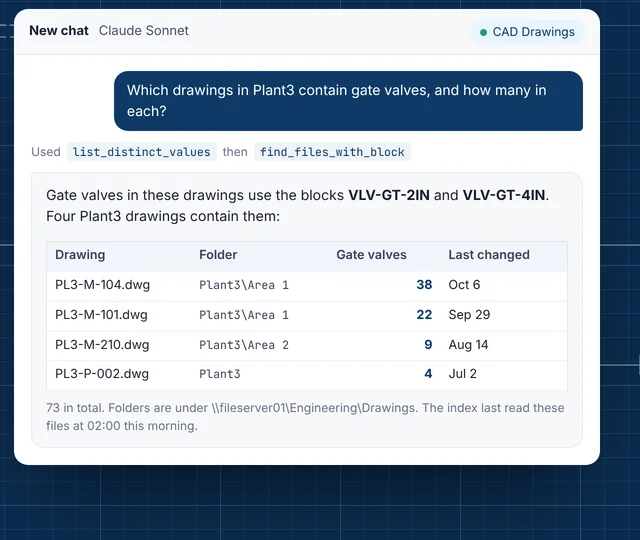 CAD Drawing IndexLets staff ask their AI assistant what is inside AutoCAD drawings.